Sony TV Screen Mirroring Cast

Sony TV Screen Mirroring Cast

Baixar no App StoreBaixar no Google Play
Spark by MWM logo
Logo de Sony TV Screen Mirroring Cast

Sony TV Screen Mirroring Cast: Espelhe o seu iPhone ou iPad na Tela Grande Instantaneamente

Diga adeus aos cabos bagunçados e ao hardware caro. Transmita sem fios as suas fotos, vídeos e conteúdos web favoritos do seu dispositivo iOS para qualquer Smart TV Sony com apenas alguns toques.

Editor

AirBeamTV BV

Categoria

Photo & Video

Downloads

479K+

Avaliação

3.8/5

Total de avaliações

6K+

Idiomas

17

Experimente a Tela Grande

Descubra a interface usada por 479K+ usuários.
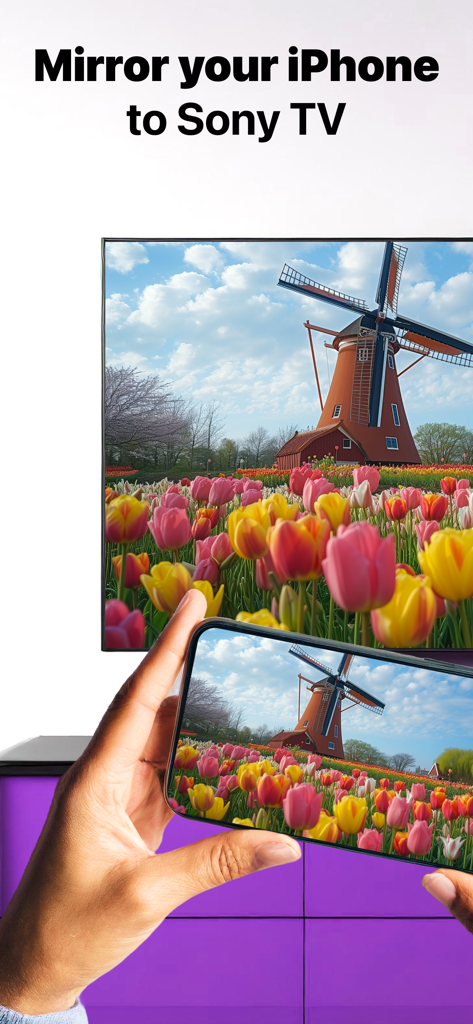
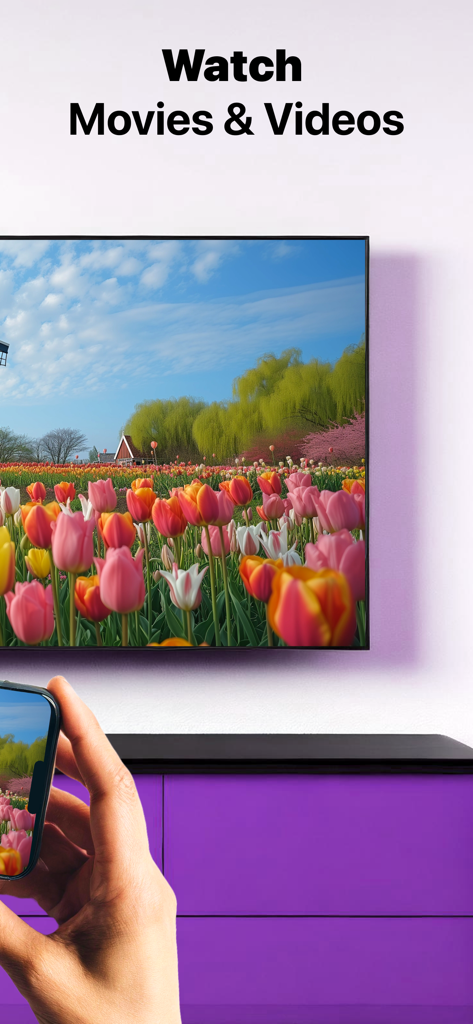
Uma tela de iPhone a espelhar uma foto de um moinho de vento e tulipas coloridas numa Smart TV Sony

Uma tela de iPhone a espelhar uma foto de um moinho de vento e tulipas coloridas numa Smart TV Sony

Uma pessoa a usar um iPhone para espelhar sem fios um vídeo de um campo de tulipas numa Smart TV Sony.

Uma pessoa a usar um iPhone para espelhar sem fios um vídeo de um campo de tulipas numa Smart TV Sony.

Uma pessoa a ver uma TV Sony com texto a afirmar que a aplicação funciona com todas as TVs Sony

Uma pessoa a ver uma TV Sony com texto a afirmar que a aplicação funciona com todas as TVs Sony

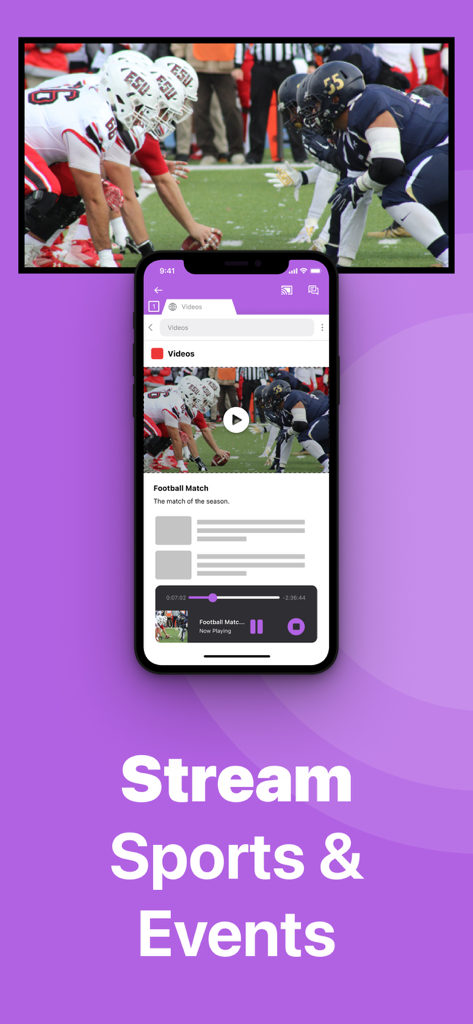
Um iPhone a espelhar um jogo de futebol americano em direto numa tela grande de uma TV Sony

Um iPhone a espelhar um jogo de futebol americano em direto numa tela grande de uma TV Sony

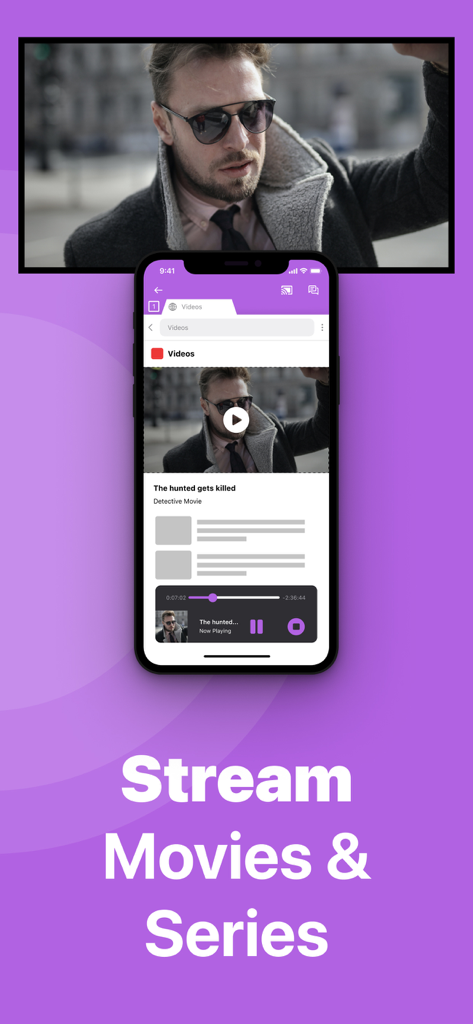
Tela de iPhone a espelhar um filme numa TV Sony com o texto Transmitir Filmes e Séries

Tela de iPhone a espelhar um filme numa TV Sony com o texto Transmitir Filmes e Séries

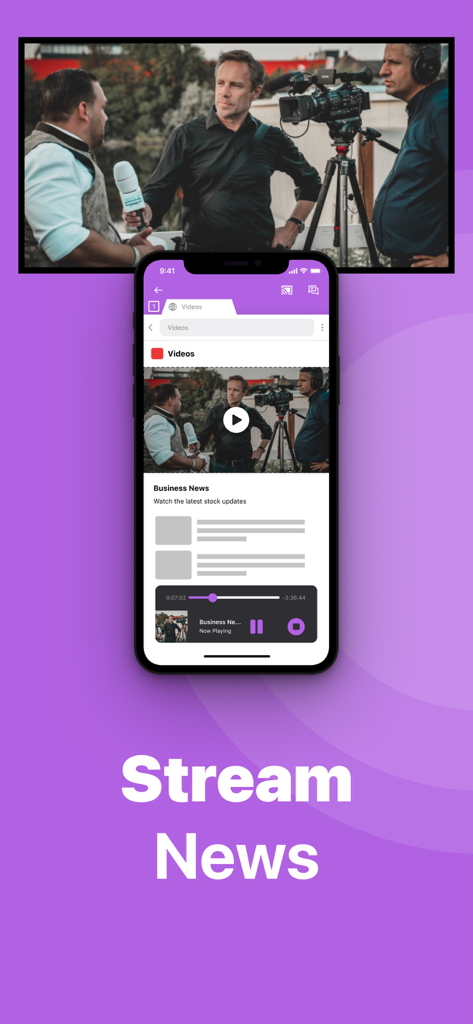
Um iPhone a espelhar um vídeo de notícias de negócios numa tela grande de uma Smart TV Sony sem fios.

Um iPhone a espelhar um vídeo de notícias de negócios numa tela grande de uma Smart TV Sony sem fios.

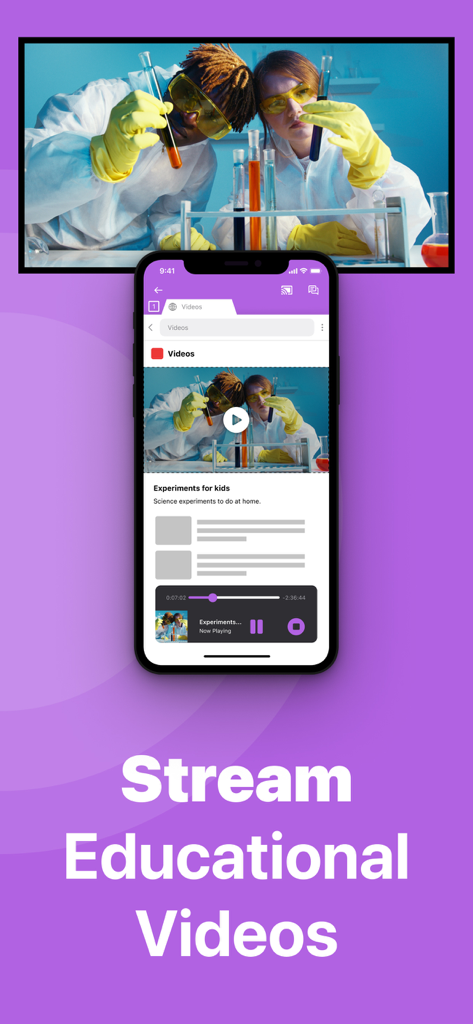
Um iPhone a espelhar um vídeo educativo de ciência numa tela grande de uma Smart TV Sony.

Um iPhone a espelhar um vídeo educativo de ciência numa tela grande de uma Smart TV Sony.

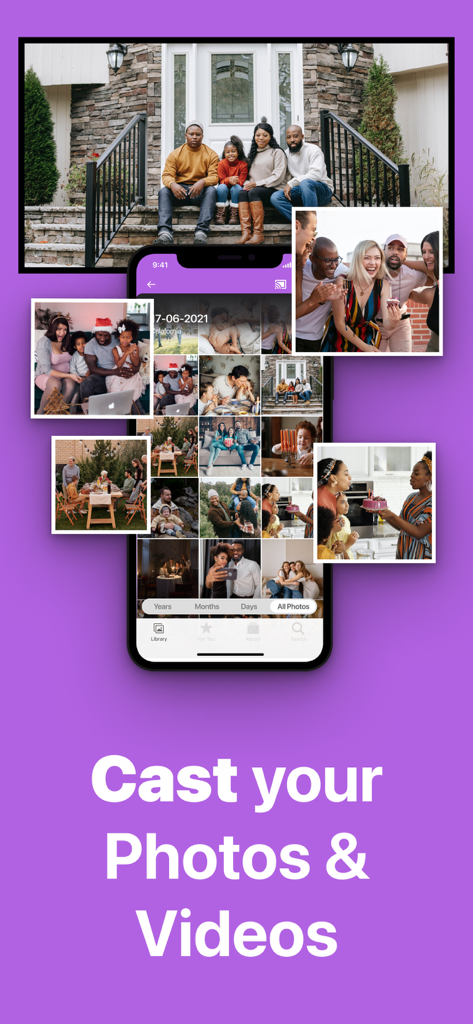
Tela de iPhone a espelhar fotos e vídeos de família numa TV Sony sem fios

Tela de iPhone a espelhar fotos e vídeos de família numa TV Sony sem fios

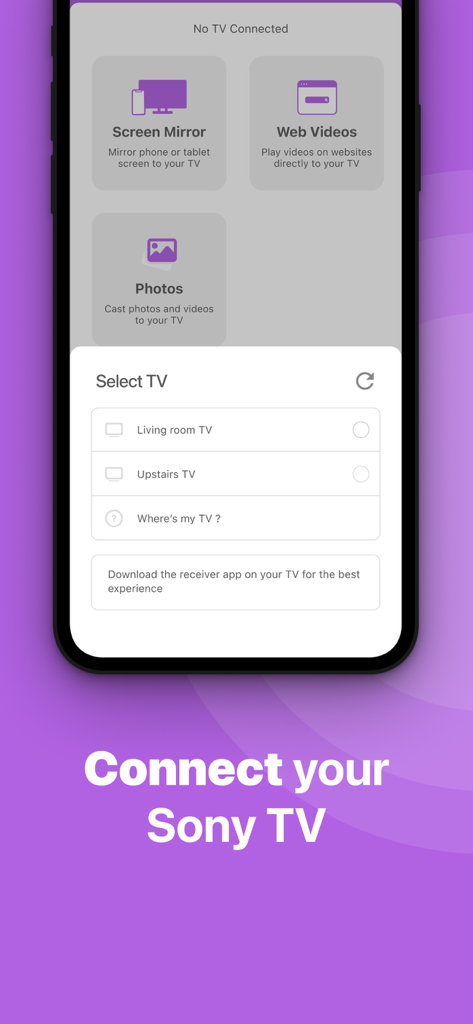
Interface de smartphone da aplicação Sony TV Screen Mirroring a mostrar uma lista de Smart TVs disponíveis para ligação.

Interface de smartphone da aplicação Sony TV Screen Mirroring a mostrar uma lista de Smart TVs disponíveis para ligação.

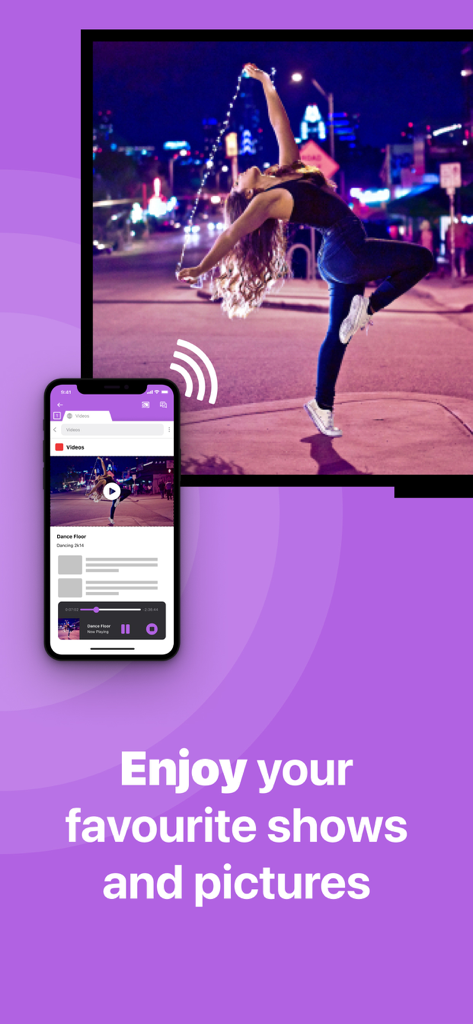
Um smartphone a transmitir sem fios um vídeo de dança para uma tela de televisão grande usando a aplicação Sony TV Screen Mirroring

Um smartphone a transmitir sem fios um vídeo de dança para uma tela de televisão grande usando a aplicação Sony TV Screen Mirroring

Tudo o que Precisa para uma Ligação Perfeita

As ferramentas que destacam este app, escolhido por 479K+ usuários.

🔌

Liberdade 100% Sem Fios

Livre-se dos adaptadores caros e dos cabos HDMI bagunçados. Espelhe a tela do seu iPhone ou iPad instantaneamente utilizando apenas a sua rede Wi-Fi doméstica existente.

🎬

Transmita Qualquer Vídeo da Web

Desfrute de notícias em direto, desportos de nicho e vídeos baseados na web na tela grande, mesmo que não tenham uma aplicação nativa na sua TV Sony.

🖼️

Partilhe Memórias de Família

Transforme a sua TV Sony numa moldura digital gigante. Reúna todos para reviver fotos de férias e vídeos caseiros em alta resolução.

Amado por usuários no mundo todo

Com a confiança de 479K+ pessoas que amam este app.

"

"Como pai que capta constantemente os jogos de futebol e as peças de teatro da escola dos meus filhos, esta aplicação tem sido a minha salvação. Temos uma Sony Bravia de 2017 que não suporta AirPlay e eu não queria comprar mais hardware. Esta aplicação permite-me mostrar a toda a família os nossos vídeos mais recentes na tela grande em segundos. É muito melhor do que passar o telemóvel pela sala!"

David Miller
"

"Adoro a facilidade com que isto funcionou. Utilizo o meu iPad para rotinas de fitness e aulas de culinária online, mas a tela é demasiado pequena para um treino. Esta aplicação permite-me espelhar tudo para a minha TV Sony sem fios, sem quaisquer adaptadores HDMI complicados. É a solução perfeita e económica para quem quer ligar o iOS à Sony."

Sarah Jenkins

Sobre o app

Tudo o que você precisa saber sobre Sony TV Screen Mirroring Cast.

Descrição

Enjoy anything on the big screen without any hassle. Just wirelessly connect your phone or tablet to your Sony TV. Finally, you can get rid of those annoying and unsafe cables. You don't need expensive hardware either. In less than 5 minutes you can make your life easier and more comfortable. Get this app and screen mirror, cast or stream anything to your TV from your iOS device. This works on any Sony Smart TV from the 2012 models onward. In using the app, there will be a couple of seconds of latency (usually between 1 and 3). So this mirroring is not suitable for gaming. Enjoy series, movies, sport, live streams, breaking news or web videos. In big size of course! How the app works: 1. Make sure that your iPhone or iPad is connected to the same local network as your Sony TV. Don't use multiple VLANs, a VPN or subnets. 2. Launch the Mirror for Sony TV app. It will start looking for your Sony TV(s) on your local network. When a TV is found, please select it. When you use this app for the first time, depending on your model Sony TV, the TV might ask you to "allow" the connection. In that case, take your TV Remote Control and press OK to allow the connection from your TV to your iPhone or iPad. 3. Turn on notifications for this app. We will not spam you, but we will use this to let you know if your TV is working correctly or not. So please, please allow it, otherwise when things don't work as they should, you are left in the dark. 4. Click on Start Mirroring to start mirroring on the TV that is currently selected. After that, you can just go to any other app on your iPhone or iPad and the mirroring just continues to run. 5. To stop mirroring, there are two options. (1) click on the red top bar that you will see on your iPhone or iPad. (2) Go to the Mirror for Sony TV app and click on Stop Mirroring. Limitations and known issues: DRM Some apps block Screen Mirroring. This means that application developers can choose themselves if they want to block Screen Mirroring. For instance, Netflix, Disney and AppleTV+ have decided to block this. There is a simple test that you can do to see if the app that you want to mirror has blocked Screen Mirroring: Open that particular app and slide up Control Center on your iPhone/iPad. Then, click on Screen Recording and start recording the screen to your Camera Roll. Watch the app that you want to mirror and at some point stop the screen recording. Then go to your Photos app and watch the video that was recorded. If the recorded video shows the app you want to mirror, it works fine. If the video is empty, then the app you want to mirror does not allow Screen Mirroring. You can purchase the Mirror for Sony TV Pro Version through an in app purchase. The Pro Version has the following features: 1. Adds audio to the screen mirroring 2. Provides for free lifetime updates of the app 3. Gives the option to choose higher screen resolutions. * Payment will be charged to iTunes Account at confirmation of purchase. * Subscription automatically renews unless auto-renew is turned off at least 24-hours before the end of the current period. * Account will be charged for renewal within 24-hours prior to the end of the current period, and identify the cost of the renewal. * Subscriptions may be managed by the user and auto-renewal may be turned off by going to the user’s Account Settings after purchase. * Any unused portion of a free trial period, if offered, will be forfeited when the user purchases a subscription to that publication, where applicable. Feel free to check: Our Terms of Use: http://bit.ly/ABTV-TOU21 Our Privacy Policy: https://www.airbeam.tv/privacy-policy/ Support: If you have questions or would like to provide feedback, please send us an e-mail or chat with us on our Facebook page. When you like the app, please don't forget to give it a positive rating! Thanks in advance from the AirBeamTV development team! Please give us feedback by mailing to support@airbeam.tv

Última versão

5.1.9

Tamanho

157.0 MB

Data de lançamento

3 de nov. de 2017

Experimente o seu iPhone na sua TV Sony—Sem Necessidade de Cabos

Junte-se a mais de 479.000 utilizadores que desfrutam de um espelhamento sem fios e sem esforço. Descarregue agora e atualize o seu home theater em menos de 5 minutos.

Baixar no App StoreBaixar no Google Play