TV Cast Pro for LG webOS

TV Cast Pro for LG webOS

Baixar no App StoreBaixar no Google Play
Spark by MWM logo
Logo de TV Cast Pro for LG webOS

TV Cast Pro para LG webOS: Transmita Qualquer Vídeo da Web para o Seu Ecrã Gigante

Experimente a liberdade máxima de cortar o cabo. Transmita filmes online, desportos em direto e vídeos pessoais para a sua LG Smart TV com um poderoso bloqueador de anúncios e sem limites de tempo.

Editor

Kraus und Karnath GbR 2Kit Consulting

Categoria

Photo & Video

Downloads

568K+

Avaliação

3.3/5

Total de avaliações

4K+

Idiomas

1

A Sua TV, Sem Limites

Descubra a interface usada por 568K+ usuários.
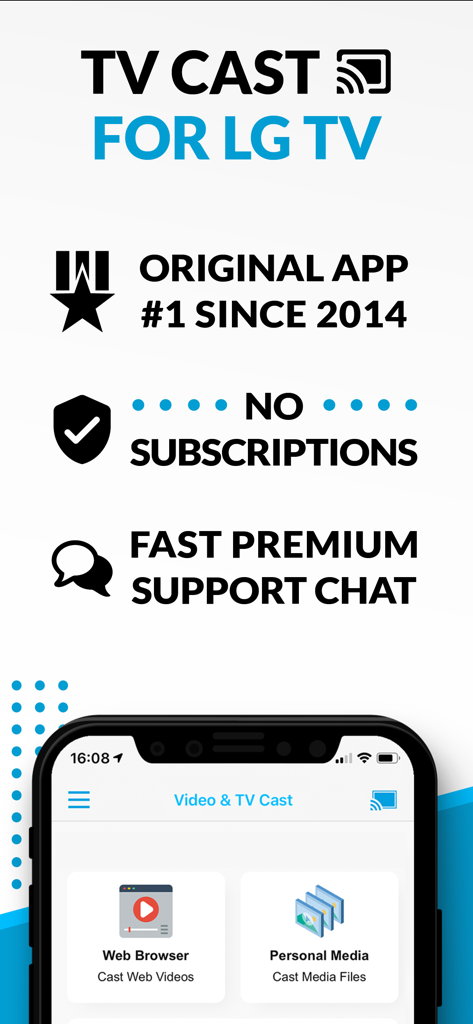
Visão geral da aplicação TV Cast para LG TV destacando a transmissão do navegador web e o modelo sem subscrição.

Visão geral da aplicação TV Cast para LG TV destacando a transmissão do navegador web e o modelo sem subscrição.

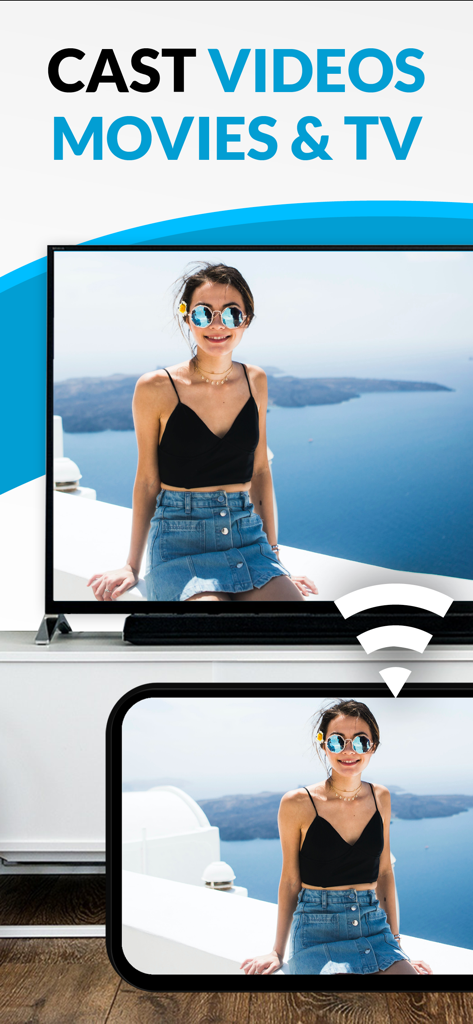
Transmitir um vídeo de um smartphone para um ecrã de Smart TV LG

Transmitir um vídeo de um smartphone para um ecrã de Smart TV LG

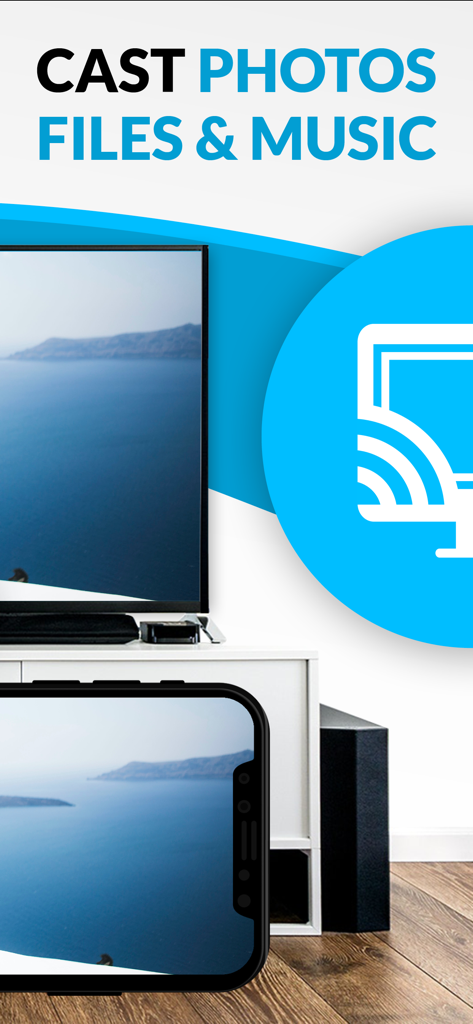
Smartphone a transmitir uma foto de uma paisagem marítima para uma Smart TV LG.

Smartphone a transmitir uma foto de uma paisagem marítima para uma Smart TV LG.

Transforme a Sua Experiência na LG Smart TV

As ferramentas que destacam este app, escolhido por 568K+ usuários.

🌐

Transmissão Sem Fronteiras

Assista a desportos de nicho, filmes exclusivos da web e transmissões em direto que não estão disponíveis em aplicações padrão. Se está na web, está na sua TV.

🚫

Visualização Limpa e Sem Anúncios

Elimine pop-ups e redirecionamentos intrusivos. O nosso Ad-Blocker Pro garante uma experiência cinematográfica suave, mesmo nos sites mais desordenados.

📲

Controlo Móvel Avançado

Utilize o seu iPhone como um comando de precisão. Avance, pause e reproduza vídeos da web sem esforço usando uma barra de reprodução intuitiva desenhada para a palma da sua mão.

Amado por usuários no mundo todo

Com a confiança de 568K+ pessoas que amam este app.

"

"Há meses que tentava encontrar uma forma fiável de transmitir desportos de nicho da web para a minha TV LG. Esta aplicação mudou tudo! O bloqueador de anúncios na versão Pro funciona mesmo naqueles sites de streaming confusos, e a configuração foi facílima, mesmo para o meu modelo webOS mais antigo. Acabou-se o esforço para ver no ecrã do telemóvel!"

David Miller
"

"Como alguém que adora partilhar vídeos caseiros do meu iPhone, esta aplicação é exatamente o que eu precisava. A transmissão de vídeos locais é perfeita, e adoro o facto de poder usar o meu telemóvel como um comando para reproduzir, pausar e percorrer o vídeo. É o companheiro perfeito para a nossa TV da sala."

Sarah Jenkins

Análise de avaliações

Insights das avaliações dos usuários.

Pontuação de sentimento

10%
Negativo

Resumo

The "TV Cast Pro for LG webOS" app receives overwhelmingly negative feedback, primarily due to persistent connectivity issues and a general failure to function as advertised, leading many users to describe it as a "scam" and demand refunds. While some specific features like ease of use, intuitive interface, and impressive image quality for web videos are praised by a few, these positive aspects are largely overshadowed. Users are particularly frustrated by the app's inability to support popular streaming services, various file types, and its misleading claims regarding full screen mirroring, with many experiencing buffering, low resolution, or only sound output.

Temas comuns

Overall Positive Experience(2)
Ease of Use(1)
Image Quality(1)
Reliability (web content)(1)
Multi-tasking Capabilities(1)

Sobre o app

Tudo o que você precisa saber sobre TV Cast Pro for LG webOS.

Descrição

Watch any web-video, online movie, livestream or live tv show on your LG Smart TV with webOS and NetCast. Enjoy the show on your big screen with the no#1 web video streamer. With Video & TV Cast for LG Smart TV you can browse the web and stream any web video, online movie, livestream or live tv show you want on your LG Smart TV. Mp4, m3u8, hls livestreams and also video-over-https are supported. There is no time limit at all! You can watch videos of 2 minutes or 2 hours or even more. Just open Video & TV Cast, navigate to a website, wait for link detection and send the video with a single tap to your LG Smart TV. The discovered link will be shown below the browser. A tap on the link will start the show. You don't need to install a big media server like Plex or any other third party software. >>> Important Notes * To enable video casting please open the LG App Store (LG Smart World / LG Content Store) on your TV, search for 'TV Cast' and install the companion app. * Please enter the ip-address of your iPhone/iPad by using the number pad and up/down/left/right keys on your TV Remote or scroll wheel on your Magic Remote. Just enter the numbers, no need to press the enter key. * iTunes movies, Flash video and DRM protected videos like Amazon Prime, Netflix, Hulu, Vudu, DirecTV, Xfinity, HBO now are not supported! * Please test your favorite videos with the free edition before upgrading! * Please use the hardware remote of your LG for controlling the TV app and video playback. * The app streams only the video part of a website and not the whole website content (No screen or tab mirroring!). * Sometimes it is necessary to play the video on your iPad or iPhone first before it gets discovered by the app for streaming. It may also be neccessary to start casting multiple times until it works with specific videos. * If a specific video is not working, please check the FAQ on the app startpage. If that does not help you, please drop us an email before leaving a negative comment on the App Store. We will try to add support for that website as soon as possible. >>> PRO FEATURES * Remote Playbar: Use the Playbar for advanced video control while browsing, including video scrubbing, forward, rewind, play, pause, stop. The playbar works on all LG Smart TVs. * Local Videos: Cast your camera roll videos from an iPhone or iPad. Supports mp4, m4v and mov videos that were saved to the camera roll via Apples SD-Card/USB Adapter, iTunes Desktop Software or third party apps. * Ad-Blocker + No Sponsoring Ads: The Pro app version has no ads and the Ad-Blocker blocks ads & popups on most websites that you visit. You can update, enable/disable ad-blocking at any time in the settings. * Bookmarks: Save unlimited website bookmarks. Synchronize and transfer them between different TV Cast apps and iOS devices by using backup and restore via iCloud. * Desktop Mode: Change the browser user-agent and cloak your iPhone/iPad as a desktop PC to load the desktop website instead of a mobile website. Please note that this will NOT enable video casting on websites that serve Flash videos in desktop mode. * Change Homepage: Set your personal homepage in the settings Disclaimer: This app is not affiliated with LG Electronics or any other trademark mentioned here.

Última versão

3.7

Tamanho

30.8 MB

Data de lançamento

23 de jun. de 2016

Pronto para Experienciar a Web no Seu Ecrã Gigante?

Junte-se a mais de 500.000 utilizadores que melhoraram a sua LG Smart TV. Descarregue o transmissor de vídeo nº 1 para transmitir qualquer filme online ou transmissão em direto sem anúncios e assuma o controlo total diretamente do seu iPhone.

Baixar no App StoreBaixar no Google Play