Logic Art-Nonogram Puzzle Game

Logic Art-Nonogram Puzzle Game

Herunterladen auf App Store
Spark by MWM logo
Logo von Logic Art-Nonogram Puzzle Game

Logic Art - Nonogramm-Rätselspiel: Wo Logik auf Kreativität trifft

Entspannen Sie sich mit Tausenden von fesselnden Bilderrätseln. Von kurzen täglichen Pausen bis hin zu riesigen 100x100-Meisterwerken – schärfen Sie Ihren Geist und enthüllen Sie wunderschöne Pixelkunst in Ihrem eigenen Tempo.

Herausgeber

FURYU Corporation

Kategorie

Games

Downloads

1M+

Bewertung

4.5/5

Bewertungen gesamt

62K+

Sprachen

2

Eine Leinwand der Logik

Entdecken Sie die Oberfläche, die von 1M+ Nutzern verwendet wird.
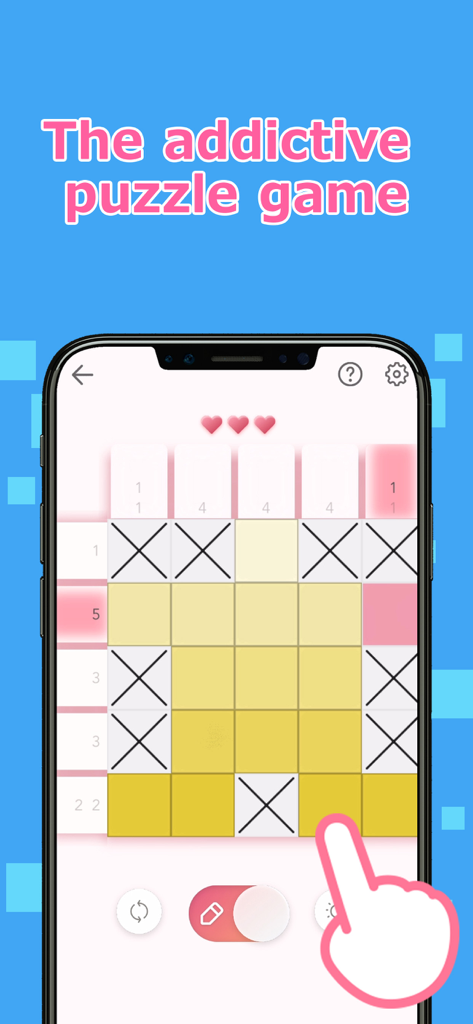
Gameplay von Logic Art Nonogramm-Rätsel, das ein 5x5-Gitter mit gelben Quadraten und X-Markierungen zeigt.

Gameplay von Logic Art Nonogramm-Rätsel, das ein 5x5-Gitter mit gelben Quadraten und X-Markierungen zeigt.

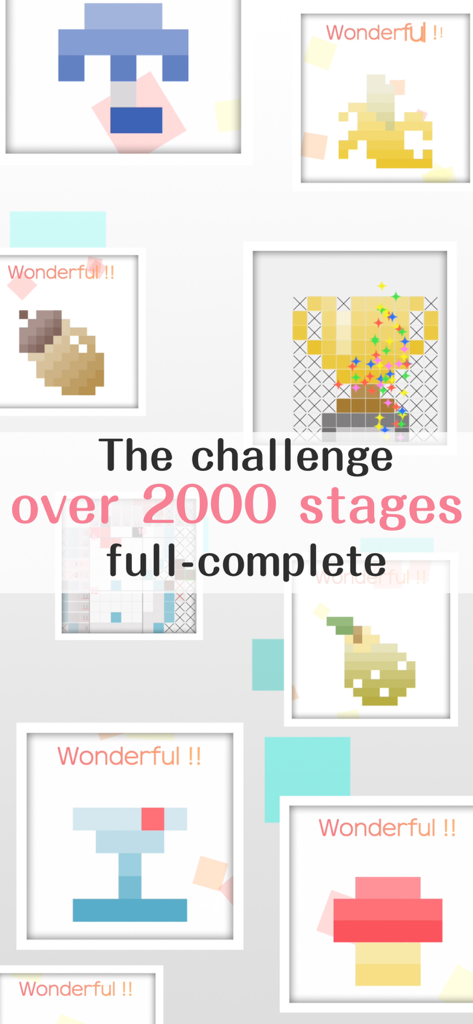
Eine Collage von abgeschlossenen Pixelart-Rätseln aus dem Logic Art-Spiel mit über 2000 Stufen.

Eine Collage von abgeschlossenen Pixelart-Rätseln aus dem Logic Art-Spiel mit über 2000 Stufen.

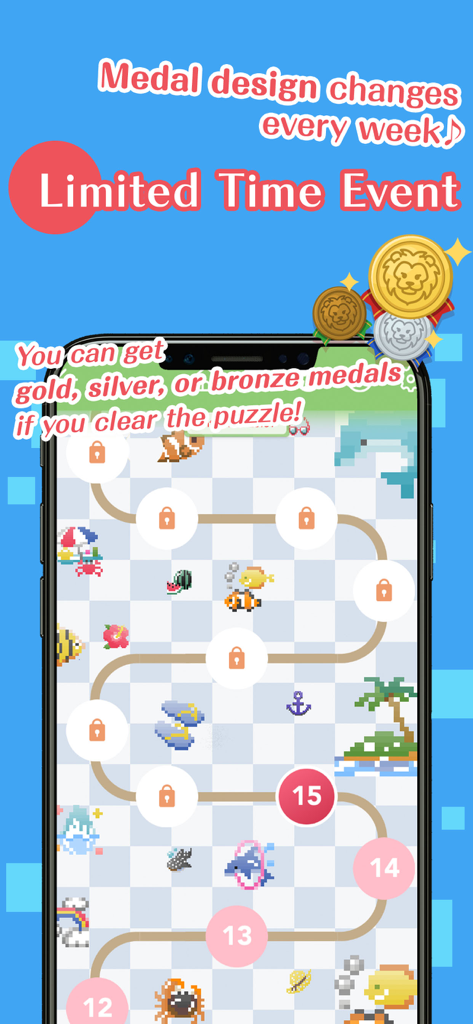
Zeitlich begrenzter Event-Bildschirm im Logic Art Nonogramm-Rätselspiel, der eine Levelkarte und Belohnungsmedaillen zeigt.

Zeitlich begrenzter Event-Bildschirm im Logic Art Nonogramm-Rätselspiel, der eine Levelkarte und Belohnungsmedaillen zeigt.

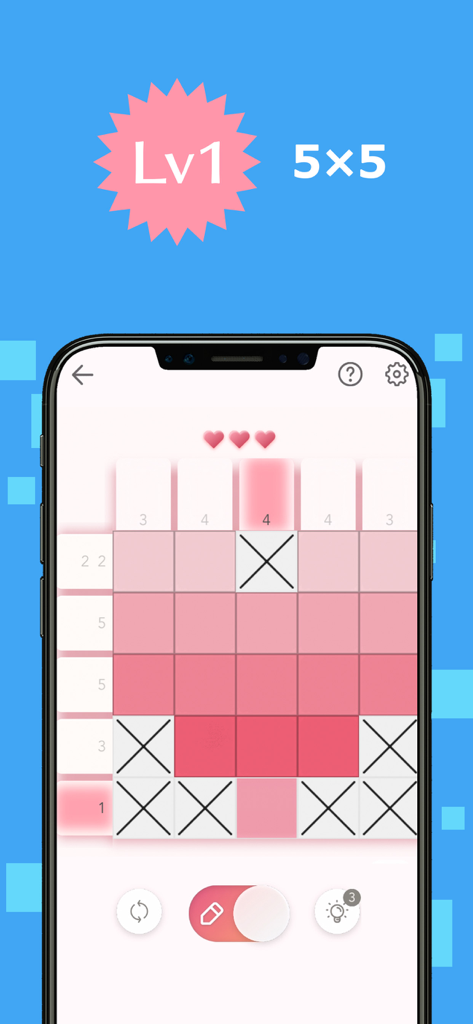
Ein Level-1-5x5-Nonogramm-Rätsel in der Logic Art Mobile App mit einem pinken Pixelart-Gitter.

Ein Level-1-5x5-Nonogramm-Rätsel in der Logic Art Mobile App mit einem pinken Pixelart-Gitter.

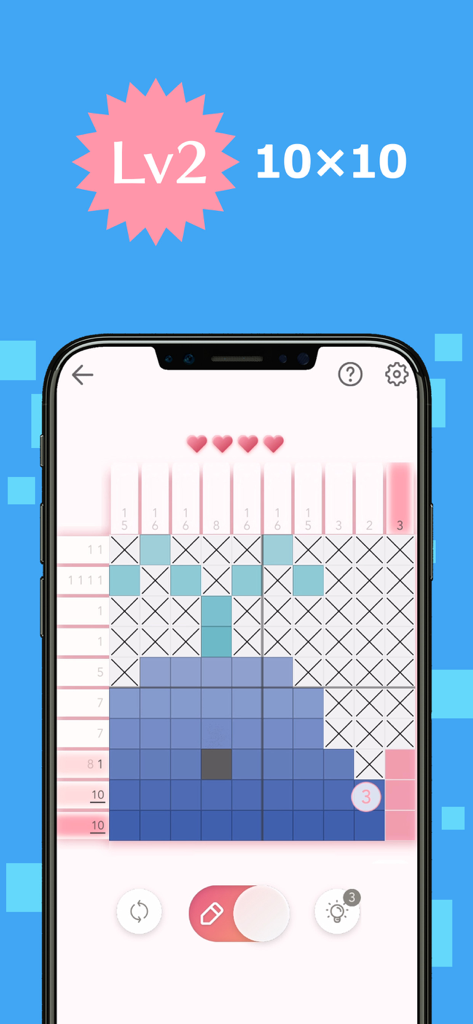
Handybildschirm, der ein 10x10-Nonogramm-Rätsel zeigt, das eine Wal-Pixelart bildet.

Handybildschirm, der ein 10x10-Nonogramm-Rätsel zeigt, das eine Wal-Pixelart bildet.

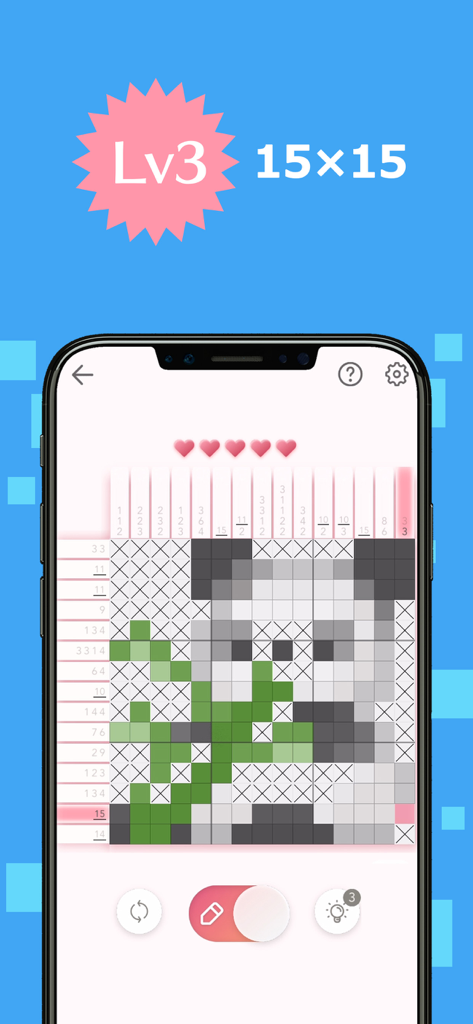
Ein 15x15-Nonogramm-Logikrätselgitter, das eine Panda-Pixelart-Illustration enthüllt.

Ein 15x15-Nonogramm-Logikrätselgitter, das eine Panda-Pixelart-Illustration enthüllt.

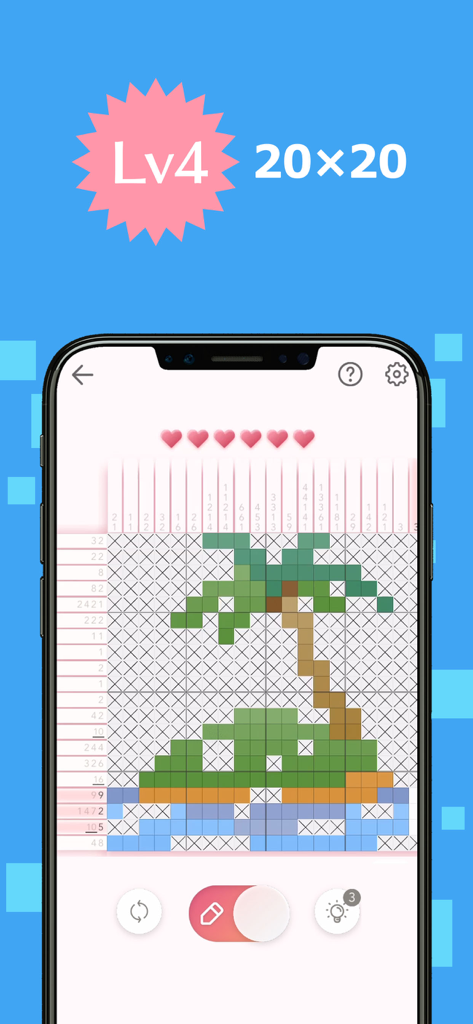
Logic Art Nonogramm-Gameplay, das ein Level-4-Rätselgitter zeigt, das eine Pixelart-Palm tree bildet.

Logic Art Nonogramm-Gameplay, das ein Level-4-Rätselgitter zeigt, das eine Pixelart-Palm tree bildet.

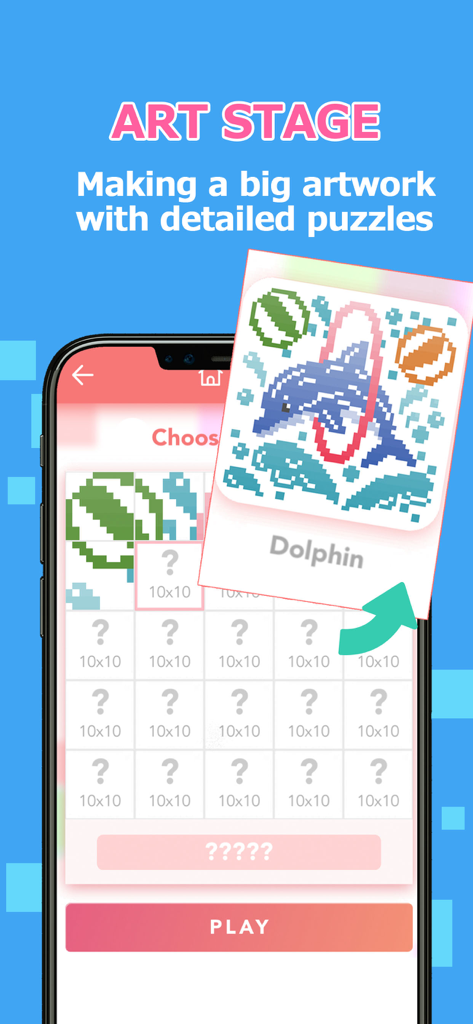
Screenshot eines Handyspiels, der die Art Stage-Funktion in Logic Art zeigt, bei der Spieler mehrere Rätsel lösen, um eine große Delfin-Pixelart zu enthüllen.

Screenshot eines Handyspiels, der die Art Stage-Funktion in Logic Art zeigt, bei der Spieler mehrere Rätsel lösen, um eine große Delfin-Pixelart zu enthüllen.

Meistern Sie die Kunst der Logik

Die Tools, die diese App auszeichnen, gewählt von 1M+ Nutzern.

🧘‍♀️

Stressfreies Lösen

Genießen Sie eine beruhigende Erfahrung mit Autosave und beruhigender Hintergrundmusik, perfekt für kurze Pausen oder zum Entspannen am Abend.

🧩

Rätsel für jedes Können

Von schnellen 5x5-Gittern bis zu riesigen speziellen 100x100-Leveln – finden Sie die perfekte Herausforderung, die Ihrem Tempo und Ihrer Expertise entspricht.

🎨

Enthüllen Sie Ihr Meisterwerk

Beobachten Sie, wie Ihre Logik zum Leben erwacht. Schließen Sie Gitter ab, um lebendige Pixelkunst freizuschalten und Belohnungsmedaillen für Ihre tägliche Beständigkeit zu verdienen.

Weltweit von Nutzern geliebt

Vertraut von 1M+ Menschen, die diese App lieben.

"

"Logic Art ist zu meinem morgendlichen Ritual geworden. Ich liebe es, meinen Tag mit der täglichen Stufe und einer Tasse Kaffee zu beginnen. Die Benutzeroberfläche ist so sauber und die Rätsel haben genau das richtige Maß an Herausforderung, um mein Gehirn zu wecken, ohne mich gestresst zu fühlen. Es ist unglaublich befriedigend zu sehen, wie die kleinen Pixelart-Bilder zum Leben erwachen!"

Sarah M.
"

"Als jemand, der Sudoku und Kreuzworträtsel mag, ist diese App genau das, wonach ich gesucht habe. Die speziellen Level sind riesig und bieten stundenlange konzentrierte Entspannung auf meinem Tablet. Ich schätze die Autosave-Funktion wirklich – ich kann ohne Aufwand genau dort weitermachen, wo ich aufgehört habe. Wirklich die beste Nonogramm-Erfahrung, die es gibt."

James R.

Über die App

Alles, was Sie über wissen müssen Logic Art-Nonogram Puzzle Game.

Beschreibung

We've never seen anything like the fun puzzle game called Logic Art with free to play! It is the right way of killing time and play a short time. Also, If you need to relax or want to be a refresh, Logic Art would help you to change your mind. Let's play a simple nonogram puzzle, Logic Art. − How to play Logic Art The game's goal is to complete a puzzle with numbers of left and above parts, which are tips for solving it. The numbers show how many squares are filled out, and if the numbers are over two, they must have one blank square between each number. It has four different difficulty levels Level one is the easiest level that everyone can solve all stages without any tips. On the other hand, level four has the most difficult stages. If you are stuck in a stage, no hesitate to use the hint button. Also, you can use the hint repeatedly. Although you don't complete a stage when you have to stop the game, you can directly close the game because it has an automatic save function. Don't worry about the lose your game data. − About Special Stage The special stage is a challenging mode that you have to solve 25 quizzes to complete one artwork. It has different sizes' puzzles such as 25×25 for beginner, 100×100 for master, etc. We are recommending you to start from the 25×25 stage firstly. − About Daily Stage The Daily stage is updating a new stage every day. You could also get a reward medal in the game if you complete it full of a month. You can play any past stages whenever you want. − Logic Art's functions ■Pen button Using for filling out blank squares you can paint multi squares if you keep pushing and moving the button on your display. Also, you don't need to remember how many squares you would fill out already. The left side of the column would show the numbers of served areas. (× button has also the same function) Please careful that if you put your marking in a wrong place, your energy power would be less. ■× button Using for marking as unnecessary squares If you know a square that is obviously blank, you should put X mark on it. ■Reset button Using for delete a stage data If you want to restart and delete the stage data, you should push with the button. Never give up ! ■Bulb button Using for seeing a hint If you tap the bulb button, somewhere's the answer would be appeared soon. You can use the button only three times per day, however, if you watch advertising, you can use hints continuously. ■Heart button If you mark in the wrong place, your energy power would be less. The button would appear in the auto check mode on only. ■Backward, forward button You can move forward and backward. The button would appear in the auto check mode off only. ■About game mode You can choose the mode such as auto-check and map color from the setting. ■Auto-check If you turn the auto-check mode on, you can easily notice where is the wrong choice square. It also is for beginners. However, if you mark in the wrong place, your energy power would be less. In addition, even though your energy power becomes zero, you can keep playing the game by watching advertising. You can change your setting whenever you want from the setting button. ■Coloring If you turn the coloring mode on, you can see all squares by finalized painted color. Usually, it would be all pink in color if you choose the auto-check off mode. You can enjoy guessing what is an artwork's theme If you want to turn it on the mode, you can set it up from the setting button. ■Auto save You can stop the game whenever you want because the game has an auto-save function. However, if you uninstall the app itself, the game's data would be deleted together. ■BGM You can change a back ground music setting from the setting button. ■Free to play ■Smooth effect, and making refresh feeling with the game

Neueste Version

1.12.1

Größe

188.8 MB

Erstveröffentlichung

26. Sept. 2019

Bereit, Ihr nächstes Meisterwerk zu enthüllen?

Schließen Sie sich noch heute über 1 Million Rätselliebhabern an. Laden Sie Logic Art kostenlos herunter und erleben Sie die perfekte Mischung aus geistiger Klarheit und kreativer Entspannung.

Herunterladen auf App Store