Manga Library, The FREE Manga and Comics Reader: Import your CBZ, ZIP, PDF, RAR, CBR files.

Manga Library, The FREE Manga and Comics Reader: Import your CBZ, ZIP, PDF, RAR, CBR files.

Herunterladen auf App Store
Spark by MWM logo
Logo von Manga Library, The FREE Manga and Comics Reader: Import your CBZ, ZIP, PDF, RAR, CBR files.

Manga Library: Der professionelle Reader für ernsthafte Sammler

Übernehmen Sie die volle Kontrolle über Ihr digitales Archiv. Von nahtlosen WLAN-Übertragungen bis zum verzögerungsfreien Lesen massiver Sammlungen – Manga Library ist für das ultimative Manga-Erlebnis auf Ihrem iPhone und iPad konzipiert.

Herausgeber

Hakim Kaoues

Kategorie

Books

Downloads

317K+

Bewertung

3.1/5

Bewertungen gesamt

200

Sprachen

2

Ihre Sammlung, visualisiert

Entdecken Sie die Oberfläche, die von 317K+ Nutzern verwendet wird.
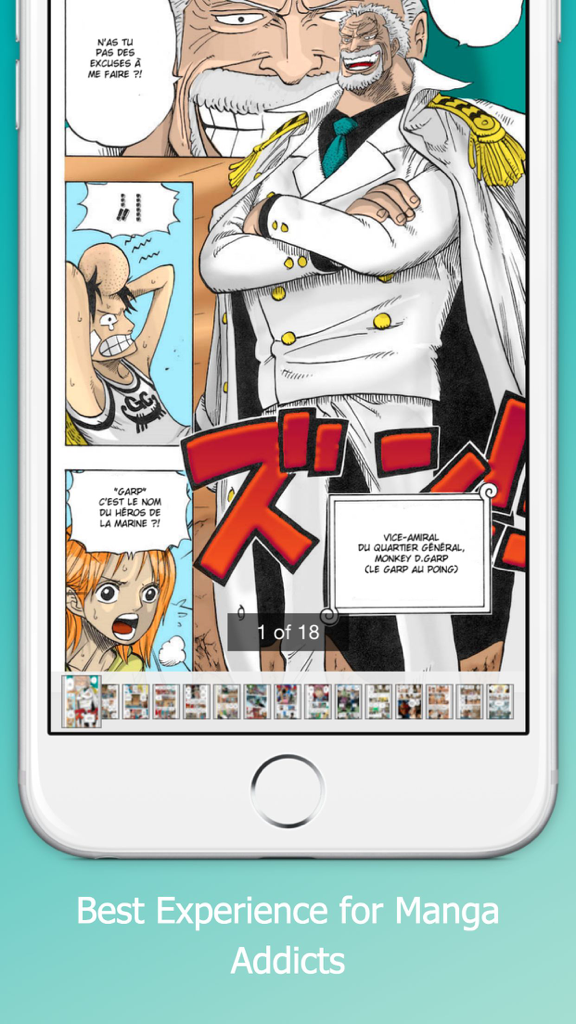
Manga-Reader-App-Oberfläche zeigt eine farbenfrohe Manga-Seite und Navigations-Thumbnails

Manga-Reader-App-Oberfläche zeigt eine farbenfrohe Manga-Seite und Navigations-Thumbnails

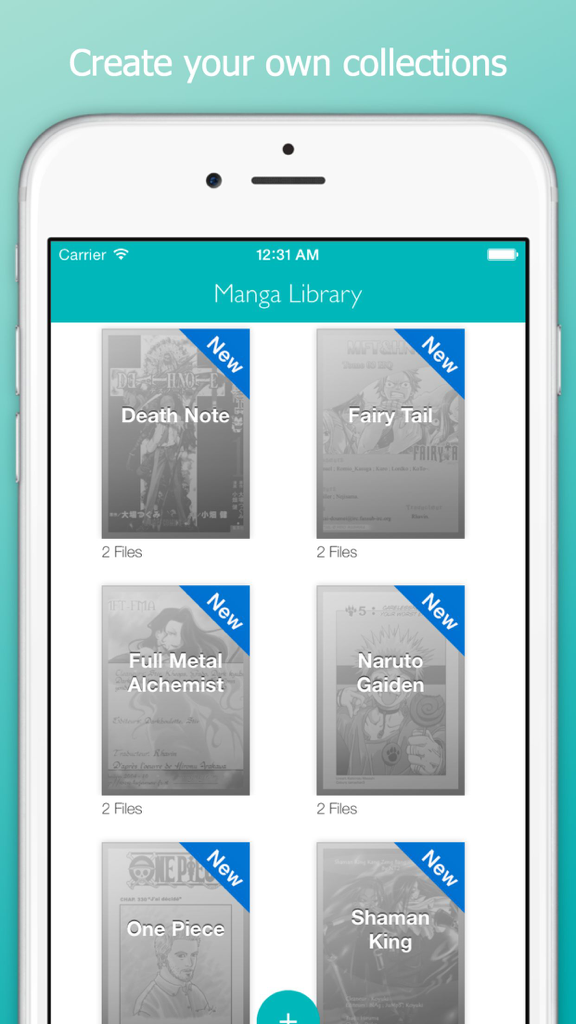
Manga Library App zeigt eine Rasteransicht organisierter Manga-Sammlungen wie Death Note und One Piece auf einem iPhone.

Manga Library App zeigt eine Rasteransicht organisierter Manga-Sammlungen wie Death Note und One Piece auf einem iPhone.

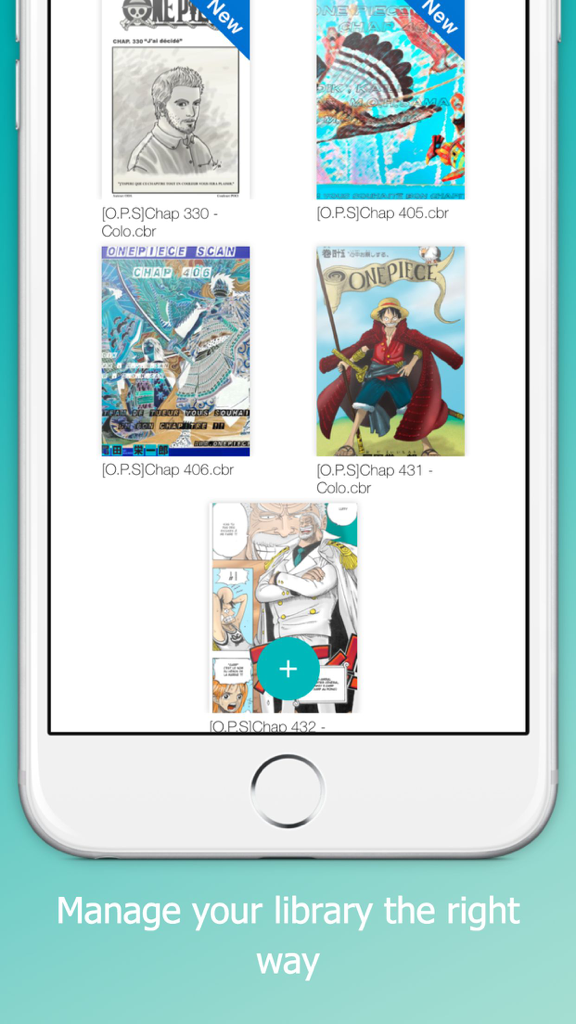
Ein mobiler App-Bildschirm zeigt eine Bibliothek von Manga-Covern wie One Piece mit Dateinamen und neuen Badges

Ein mobiler App-Bildschirm zeigt eine Bibliothek von Manga-Covern wie One Piece mit Dateinamen und neuen Badges

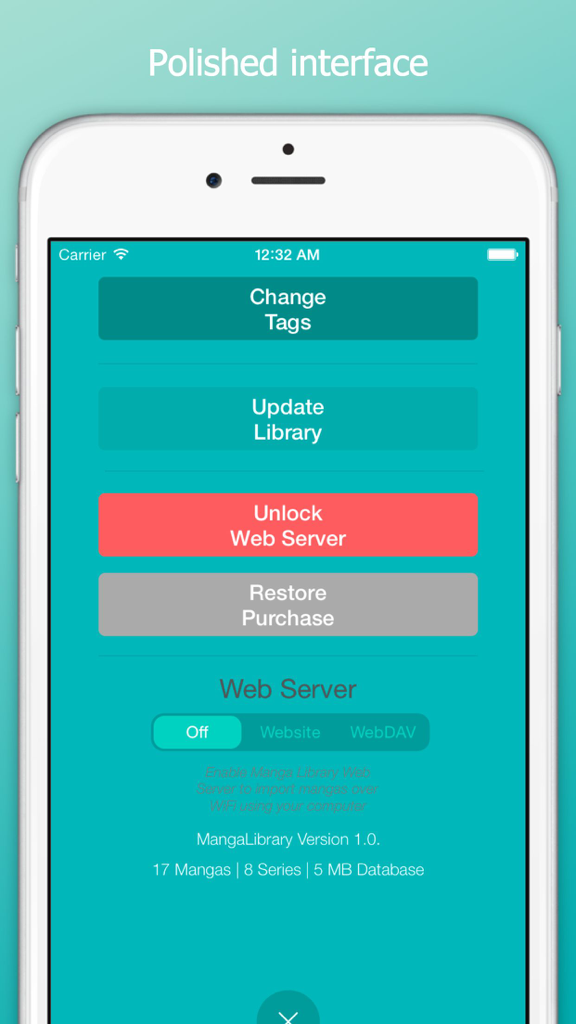
Einstellungsbildschirm der Manga Library App mit Webserver- und Importoptionen

Einstellungsbildschirm der Manga Library App mit Webserver- und Importoptionen

Gebaut für den ultimativen Sammler

Die Tools, die diese App auszeichnen, gewählt von 317K+ Nutzern.

🚀

Hochleistungs-Performance

Navigieren Sie mühelos durch tausende Bände. Unsere Engine bewältigt massive Sammlungen ohne Abstürze oder Verlangsamungen.

📖

Universelle Formatunterstützung

Lesen Sie Ihre Dateien so, wie Sie wollen. Volle native Unterstützung für .cbr, .cbz, .pdf und .rar Dateien ohne Vorverarbeitung.

📶

Kabellose Synchronisierung auf Profi-Niveau

Sparen Sie sich die Kabel. Nutzen Sie WebDAV oder einen lokalen WLAN-Server, um Ihre Bibliothek direkt von Ihrem PC oder NAS zu übertragen.

Weltweit von Nutzern geliebt

Vertraut von 317K+ Menschen, die diese App lieben.

"

"Endlich ein Reader, der meine massive 200GB-Sammlung ohne Probleme bewältigt. Die WebDAV-Übertragungsfunktion macht die Synchronisierung meiner Bibliothek von meinem NAS auf mein iPad unglaublich reibungslos. Es ist die sauberste und schnellste Benutzeroberfläche, die ich für CBR-Dateien gefunden habe."

Alex Rivera
"

"Ich habe genug von monatlichen Abonnements, nur um Manga zu lesen, die ich bereits besitze. Diese App ist perfekt – sie unterstützt jedes Format von ZIP bis PDF und erfordert keine Vorverarbeitung. Der Hintergrundimport ist ein Lebensretter, wenn ich mich auf einen langen Flug vorbereite."

Jordan Chen

Über die App

Alles, was Sie über wissen müssen Manga Library, The FREE Manga and Comics Reader: Import your CBZ, ZIP, PDF, RAR, CBR files..

Beschreibung

Manage your manga library the right way with Manga Library on your iPhone / iPad. Manga Library was designed with one goal in mind: providing the best experience for manga addicts with large collections. Features: - Polished interface - Can handle very large comic collections without crashing or becoming unusable - Imports new mangas in the background - Doesn't need to pre-process manga files before you can read them - Supports .cbr, .cbz and pdf files Importing Manga - iTunes with USB cable: - Connect your iPhone/iPad to your computer and launch iTunes - In the Applications section, select Manga Library in the list at the bottom - Drag and drop manga files into the Documents area - If Manga Library is already running, display the settings window ("Plus" Button) and tap on "Update" Importing Comics - Web Server over WiFi (In-App purchase required for unlimited use): - Make sure your iPhone/iPad and computer are on the same WiFi network - Launch Manga Library - Display the settings window ("Plus" Button) and set the Web Server setting to "Website" mode - Open the provided URL in a web browser on your computer - To upload mangas as part of collections, first create a folder then upload the manga files into it Instead of a web browser, if you prefer to use a WebDAV client (e.g. Transmit or ForkLift for Mac or CyberDuck for Mac / Windows), set the Web Server setting to "WebDAV" mode and connect the client to the provided URL. Deleting or changing a manga or series status: - Tap and hold on a manga thumbnail or a series thumbnail - Choose the appropriate option in the pop-up menu that appears

Neueste Version

1.0.1

Größe

6.6 MB

Erstveröffentlichung

12. Aug. 2015

Erstellen Sie noch heute Ihre ultimative digitale Manga-Bibliothek

Schließen Sie sich über 317.000 Power-Usern an, die totale Kontrolle über ihre Sammlungen verlangen. Importieren Sie Ihre CBZ-, CBR- und PDF-Dateien via WLAN oder USB und genießen Sie ein absturzfreies, erstklassiges Leseerlebnis auf Ihrem iPhone und iPad.

Herunterladen auf App Store