Photo Transfer: Send via WiFi

Photo Transfer: Send via WiFi

Herunterladen auf App Store
Spark by MWM logo
Logo von Photo Transfer: Send via WiFi
Fotoübertragung: Senden über WLAN an jeden PC, Mac oder jedes Mobilgerät

Der einfachste Weg, Ihre hochauflösenden Fotos und Videos ohne Kabel oder Cloud-Gebühren zu verschieben. Bewahren Sie Ihre Dateien privat und Ihre Metadaten intakt in Ihrem eigenen lokalen Netzwerk auf.

Herausgeber

Mobileware Studio SL

Kategorie

Photo & Video

Downloads

1M+

Bewertung

4.6/5

Bewertungen gesamt

53K+

Sprachen

6

Ein Hauch von Einfachheit

Entdecken Sie die Oberfläche, die von 1M+ Nutzern verwendet wird.

Screenshot der Photo Transfer App, der die drahtlose Übertragung von Fotos und Videos in voller Qualität hervorhebt

Screenshot der Photo Transfer App, der die drahtlose Übertragung von Fotos und Videos in voller Qualität hervorhebt

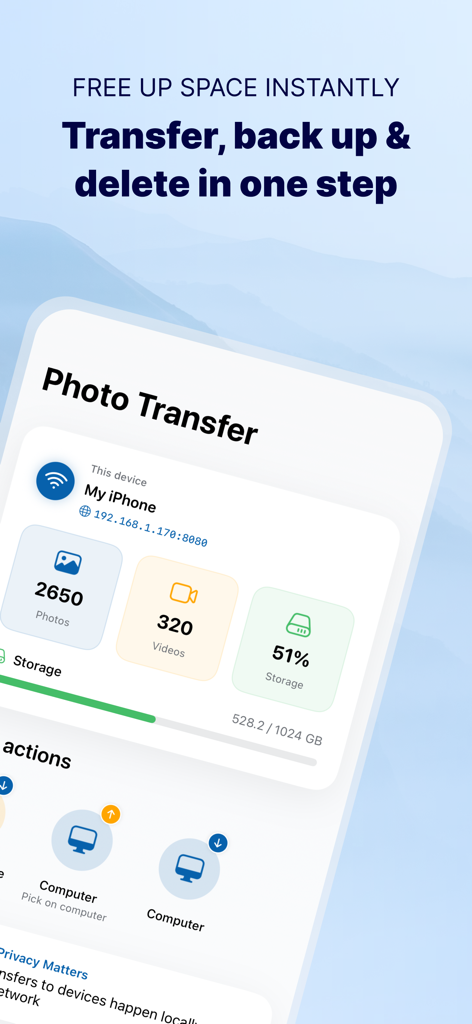
Dashboard der Photo Transfer App, das die Speichernutzungsstatistiken und Backup-Optionen auf einen Computer über WLAN anzeigt

Dashboard der Photo Transfer App, das die Speichernutzungsstatistiken und Backup-Optionen auf einen Computer über WLAN anzeigt

App-Bildschirm, der mehrere ausgewählte Fotos für die Stapelübertragung über WLAN zeigt

App-Bildschirm, der mehrere ausgewählte Fotos für die Stapelübertragung über WLAN zeigt

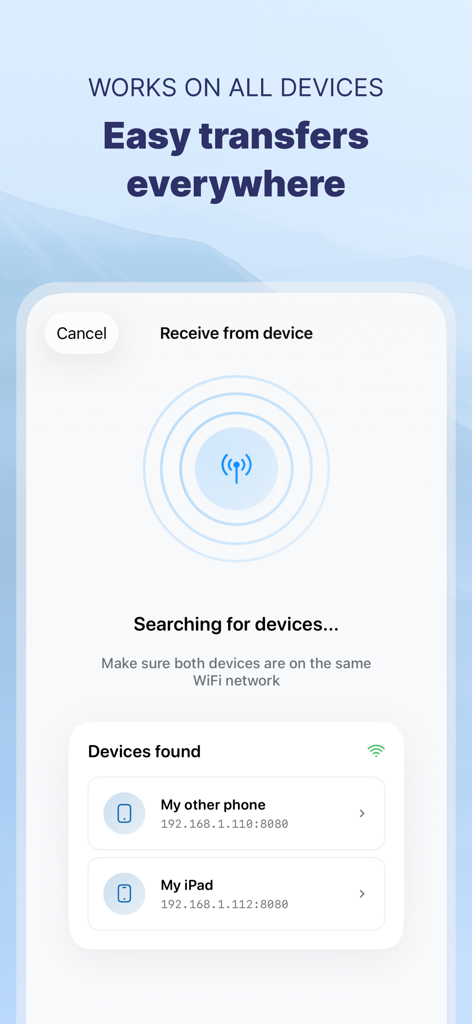
Smartphone-Bildschirm, der die Photo Transfer App zeigt, wie sie lokale Geräte über WLAN sucht und findet, um den Dateiaustausch zu erleichtern.

Smartphone-Bildschirm, der die Photo Transfer App zeigt, wie sie lokale Geräte über WLAN sucht und findet, um den Dateiaustausch zu erleichtern.

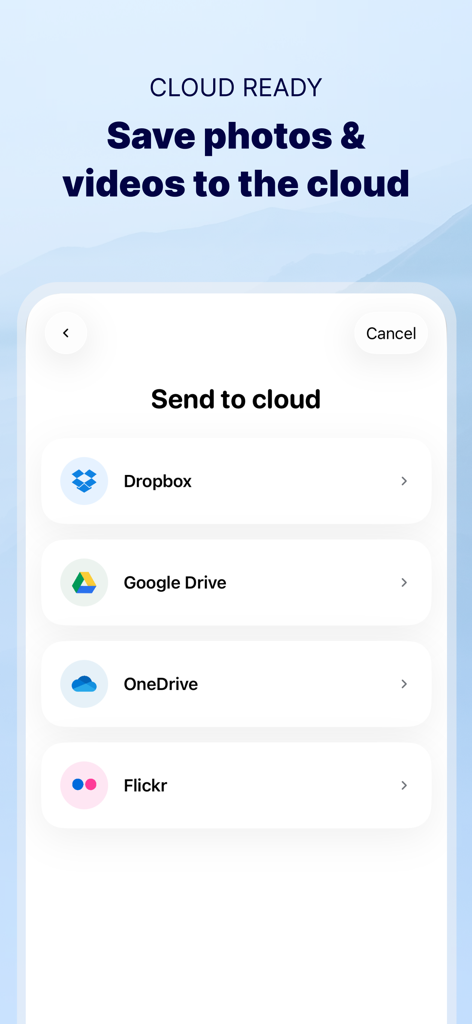
Oberfläche der Photo Transfer App, die Optionen für Cloud-Speicherdienste anzeigt, einschließlich Dropbox, Google Drive, OneDrive und Flickr

Oberfläche der Photo Transfer App, die Optionen für Cloud-Speicherdienste anzeigt, einschließlich Dropbox, Google Drive, OneDrive und Flickr

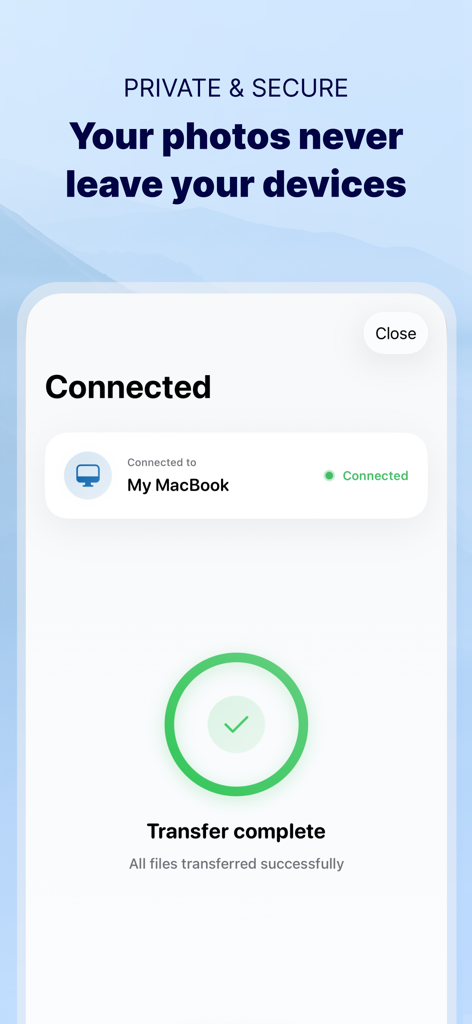
Bestätigungsbildschirm, der eine erfolgreiche und sichere Fotoübertragung zwischen einem iPhone und einem MacBook über ein privates WLAN-Netzwerk anzeigt

Bestätigungsbildschirm, der eine erfolgreiche und sichere Fotoübertragung zwischen einem iPhone und einem MacBook über ein privates WLAN-Netzwerk anzeigt

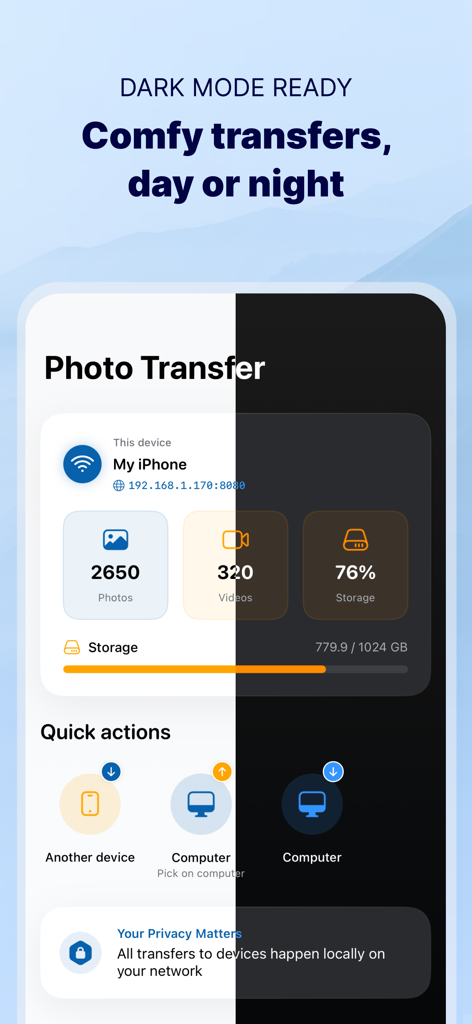
Geteilte Ansicht der Photo Transfer App-Oberfläche im hellen und dunklen Modus, die Speicher- und Übertragungsoptionen für Fotos zeigt.

Geteilte Ansicht der Photo Transfer App-Oberfläche im hellen und dunklen Modus, die Speicher- und Übertragungsoptionen für Fotos zeigt.

Mühelose Medienübertragung, volle Kontrolle

Die Tools, die diese App auszeichnen, gewählt von 1M+ Nutzern.

💻

Verbinden Sie jedes Gerät

Befreien Sie sich vom Apple-Ökosystem. Übertragen Sie Medien nahtlos auf Ihren Windows-PC oder Mac, ohne die Frustration von Kabeln oder iTunes.

🛡️

100 % privat und sicher

Ihre Erinnerungen verlassen niemals Ihr lokales Netzwerk. Überspringen Sie externe Server und genießen Sie eine sichere, direkte Verbindung, die Ihre Daten bei Ihnen behält.

📸

Originalqualität und Metadaten

Bewahren Sie jedes Pixel und jedes Detail. Behalten Sie Ihre ursprüngliche Auflösung und EXIF-Metadaten intakt, einschließlich Daten und Orte für perfekte Organisation.

Weltweit von Nutzern geliebt

Vertraut von 1M+ Menschen, die diese App lieben.

"

"Als Elternteil mit Tausenden von Fotos meiner Kinder ist mein Telefonspeicher immer voll. Ich hatte es satt, jeden Monat extra für Cloud-Speicher zu bezahlen. Diese App ermöglicht es mir, alles in wenigen Minuten direkt auf meinen Heim-PC zu übertragen, ohne Qualitätsverlust oder die ursprünglichen Daten. Sie ist ein absoluter Lebensretter für unsere Familienerinnerungen!"

Sarah Jenkins
"

"Ich verwende ein iPhone für die Fotografie, arbeite aber an einer Windows-Workstation, sodass AirDrop für meinen Workflow keine Option ist. Diese App ist die perfekte Brücke. Sie kümmert sich automatisch um HEIC-zu-JPG-Konvertierungen und behält alle meine EXIF-Metadaten intakt. Sie ist ehrlich gesagt schneller und zuverlässiger als jede Kabelverbindung, die ich je benutzt habe."

Mark Thompson

Über die App

Alles, was Sie über wissen müssen Photo Transfer: Send via WiFi.

Beschreibung

Photo Transfer allows you to easily send and share photos and videos through your WiFi. Make a backup of your photos and videos quickly and move your files from other mobile devices to iOS, iPad or computer and vice versa. With over 2,5M downloads, more than 9k reviews in the App Store coming from happy users and millions of photo transfers made, this app is an indispensable tool for your iOS device. Photo Transfer enables easy wifi transfer to send photos and videos between devices. It also allows users to make a backup. Whether you're an experienced user or a novice, you'll find it easy to use. To send photos and videos, you will only need to have the app installed in both devices and a stable WiFi connection. You don’t need any cable! ▶ Main features: · Download multiple photos from your iPad, iPhone or iPod touch to your computer. · Upload photos and videos from your computer to your iOS or other mobile devices. · Transfer and delete photos and videos stored on your iOS or other devices via WiFi. · Transfer full-resolution photos and videos without losing quality and preserve files metadata in all transfer directions. ▶ More features you will love: · Drag & drop photos from the app to any folder on your Mac and create new albums to upload photos. · Use Photo Transfer with any web browser and preview your photos. · Transfer your photos and videos directly from device to device using your local WiFi network. They are not stored in an external server and they never leave your local WiFi network, so your pictures will be safe! · Use the USB cable to transfer photos between your Mac and your device when there is no access to a valid or stable WiFi signal. · Pay only once when both devices use the same Apple account to purchase apps. · Support to automatically convert HEIC files (High-Efficiency Image) to JPG when transferring from iPhone to any device or cloud service that we support. With Photo Transfer you can transfer photos and videos from: ◉ Mobile device to iPhone: · Transfer photos and videos from mobile device to iOS via wifi. ◉ iOS to another device: · Move your photos and videos from your gallery to any mobile device. · Send photos from an iPhone or iPad to your mobile device (photos and videos are saved on the default folder of Photo Transfer, but you can set your own album Gallery as destination). ◉ Any device or iOS to a computer (and vice versa): · Use the wifi transfer feature to share photos and videos between Windows or Mac and Iphone, iPad, or another mobile device. You can also use the desktop app while transferring to Windows or MAC, or use the web browser as an alternative. · Upload photos from your computer to your device. Some requirements for using Photo Transfer: · Access to a stable wifi network · Public or private WiFi networks usually block communication between devices preventing the transfer connection. · The app should be installed and opened on your devices when you transfer files. Subscriptions: ► If you choose to purchase the PRO Upgrade subscription for 1 year, payment will be charged to your Apple account, and your account will be charged for renewal 24 hours before the end of the current period. ► Auto-renewal may be turned off at any time by going to your Apple ID settings after purchase. ► Any unused portion of a free trial period, if offered, will be forfeited when the user purchases a subscription to that publication, where applicable. Privacy Policy: phototransferapp.com/privacy/app/ Terms of Service: phototransferapp.com/terms/app/ IMPORTANT: Free version allows you to transfer up to 5 photos in full resolution. Upgrade to PRO version and transfer more photos and videos at once! If you have any issue, visit phototransferapp.com or contact us at: support@phototransferapp.com Download Photo Transfer to send and share photos, pictures, images and videos via wifi transfer.

Neueste Version

10.1.3

Größe

37.5 MB

Erstveröffentlichung

4. Apr. 2010

Bereit, Ihre Erinnerungen ohne Aufwand zu übertragen?

Hören Sie auf, mit Kabeln und Cloud-Speicherlimits zu kämpfen. Schließen Sie sich über 2,5 Millionen Nutzern an, die sicher Fotos und Videos in voller Auflösung zwischen iPhone, PC und Mac übertragen. Noch heute kostenlos starten.

Herunterladen auf App Store