Screen Mirroring+ App

Screen Mirroring+ App

Herunterladen auf App StoreHerunterladen auf Google Play
Spark by MWM logo
Logo von Screen Mirroring+ App

Screen Mirroring+ App: Spiegeln Sie Ihr iPhone auf jeden Smart TV, PC oder Tablet

Erleben Sie verzögerungsfreie HD-Bildschirmfreigabe über jeden Webbrowser. Keine Begleit-Apps, keine teure Hardware und keine versteckten Abonnements – nur nahtloses Spiegeln für Ihre Fotos, Präsentationen und Webinhalte.

Herausgeber

Kraus und Karnath GbR 2Kit Consulting

Kategorie

Photo & Video

Downloads

822K+

Bewertung

2.9/5

Bewertungen gesamt

11K+

Sprachen

1

Sehen Sie es in Aktion

Entdecken Sie die Oberfläche, die von 822K+ Nutzern verwendet wird.

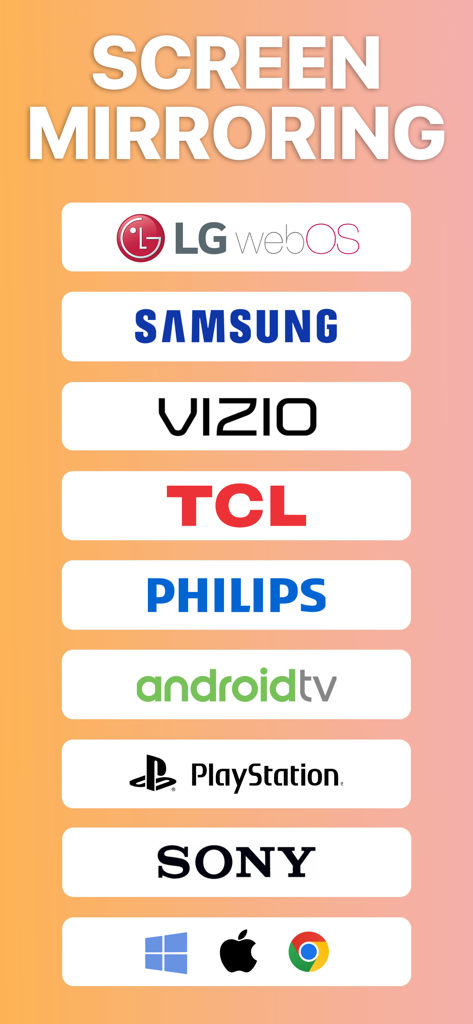
Liste kompatibler Smart TV- und Spielekonsolenmarken für die Screen Mirroring-App

Liste kompatibler Smart TV- und Spielekonsolenmarken für die Screen Mirroring-App

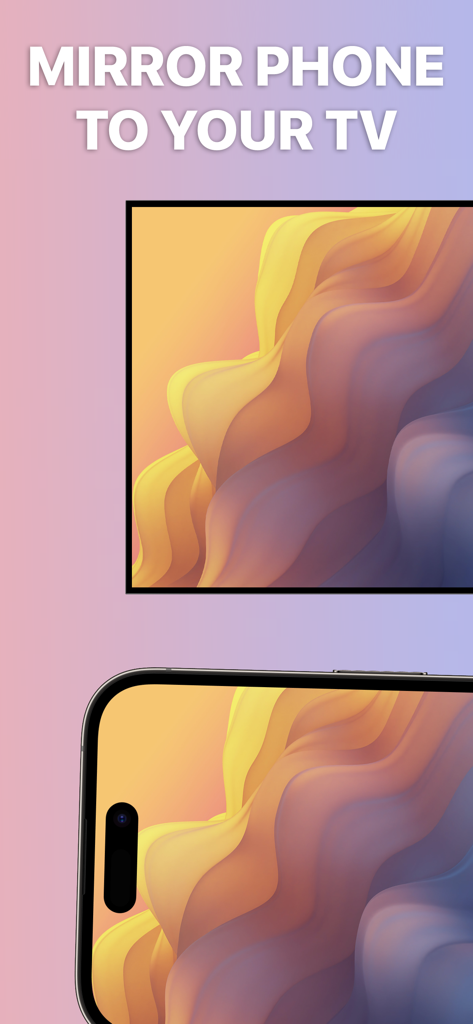
Ein Smartphone-Bildschirm wird auf einem TV-Display gespiegelt

Ein Smartphone-Bildschirm wird auf einem TV-Display gespiegelt

Übertragung von iPhone-Fotos und -Videos auf einen TV-Bildschirm mit Screen Mirroring plus

Übertragung von iPhone-Fotos und -Videos auf einen TV-Bildschirm mit Screen Mirroring plus

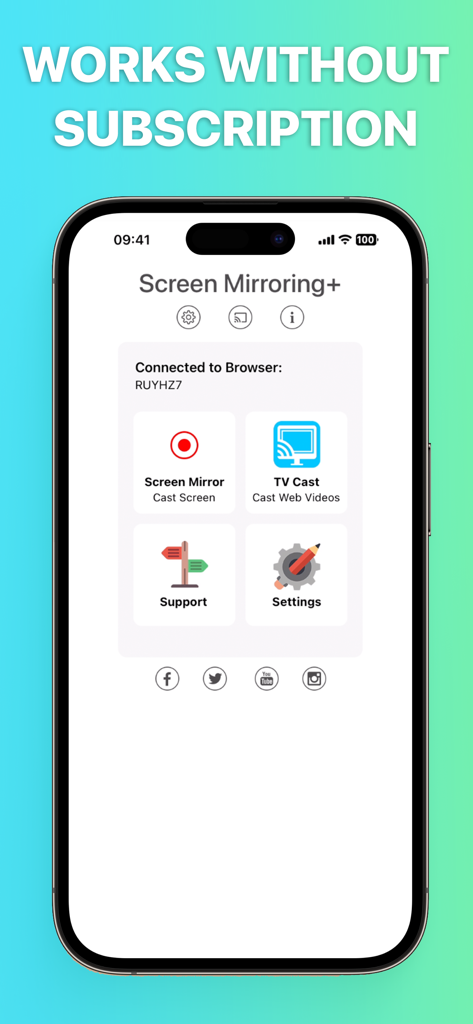
Startbildschirm der Screen Mirroring+ App auf einem iPhone, der Optionen für Bildschirmspiegelung und TV-Casting anzeigt, mit einer Überschrift, die besagt, dass es ohne Abonnement funktioniert.
Startbildschirm der Screen Mirroring+ App auf einem iPhone, der Optionen für Bildschirmspiegelung und TV-Casting anzeigt, mit einer Überschrift, die besagt, dass es ohne Abonnement funktioniert.

Überwinden Sie die Ökosystem-Grenze

Die Tools, die diese App auszeichnen, gewählt von 822K+ Nutzern.

📺

Universelles Smart TV Mirroring

Schließen Sie die Lücke zwischen Ihrem iPhone und Ihrem Samsung, LG oder Vizio TV. Keine teure Apple TV-Hardware erforderlich, um das große Bild zu sehen.

Leistung ohne Einrichtung

Erleben Sie HD-Mirroring mit nahezu null Verzögerung. Öffnen Sie einfach eine URL auf Ihrem Empfangsgerät – keine Downloads von Begleit-Apps oder komplizierten Konfigurationen erforderlich.

🌍

Remote Bildschirmfreigabe

Gehen Sie über Ihr Heim-WLAN hinaus. Teilen Sie Ihren Bildschirm sicher mit Freunden, Familie oder Kollegen überall auf der Welt über einen einfachen Internetlink.

Weltweit von Nutzern geliebt

Vertraut von 822K+ Menschen, die diese App lieben.

"

"Ich nutze diese App ständig für Arbeitspräsentationen. Die Möglichkeit, meinen iPhone-Bildschirm direkt auf jeden Webbrowser auf einem Windows-PC oder einem Smart TV zu spiegeln, ohne einen Apple TV zu benötigen, ist revolutionär. Die Einrichtung ist sofort erledigt und die HD-Qualität ist perfekt, um meine Designs Kunden zu zeigen."

David R., Creative Director
"

"Endlich eine Möglichkeit, meine Familienfotos auf unserem LG TV zu teilen, ohne zusätzliche Hardware kaufen zu müssen! Es ist so einfach zu bedienen – ich gebe einfach die URL in den TV-Browser ein und alles auf meinem iPad erscheint sofort. Es ist das zuverlässigste Spiegelungstool, das ich für mein gemischtes Gerät zu Hause gefunden habe."

Elena M., Vielbeschäftigte Mutter

Über die App

Alles, was Sie über wissen müssen Screen Mirroring+ App.

Beschreibung

Mirror your iPhone or iPad screen to any device in your local Wifi or remote via Internet. Share your screen on a Smart TV, Mac, PC, Laptop, Gaming Console, Smartphone or Tablet. The Screen Mirroring App can connect to any Web Browser and cast your screen with zero delay in HD quality. Screen Mirroring over DLS / Cable / Internet is supported by Safari, Chrome, Firefox, Opera, Edge and the newest Smart TVs. This is the easiest and most powerful screen sharing tool. Share your photos, videos, games, websites, apps, presentations and documents with your friends and family, even to remote places. * Supported devices: Any device with an integrated Web Browser, e.g. Samsung TV, LG TV, Panasonic TV, Hisense TV, Philips TV, Hitachi TV, Grundig TV, TCL TV * Local mirroring on WiFi: Your iPhone/iPad and your web browser device must be connected to the same wifi. Please do not use VPN, Proxy, VLANS and Subnets. * Remote mirroring is limited to DSL / Cable / Internet. Connections over cellular/mobile networks (LTE/5G) are not yet supported. * Latency is supreme (0 seconds) when you have good wifi network conditions * You don't need a companion App on your TV or receiving device * No hidden subscriptions or costs * Sound is not yet supported, but we are working on it. Please use Bluetooth speakers as a workaround. * Black screen issues: Some third party apps prevent screen mirroring. When you try to mirror them, you will just see a black screen on your TV, for example with Netflix and Disney+. This is a restriction chosen by Netflix and others, so we cannot fix it at the moment. This app is brought to you by the developers of Video & TV Cast, the #1 video casting app in the world with more than 100.000.000 downloads across all platforms and devices. Disclaimer: This app is not affiliated with any of the trademarks mentioned here.

Neueste Version

2.17

Größe

40.3 MB

Erstveröffentlichung

31. Mai 2019

Sind Sie bereit, Ihren Bildschirm auf jedes Gerät zu spiegeln?

Schließen Sie sich über 800.000 Nutzern an und überbrücken Sie die Lücke zwischen Ihrem iPhone und jedem Smart TV, PC oder jeder Konsole. Erleben Sie heute verzögerungsfreie HD-Freigabe ohne zusätzliche Hardware und ohne versteckte Kosten.

Herunterladen auf App StoreHerunterladen auf Google Play