Send to TV • Cast photo video

Send to TV • Cast photo video

Herunterladen auf App Store
Spark by MWM logo
Logo von Send to TV • Cast photo video
An TV senden • Foto-Video streamen: Ihre iPhone-Inhalte auf jedem Smart TV, sofort

Erleben Sie die ultimative Plug-and-Play-Lösung, um Ihren Bildschirm zu spiegeln und Fotos oder Web-Videos zu streamen. Schließen Sie die Lücke zwischen Ihren iOS-Geräten und jedem Smart TV – ohne Kabel oder komplizierte Einrichtung.

Herunterladen auf App Store

Herausgeber

Denk Alexandru

Kategorie

Utilities

Downloads

29K+

Bewertung

4.1/5

Bewertungen gesamt

300

Sprachen

1

Das Gesamtbild

Entdecken Sie die Oberfläche, die von 29K+ Nutzern verwendet wird.
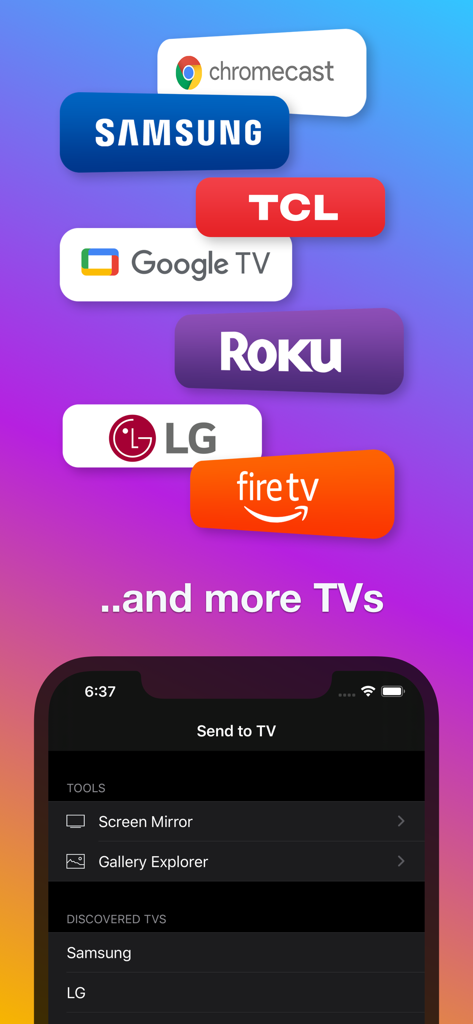
Send to TV App-Oberfläche zeigt Kompatibilität mit Samsung LG Roku und Chromecast für Bildschirm-Mirroring

Send to TV App-Oberfläche zeigt Kompatibilität mit Samsung LG Roku und Chromecast für Bildschirm-Mirroring

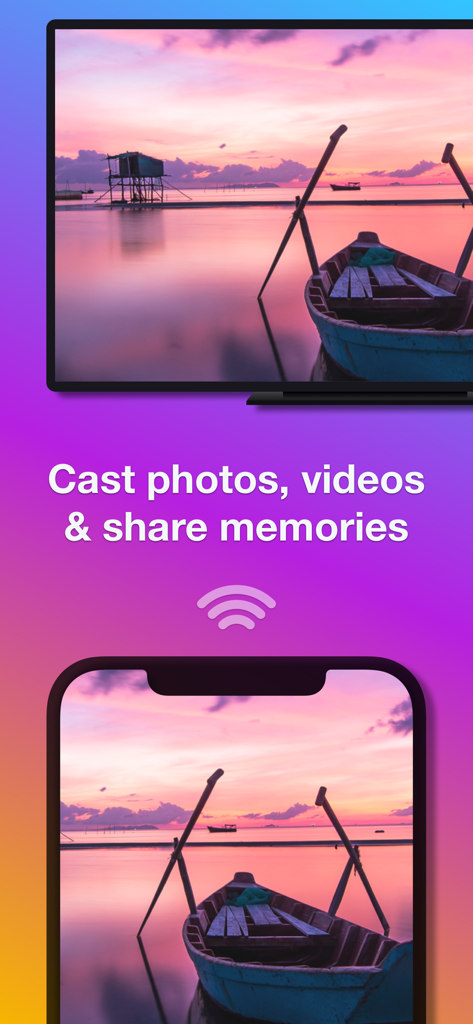
Ein iPhone streamt ein Sonnenuntergangs-Landschaftsfoto drahtlos auf einen großen Smart TV-Bildschirm

Ein iPhone streamt ein Sonnenuntergangs-Landschaftsfoto drahtlos auf einen großen Smart TV-Bildschirm

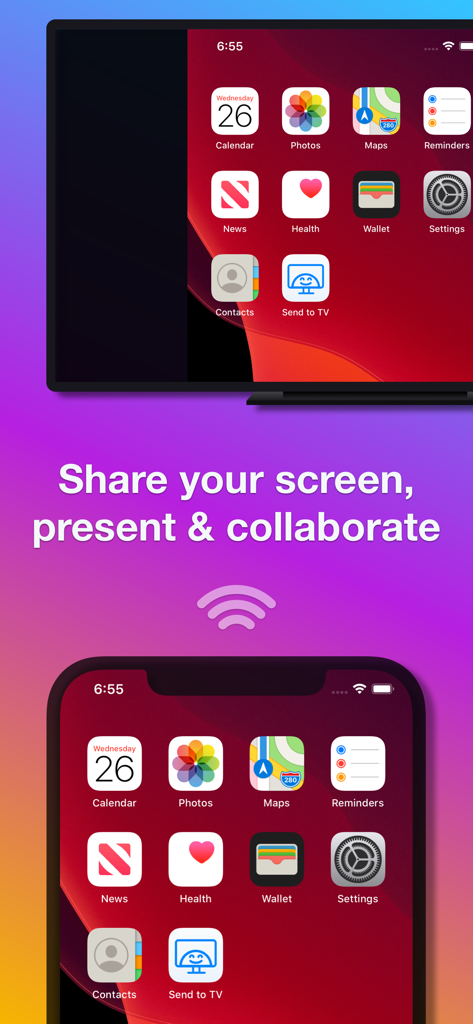
iPhone-Bildschirm geteilt auf einem Smart TV für Präsentationen und Zusammenarbeit

iPhone-Bildschirm geteilt auf einem Smart TV für Präsentationen und Zusammenarbeit

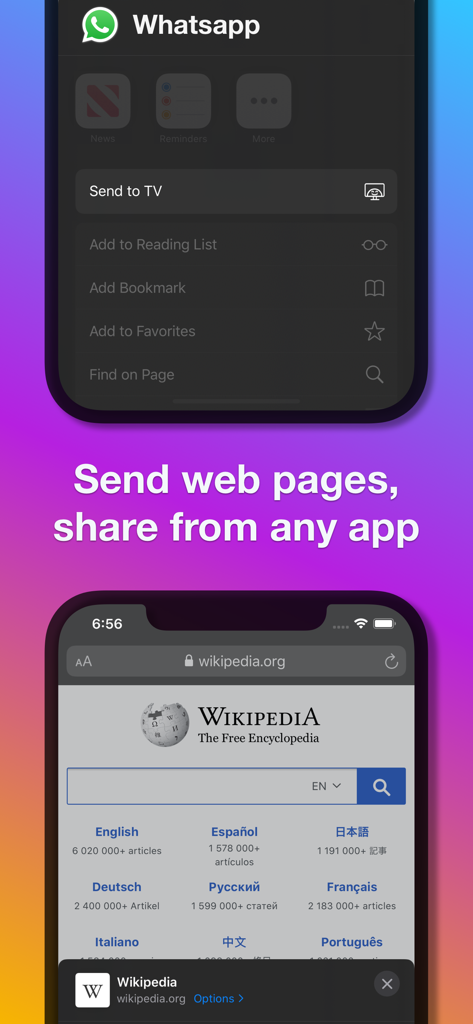
Demonstration des Sendens von Webseiten und Teilens von Inhalten aus Apps wie WhatsApp an einen Fernseher mit der An TV-Erweiterung

Demonstration des Sendens von Webseiten und Teilens von Inhalten aus Apps wie WhatsApp an einen Fernseher mit der An TV-Erweiterung

Werten Sie Ihr Seherlebnis auf

Die Tools, die diese App auszeichnen, gewählt von 29K+ Nutzern.

📺

Universelle TV-Kompatibilität

Schließen Sie die Lücke zwischen Ihrem iPhone und Marken wie Samsung, LG, Roku und Fire TV, ohne teure Apple TV-Hardware zu benötigen.

🚀

Nahtloses Teilen mit einem Fingertipp

Streamen Sie Medien direkt aus Apps wie WhatsApp, Fotos oder Dropbox über unsere integrierte iOS-Erweiterung für sofortige Wiedergabe.

📱

Echtzeit-Bildschirm-Mirroring

Teilen Sie Ihren gesamten Bildschirm für Präsentationen, Webbrowsing oder Scrollen in sozialen Medien auf dem großen Bildschirm ohne technische Hürden.

Weltweit von Nutzern geliebt

Vertraut von 29K+ Menschen, die diese App lieben.

"

"Ich habe endlich einen Weg gefunden, die Videos vom Fußballtraining meiner Kinder auf unserem Samsung-Fernseher zu zeigen, ohne ein Bündel Kabel zu benötigen! Die Einrichtung war mühelos und ich liebe es, dass ich direkt aus meinen WhatsApp-Nachrichten über die Share-Erweiterung streamen kann. Es ist unser Standard für Familienfilmabende und Diashows geworden."

Sarah Miller
"

"Als jemand mit einem iPhone, aber einem Roku TV, ist diese App ein Lebensretter. Ich benutze sie täglich, um meinen Bildschirm für schnelle Präsentationen zu spiegeln und um Web-Videos zu streamen, die keinen nativen Cast-Button haben. Sie ist unglaublich stabil und viel schneller als andere Mirroring-Apps, die ich ausprobiert habe."

David Lawrence

Über die App

Alles, was Sie über wissen müssen Send to TV • Cast photo video.

Beschreibung

Make your iPhone or iPad compatible with all smart TVs, including Chromecast, Samsung, LG, Sony, Roku, Google TV, Amazon Fire, Panasonic, Hisense, TCL, and many other TV models. Mirror your screen, send photos, video files, and web pages from any app or browser to your smart TV. With Send to TV, you can: • Explore your phone's media gallery (as a slideshow) and enjoy the content on your TV. • Mirror your phone screen to your big TV and share presentations, check documents, navigate the web, and do much more. • Send web pages from Safari, Facebook, Instagram, or any other web browser to your smart TV. • Send photos and video files to your TV from any app. With this widget (action extension), you can cast videos to your smart TV from apps like Camera, Messenger, Dropbox, iCloud, WhatsApp (actually, from any app that can store, record, or edit video content). • The app can also send media & mirror to other devices that support web browsing or video playback: PCs, Mac computers, tablets, game consoles, other TVs (Sony, Philips, Panasonic, TCL, and more), virtually any platform with a web browser. SUPPORTED SMART TVs All smart TVs are supported: Chromecast, Samsung, LG, Sony, Roku, Google TV, Amazon Fire, Panasonic, Hisense, TCL, and many other TVs or devices and computers with a web browser (for screen mirroring). JUST PLUG AND PLAY No extra cables, absolutely no configuration required - with Send to TV, you can cast web content (web pages) and videos to your smart TV. SUPPORT We read your support emails every day. Write with confidence any question, feedback, or complaint, and you will receive an answer in a very short period of time. We offer two auto-renewing subscription options: • Basic, a 1-month subscription. • Premium, a 12-month subscription. • Lifetime access: one-time payment only. Prices may vary by location. Subscriptions will auto-renew unless canceled. • Payment will be charged to the iTunes Account at confirmation of purchase. • The subscription may be managed by the user, and auto-renewal may be turned off by going to the user’s Account Settings after purchase. • No cancellation of the current subscription is allowed during the active subscription period. • Subscription automatically renews unless auto-renewal is turned off at least 24 hours before the end of the current period. • Your account will be charged for renewal for the amount of your current subscription within 24 hours before the end of the current period. All costs for subscriptions are mentioned above. Privacy Policy https://alexdenk.eu/subscriptions-privacy-policy.html Terms of Use https://alexdenk.eu/subscriptions-terms-of-use.html

Neueste Version

3.9.7

Größe

59.0 MB

Erstveröffentlichung

22. Mai 2019

Bereit, Ihre Inhalte auf dem großen Bildschirm zu erleben?

Schließen Sie sich Tausenden von Nutzern an, die die Kabel verbannt haben. Laden Sie jetzt herunter, um Ihr iPhone in das ultimative Universal-Streaming-Tool zu verwandeln und Ihre Lieblingsmomente sofort zu teilen.

Herunterladen auf App Store