
AI Canvas - AI Image Generator


Harness the power of Flux, DALL-E 3, and Luma. Transform your ideas into professional visuals and cinematic videos for social media, branding, and beyond in just a few taps.
Publisher
Category
Graphics & DesignDownloads
73K+User Rating
Total Ratings
4K+Locales
32Discover the interface used by 73K+ users.
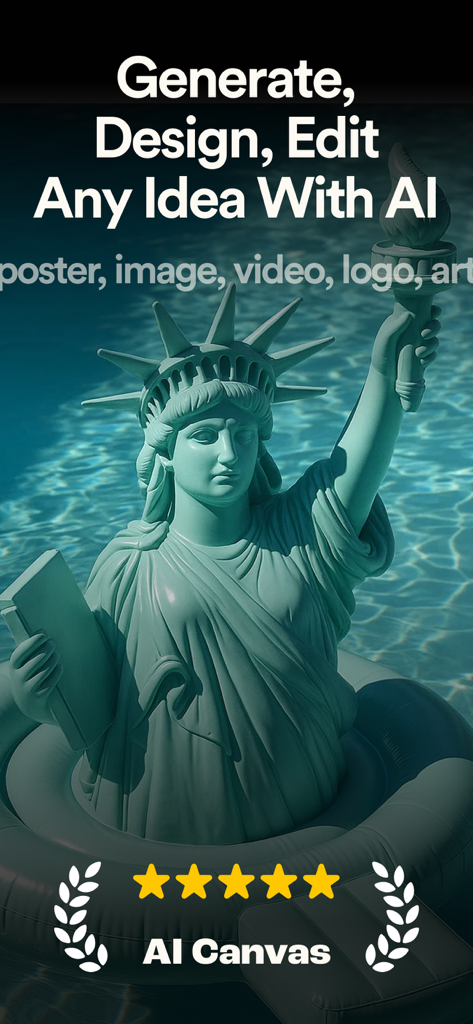
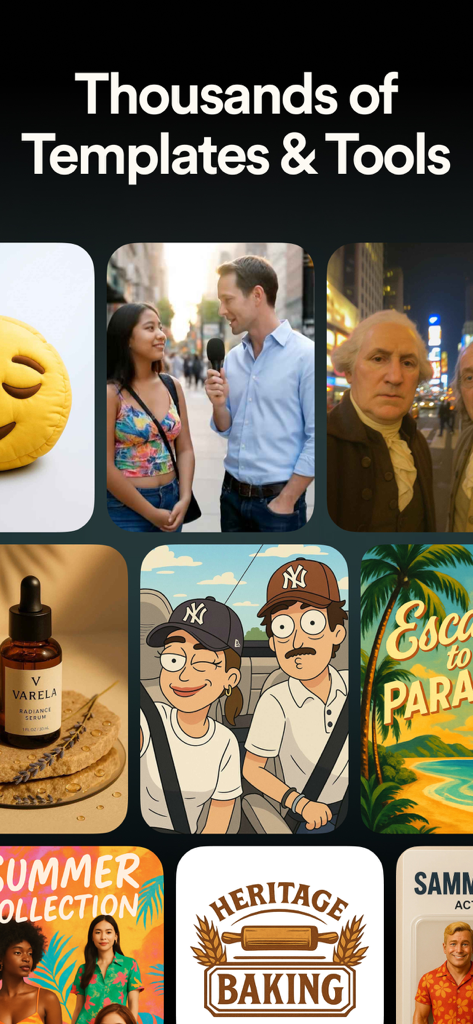
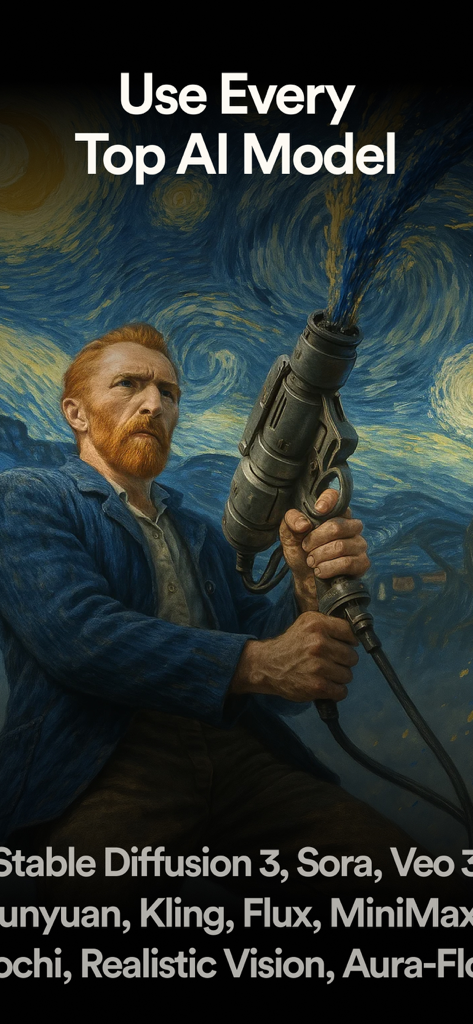
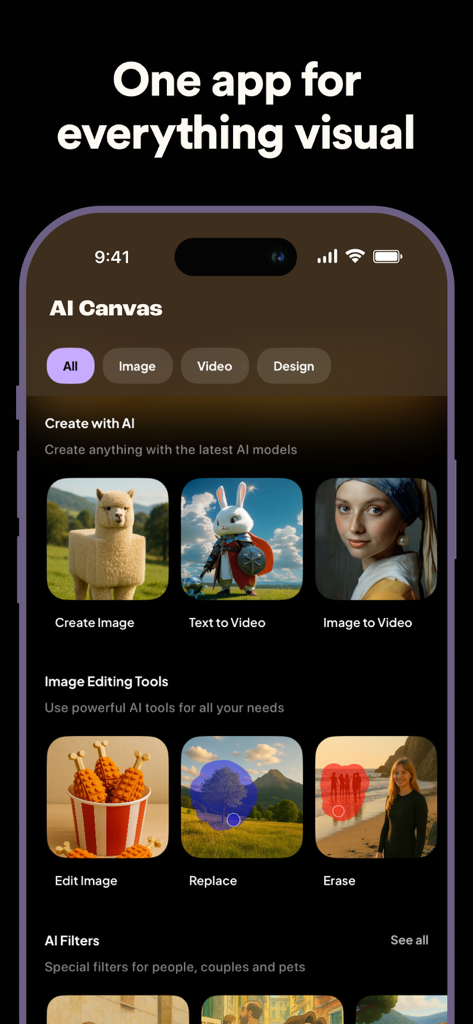
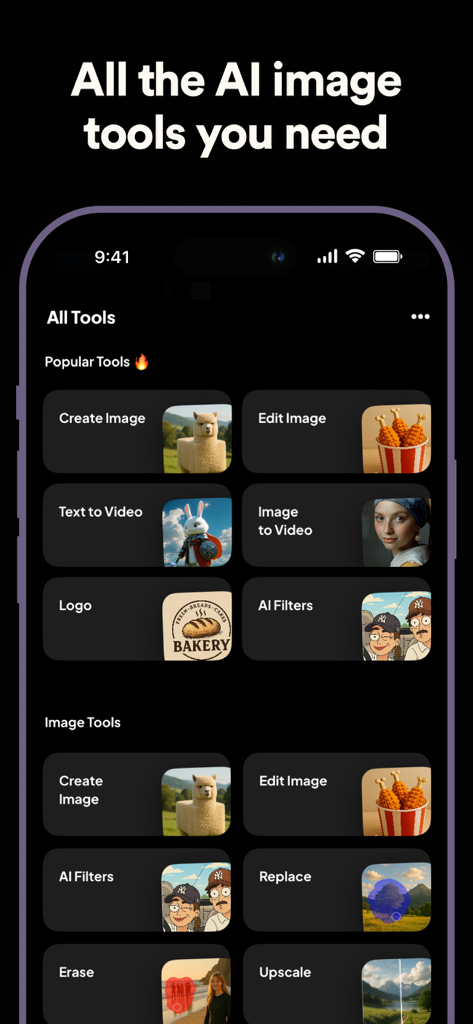
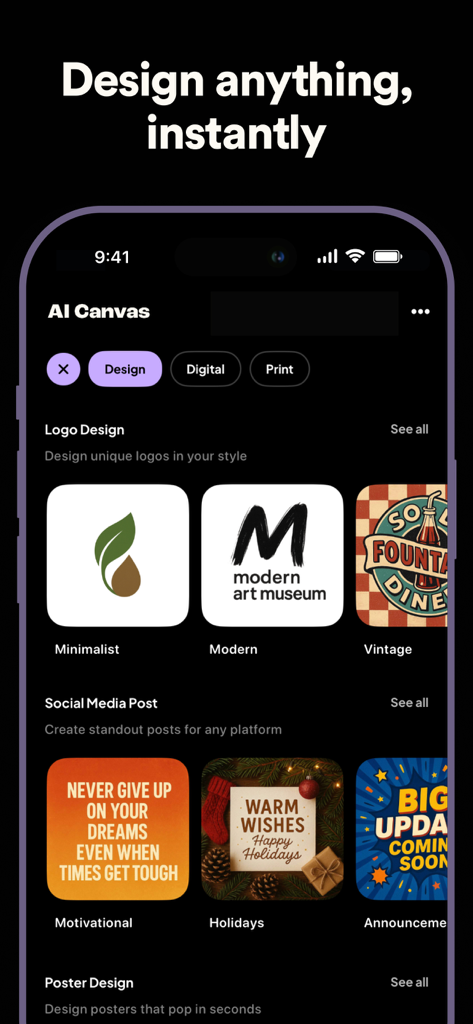
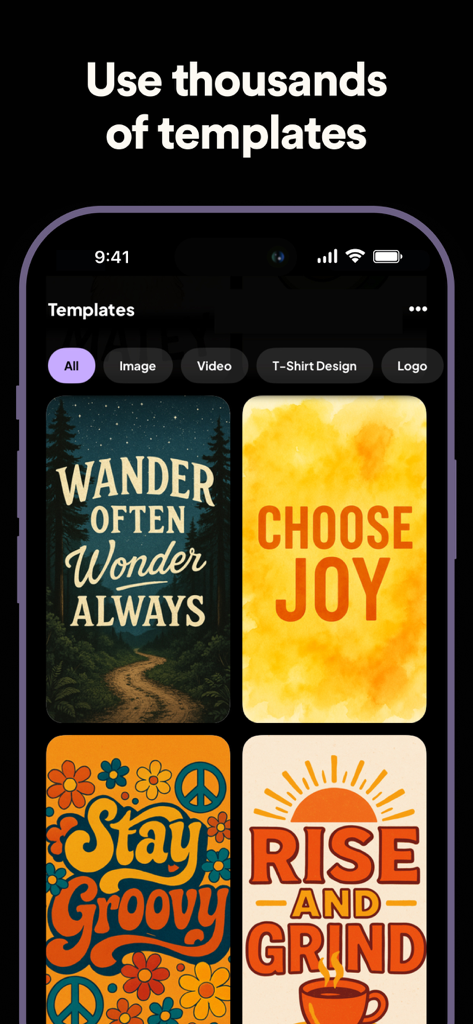
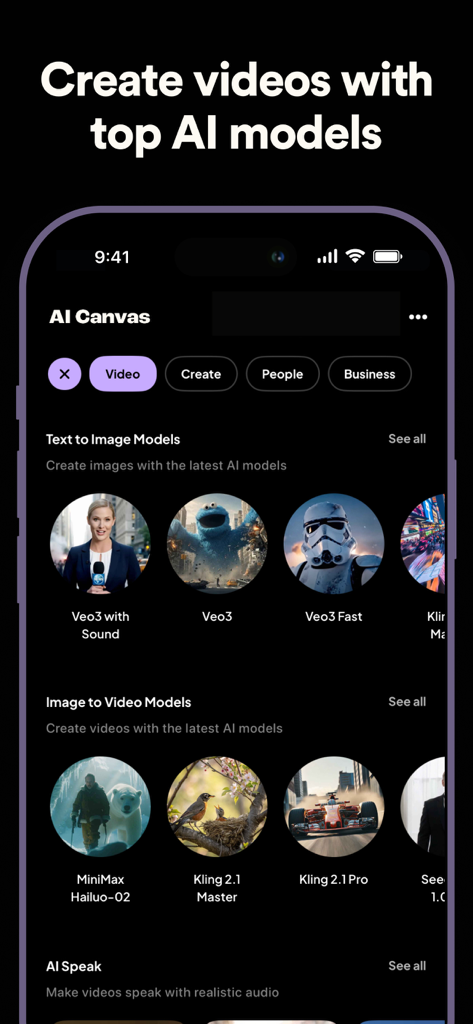
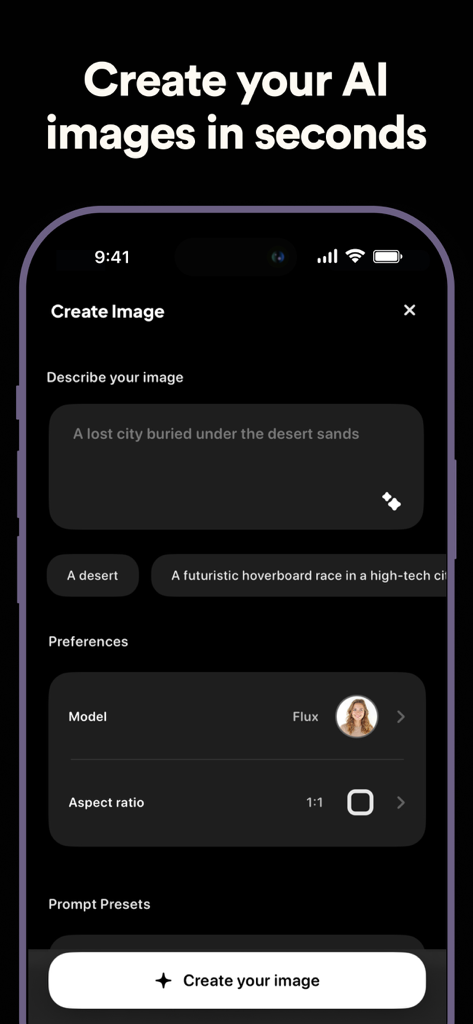
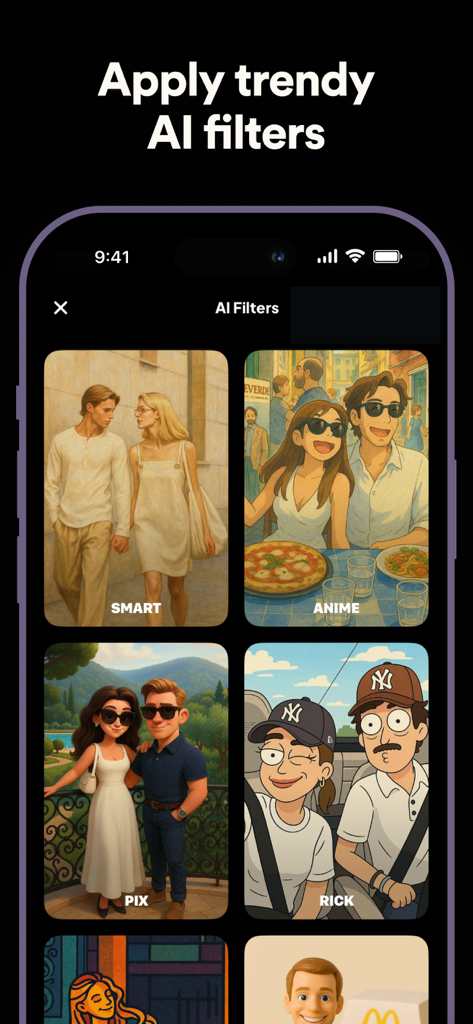
The tools that make this app stand out, trusted by 73K+ users.
Turn text into stunning photos or cinematic clips with industry-leading models like Flux Pro and Luma Dream Machine.
Design logos, posters, and custom merchandise effortlessly to elevate your small business or personal brand in seconds.
Professional-grade editing made simple: upscale resolution to 4K, remove backgrounds, or remix photos with a single tap.
Trusted by 73K+ people who love this app.
"As a freelance brand designer, I used to waste so much time jumping between different AI tools. AI Canvas is a total game-changer. Having Flux Pro and DALL-E 3 in one interface for logo mockups and t-shirt designs has streamlined my entire workflow. The upscaler is particularly impressive for high-resolution client work."
"The video generation features are absolutely insane. I turned a few static photos into cinematic clips using the Luma model and my engagement on Reels skyrocketed. It’s so much easier than traditional editing. If you’re a creator looking to stand out, this app is basically a cheat code for high-end content."
Everything you need to know about AI Canvas - AI Image Generator.
Description
Latest Version
1.7.6
Size
352.5 MB
First Released
Dec 25, 2022
Stop switching between multiple subscriptions. Join 73,000+ creators using Flux, DALL-E 3, and Luma Dream Machine in one powerful studio. Download AI Canvas today and turn your wildest ideas into professional visuals.
Everything you need to know about AI Canvas - AI Image Generator
AI Canvas is an all-in-one AI image and video creation studio. It enables users to generate, design, and edit visuals from photos to videos in one seamless experience.
Yes, AI Canvas generates images from text. Users describe their ideas, and the AI brings them to life. The app features a dedicated "Text to Image" function.
Yes, AI Canvas supports video generation from text. The "Text to Video" feature transforms user imagination into cinematic motion directly within the app.
Yes, AI Canvas transforms existing photos. Its "Image to Image" feature allows users to apply stunning new styles and aesthetics to their pictures easily.
AI Canvas provides powerful image editing tools. These include background removal, erasing and inpainting, upscaling to enhance resolution, and various AI filters for styling.
AI Canvas users can create diverse design assets. These include posters, logos, T-shirts, tattoos, and signatures, making design accessible, fun, and fast.
AI Canvas utilizes top AI models such as Stable Diffusion 3, Dall-E 3, SDXL, Luma Dream Machine, Kling Video, and MiniMax Video to ensure incredible results.
AI Canvas offers diverse AI-powered video styles. These include Realistic, Oil Painting, Lo-Fi, Anime, Pixel Art, Cartoon, 1980s, and Cinematic options for any project.
AI Canvas is built for creators, designers, and dreamers. It serves digital artists, content creators, small businesses, or anyone curious about AI-powered design.
Users can download the AI Canvas app from their respective app stores. This provides immediate access to its AI-powered design, art, and video creation features.
Yes, AI Canvas provides thousands of templates. These templates are available across various categories, including images, videos, T-shirt designs, and logos for quick creation.
Apps with similar features and user experience
OpenAI OpCo, LLC
New Port LLC
li lin
Noam Barzik
Wombo Studios, Inc.
HUYNH DUONG VAN
琴慧 冯
KRNL SRL
Sobbei Co.Ltd