
App Designer


Turn your iPad or iPhone into a professional development workstation. Code with auto-completion, set breakpoints, and compile your projects locally—no MacBook or Wi-Fi required.
Publisher
Category
Developer ToolsDownloads
1K+User Rating
Total Ratings
0Locales
1Discover the interface used by 1K+ users.
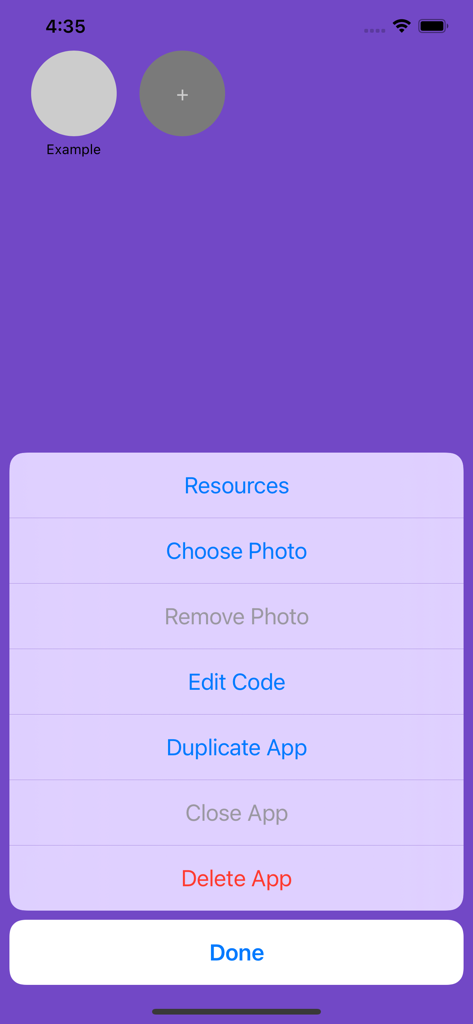

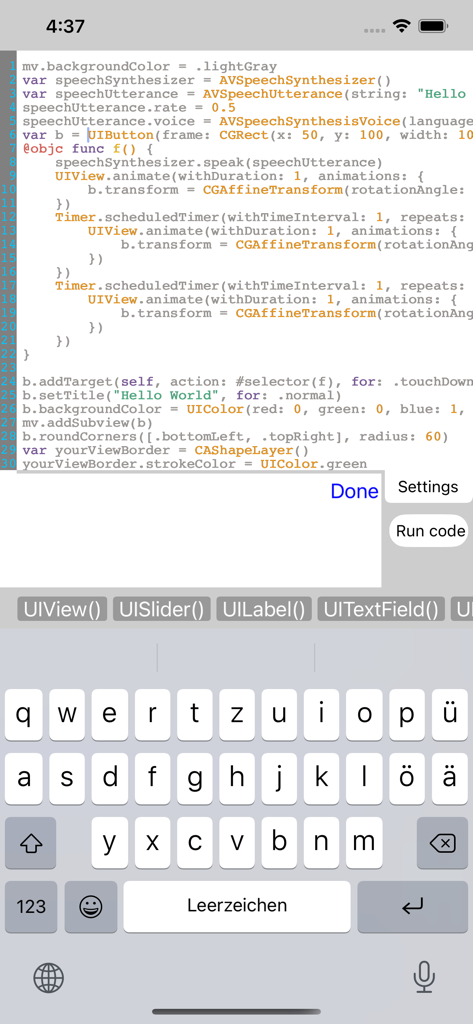
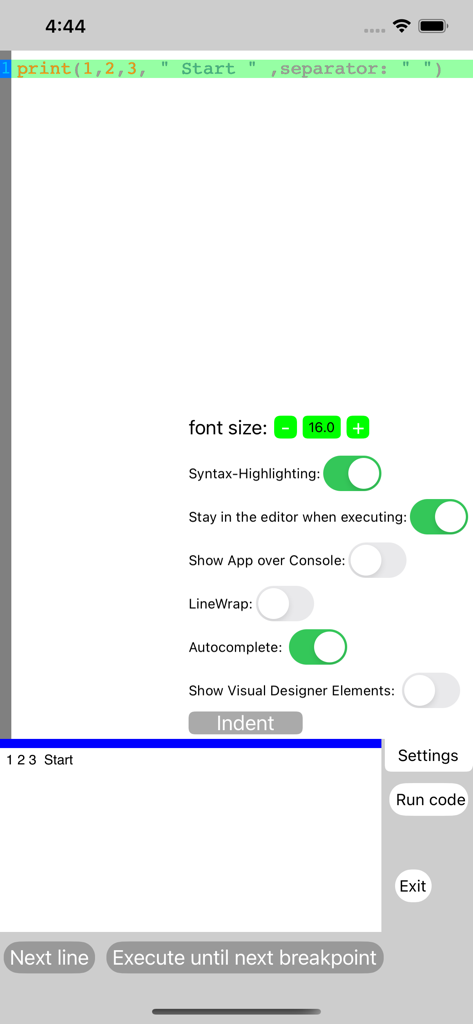
The tools that make this app stand out, trusted by 1K+ users.
Compile and run Swift code without an internet connection. Perfect for deep-work sessions during commutes, flights, or in cellular dead zones.
Master your logic with integrated breakpoints and real-time error reporting, bringing professional IDE power directly to your mobile device.
Write code faster and more accurately with smart suggestions, designed to streamline your workflow and help you learn Swift syntax on the go.
Trusted by 1K+ people who love this app.
"As an iPad-only developer, this is exactly what I have been looking for. The ability to run Swift code completely offline means I can stay productive during flights or commutes without relying on a server. The auto-completion and breakpoint features make it feel like a professional workstation in my pocket."
"This app is a game-changer for CS students. I can practice my Swift logic and build prototypes directly on my iPad between lectures. The real-time error messages and local execution helped me understand app architecture much faster than using heavy desktop software. Truly the best mobile IDE available."
Everything you need to know about App Designer.
Description
Latest Version
5.1.5
Size
4.7 MB
First Released
Oct 18, 2019
Join developers coding without limits. Download the only professional Swift IDE that works entirely offline with auto-completion and breakpoints.
Top-ranked apps in the same category

Apple Inc.

Replit, Inc

GitHub

Shenzhen VeePai IoT Intelligent Technology LLC

Apple Inc.

650 Industries, Inc.

Simon Stovring

Apple Inc.

Versa AI, Inc.