App Lock - Block Apps

App Lock - Block Apps

Download on App Store
Spark by MWM logo
Logo of App Lock - Block Apps
App Lock - Block Apps: Your Ultimate Shield for Privacy and Parental Control

Secure sensitive apps with intrusion alerts, prevent accidental purchases, and set healthy screen time limits for your children with the most trusted utility on iOS.

Download on App Store

Publisher

文忠 许

Category

Utilities

Downloads

2M+

User Rating

4.6/5

Total Ratings

45K+

Locales

17

Your Privacy, Visualized

Discover the interface used by 2M+ users.
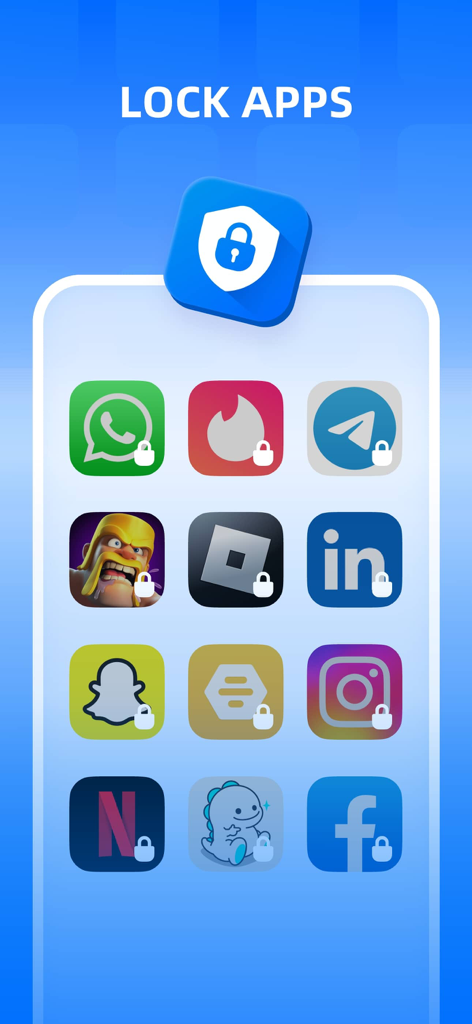
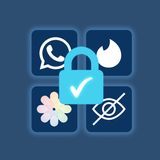
Interface showing various social and game app icons with lock symbols representing application security

Interface showing various social and game app icons with lock symbols representing application security

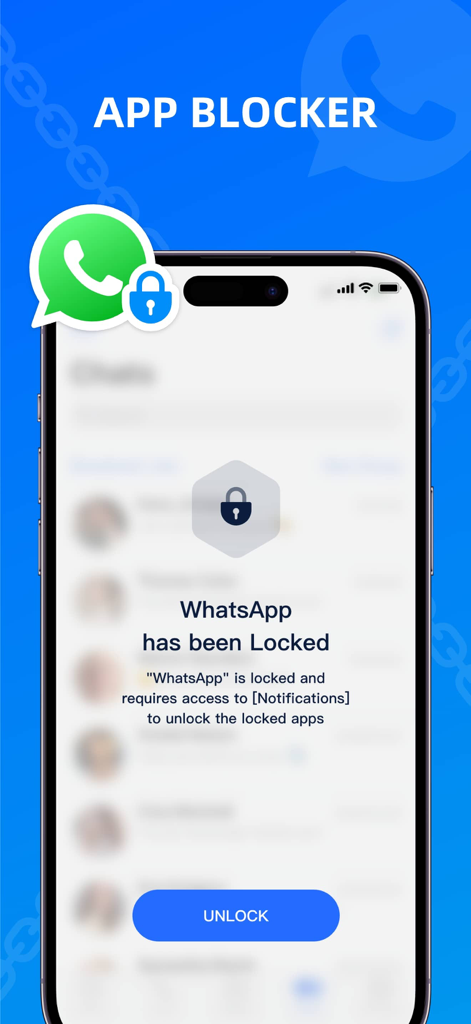
A smartphone showing a WhatsApp has been Locked notification from the App Blocker application

A smartphone showing a WhatsApp has been Locked notification from the App Blocker application

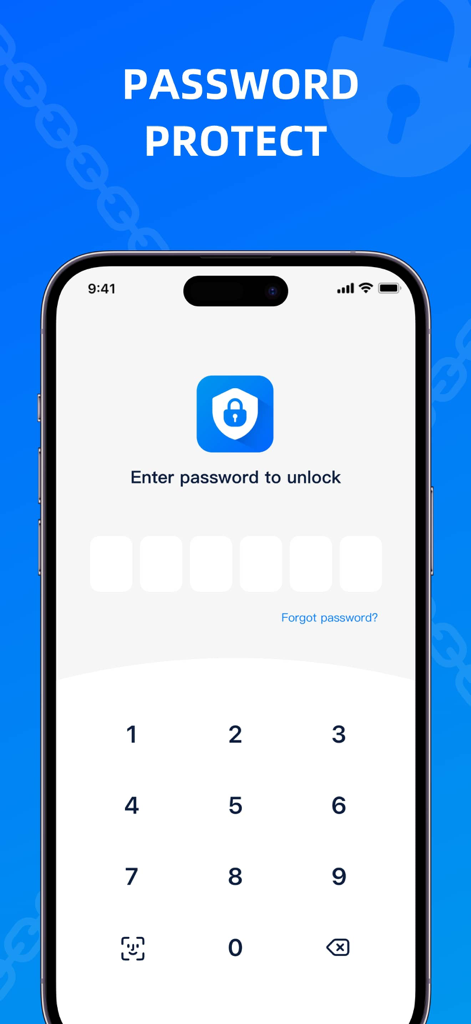
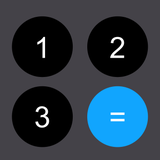
Smartphone screen displaying a numerical password entry for app security.

Smartphone screen displaying a numerical password entry for app security.

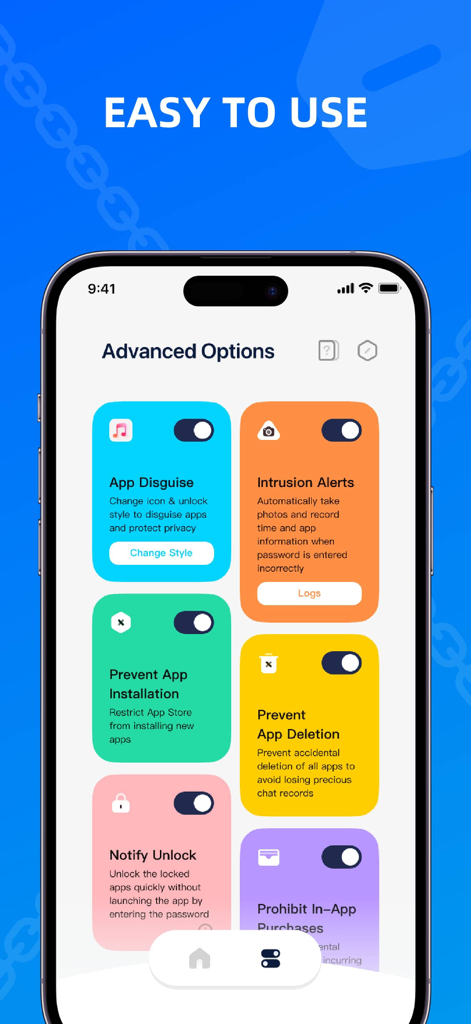
App Lock interface showing advanced security features and parental control options

App Lock interface showing advanced security features and parental control options

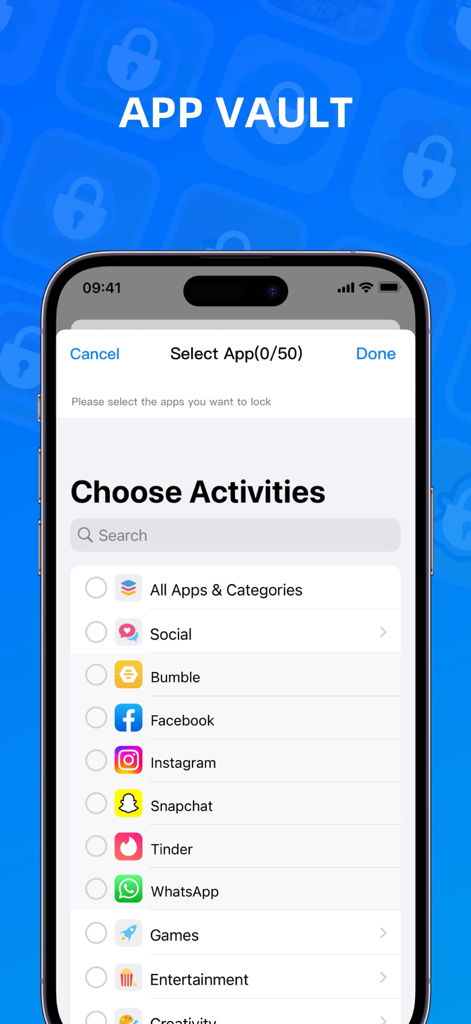
Interface showing a list of social media and dating apps available to lock for privacy and parental control.

Interface showing a list of social media and dating apps available to lock for privacy and parental control.

Unbeatable Protection for Your Personal Space

The tools that make this app stand out, trusted by 2M+ users.

🛡️

Complete Parental Control

Set app schedules and disable accidental purchases to create a safe, distraction-free environment for your children.

🕵️

Invisible Privacy Shield

Disguise sensitive apps with custom icons and catch snooping attempts with instant intrusion photos.

📍

Smart Location & Time Locks

Automate your security by locking social media at work or educational apps at bedtime based on your custom schedule.

Loved by users worldwide

Trusted by 2M+ people who love this app.

"

"This app is a total game-changer for my family. I can finally stop worrying about my kids making accidental purchases or spending too much time on social media. The scheduling feature is incredibly intuitive and effective!"

Sarah Jenkins
"

"I love the privacy features, especially the App Disguise. It gives me peace of mind when sharing my phone with others, knowing my sensitive apps are hidden and secure. The intrusion alert is a brilliant added layer of safety."

Marcus Chen

About the app

Everything you need to know about App Lock - Block Apps.

Description

Protecting Your Personal Privacy and Information Security! Setting Safety Limits for Your Child's Phone! No More Worries about Personal Privacy Leaks, No More Concerns about Gaming Addiction. More safeguards, fewer concerns. FEATURES - Create App Groups: Customize group cover and name. Set schedules to auto-lock or unlock apps, or trigger auto-lock when entering specific locations. - App Disguise: Change app icons and unlock screen styles to keep your protection discreet. - Intrusion Alert: Automatically detect suspicious access attempts and capture photos to guard your privacy 24/7. - Privacy Protection: Restrict any app to ensure sensitive content remains private. - Parental Controls: Prevent the installation of inappropriate apps, control screen time, and monitor device usage, providing a healthier mobile environment for your child. - Enhanced Security: Set numerical passwords for apps and utilize security questions for double protection. - Convenient Experience: Customize the duration for password-free unlocking, eliminating the need for repetitive password entry. - Prevent App Deletion: Prevent important apps from being deleted, ensuring data integrity. - Consumption Protection: Effectively disable accidental in-app purchases, preventing unnecessary expenses. - Quick Unlock: Unlock individual apps quickly without launching the application. SUBSCRIPTION TERM Confirm Subscription: Payment will be charged to your iTunes account upon confirmation. Manage Subscription: You can manage or cancel your subscription in your iTunes & App Store account settings. Auto-Renewal: Your subscription will automatically renew within 24 hours before the end of the current period. To cancel renewal, turn it off at least 24 hours before the period ends. Cancellation is not allowed during the active subscription period. Free Trial: After the trial ends, your subscription will auto-renew to the Premium plan. To avoid being charged, cancel at least 24 hours before the trial ends. If you subscribe during the trial, the remaining trial period will end immediately. Terms of Use: https://www.apple.com/legal/internet-services/itunes/dev/stdeula/ Privacy Policy: https://you.flyingbasic.com/linked/AppLocker/PrivacyPolicy/ Try it now! Give your privacy and data the powerful protection they deserve. If you have any questions or suggestions, feel free to reach out through the in-app feedback section.

Latest Version

1.3.5

Size

93.0 MB

First Released

Jul 23, 2023

Ready to Secure Your Digital World?

Join over 2 million users who trust App Lock to protect their privacy and set healthy boundaries for their families. Download now and start your free trial.

Download on App Store
FAQ

Frequently Asked Questions

Everything you need to know about App Lock - Block Apps

What is App Lock - Block Apps?

App Lock - Block Apps protects personal privacy and information security by setting safety limits for apps and parental controls for child's phones.

Does App Lock - Block Apps allow app icon disguise?

Yes, App Lock - Block Apps offers App Disguise, changing app icons and unlock screen styles to keep protection discreet.

Can App Lock - Block Apps detect unauthorized access attempts?

Yes, App Lock - Block Apps features Intrusion Alert, which automatically detects suspicious access attempts and captures photos.

Does App Lock - Block Apps offer parental control features?

Yes, App Lock - Block Apps provides Parental Controls to prevent inappropriate app installation, control screen time, and monitor device usage.

Can App Lock - Block Apps prevent accidental in-app purchases?

Yes, App Lock - Block Apps prevents accidental in-app purchases, ensuring consumption protection and avoiding unnecessary expenses.

Does App Lock - Block Apps provide a free trial?

Yes, App Lock - Block Apps offers a free trial. After the trial, the subscription auto-renews to the Premium plan.

How do I cancel my App Lock - Block Apps subscription?

To cancel the App Lock - Block Apps subscription, turn off auto-renewal in your iTunes & App Store account settings at least 24 hours before the current period ends.

Can App Lock - Block Apps prevent app deletion?

Yes, App Lock - Block Apps prevents important apps from being deleted, ensuring data integrity.

How does quick unlock work in App Lock - Block Apps?

App Lock - Block Apps allows users to quickly unlock individual apps without needing to launch the application fully.

How many apps can I lock with App Lock - Block Apps?

App Lock - Block Apps allows users to select and lock up to 50 applications or categories at a time.