
小白智慧打印-手机打印扫描复印,试卷擦除



Official Epson partner for Chinese-speaking families. Print directly from WeChat, erase test papers with AI, and access 3 million+ educational resources and calligraphy templates for your child’s success.
Publisher
Category
ProductivityDownloads
1M+User Rating
Total Ratings
70K+Locales
2Discover the interface used by 1M+ users.
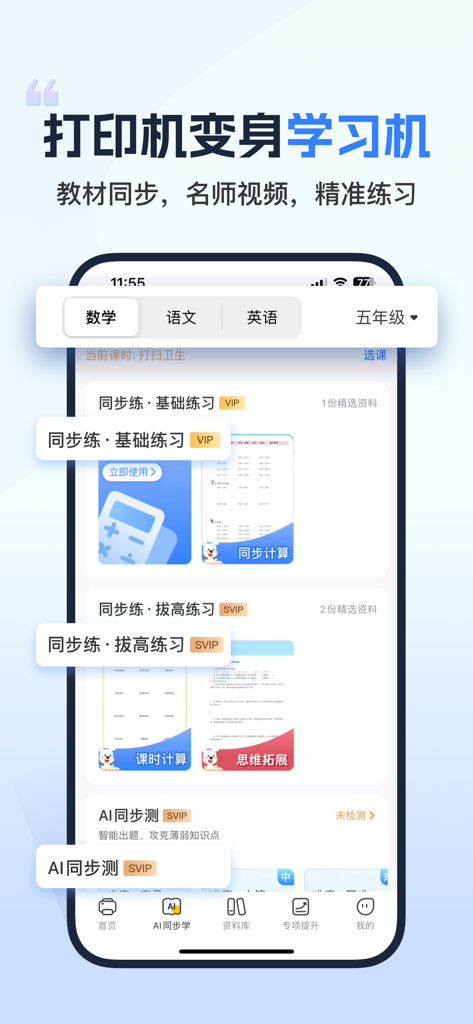
The tools that make this app stand out, trusted by 1M+ users.
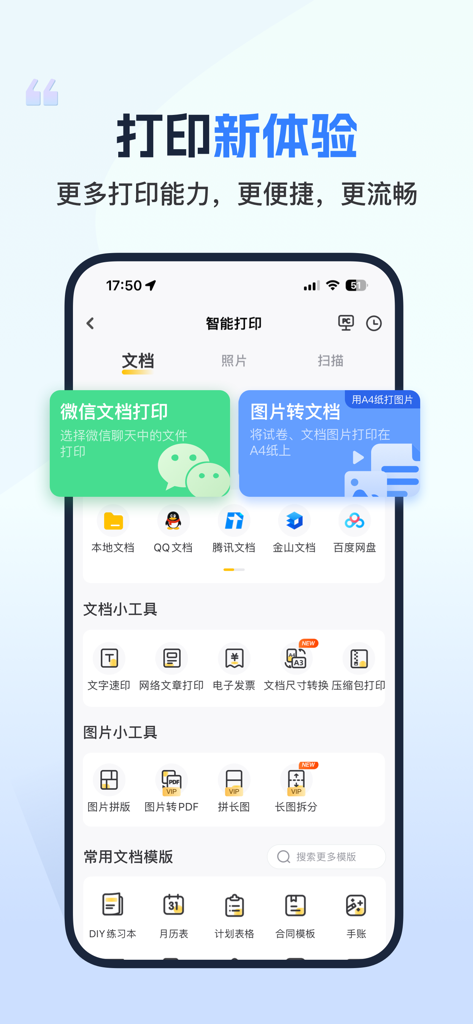
Eliminate the multi-step chore of saving files. Print homework, PDFs, and documents directly from WeChat, QQ, and DingTalk instantly.
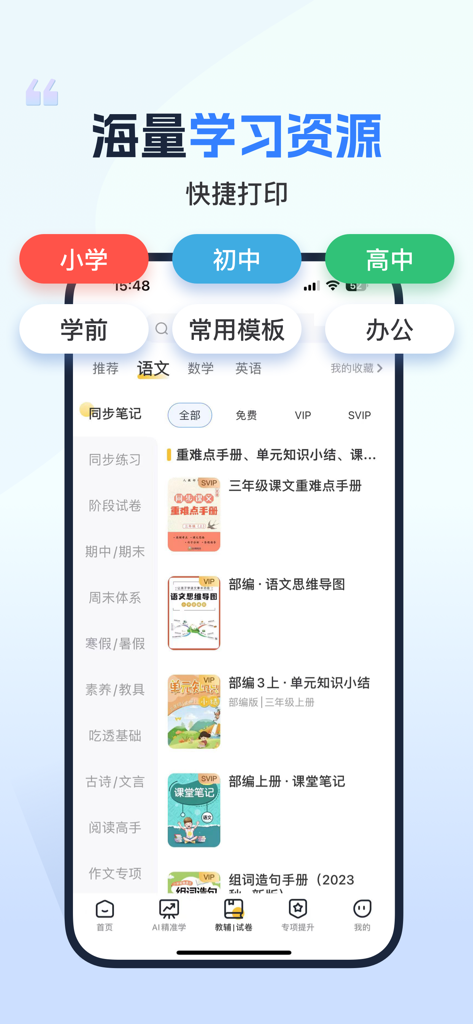
Access a massive library of K-12 test papers, calligraphy templates, and math drills to maintain your child's heritage language and academic edge.
Scan used assignments and let our AI automatically remove handwriting, creating clean, ready-to-print copies for effective practice.
Trusted by 1M+ people who love this app.
"As a parent in the US, managing my kids' supplemental Chinese schoolwork used to be a headache. This app changed everything! I can print PDFs directly from WeChat with one click, and the 'Test Paper Erase' feature is pure magic for reusing practice exams. It is an essential tool for any Chinese-speaking family looking to keep up with heritage learning."
"Finally, a printing app that actually works with the tools I use every day. Connecting to my Epson printer was incredibly fast—less than a minute. I use it for everything from printing resumes to grabbing quick templates for my weekly schedule. The integration with DingTalk and QQ is a huge time-saver for my graduate studies and freelance work."
Everything you need to know about 小白智慧打印-手机打印扫描复印,试卷擦除.
Description
Latest Version
4.6.0
Size
593.1 MB
First Released
May 12, 2020
爱普生官方授权合作,支持微信、钉钉文档一键秒印。内置300万+中文学习资源与AI试卷擦除功能,让孩子在海外也能高效学习、传承中文。
Everything you need to know about 小白智慧打印-手机打印扫描复印,试卷擦除
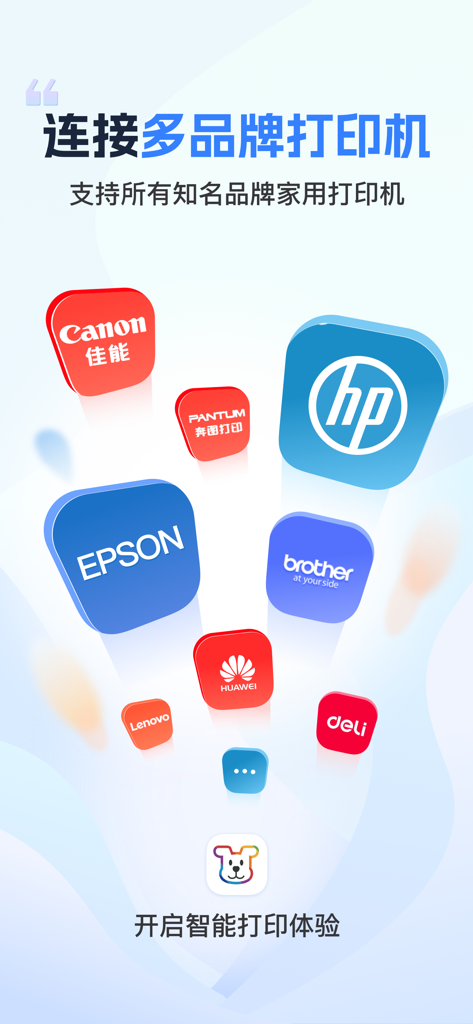
小白智慧打印 (Xiaobai Smart Print) supports multiple printer brands including Epson, Canon, HP, Brother, Pantum, Lenovo, Huawei, and Deli printers.
Yes, 小白智慧打印 (Xiaobai Smart Print) supports both EPSON cloud printing and local area network (LAN) printing. This allows for fast and stable printing.
小白智慧打印 (Xiaobai Smart Print) supports major platforms like WeChat, QQ, and DingTalk, along with formats such as Word, PDF, PPT, and Excel documents.
Yes, 小白智慧打印 (Xiaobai Smart Print) provides over 3 million learning resources, including exam papers, supplementary materials, copybooks, and e-textbooks for various school levels.
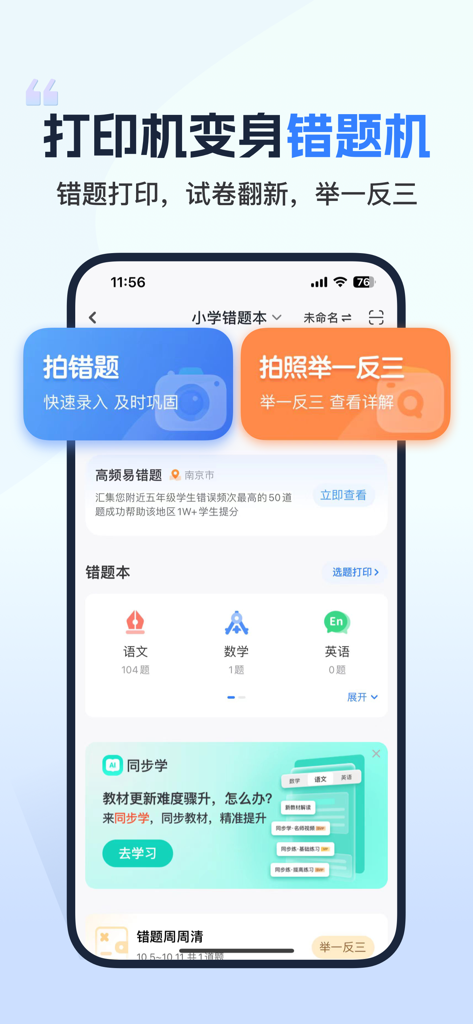
Yes, 小白智慧打印 (Xiaobai Smart Print) features a "wrong problem machine" that allows users to photograph wrong questions for quick recording and re-evaluation.
Users can connect an Epson printer to 小白智慧打印 (Xiaobai Smart Print) in as fast as one minute directly from their mobile phone.
Yes, 小白智慧打印 (Xiaobai Smart Print) supports one-click sharing, enabling family members to easily experience the convenience of printing together.
Yes, professional customer service is available to comprehensively address usage problems. The app also offers summarized solutions and intelligent troubleshooting for quick issue resolution.
Apps with similar features and user experience

Beijing Xiwangzaixian Subject Training School

Suzhou Xiaoshu Qimeng Technology Co.,Ltd.

Danatech Inc.

Alexandre Minard

Guangzhou Polar Future Culture Technology Co., Ltd

Wuhan Qingxia Network Technology Co, Ltd.

珏琨 王