
Authenticator App - 2FA &. MFA


Protect your crypto, social media, and professional life with encrypted cloud backup and seamless multi-device sync—security that stays with you.
Publisher
Category
ProductivityDownloads
693K+User Rating
Total Ratings
7K+Locales
8Discover the interface used by 693K+ users.
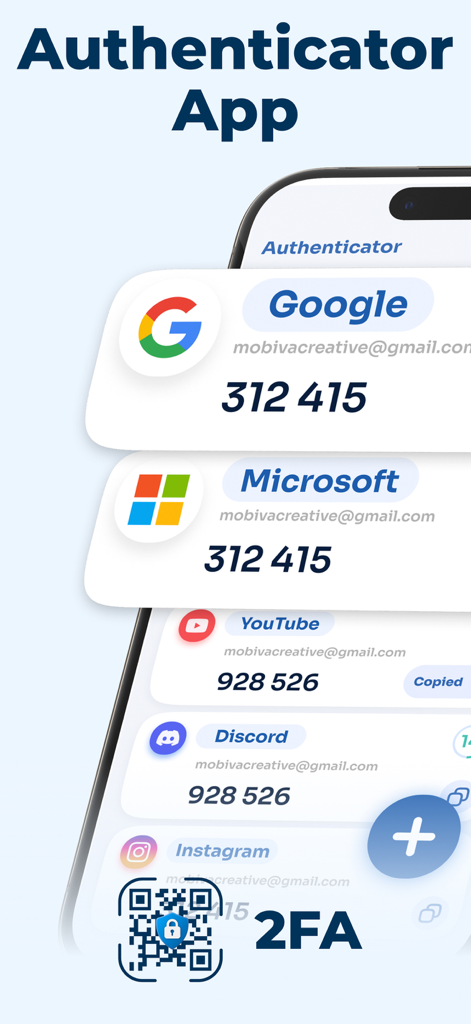
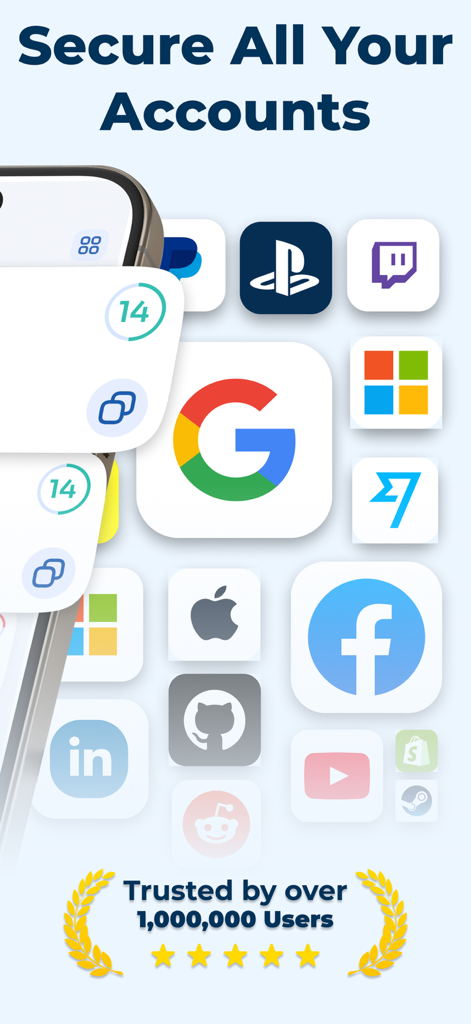
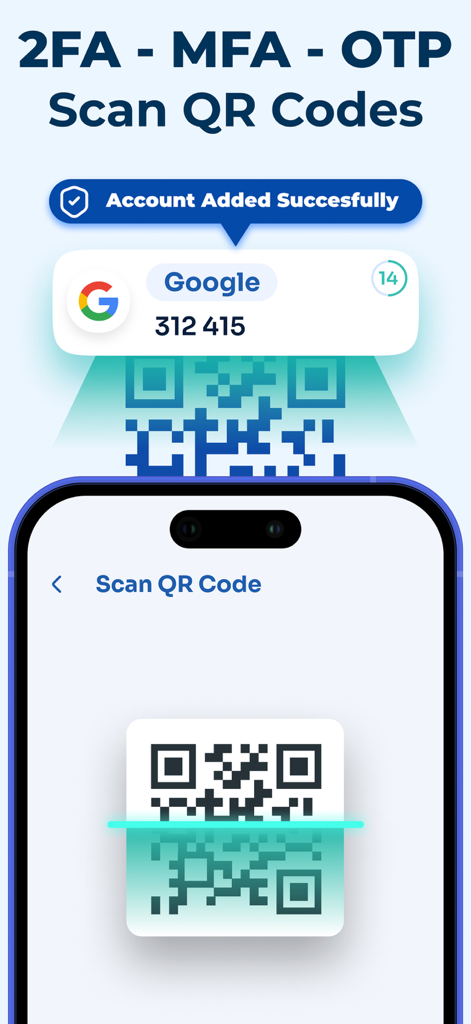
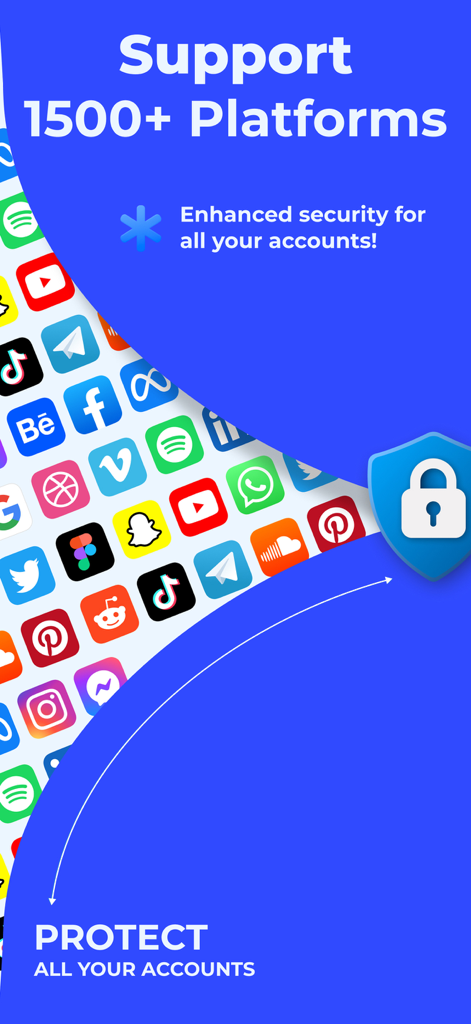
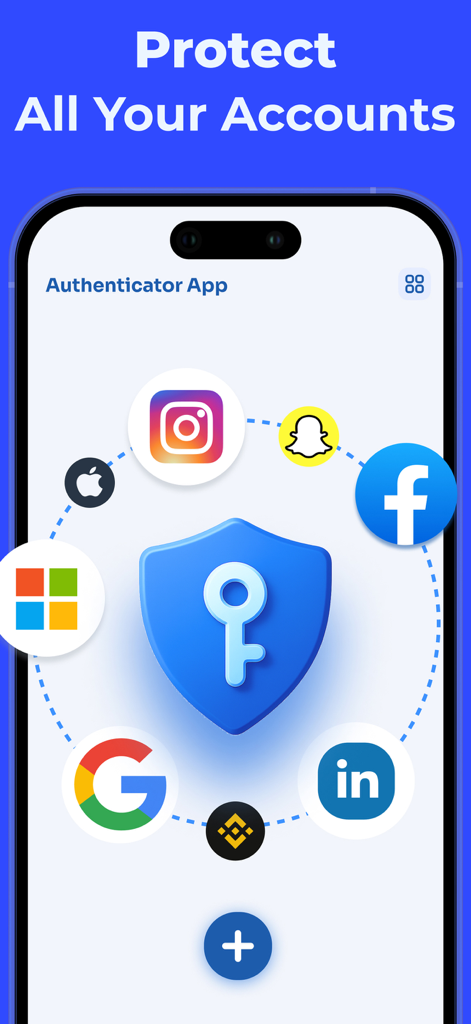
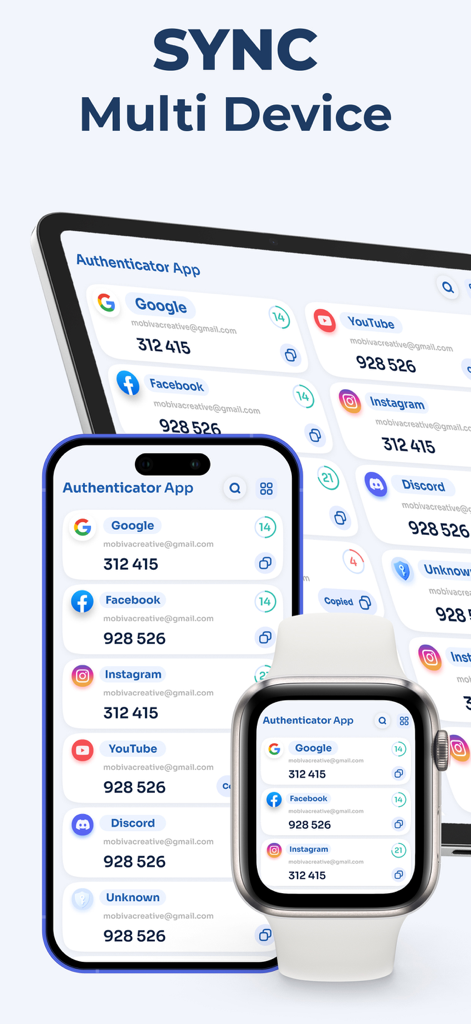
The tools that make this app stand out, trusted by 693K+ users.
Never worry about being locked out again. Securely back up your 2FA codes and sync them instantly across your iPhone and iPad using encrypted storage.
Add new accounts in seconds. Simply scan a QR code with your camera to start generating time-based one-time passwords (TOTP) without any manual hassle.
A professional-grade alternative to basic apps. One secure vault for everything—from Binance and Coinbase to Slack, Instagram, and Google.
Trusted by 693K+ people who love this app.
"The encrypted backup and sync feature is a total lifesaver. I used to be terrified of losing access to my crypto accounts when upgrading my iPhone, but this app makes the transition seamless and secure. Highly recommended for anyone who values their digital peace of mind."
"Managing multiple social media profiles for work means I need a 2FA tool that is both fast and reliable. This app is way more intuitive than other alternatives I have tried. The QR scanning is instant, and the interface is incredibly clean and easy to navigate."
Insights from user reviews.
Sentiment Score
Summary
The app receives overwhelmingly negative feedback, primarily due to deceptive pricing practices and unexpected charges. Many users report being automatically subscribed or billed without explicit consent, often after being led to believe the app was free or offered a genuine free trial. This has led to widespread frustration, with users demanding refunds and labeling the app as a "scam" or "fraud." Additionally, complaints about poor application functionality, difficulties in obtaining refunds, and comparisons to superior official alternatives are notable, while only a small number of reviews express a general positive experience.
Common Themes
Everything you need to know about Authenticator App - 2FA &. MFA.
Description
Latest Version
1.6
Size
34.9 MB
First Released
May 5, 2025
Join over 693K users who trust our encrypted backup and multi-device sync to keep their digital world secure. Get the ultimate alternative to Google Authenticator now.
Everything you need to know about Authenticator App - 2FA &. MFA
The Authenticator App generates time-based one-time passwords (TOTP) for any service that supports two-factor authentication (2FA). It protects digital identity across various online platforms and acts as a reliable Google Authenticator alternative.
Yes, the Authenticator App offers multi-device support. It securely backs up authentication data with encrypted storage and seamlessly syncs all 2FA codes across your iPhone, iPad, and Apple Watch.
The Authenticator App allows instant addition of new accounts by scanning QR codes. Users simply use their device's camera to scan the 2FA QR code provided by the service, and the account is added successfully.
The Authenticator App is compatible with over 1500 platforms requiring 2FA, including major services like Google, Facebook, Instagram, Microsoft, Binance, YouTube, Discord, and many others for both personal and business use.
Yes, the Authenticator App secures crypto exchanges and wallets. It generates TOTP codes for these platforms, protecting access to your digital assets with robust two-factor authentication. This includes services like Binance.
Yes, the Authenticator App is trusted by users. It has been used by over 1,000,000 individuals to secure their accounts with powerful two-factor authentication, demonstrating its reliability and widespread adoption.
Apps with similar features and user experience

Google LLC

Duo Security LLC

Mustafa Uz

Thales DIS (Singapore) Pte Ltd

Tatra banka, a.s.

Brilliant App Limited

UNIVERSE DIJITAL HIZMETLER LIMITED SIRKETI

XSOFT GLOBAL LIMITED
Stefan Philipsen