
Balello



From solo side-hustles to team collaborations, manage tasks and track progress effortlessly with the intuitive interface built for the modern achiever.
Publisher
Category
Social NetworkingDownloads
132K+User Rating
Total Ratings
200Locales
1Discover the interface used by 132K+ users.
The tools that make this app stand out, trusted by 132K+ users.
Organize personal projects and daily to-dos with an aesthetic, flexible interface designed for the digital native.
Turn goals into shared wins. Effortlessly collaborate with friends or teammates to keep everyone aligned and motivated without the corporate friction.
Stay on top of every milestone with intuitive progress bars that turn your hard work into instant visual satisfaction.
Trusted by 132K+ people who love this app.
"Balello has completely changed how I manage my freelance projects. It is the perfect mix of a social app and a powerful task manager, making collaboration with my clients feel effortless and actually fun."
"Finally, a productivity tool that does not feel like a chore! I use Balello to sync with my study group, and the progress tracking keeps everyone motivated. It is intuitive, flexible, and looks great on my iPad."
Everything you need to know about Balello.
Description
Latest Version
1.0.12
Size
57.8 MB
First Released
May 11, 2025
Join over 132,000 users who've simplified their workflow. Download Balello now and start collaborating effortlessly on the projects that matter most.
Everything you need to know about Balello
Balello is a task management tool designed for individuals and teams to manage tasks, track progress, and collaborate on projects efficiently through an intuitive interface.
Yes, Balello allows users to track progress on projects. The application is designed to help both solo users and teams stay on top of their work with its features.
Yes, Balello supports team collaboration by providing tools for managing tasks and tracking progress. Its intuitive interface enables seamless coordination for teams.
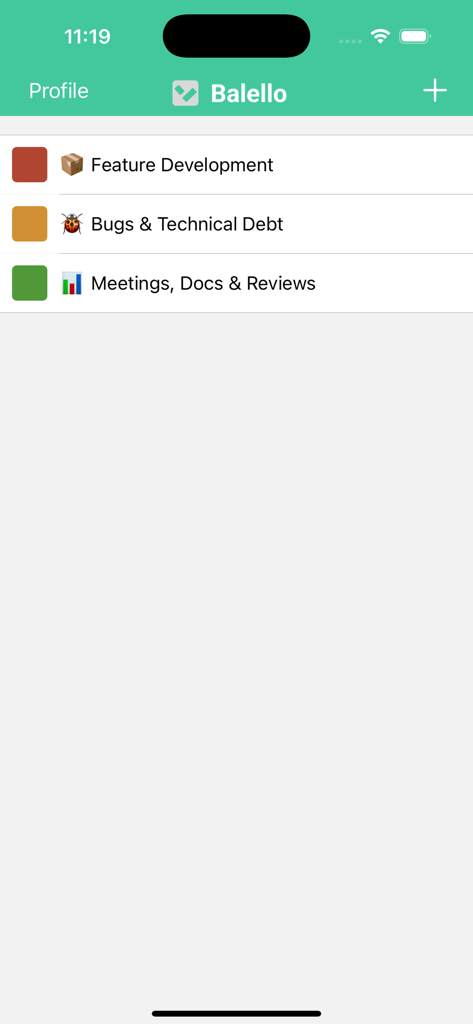
Yes, Balello allows users to create different project boards. Examples visible are 'Feature Development', 'Bugs & Technical Debt', and 'Meetings, Docs & Reviews'.
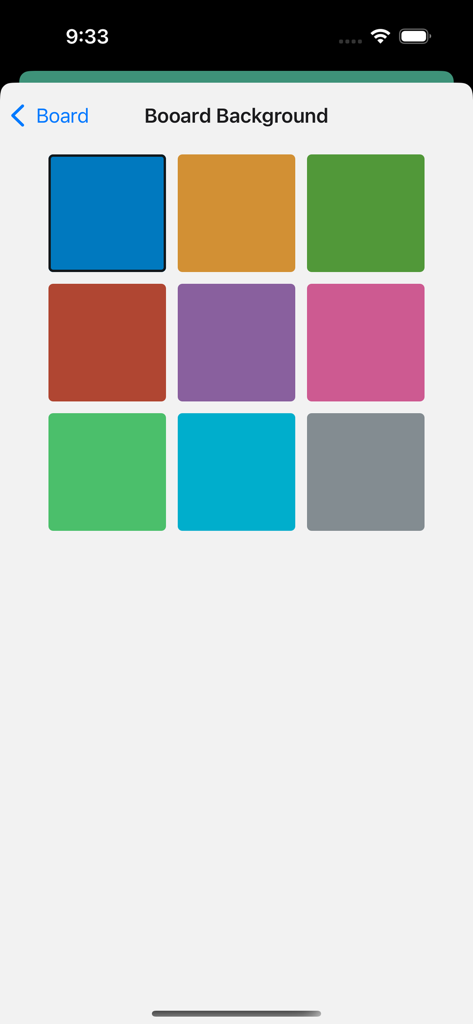
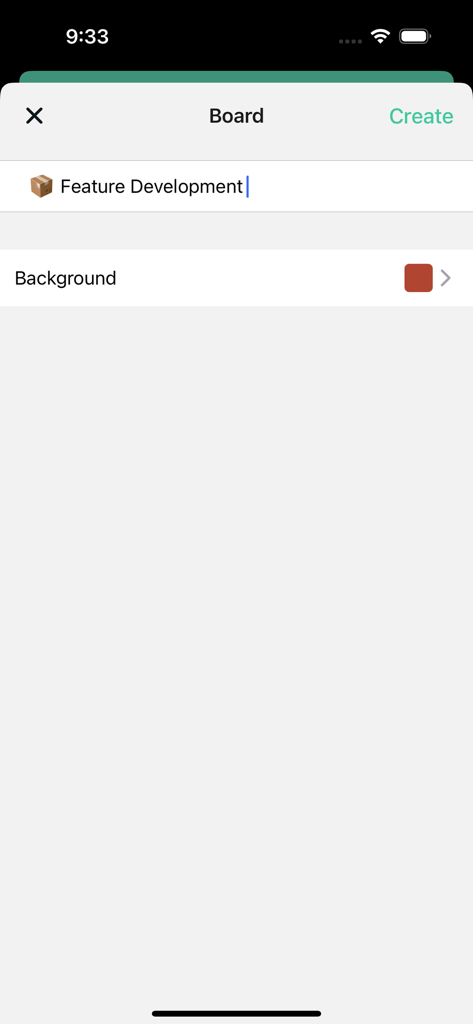
Yes, users customize the appearance of boards in Balello. The app provides options to select various background colors for each board during creation or editing.
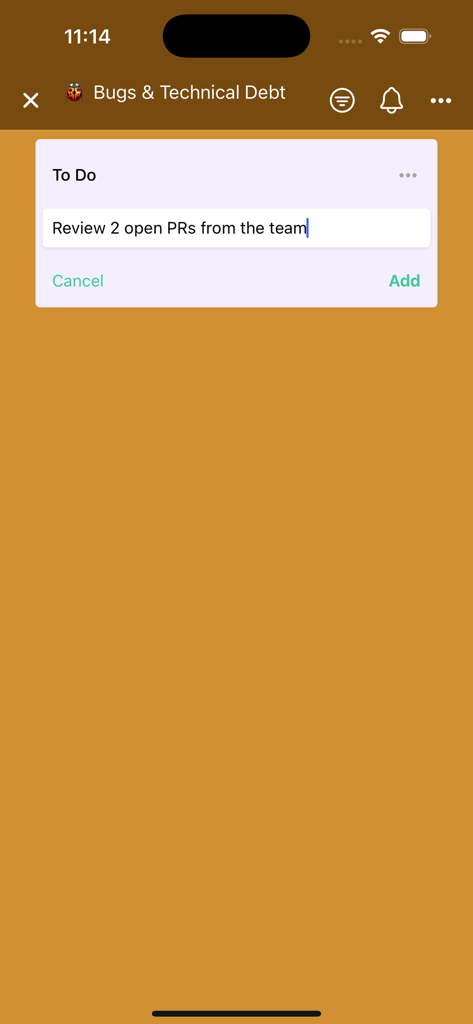
Users add tasks in Balello by typing the task description into the 'To Do' section within a board and confirming with the 'Add' button. This assigns the task to the list.
Apps with similar features and user experience
37Signals LLC
皓 李

Zoho Corporation

Iouri Korotkikh

ProjectWizards GmbH

Simple Genius Software, LLC

Hangzhou Ostar Media Co.,Ltd.

Viewer Central Inc
Viewer Central Inc