BROWSER with TV Remote

BROWSER with TV Remote

Download on App Store
Spark by MWM logo
Logo of BROWSER with TV Remote
BROWSER with TV Remote: Stream Smarter and Surf Privately

The ultimate companion for cord-cutters. Detect web videos instantly, block annoying pop-ups, and take control of your privacy with a fully customizable, dark-mode browser.

Publisher

LUJO UG (haftungsbeschraenkt)

Category

Utilities

Downloads

26K+

User Rating

4.8/5

Total Ratings

700

Locales

80

A Smarter View

Discover the interface used by 26K+ users.
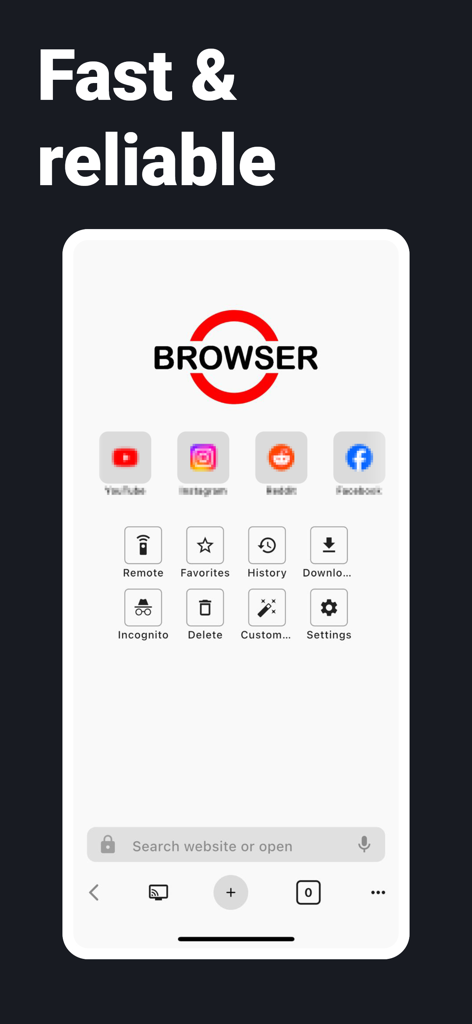
Main interface of BROWSER with TV Remote app showing website shortcuts and navigation menu

Main interface of BROWSER with TV Remote app showing website shortcuts and navigation menu

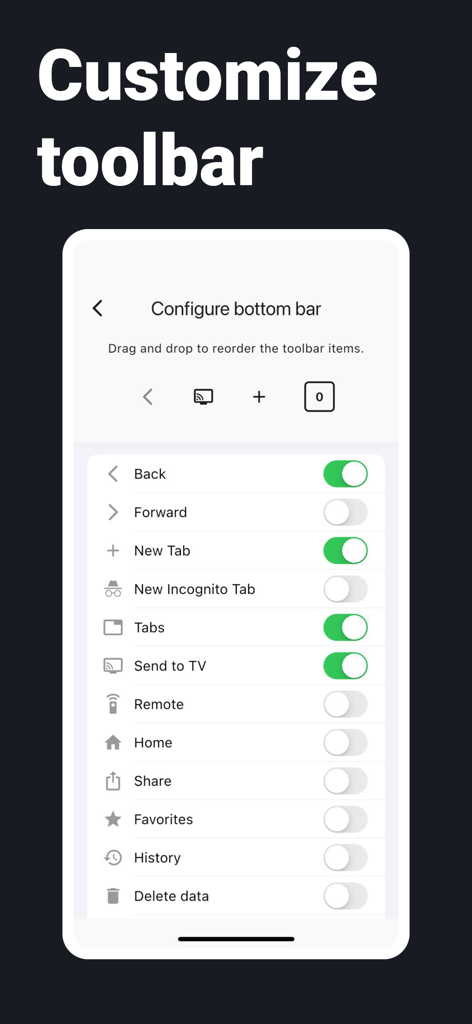
Interface for customizing the browser bottom toolbar with options for Send to TV and Remote

Interface for customizing the browser bottom toolbar with options for Send to TV and Remote

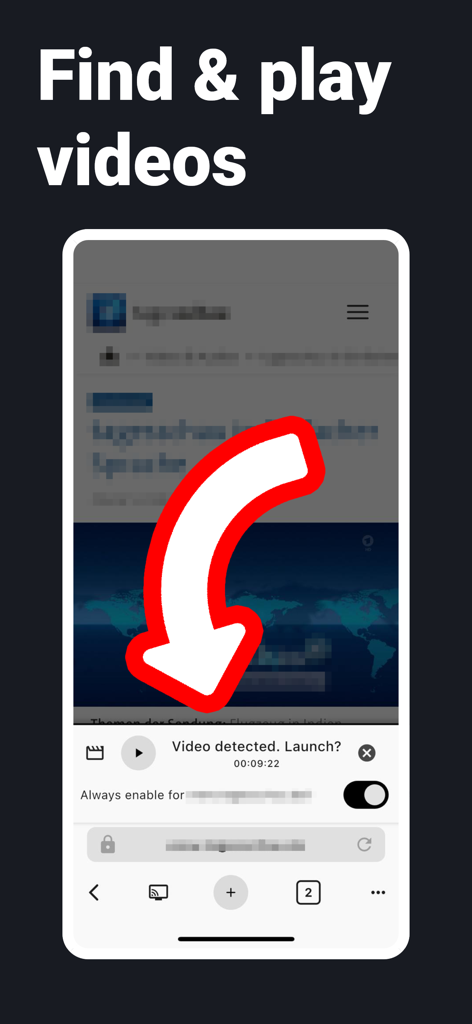
A mobile browser interface showing a video detected prompt with a red arrow pointing to the play button.

A mobile browser interface showing a video detected prompt with a red arrow pointing to the play button.

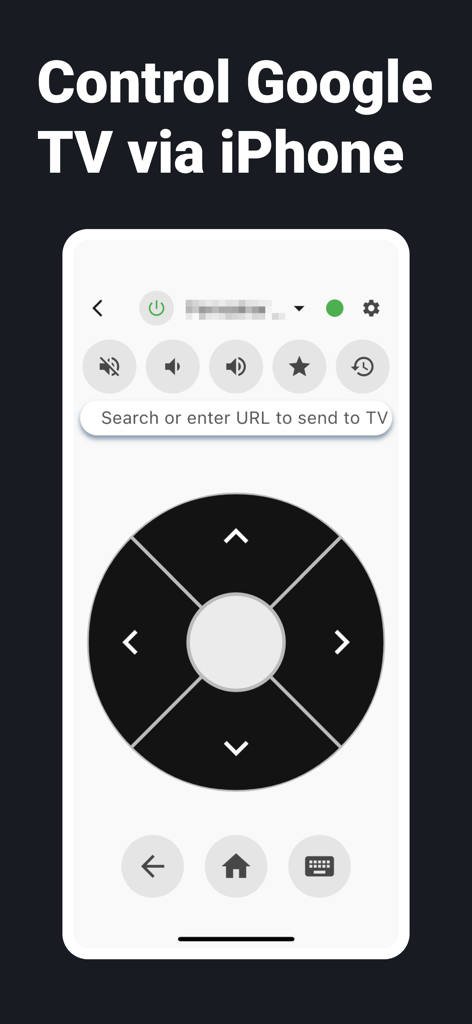
A digital TV remote interface on an iPhone for controlling Google TV

A digital TV remote interface on an iPhone for controlling Google TV

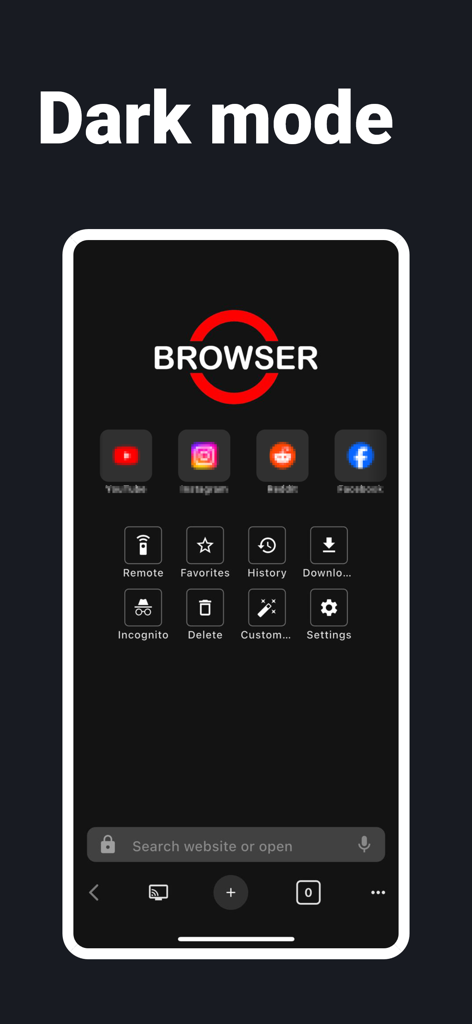
The interface of the BROWSER with TV Remote app featuring its dark mode theme with website shortcuts and utility icons.

The interface of the BROWSER with TV Remote app featuring its dark mode theme with website shortcuts and utility icons.

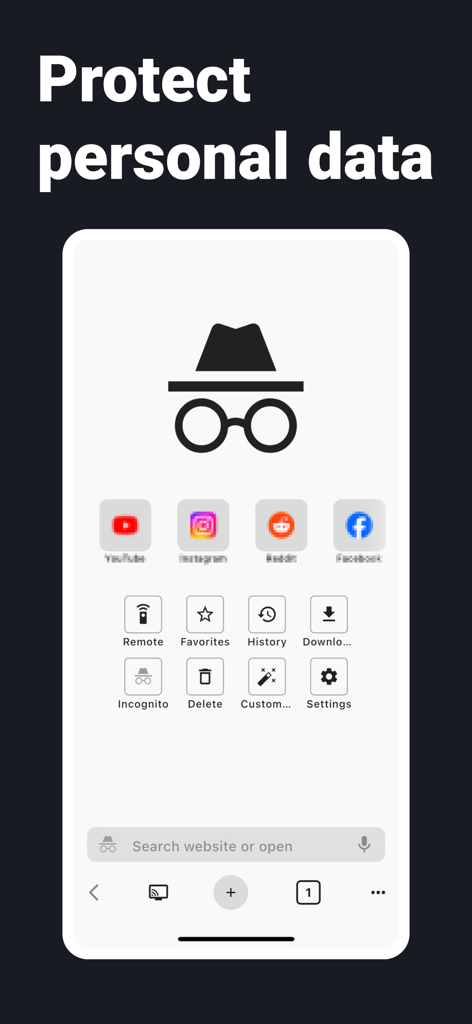
Interface of BROWSER with TV Remote app highlighting incognito mode and personal data protection features

Interface of BROWSER with TV Remote app highlighting incognito mode and personal data protection features

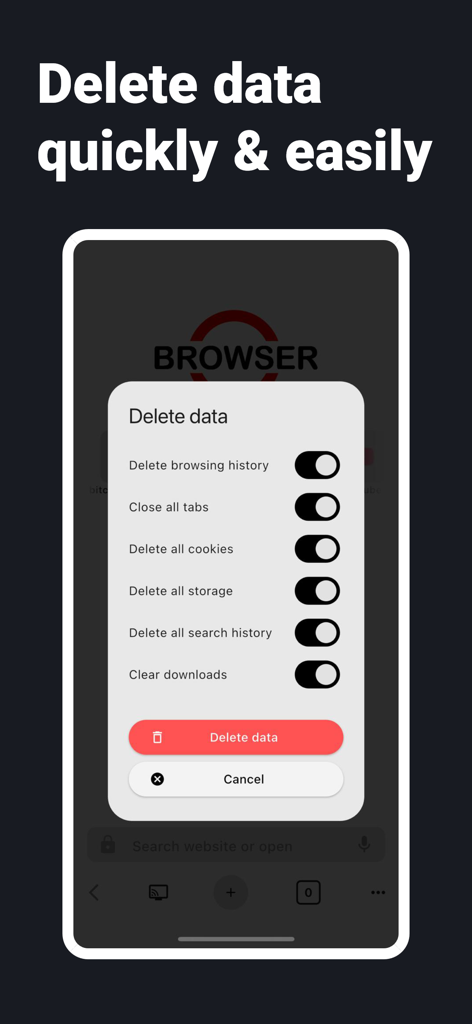
The delete data menu showing privacy options like clearing cookies and browsing history

The delete data menu showing privacy options like clearing cookies and browsing history

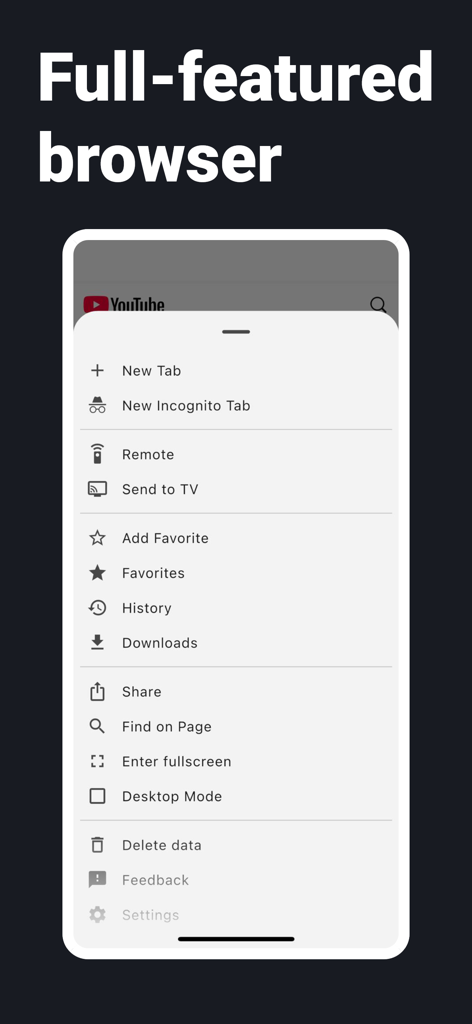
A mobile screenshot showing the full featured browser menu with options for TV remote and streaming

A mobile screenshot showing the full featured browser menu with options for TV remote and streaming

Master Your Mobile Web

The tools that make this app stand out, trusted by 26K+ users.

📺

Smart Video Discovery

Instantly identify and play web videos directly, bypassing clunky site interfaces and confusing navigation for a pure viewing experience.

🛡️

Zero-Distraction Browsing

Built-in pop-up and redirect blockers stop aggressive ads and forced windows before they interrupt your flow.

🕶️

Pro-Level Privacy Control

Toggle Incognito mode or clear your entire digital footprint with a single tap, keeping your browsing habits entirely your own.

Loved by users worldwide

Trusted by 26K+ people who love this app.

"

"Finally, a browser that actually understands what cord-cutters need. The video finder feature is like magic—it detects videos on any site so I can watch my favorite niche sports without the usual pop-up nightmare. It's become my go-to for streaming."

Marcus T.
"

"As someone who spends a lot of time browsing on my iPad at night, the dark mode and customizable toolbar are life-savers. I love how easy it is to wipe my data and stay private with just a couple of clicks. It's fast, clean, and super intuitive."

Sarah J.

About the app

Everything you need to know about BROWSER with TV Remote.

Description

Our browser is an internet web browser. You can open websites and surf the web. Features: * Customizable toolbar & search bar – design your browser to suit your needs * Video finder – detects and plays videos directly on websites * Easy privacy – delete cache, cookies, and history with just a few clicks * Dark mode – easy on the eyes, even at night * Pop-up blocker – browse without annoying ad windows * Redirect blocker – protection against automatic redirects * Incognito mode – surf privately and without tracking

Latest Version

398

Size

68.6 MB

First Released

Aug 18, 2025

Upgrade Your Streaming Experience Today

Stop fighting pop-ups and redirects. Join thousands of cord-cutters using the cleanest browser to find and watch videos with total privacy.

Download on App Store
FAQ

Frequently Asked Questions

Everything you need to know about BROWSER with TV Remote

Does BROWSER with TV Remote support dark mode?

Yes, BROWSER with TV Remote supports a dark mode feature. This allows users to browse with a display that is easy on the eyes, especially during night-time use.

How can I customize the toolbar in BROWSER with TV Remote?

Users can customize the toolbar in BROWSER with TV Remote by accessing the "Configure bottom bar" settings. This allows them to drag, drop, and reorder various browser functions like Back, Forward, New Tab, and Send to TV.

Can BROWSER with TV Remote find and play videos from websites?

Yes, BROWSER with TV Remote includes a video finder feature. This functionality detects videos directly on websites and offers to play them for the user.

Does BROWSER with TV Remote offer an incognito mode for private browsing?

Yes, BROWSER with TV Remote offers an incognito mode. This allows users to surf privately without tracking, ensuring their browsing activities are not saved.

How does BROWSER with TV Remote protect user privacy regarding data?

BROWSER with TV Remote ensures user privacy by allowing easy deletion of cache, cookies, and history with a few clicks. It also features a redirect blocker and a pop-up blocker.

Can I control my TV with the BROWSER with TV Remote app?

Yes, the BROWSER with TV Remote app includes functionality to control compatible TVs. Users can use the app as a remote to manage playback, volume, and send URLs to the TV.

Does BROWSER with TV Remote block pop-up ads and redirects?

Yes, BROWSER with TV Remote includes both a pop-up blocker and a redirect blocker. These features ensure a browsing experience free from annoying ad windows and automatic redirects.