
Calculator for iPad!


Beyond basic math: solve scientific equations, track your history, and take handwritten notes with a stunning, customizable interface designed specifically for your iPad.
Publisher
Category
UtilitiesDownloads
4M+User Rating
Total Ratings
221K+Locales
22Discover the interface used by 4M+ users.
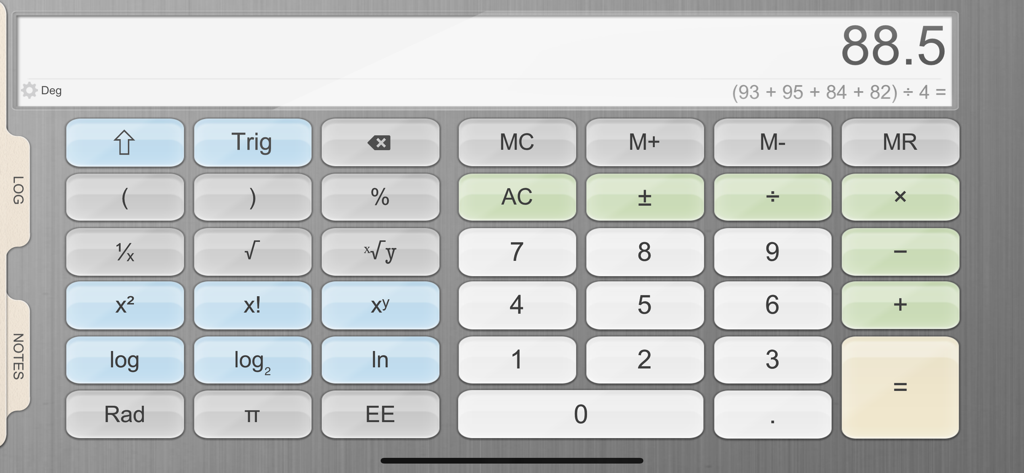
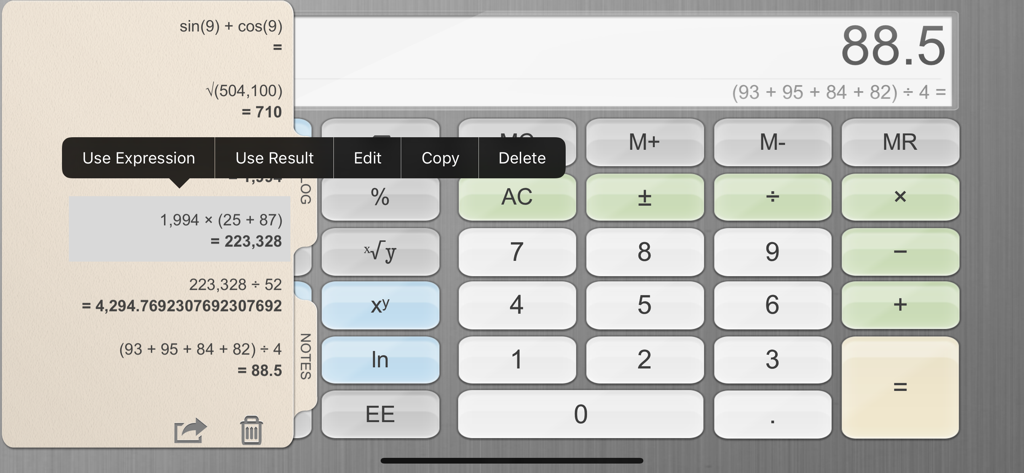
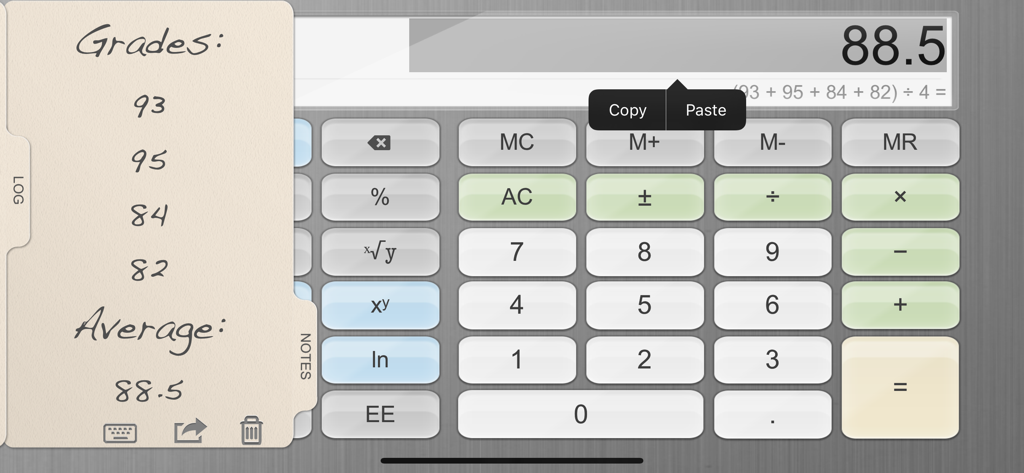
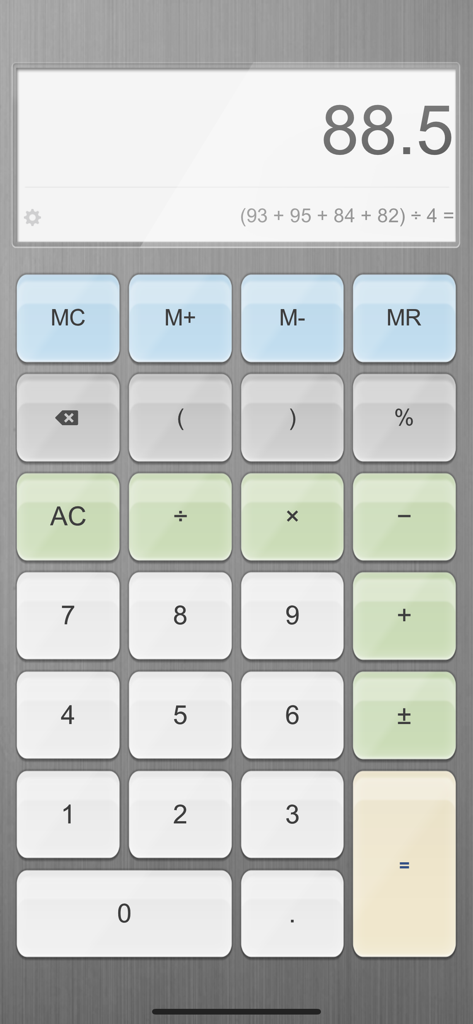
The tools that make this app stand out, trusted by 4M+ users.
Handle complex formulas with over 30 scientific operations and precision up to 75 significant digits for absolute accuracy.
Never lose track of your work with a searchable calculation history and a built-in canvas for sketching ideas or reminders.
Match your style with premium leather textures and background colors, fully optimized for landscape and split-view multitasking.
Trusted by 4M+ people who love this app.
"Finally, a calculator that actually utilizes the iPad screen! As an engineering student, having scientific functions alongside a dedicated Notes tab to scribble formulas is a game-changer. It is much more than a basic tool; it is my primary study companion."
"The customization options are fantastic and I love the classic leather aesthetic. The History tab is indispensable for my monthly budgeting, allowing me to double-check every figure without starting over. It is the perfect professional solution for the iPad."
Everything you need to know about Calculator for iPad!.
Description
Latest Version
2.65
Size
70.5 MB
First Released
Jul 30, 2011
Get the high-precision tools, history tracking, and note-taking features you've been missing. Download the ultimate calculator for students and professionals today.
Everything you need to know about Calculator for iPad!
Calculator for iPad! provides both a standard calculator and a scientific calculator. The scientific mode includes over 30 operations for advanced calculations.
Yes, Calculator for iPad! allows users to customize its appearance. On iPad, users can change the leather color and background texture to personalize the application's look.
Yes, Calculator for iPad! supports both portrait and landscape modes for its calculators on iPad. This allows for flexible use depending on user preference and device orientation.
Yes, Calculator for iPad! includes a History Tab. Users can view and edit a history of their calculations. It also allows viewing the equation of current calculations.
The Notes Tab in Calculator for iPad! enables users to take notes or draw directly with their finger. This feature provides a convenient way to jot down information alongside calculations.
Calculator for iPad! calculates with high accuracy, supporting more than 75 significant digits. This ensures precise results for complex mathematical operations and professional use.
Yes, Calculator for iPad! supports the use of parenthesis and nested parenthesis in calculations. This feature allows users to define the order of operations accurately.
Apps with similar features and user experience

Alan Mrvica
Chongqing Frozen Technology Co., LTD
Wight Hat Ltd
Cider Software LLC

Ratha Sou
Beijing Free Calculator Technology Co., Ltd.

Cleveni Inc.
7th Gear

Raja V