
Car Video Record



Turn your iPhone into a high-definition safety tool. Capture every mile with real-time GPS coordinates, speed overlays, and street names for ultimate insurance protection and peace of mind.
Publisher
Category
NavigationDownloads
62K+User Rating
Total Ratings
0Locales
3Discover the interface used by 62K+ users.
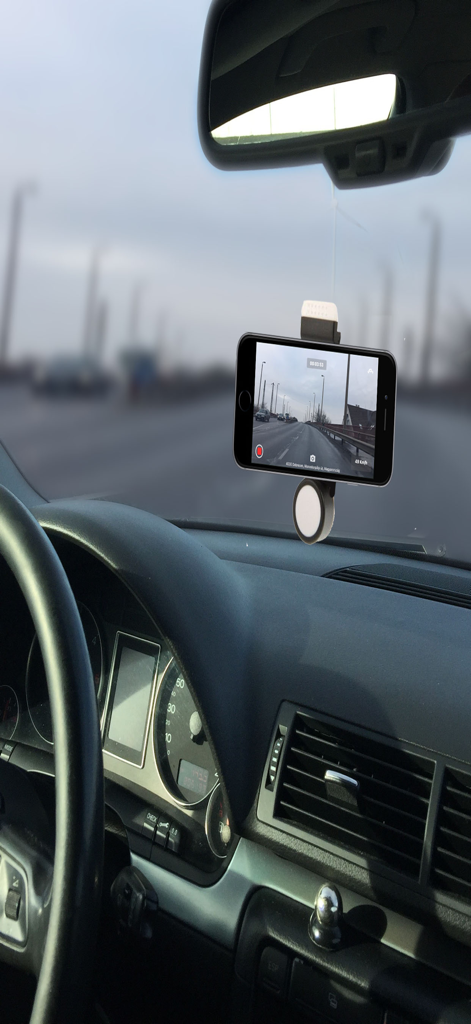

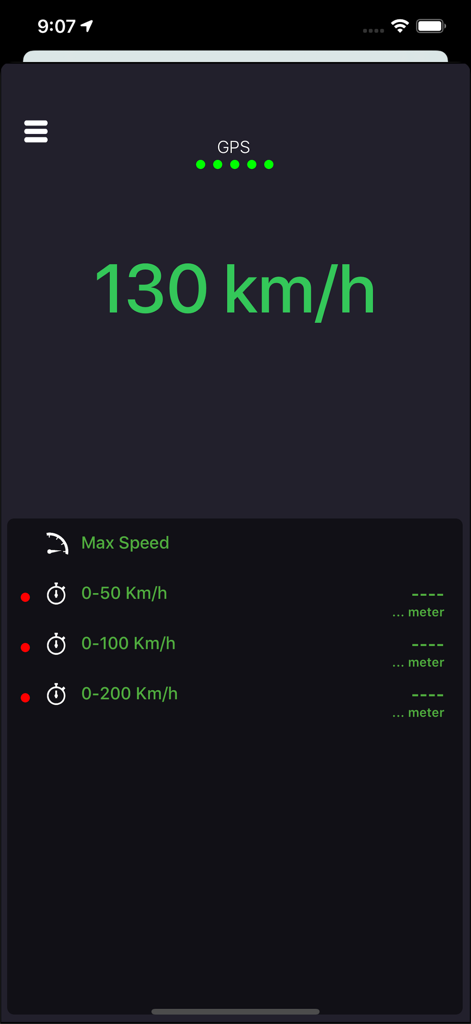
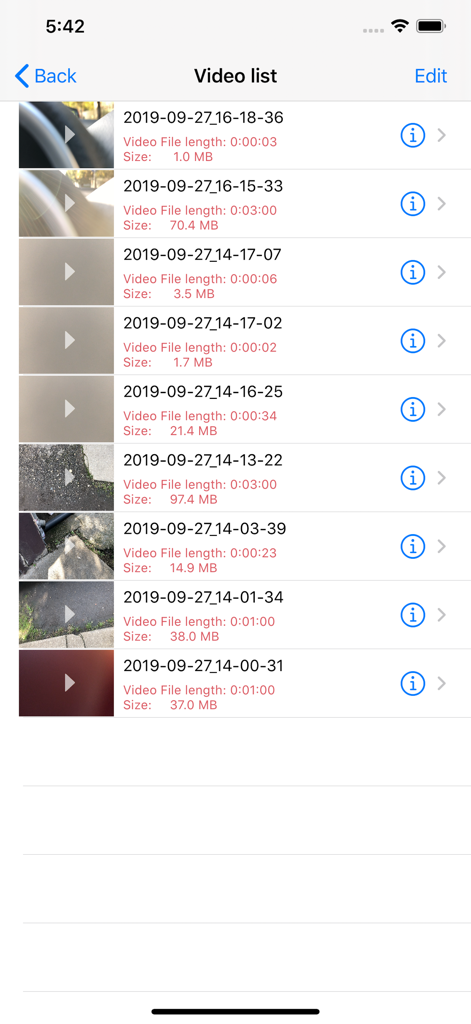
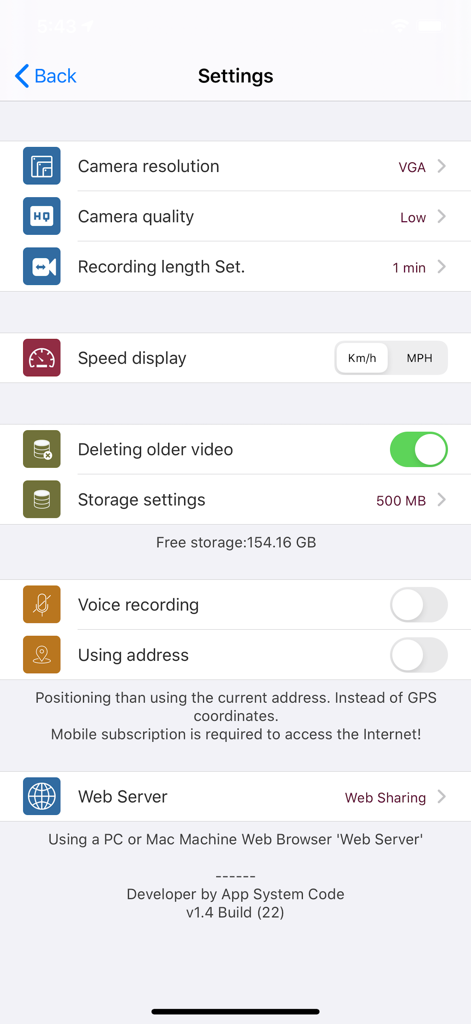
The tools that make this app stand out, trusted by 62K+ users.
Protect yourself from insurance fraud with real-time overlays of your GPS coordinates and speed, providing irrefutable proof for any claim.
Drive worry-free with 'set it and forget it' technology that automatically manages your storage by replacing older clips with your latest journeys.
Quickly retrieve and export footage via a built-in web server or iTunes, making it easy to send evidence directly to insurance adjusters or law enforcement.
Trusted by 62K+ people who love this app.
"As a full-time rideshare driver in Chicago, this app is a lifesaver. Having the GPS coordinates and speed displayed directly on the video helped me quickly settle an insurance claim where I wasn't at fault. It is a cost-effective alternative to expensive hardware that works perfectly on my old iPhone."
"I love how easy it is to manage storage with the auto-delete feature. I use it for my daily commute and the recording quality is fantastic. The ability to see exactly which street I was on thanks to the address overlay provides incredible peace of mind for such a small investment."
Everything you need to know about Car Video Record.
Description
Latest Version
1.6.1
Size
13.7 MB
First Released
Feb 17, 2017
Protect your insurance premiums and avoid "he-said, she-said" disputes. Join over 62,000 drivers using their iPhone as a professional dashcam with GPS-backed evidence.
Top-ranked apps in the same category

Google LLC

waze

AutoNavi Information Technology Co. Ltd.

Beijing Baidu Netcom Science & Technology Co.,Ltd

Moovit App Global LTD

9280-0366 Quebec inc.

Parkmobile USA, Inc

Shenzhen Tencent Computer Systems Company Limited

Ile de France Mobilites