Clean Email — Inbox Cleaner




Join 1.5 million professionals using our secure, automated tools to unsubscribe from junk and bulk-delete thousands of emails in minutes.
Publisher
Category
ProductivityDownloads
333K+User Rating
Total Ratings
3K+Locales
1Discover the interface used by 333K+ users.
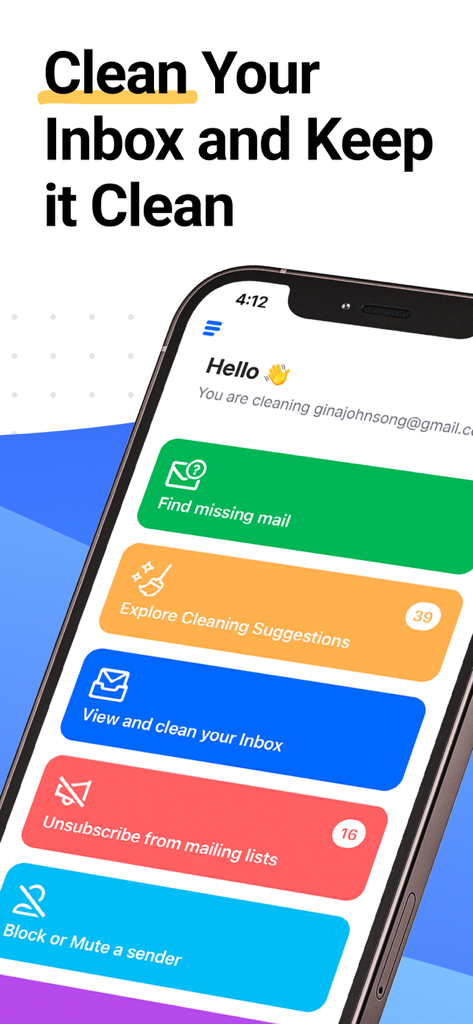

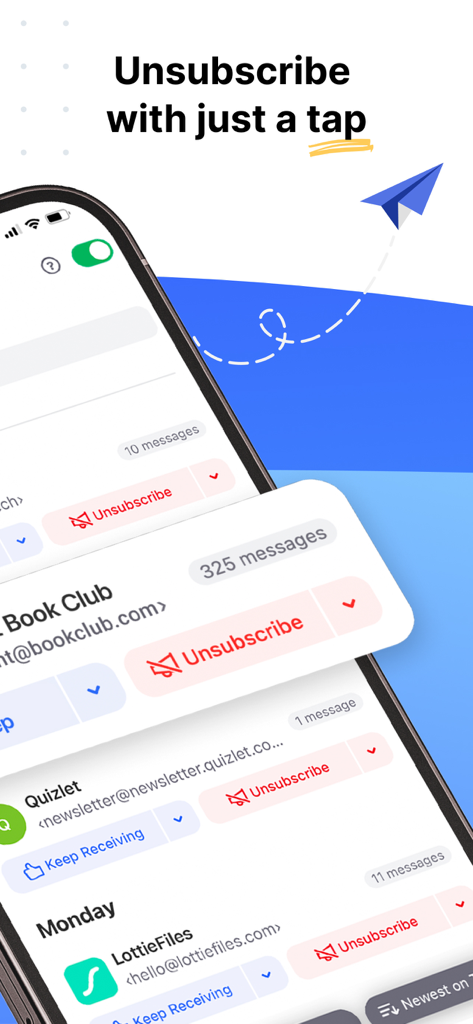
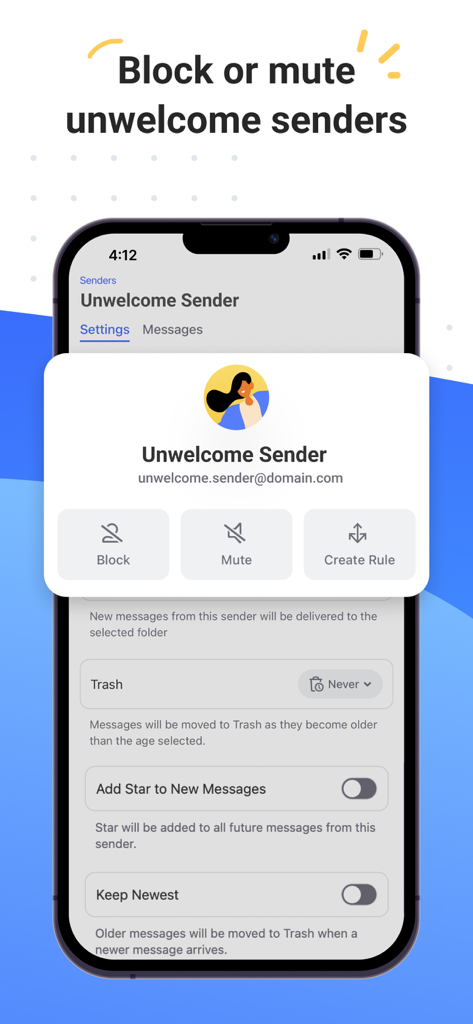
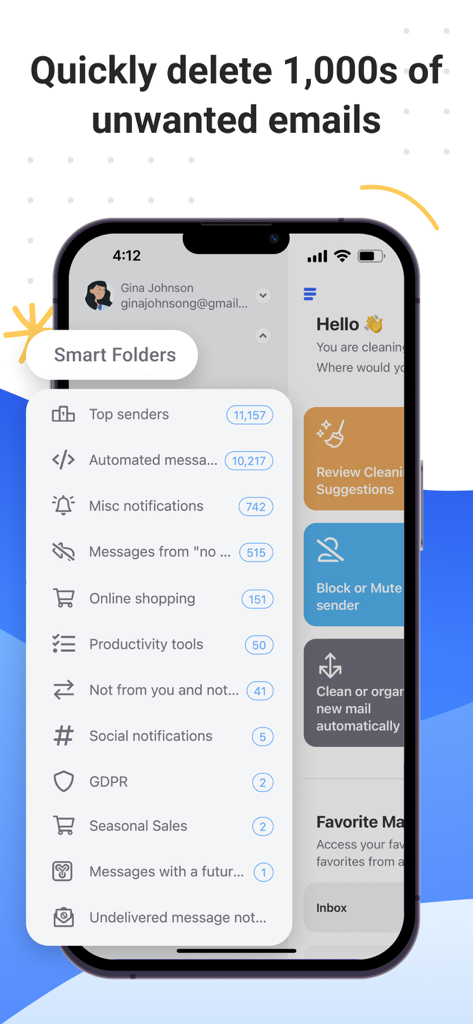
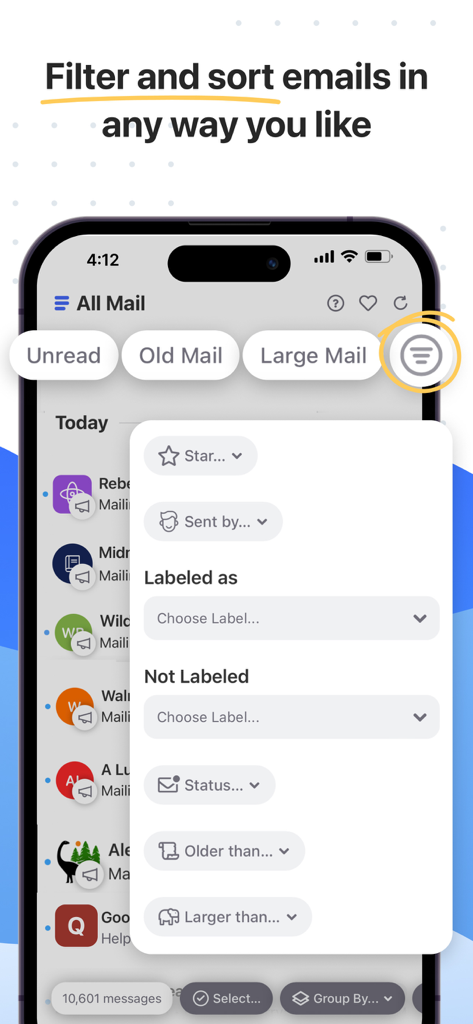
The tools that make this app stand out, trusted by 333K+ users.
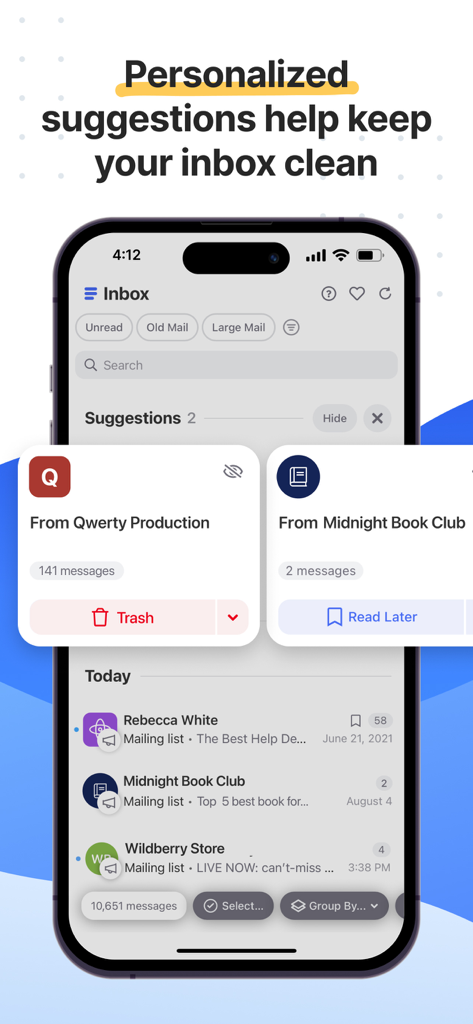
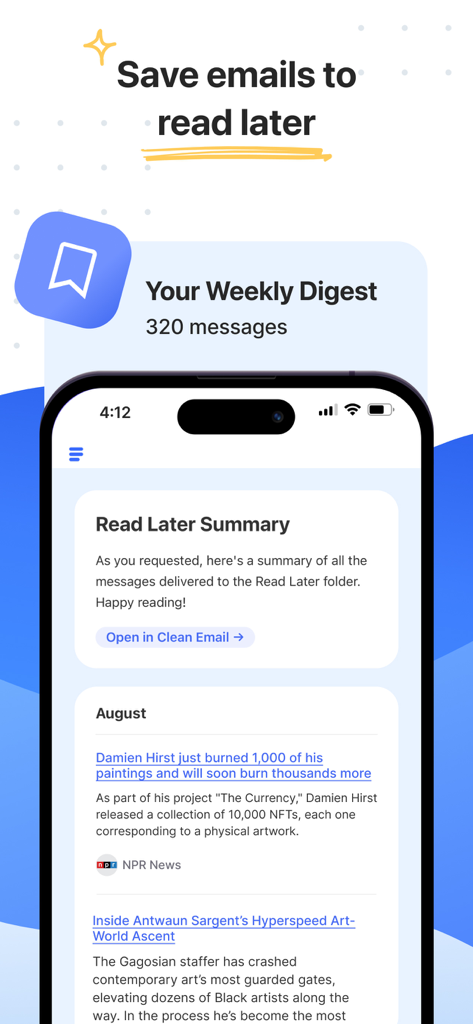
Instantly delete, archive, or move 10k+ emails with a single click. Finally tackle years of unread messages without the manual frustration.
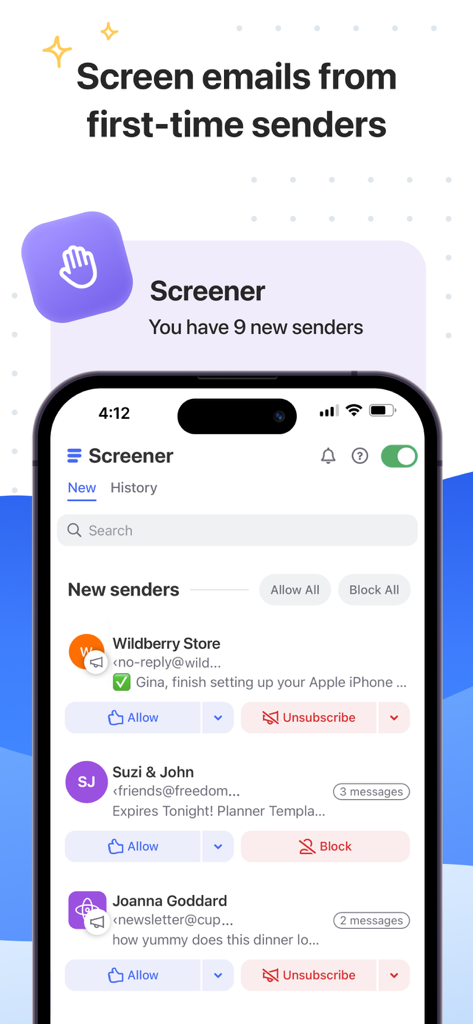
Take total control of your sender list. Easily stop unwanted newsletters and block persistent noise so only important messages reach you.
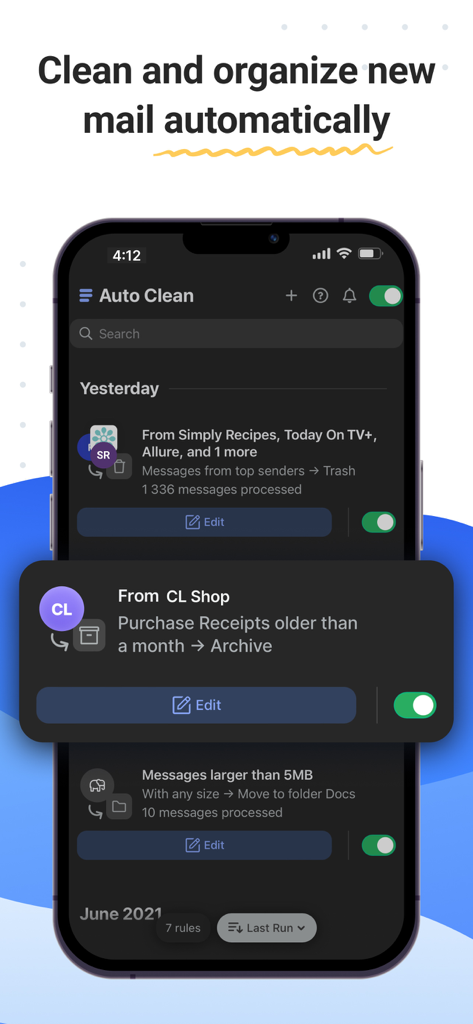
Set it and forget it. Create custom automation to file or delete incoming mail as it arrives, keeping your inbox tidy while you focus on what matters.
Trusted by 333K+ people who love this app.
"I had over 20,000 unread emails across three different accounts and felt completely overwhelmed. Clean Email helped me clear the clutter in minutes without worrying about my data being sold. The Auto Clean rules are a total game-changer for my daily productivity."
"As a freelancer, my inbox is my life, but it was becoming a source of constant anxiety. This app finally gave me control back. Unsubscribing from hundreds of old newsletters at once felt like a massive weight being lifted off my shoulders."
Insights from user reviews.
Sentiment Score
Summary
The Clean Email app receives mixed feedback, primarily praised by users for its ability to quickly organize and delete large volumes of emails, significantly reducing inbox clutter and stress. Many appreciate its speed, categorization features, and tools for setting up rules and screening senders, often calling it a "game changer." However, a significant number of users express strong dissatisfaction with the app's functionality, citing issues such as ineffective email deletion, a clunky and confusing user interface, and aggressive subscription models. Common complaints also include problems with logging in, slow performance, and concerns about unintended deletion of important emails or the unsubscribe feature not working as expected.
Common Themes
Everything you need to know about Clean Email — Inbox Cleaner.
Description
Latest Version
3.0.43
Size
5.7 MB
First Released
Sep 22, 2017
Join 1.5 million professionals who trust Clean Email to reclaim their time and privacy. Clean your first 1,000 emails for free and experience the relief today.
Everything you need to know about Clean Email — Inbox Cleaner
Clean Email is a powerful all-in-one email cleaner and organizer tool. It helps users unsubscribe, block senders, and bulk delete thousands of emails to manage their inbox efficiently.
Yes, Clean Email prioritizes user privacy. It is Google-verified, certified secure, and explicitly states that it never sells, analyzes, or reads user data, ensuring complete privacy.
After a free trial, Clean Email subscriptions start at $9.99 per month for one email account. An annual plan is also available for $29.99 per year, offering significant savings.
Yes, Clean Email is compatible with popular email services. It works with Gmail, iCloud, Yahoo, Hotmail, Outlook, Office 365, AOL, Fastmail, GMX Mail, and all IMAP accounts.
Yes, Clean Email can automatically organize emails. Users can set up 'Auto Clean' rules to prevent spam and clutter from returning, ensuring continuous inbox management.
Yes, Clean Email allows users to unsubscribe from newsletters easily. The tool specifically offers a feature to stop newsletters and promotional emails permanently.
Yes, Clean Email offers a free trial. Users can clean their first 1,000 emails, unsubscribe from 25 newsletters, and use Screener and Auto Clean rules for 14 days without charge.
Apps with similar features and user experience