Coloring Watch

Coloring Watch

Download on App Store
Spark by MWM logo
Logo of Coloring Watch

Coloring Watch: Your Personal Moment of Zen on Your Wrist

Discover the ultimate stress-relief tool designed exclusively for Apple Watch. Turn your digital crown into a paintbrush to track mindful minutes, lower your heart rate, and create stunning custom watch faces without any subscriptions.

Download on App Store

Publisher

Sydvesti Oy

Category

Entertainment

Downloads

254K+

User Rating

4.3/5

Total Ratings

1K+

Locales

4

A Glimpse of Calm

Discover the interface used by 254K+ users.
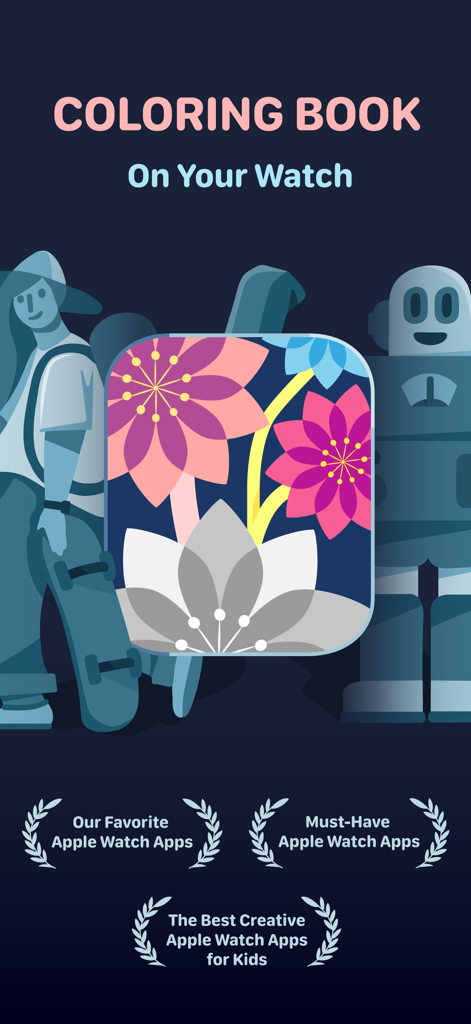
Promotional graphic for Coloring Watch app featuring floral art and accolades for Apple Watch excellence.

Promotional graphic for Coloring Watch app featuring floral art and accolades for Apple Watch excellence.

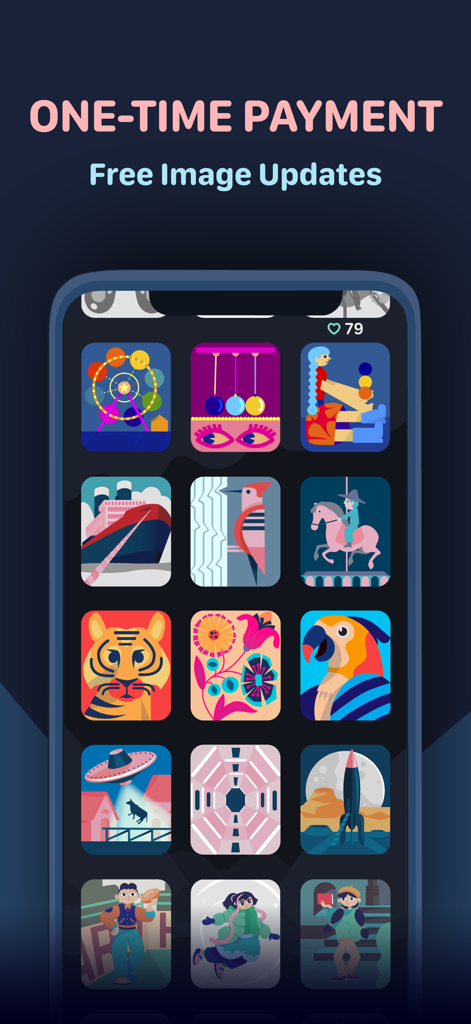
Interface of the Coloring Watch app on iPhone showing a grid of colorful coloring images and a one time payment message.

Interface of the Coloring Watch app on iPhone showing a grid of colorful coloring images and a one time payment message.

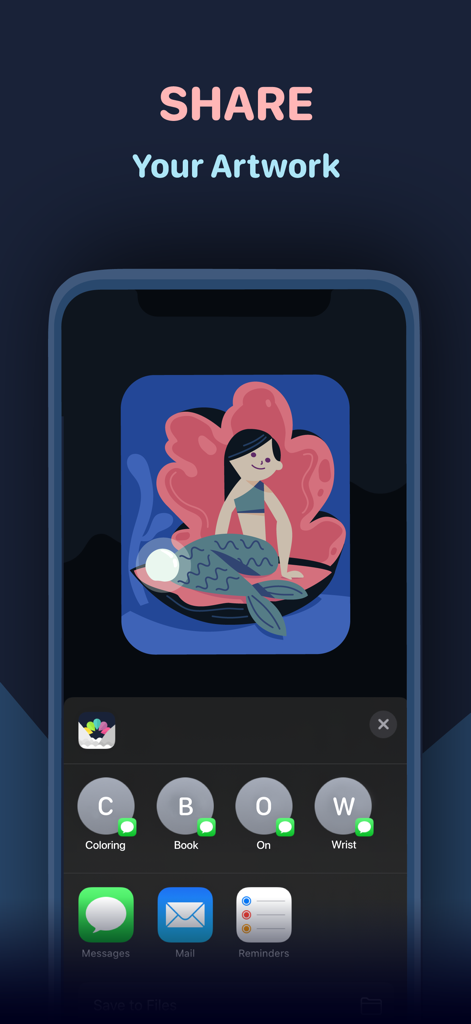
iPhone screen showing options to share a colored mermaid illustration from the Coloring Watch app.

iPhone screen showing options to share a colored mermaid illustration from the Coloring Watch app.

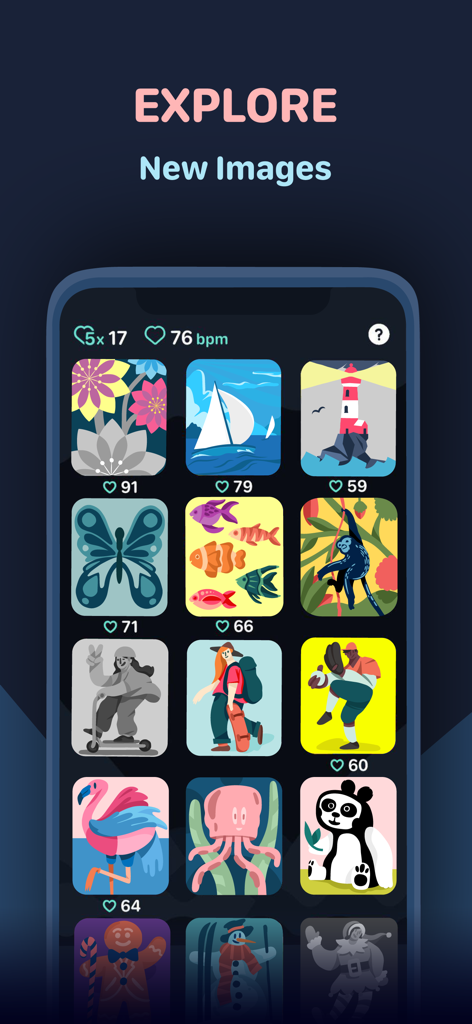
A gallery of colorful illustrations in the Coloring Watch mobile app.

A gallery of colorful illustrations in the Coloring Watch mobile app.

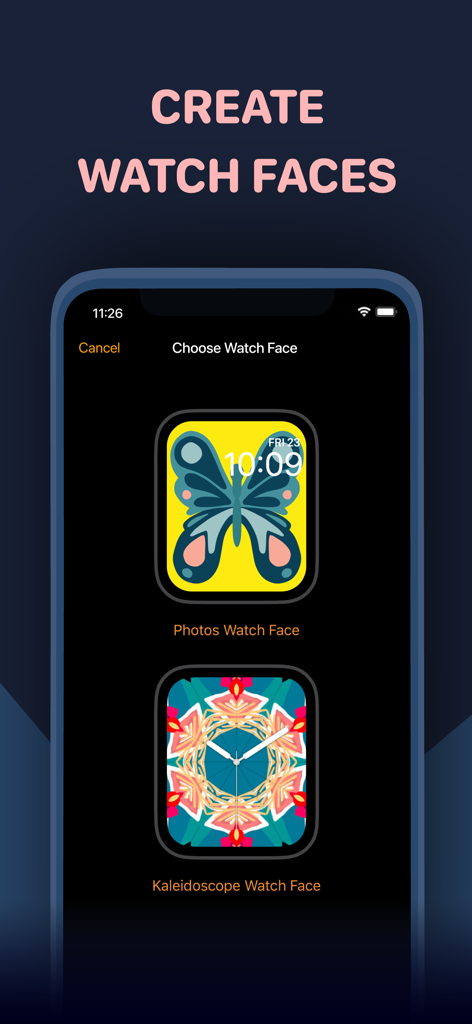
An iPhone screen displaying options to create custom Apple Watch faces from colored butterfly and kaleidoscope designs.

An iPhone screen displaying options to create custom Apple Watch faces from colored butterfly and kaleidoscope designs.

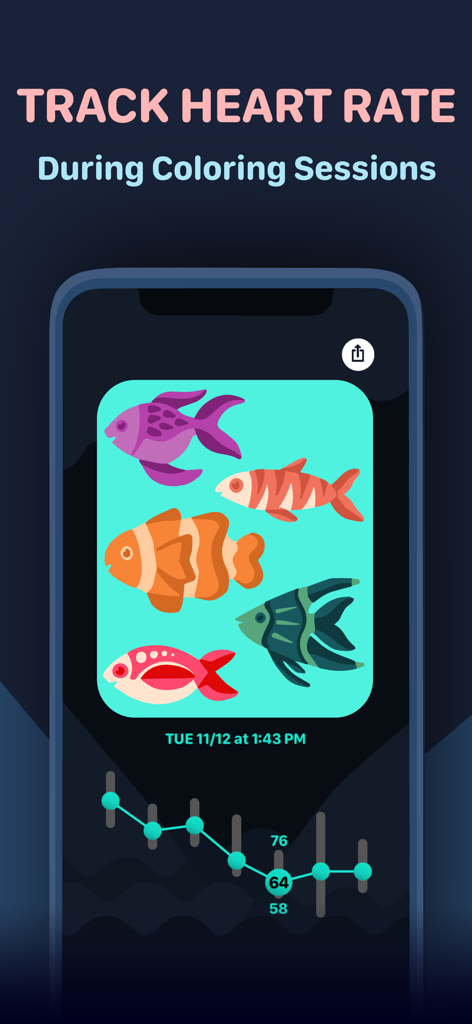
Smartphone screen showing heart rate tracking graph and colored fish illustrations from a Coloring Watch session

Smartphone screen showing heart rate tracking graph and colored fish illustrations from a Coloring Watch session

A Sanctuary of Calm, Right on Your Wrist

The tools that make this app stand out, trusted by 254K+ users.

🧘

Master the Micro-Break

Transform transit time or meeting gaps into moments of zen with over 180 optimized designs and intuitive Digital Crown color tuning.

📈

Quantify Your Calm

Track your heart rate and earn Mindful Minutes for HealthKit as you color, providing real-time data on how your body relaxes.

💎

One Payment, Infinite Style

Enjoy a subscription-free experience. Own your art forever and turn your finished masterpieces into personalized watch faces and complications.

Loved by users worldwide

Trusted by 254K+ people who love this app.

"

"Finally a wellness app that doesn't demand a monthly subscription! I use it during my commute to stay calm. Being able to see my heart rate data synced with my coloring sessions really helps me understand my stress levels. It is the perfect micro-meditation tool for my wrist."

Sarah Jenkins
"

"The level of detail is amazing for a watch app. I love using the digital crown to cycle through colors—it is incredibly satisfying. My favorite part is setting my completed art as my watch face. It turns my Apple Watch into a piece of digital jewelry that I actually created myself."

Marcus Thompson

About the app

Everything you need to know about Coloring Watch.

Description

Featured by Apple in "Must-Have Apple Watch Apps" and "Our Favorite Apple Watch Apps" collections. Coloring is a great way to calm down and relieve stress. Now for the first time you can experience the relaxing effects of coloring directly on your Apple Watch. Designed exclusively for Apple Watch, Coloring Watch gives you a full coloring experience on your Apple Watch while introducing new mindfulness aspects to coloring. **One-time payment - No in-app purchases - All image updates for free** Requires an Apple Watch with watchOS 8 or later. Recommended device Series 4 or later. Set Complication feature available on Series 4 devices or later. ***Color images on your Apple Watch*** -Over 180 images available on your Apple Watch. Including animated and still images -Tune colors smoothly by using the digital crown -100 colors to choose from -Your progress is automatically stored and you can continue your coloring anytime -Toggle between image parts by tapping the screen. Tap the right half of the screen to select the next part, and tap the left part of the screen to select the previous part -Browse through and select different images that are uniquely designed for Apple Watch and the Coloring Watch app (swipe to open menu) ***Create Watch Faces and Share your creations*** -After coloring images on the Apple Watch the results can be seen on the iPhone -Tap images on your iPhone to open share menu -Share menu also contains a “Create Watch Face” button that lets you use your creations as Watch Faces on your Apple Watch -Set your favorite coloring image as a complication on the following watch faces: Infograph, Infograph Modular, Meridian, California, Modular Compact and X-Large(watchOS 7 only). Please note that the supported complications are only available on Series 4 and later devices ***Mindful Minutes*** -Breathe calmly and start five minute Coloring Sessions that will track your heart rate while coloring or while just relaxing -After completing Coloring Sessions examine changes in your heart rate during the five minute sessions (use digital crown to scroll through data) -Coloring Sessions with health tracking is completely optional and can be started by opening the app menu (swipe to open the menu) -By seeing detailed heart rate data after Coloring Sessions you can get insight on how breathing and focusing in a simple relaxing task such as coloring, can affect your heart rate -Coloring Sessions are stored as Mindful Minutes into HealthKit and contribute to your Mindful Minutes in your Health app -Starting Coloring Sessions will reset the colors of the selected image to its original state -Please note that Coloring Sessions require access to your HealthKit ***Privacy*** -In order to start optional Coloring Sessions that track your heart rate, Coloring Watch needs access to your Heart Rate and Mindful Minutes data in HealthKit -Your personal data used by Coloring Watch is only stored and used locally on your devices ***What to do if Coloring Watch does not appear on your Apple Watch*** -Download Coloring Watch directly from the App Store on your Apple Watch If you have any questions we will happily help you: contact@coloringwatch.com

Latest Version

6.1

Size

75.8 MB

First Released

Jul 20, 2019

Ready to Transform Your Apple Watch into a Sanctuary of Calm?

Join over 254,000 mindful users. Unlock 180+ designs, track your heart rate, and reclaim your peace—all for a one-time payment with zero subscriptions.

Download on App Store