
Credas


Join over 3 million people who trust our government-certified technology to safely verify their identity and source of funds in minutes.
Publisher
Category
BusinessDownloads
2M+User Rating
Total Ratings
272K+Locales
2Discover the interface used by 2M+ users.
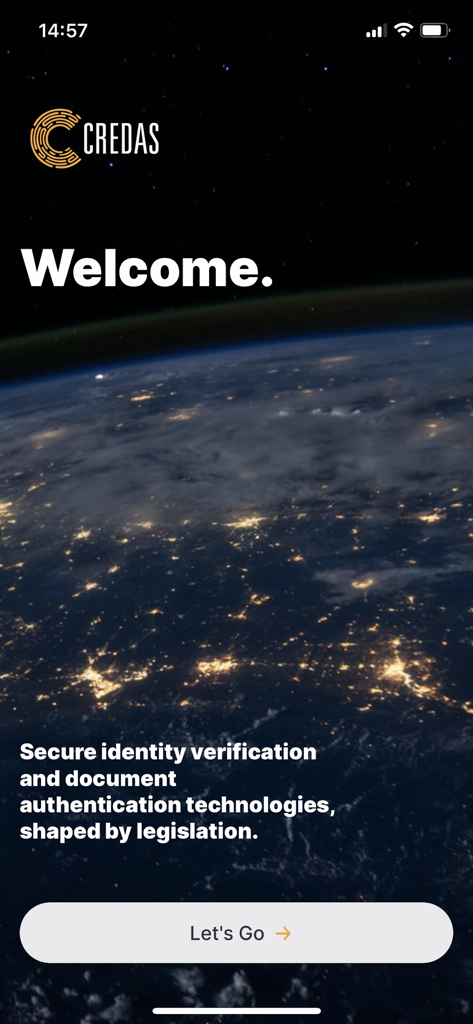
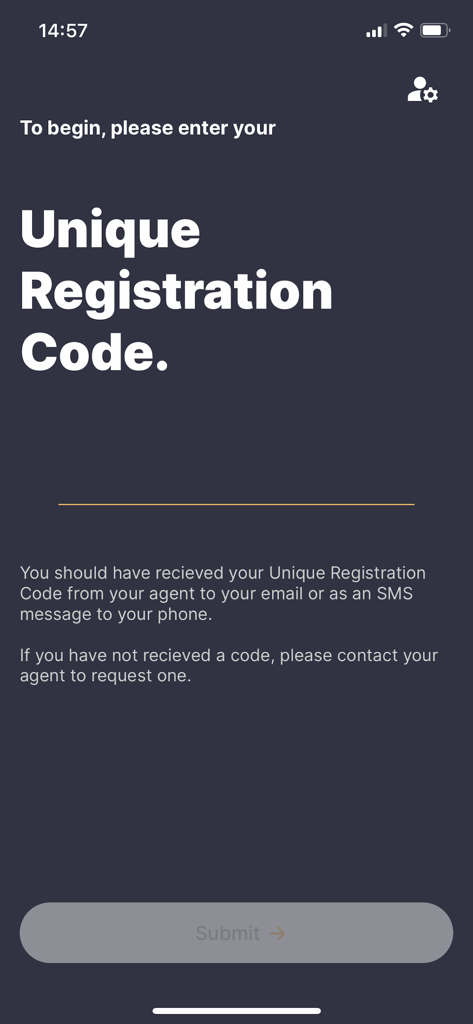
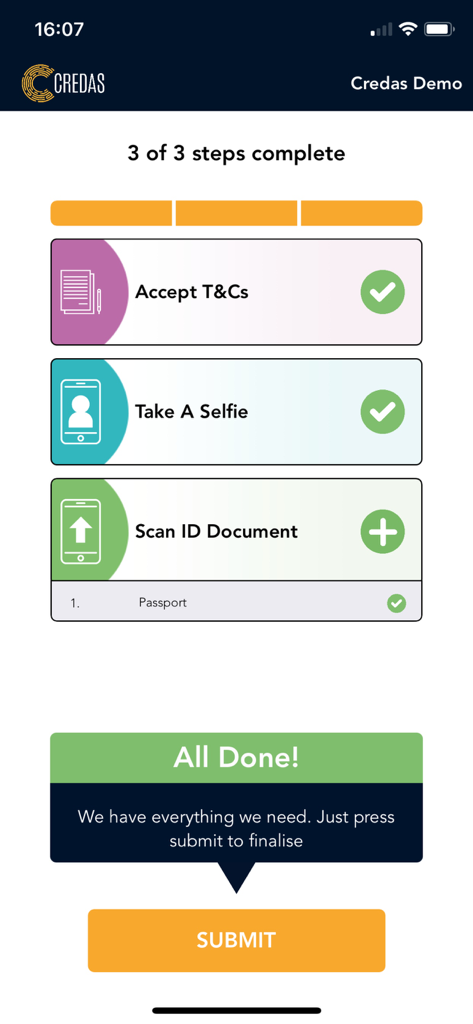
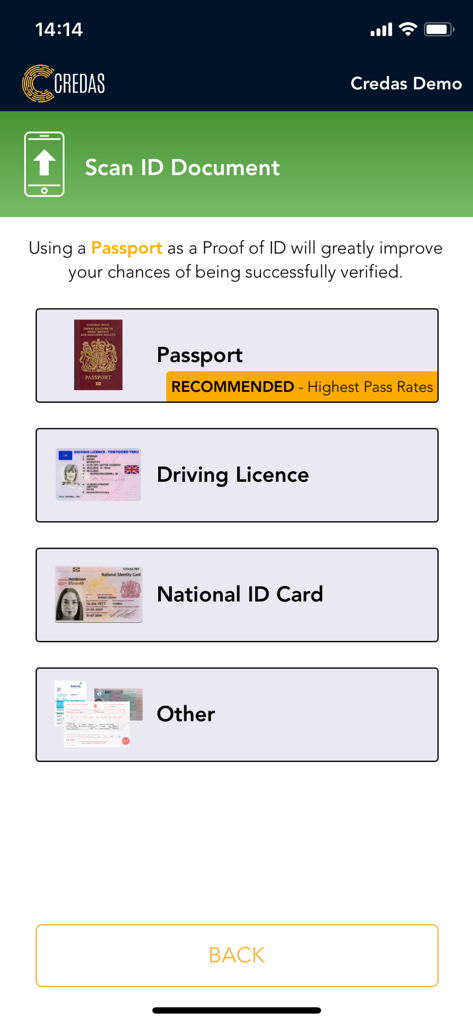
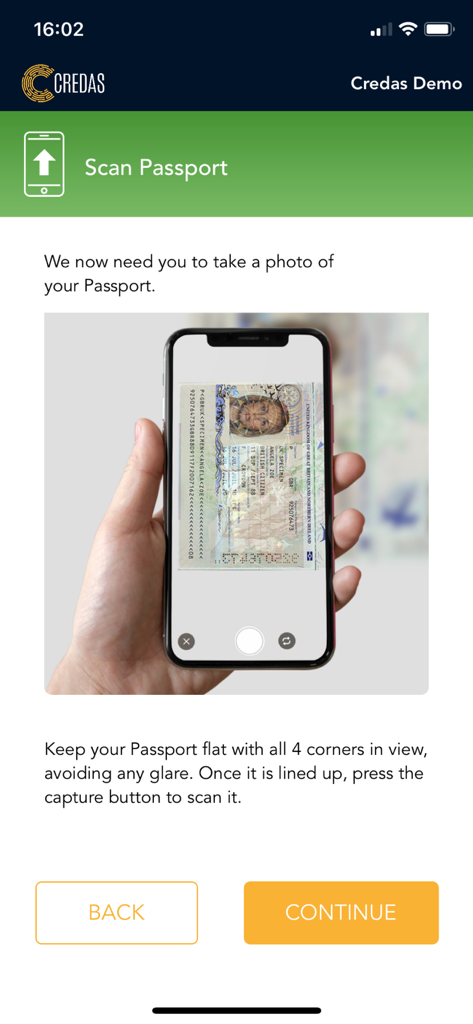
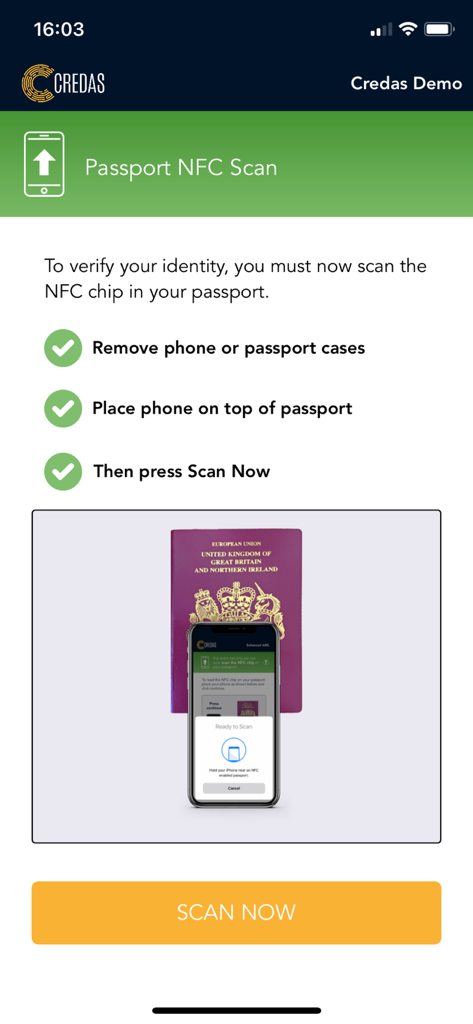
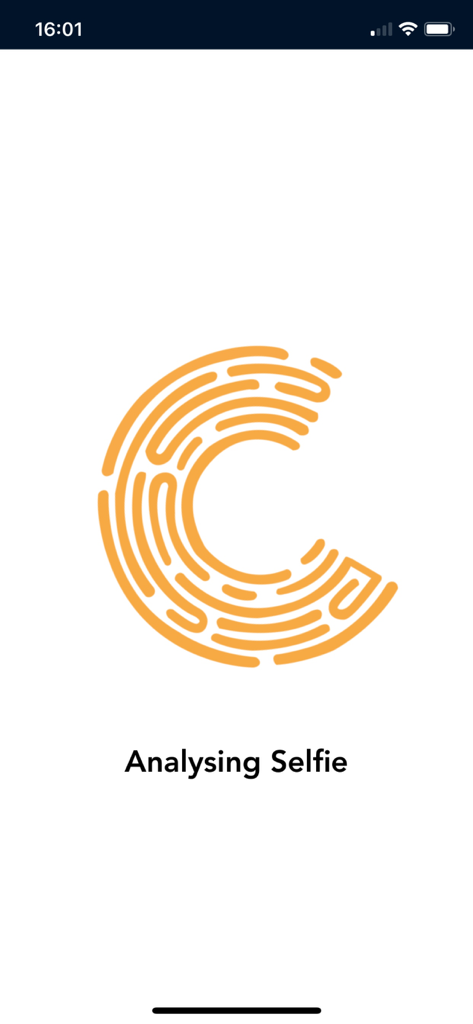
The tools that make this app stand out, trusted by 2M+ users.
Complete your ID and AML checks instantly from your iPhone. Avoid the hassle of physical paperwork or in-person appointments.
Your sensitive information is protected by ISO 27001 standards and end-to-end encryption, ensuring total privacy for your documents.
Verify yourself effortlessly with a simple selfie. Our advanced liveness technology ensures a smooth and fraud-proof experience.
Trusted by 2M+ people who love this app.
"I was in the middle of a stressful home purchase and dreaded the idea of driving across town just to verify my ID at the lawyer's office. Credas was a lifesaver. I completed the entire identity and source of funds check from my sofa in less than five minutes. It’s incredibly intuitive and saved me so much time."
"As an investor, I handle a lot of sensitive documentation and security is my top priority. I was impressed by the high-level encryption and ISO 27001 standards Credas employs. The biometric 'liveness' check was seamless, and I felt completely confident that my personal data was being handled with professional-grade care."
Everything you need to know about Credas.
Description
Latest Version
3.5.9
Size
170.4 MB
First Released
May 27, 2017
Join over 3 million users who trust our government-certified technology. Download Credas today to verify your identity in minutes and keep your transaction moving forward.
Everything you need to know about Credas
The Credas app simplifies identity verification and anti-money laundering (AML) checks. It securely confirms an individual's identity and source of funds, meeting compliance requirements with a user-friendly interface.
Yes, the Credas app adheres to high security standards. It is certified under the UK Government’s Digital Identity Trust Framework and compliant with ISO 27001. All information is encrypted and sent to protected servers.
Credas protects personal information by securely encrypting all data. This encrypted data is sent directly to protected servers. It is then made available only to the specific company that issued the initial verification invite.
To start using the Credas app, you must enter a Unique Registration Code. This code is typically received from your agent via email or SMS. If you lack a code, contact your agent.
The Credas app accepts several identification documents, including Passports, Driving Licences, and National ID Cards. Passports are highly recommended for verification due to their consistently high pass rates.
Users can access extensive support for the Credas app through its knowledge hub at credas.com/usersupport/. This resource provides user guides and offers the option to directly contact the support team for further assistance.
The main steps in the Credas identity verification process involve accepting terms and conditions, taking a selfie, and scanning an ID document. Additionally, an NFC scan of a passport's chip might be required.
Apps with similar features and user experience

Rocket Lawyer Incorporated

Hangzhou Timevale Information Technology Co., Ltd.
ZenBusiness PBC

ORLAIM

Voluta Tattoo Digital, LLC

NATIONAL INFORMATION CENTER

INFOCAMERE SOCIETA' CONSORTILE DI INFORMATICA DELLE CAMERE DI COMMERCIO ITALIANE PER AZIONI

CCCC Intelligence Transportation Company Limited

CHINA SECURITIES DEPOSITORY AND CLEARING CORPORATION LIMITED