DATEV SmartLogin

DATEV SmartLogin

Download on App StoreDownload on Google Play
Spark by MWM logo
Logo of DATEV SmartLogin

DATEV SmartLogin: Secure and Seamless Access to Your Professional Data

The intuitive gateway for tax and legal professionals. Experience effortless QR-code authentication designed with industry-leading security for your confidential DATEV applications.

Publisher

DATEV eG

Category

Productivity

Downloads

1M+

User Rating

4.6/5

Total Ratings

91K+

Locales

2

Experience Professional Simplicity

Discover the interface used by 1M+ users.
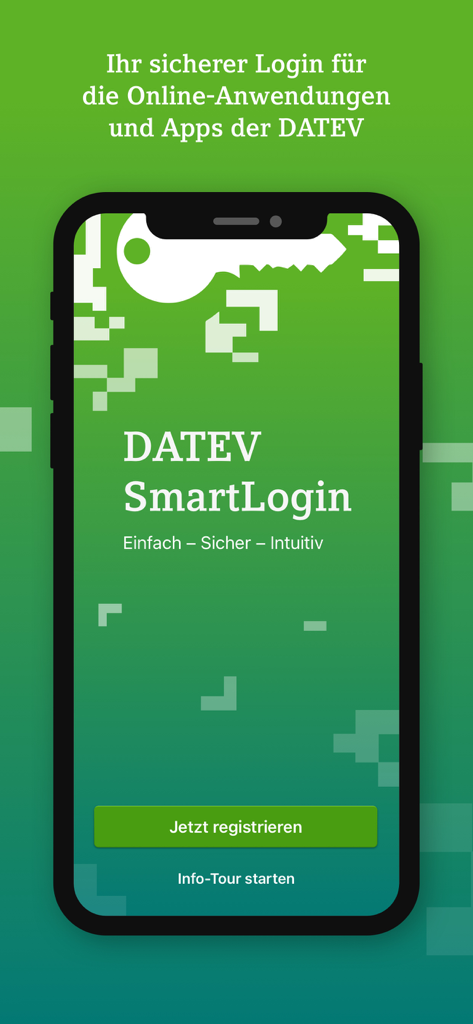
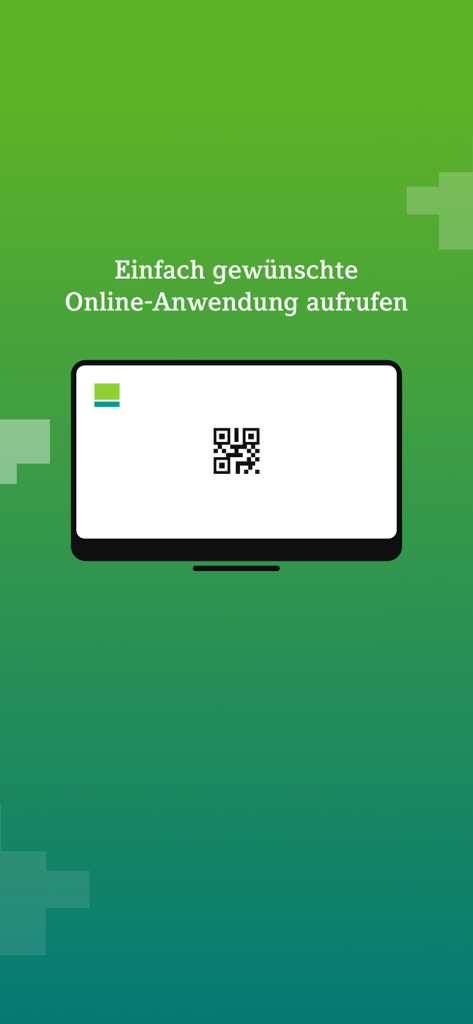
The welcome screen of the DATEV SmartLogin mobile app for secure business authentication.

The welcome screen of the DATEV SmartLogin mobile app for secure business authentication.

A computer screen showing a QR code for secure DATEV SmartLogin authentication

A computer screen showing a QR code for secure DATEV SmartLogin authentication

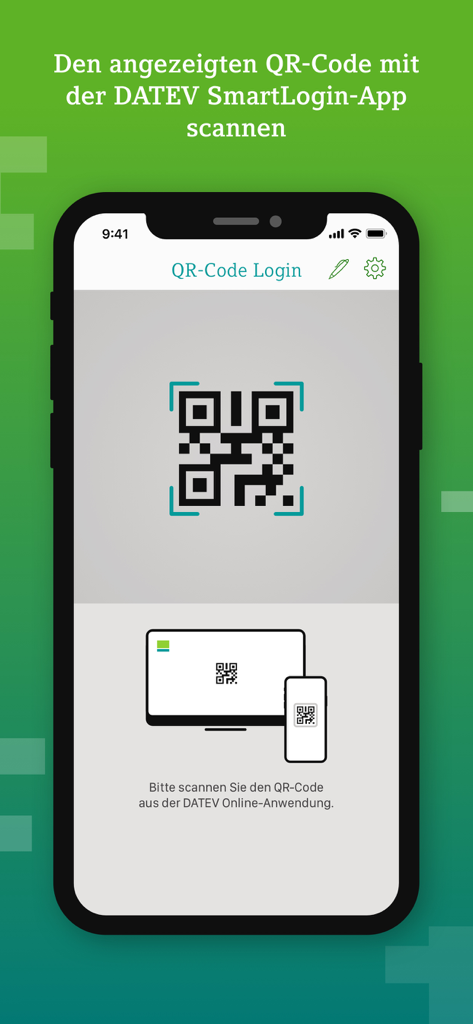
Smartphone screen displaying the QR code login interface of the DATEV SmartLogin app.

Smartphone screen displaying the QR code login interface of the DATEV SmartLogin app.

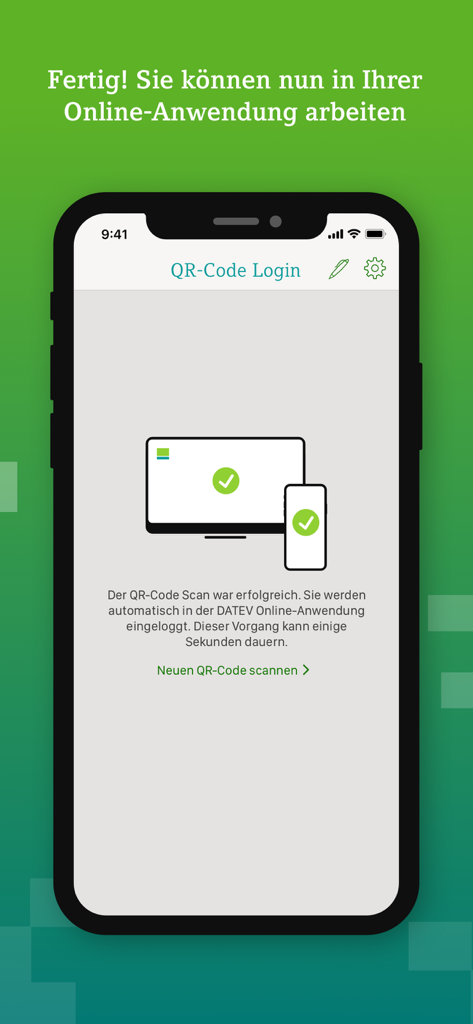
Successful QR code login confirmation screen in the DATEV SmartLogin mobile app.

Successful QR code login confirmation screen in the DATEV SmartLogin mobile app.

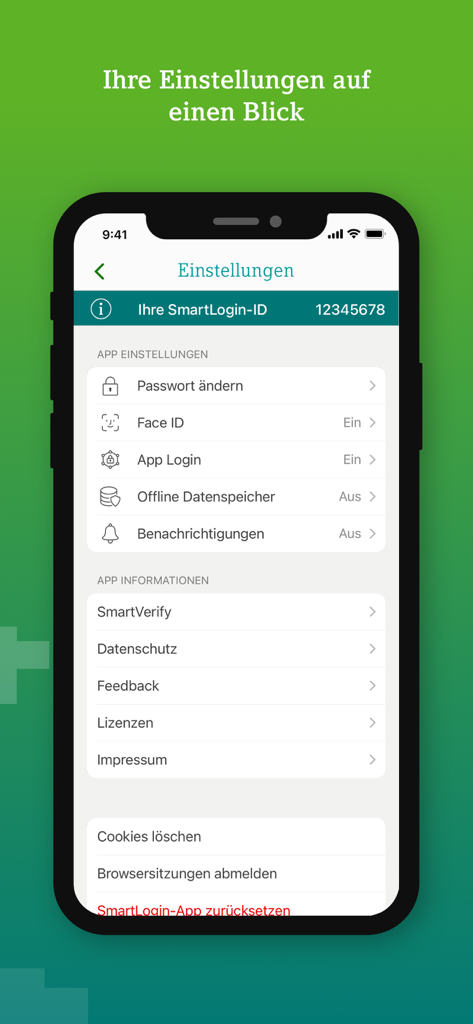
Settings screen of the DATEV SmartLogin app displaying security options like Face ID and app login

Settings screen of the DATEV SmartLogin app displaying security options like Face ID and app login

Secure Access, Simplified

The tools that make this app stand out, trusted by 1M+ users.

Instant QR-Code Login

Eliminate the friction of complex passwords. Simply scan the QR code to authenticate and access your DATEV Online applications in seconds.

🛡️

Enterprise-Grade Protection

Benefit from multi-layered security and built-in phishing defense, ensuring your sensitive financial data remains compliant and protected.

💼

Built for Global Professionals

A seamless, no-nonsense interface designed for CPAs, auditors, and financial controllers who require reliable access across all their devices.

Loved by users worldwide

Trusted by 1M+ people who love this app.

"

"Managing international accounts used to mean juggling dozens of complex passwords and physical tokens. With DATEV SmartLogin, I just scan a QR code and I'm instantly logged in. It's incredibly fast and keeps our clients' sensitive data secure without the usual administrative headache."

Michael R., Senior CPA
"

"Security is non-negotiable in our industry. The app’s proactive protection against phishing and its strict device integrity checks give me total peace of mind. It is a sleek, professional, and highly reliable authentication tool that has streamlined our entire daily workflow."

Sarah L., Financial Controller

About the app

Everything you need to know about DATEV SmartLogin.

Description

Einfach - Sicher - Intuitiv DATEV SmartLogin ist der Schlüssel zu Ihren vertraulichen Daten in der DATEV Online-Welt. Scannen Sie bei der Anmeldung in den DATEV Online-Anwendungen einfach den QR-Code mit Ihrer SmartLogin App ab und schon sind Sie angemeldet. Durch ein Passwort schützen Sie Ihre SmartLogin-App vor unerlaubter Benutzung durch Dritte schon beim App-Start. DATEV SmartLogin steht allen DATEV-Anwendern als Authentisierungsmedium kostenfrei zur Verfügung. Nähere Informationen dazu finden Sie auf unserer Website: https://www.datev.de/smartlogin Die Verwendung der DATEV SmartLogin-App auf einem jailbroken iOS-Device ist verboten! Wichtiger Hinweis: Um schon den Versuch eines Betrugs ("Phishing") von vornherein auszuschließen, beachten Sie: • Geben Sie Ihr Passwort stets nur in der DATEV SmartLogin-App auf Ihrem Smartphone ein. DATEV wird Sie nie auffordern, Ihr Passwort anderswo (z.B. auf Webseiten, in E-Mails) einzugeben. • Stellen Sie sicher, dass im Browser am PC-Bildschirm tatsächlich die Webseite für die Anmeldung in der Online-Anwendung der DATEV dargestellt wird, bevor Sie den QR-Code scannen. DATEV wird Sie nie auffordern, den QR-Code anderswo (z. B. aus E-Mails, anderen Anwendungen oder Apps) zu scannen. Wenn Sie den QR-Code versehentlich doch anderswo gescannt haben, melden Sie sich in der SmartLogin-App in den Einstellungen mit 'Browsersitzungen abmelden' wieder ab. • Stellen Sie sicher, dass Sie sich mit dem App-Login nur in offiziell von DATEV freigegebenen Apps anmelden. Informationen zu den Partnern und den verifizierten Apps finden Sie auf dem DATEV-Marktplatz.

Latest Version

2.9.16

Size

54.5 MB

First Released

Apr 10, 2015

Secure Your Professional Workflow in Seconds

Join over 1 million financial experts who trust DATEV SmartLogin for frictionless, high-level authentication. Download now to experience the gold standard in data security.

Download on App StoreDownload on Google Play
FAQ

Frequently Asked Questions

Everything you need to know about DATEV SmartLogin

What is DATEV SmartLogin?

DATEV SmartLogin serves as a secure authentication medium for accessing confidential data within DATEV online applications. It simplifies the login process by using QR code scanning.

How does the DATEV SmartLogin app function for logging in?

The DATEV SmartLogin app enables login to DATEV online applications by scanning a QR code displayed on the PC screen. This secures access to confidential data.

Is the DATEV SmartLogin app free to use?

Yes, the DATEV SmartLogin app is available free of charge. It serves as an authentication medium for all DATEV users to access online services.

Does the DATEV SmartLogin app offer password protection?

Yes, users can protect the DATEV SmartLogin app with a password. This prevents unauthorized access to the app by third parties right at app launch.

Is it permitted to use DATEV SmartLogin on a jailbroken iOS device?

No, the use of the DATEV SmartLogin app on a jailbroken iOS device is strictly prohibited. This restriction ensures the security and integrity of your confidential data.

How does DATEV SmartLogin protect users from phishing attempts?

DATEV SmartLogin advises users to only enter their password within the app and scan QR codes exclusively from official DATEV online application websites to prevent phishing.

How do users log out browser sessions within the DATEV SmartLogin app?

Users can log out browser sessions by navigating to the settings menu within the DATEV SmartLogin app and selecting the "Browsersitzungen abmelden" option.

Can I change my password directly within the DATEV SmartLogin app?

Yes, users can change their password directly within the DATEV SmartLogin app. This option is available in the app's settings menu.

Does DATEV SmartLogin support Face ID for app access?

Yes, DATEV SmartLogin supports Face ID. Users can enable this feature in the app settings for quick and secure access to their SmartLogin app.