Disney Cruise Line Navigator

Disney Cruise Line Navigator

Download on App Store
Spark by MWM logo
Logo of Disney Cruise Line Navigator
Disney Cruise Line Navigator: Your Digital Compass for a Magical Vacation

The ultimate companion for the family planner: coordinate activities, chat with loved ones onboard, and unlock a seamless, stress-free voyage from home to high seas.

Download on App Store

Publisher

Disney Electronic Content, Inc.

Category

Travel

Downloads

0

User Rating

4.7/5

Total Ratings

0

Locales

1

A Preview of the Magic

Discover the interface used by 0 users.
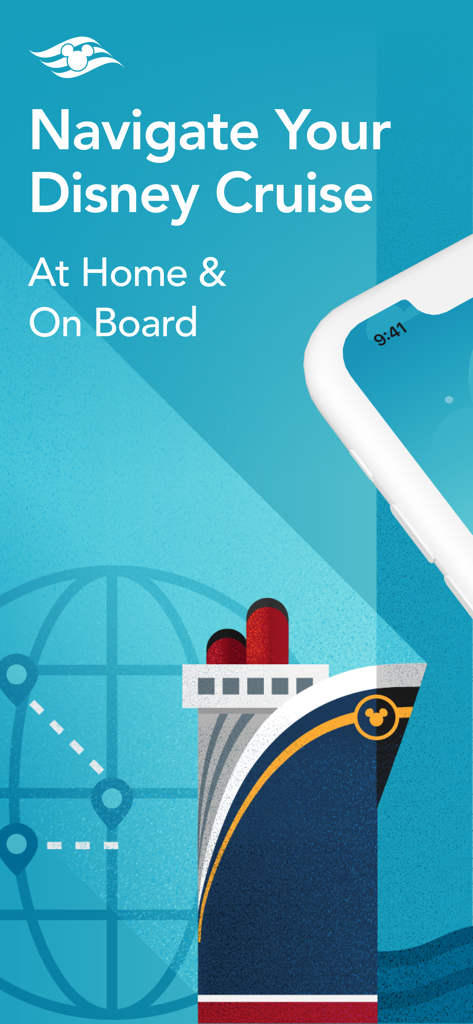
Disney Cruise Line Navigator app introduction screen featuring a stylized cruise ship and globe

Disney Cruise Line Navigator app introduction screen featuring a stylized cruise ship and globe

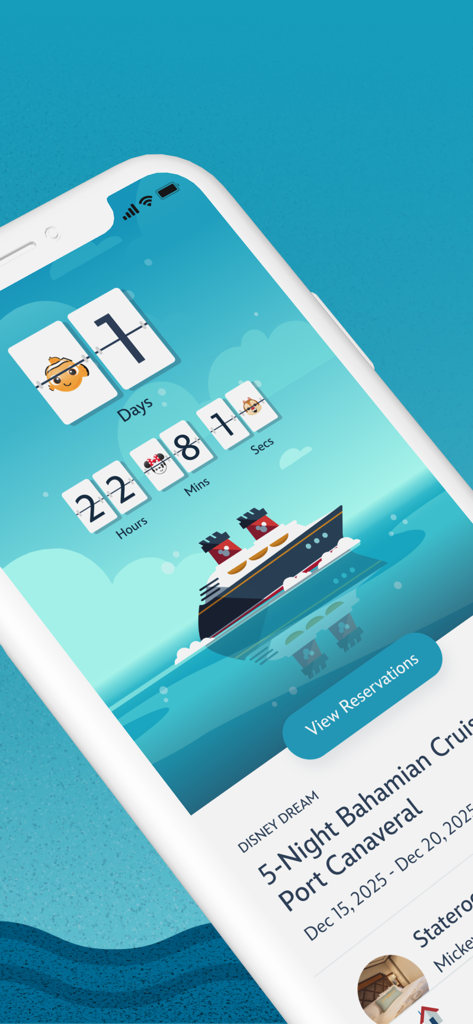
Disney Cruise Line app vacation countdown screen

Disney Cruise Line app vacation countdown screen

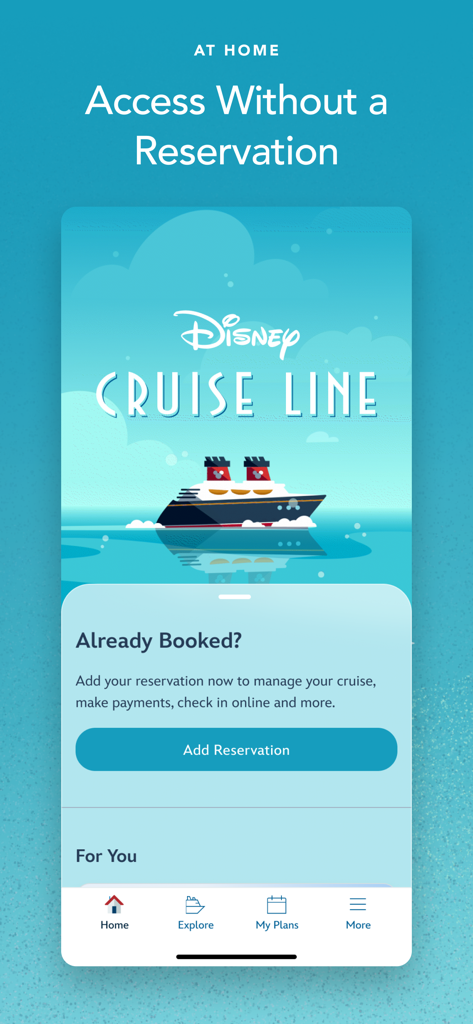
Disney Cruise Line Navigator app home screen with a cruise ship illustration and reservation management options.

Disney Cruise Line Navigator app home screen with a cruise ship illustration and reservation management options.

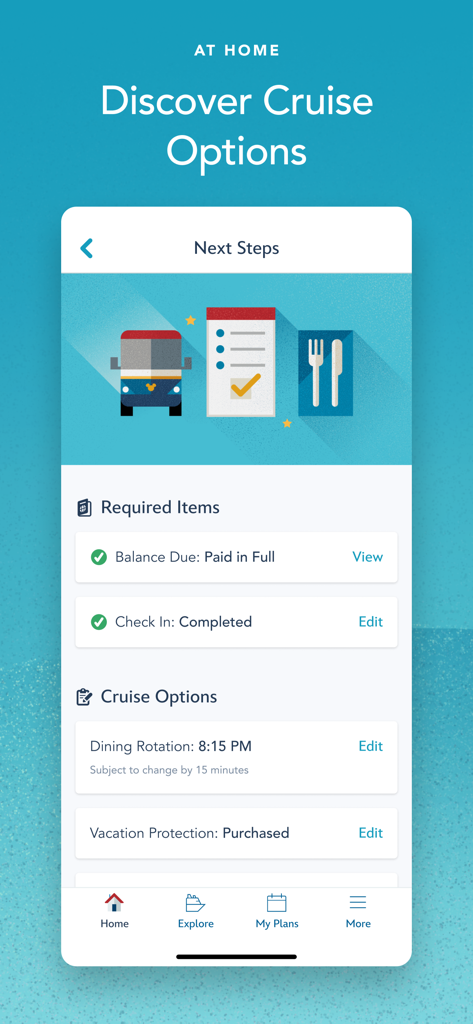
Disney Cruise Line Navigator app displaying the next steps for cruise preparation including check in status and dining rotation details

Disney Cruise Line Navigator app displaying the next steps for cruise preparation including check in status and dining rotation details

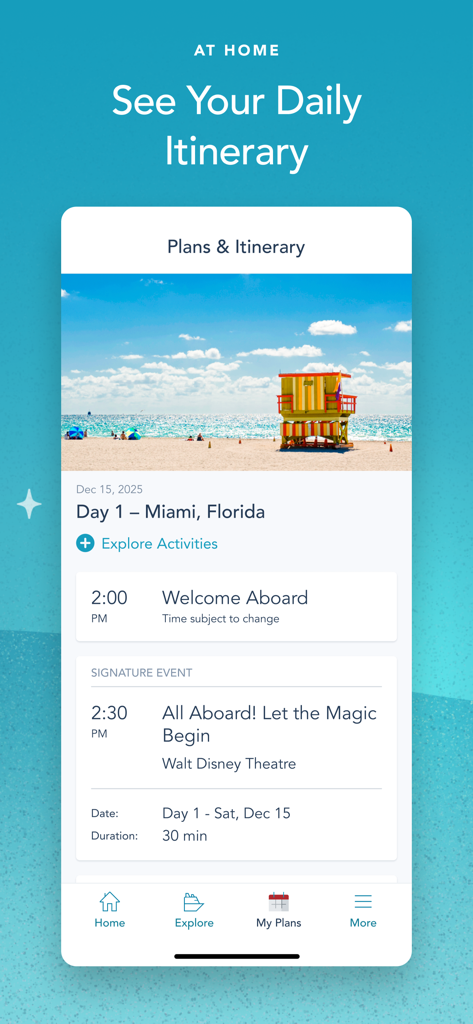
A screenshot of the Disney Cruise Line Navigator app showing the daily itinerary for a cruise departure from Miami Florida.

A screenshot of the Disney Cruise Line Navigator app showing the daily itinerary for a cruise departure from Miami Florida.

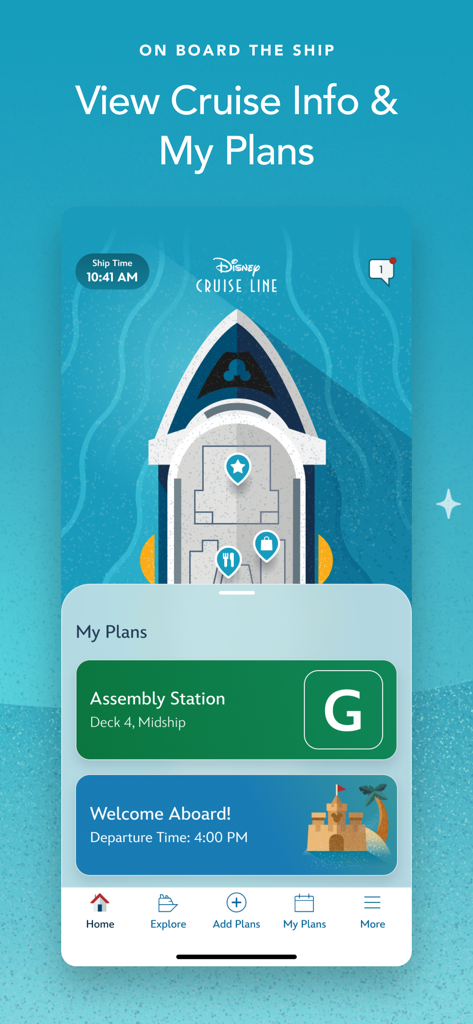
Screenshot of the Disney Cruise Line Navigator app showing onboard cruise information and travel plans.

Screenshot of the Disney Cruise Line Navigator app showing onboard cruise information and travel plans.

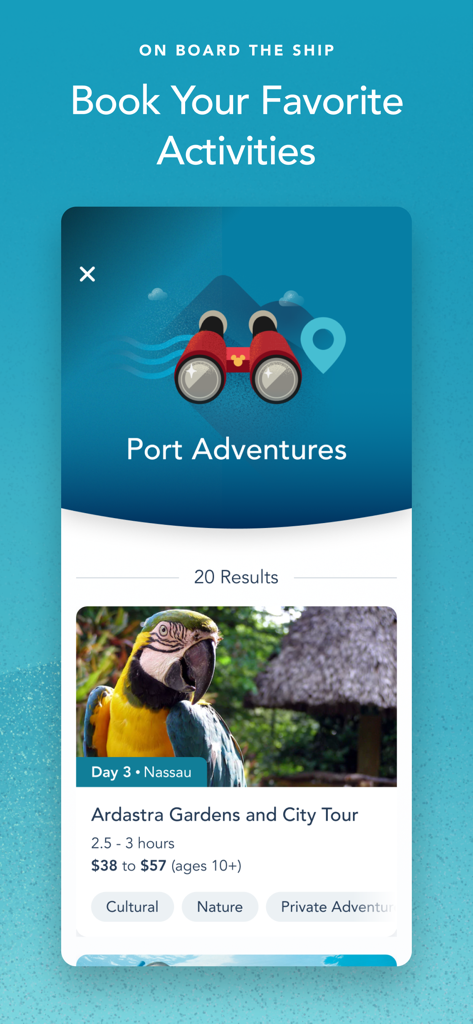
Port Adventures booking screen in the Disney Cruise Line Navigator app

Port Adventures booking screen in the Disney Cruise Line Navigator app

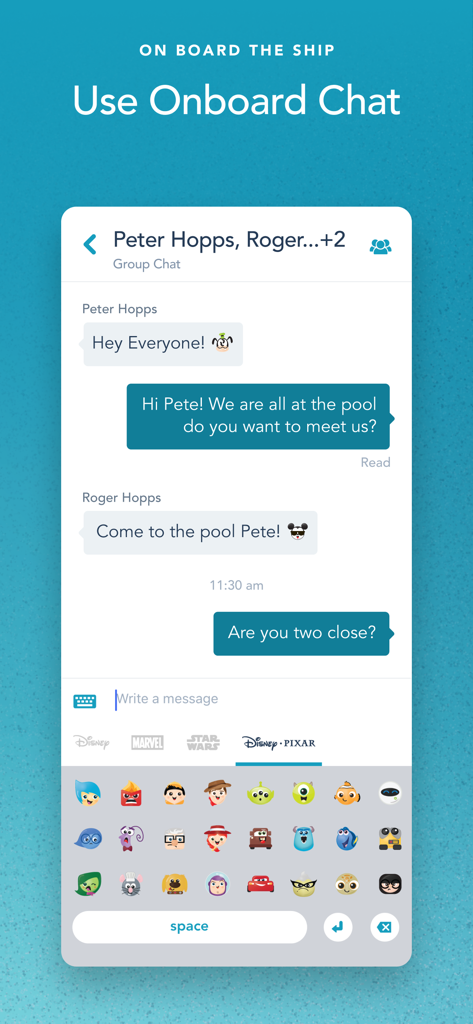
Disney Cruise Line Navigator app onboard chat with Disney Pixar emojis

Disney Cruise Line Navigator app onboard chat with Disney Pixar emojis

Your Personal Guide to the Magic

The tools that make this app stand out, trusted by 0 users.

📅

Effortless Trip Planning

Skip the stress by booking premium dining, Port Adventures, and kids' club registrations before you even step on board.

💬

Seamless Onboard Chat

Stay connected with your crew anywhere on the ship using complimentary in-app messaging—no cellular data plan required.

Real-Time Magic Tracker

Never miss a moment with instant access to character meet-and-greets, daily showtimes, and interactive deck-by-deck navigation.

Loved by users worldwide

Trusted by 0 people who love this app.

"

"This app was a total game-changer for our family of five. From the seamless check-in process to the onboard chat that kept us connected across the ship without extra roaming fees, it handled all the logistics so I could actually enjoy the vacation. Having the daily itineraries and dining menus right in my pocket made everything stress-free!"

Sarah Jenkins
"

"I loved being able to plan every detail before we even stepped on board. The Character Finder is brilliant—we never missed a meeting with Mickey! The interactive deck plans made navigating the ship a breeze, and downloading our vacation photos afterward was so simple. It’s an essential tool for the perfect Disney voyage."

Marcus Thompson

About the app

Everything you need to know about Disney Cruise Line Navigator.

Description

Use the Disney Cruise Line Navigator app before, during and after your voyage—to plan, explore and relive the fun. AT HOME Plan your vacation, make payments, breeze through check-in, reserve onboard activities or make special requests—from dietary preferences to birthday surprises. Get Ready to Cruise • Retrieve your reservation to make payments, review required documents and more. • Use My Online Check-In to fill out your cruise documents and register kids for youth clubs. • Explore activities and entertainment. • Book activities, including Port Adventures, Premium Dining, Onboard Fun, Spa & Fitness and Nursery. • Change your dinner seating assignment. • Add or edit Vacation Protection Plan and Ground Transportation. • View your Air Transportation. • Make Special Requests, including special diets, accommodations for little ones, celebrations and more. ON BOARD THE SHIP With your app in hand, you can explore your ship with Deck Plans, view favorite and booked activities, learn about the ports you’ll visit and use the onboard chat feature. Enhance Your Experience • View onboard activities across your entire voyage. • Plan your day, from shows to shopping. • Review your ports of call and at-sea days. • Read details about activities that interest you. • Check menus before dinner—kids’ menus too—and easily access your dining schedule. • Check out the latest offers and specials. • Save favorite activities in one convenient list. • View booked activities, including Port Adventures, Premium Dining, Onboard Fun, Spa & Fitness and Nursery. • Find Disney Characters throughout the ship. • For assistance, visit our Help Center. Know Where to Go • Explore your ship deck by deck, from bow to stern. • Find locations of the activities you want to do. Stay in Touch • Use onboard chat to stay connected to your family, friends and shipmates. • While aboard your cruise, chat one-to-one or with multiple friends and family members at once. • Use our wide array of Disney emoticons to express yourself as you chat. AFTER YOUR CRUISE View past reservations and more—and transport yourself back to the adventure when you download your purchased photos, available for a limited time. Effortless Access All in One Place • Easily view past reservations, including your stateroom number. • Look back at onboard charges (within 90 days of your cruise). • Explore and book your next cruise. Download the Disney Cruise Line Navigator app today and enjoy it at home or on board. Simply connect to the ship’s Wi-Fi network—complimentary to app users only. Note: To use onboard chat, you are required to provide your full name, stateroom number and birth date. Children should always ask their parent or guardian before using onboard chat. Control access for children with the permissions feature. APP PERMISSIONS Camera & Microphone Access: This app uses your device's camera and microphone for the Disney Uncharted Adventure game experience. Storage Access: This app saves data locally to your device, including chat messages and embarkation information, to ensure a seamless experience even when connectivity is limited. Location Services: This app requires location permission to connect to Wi-Fi networks and enable Bluetooth (BLE) features, such as DisneyBand+ functionality. Your actual location is not tracked or stored. Privacy Policy: https://disneyprivacycenter.com/ Children’s Online Privacy Policy: https://privacy.thewaltdisneycompany.com/en/for-parents/childrens-online-privacy-policy/ Your US State Privacy Rights: https://privacy.thewaltdisneycompany.com/en/current-privacy-policy/your-us-state-privacy-rights/ Terms of Use: https://disneytermsofuse.com Do Not Sell or Share My Personal Information: https://privacy.thewaltdisneycompany.com/en/dnsmi

Latest Version

5.43.0

Size

447.4 MB

First Released

Sep 6, 2013

Ready to Set Sail on Your Disney Adventure?

Download the Navigator app today to start your countdown, organize every magical detail for your family, and stay connected from home to the high seas.

Download on App Store