
DrawUp - Learn To Draw


Unlock your inner artist with fun, interactive tutorials designed for beginners. Whether you are using your finger or an Apple Pencil, transform your iPad into a creative sanctuary with daily exercises that make drawing simple and stress-free.
Publisher
Category
EducationDownloads
111K+User Rating
Total Ratings
4K+Locales
14Discover the interface used by 111K+ users.
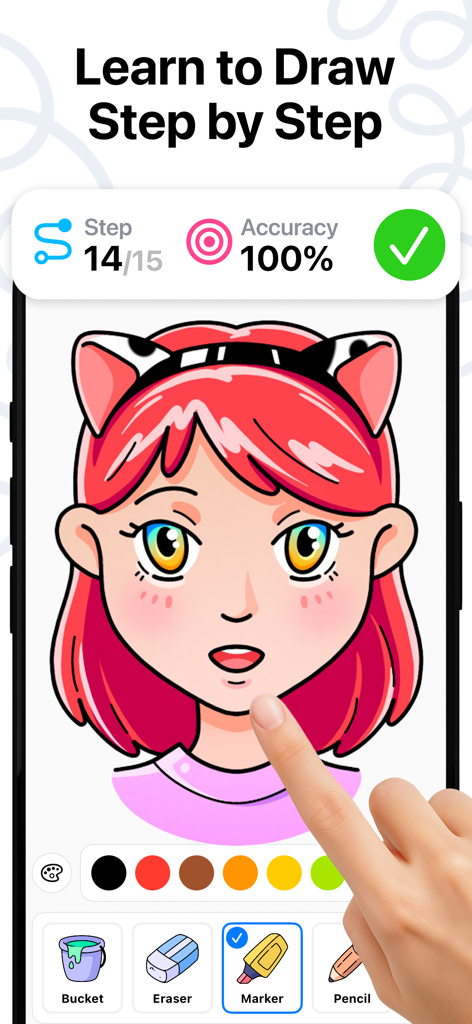

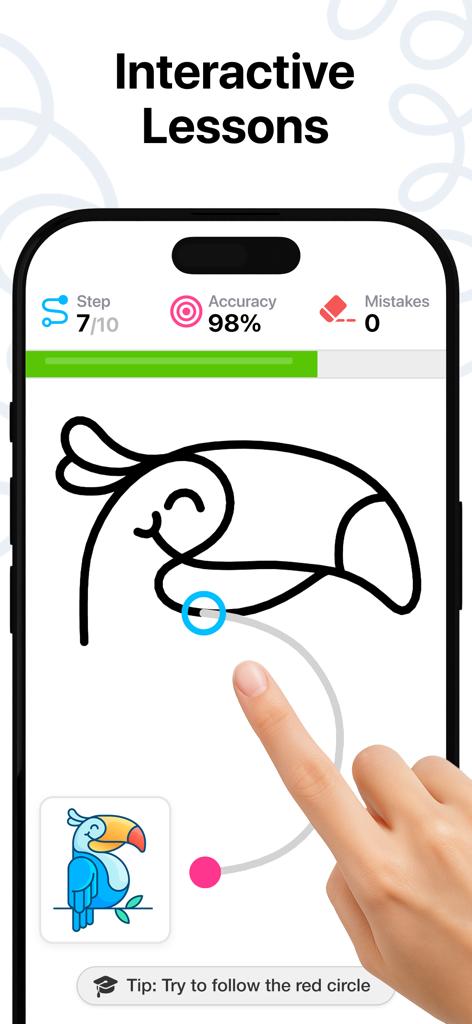
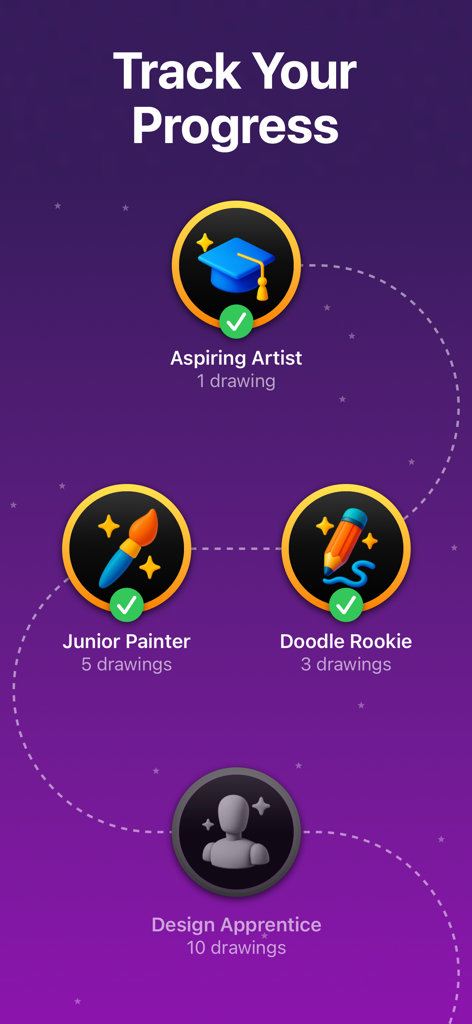
The tools that make this app stand out, trusted by 111K+ users.
Skip the frustration with bite-sized tutorials that break down complex illustrations into simple, winnable steps for any skill level.
Find your digital zen and build a creative habit with daily exercises designed to help you decompress after school or work.
Finally put your Apple Pencil to work with a smooth, responsive sketching experience that makes the most of your creative hardware.
Trusted by 111K+ people who love this app.
"I always felt intimidated by a blank canvas, but DrawUp changed everything. The step-by-step tutorials are incredibly easy to follow, and it’s become my favorite way to decompress with my Apple Pencil after a long day at work."
"Finally, an app that my 8-year-old can navigate and enjoy on her own! The lessons are perfectly paced for kids, and she feels so proud of the characters she creates. It's the best productive screen time we've found."
Everything you need to know about DrawUp - Learn To Draw.
Description
Latest Version
2.2.8
Size
111.4 MB
First Released
Mar 14, 2024
Join over 100,000 beginners who have turned their iPads into personal art studios. Download DrawUp now and start your daily creative habit with easy, step-by-step lessons.
Everything you need to know about DrawUp - Learn To Draw
DrawUp is an app designed for beginners to learn drawing through fun, step-by-step lessons. It features interactive tutorials and daily exercises to help users develop their skills.
DrawUp teaches drawing using interactive, step-by-step lessons. Users follow divided steps to complete complex illustrations, enhancing their skills with each stroke.
Yes, DrawUp supports both finger and Apple Pencil input for drawing. Users can sketch, outline, and color directly within the app using their preferred method.
DrawUp offers hundreds of drawing tutorials suitable for all levels. These tutorials cover a wide range of subjects, from playful characters to serene landscapes.
DrawUp allows users to track their progress. The app displays various badges and milestones, such as 'Aspiring Artist' and 'Junior Painter', based on completed drawings.
Yes, DrawUp is designed specifically for beginners. Its user-friendly interface and easy-to-follow, step-by-step process make complex illustrations accessible.
Apps with similar features and user experience

Domestika, Inc.

PalettePro Ltd

Aleksandr Ulitin
Simply Ltd

Sum of Technologies Ltd
ART GAMES KOSTIANTYN SALANDA

CEM SOFTWARE COMPANY LIMITED

Labo Lado Co., Ltd.

Tools Products FZ-LLC