
DREO
HESUNG INNOVATION LIMITED


Effortlessly manage all your devices with one intuitive app. Experience the perfect blend of premium comfort, top-tier security, and seamless control at your fingertips.
Publisher
Category
LifestyleDownloads
1M+User Rating
Total Ratings
35K+Locales
7Discover the interface used by 1M+ users.
The tools that make this app stand out, trusted by 1M+ users.
Seamlessly manage your fans, heaters, and air purifiers from a single interface, eliminating the clutter of physical remotes.
Schedule your ideal temperature and air quality settings to match your daily routine, whether you are in bed or on your way home.
Rest easy with top-tier cloud encryption that protects your device data and ensures your smart home remains private and secure.
Trusted by 1M+ people who love this app.
"I love being able to pre-cool my bedroom from my phone while I'm still at the office. The interface is so clean and connecting my tower fan took less than a minute. It’s the ultimate convenience for my smart home setup."
"Maintaining the perfect humidity in my baby's nursery has never been easier. The app is incredibly stable, and I never have to worry about security. It’s simple, intuitive, and works exactly as promised."
Everything you need to know about DREO.
Description
Latest Version
3.5.1
Size
152.8 MB
First Released
Oct 11, 2021
Join over 1 million users who have ditched the remotes for a smarter way to live. Download the DREO Home App today and experience unified, secure control of your environment at your fingertips.
Everything you need to know about DREO
Yes, the DREO Home App provides unified control, allowing users to manage all smart devices at home or in the office effortlessly through a single application.
Yes, the DREO Home App provides top-tier cloud security, ensuring peace of mind for both smart devices and user data.
The DREO Home App offers smart remote features for intelligent operations, allowing users to gain control and simplify daily tasks from anywhere.
Yes, the DREO Home App features a streamlined, intuitive interface, eliminating the need for lengthy manuals and putting control at your fingertips.
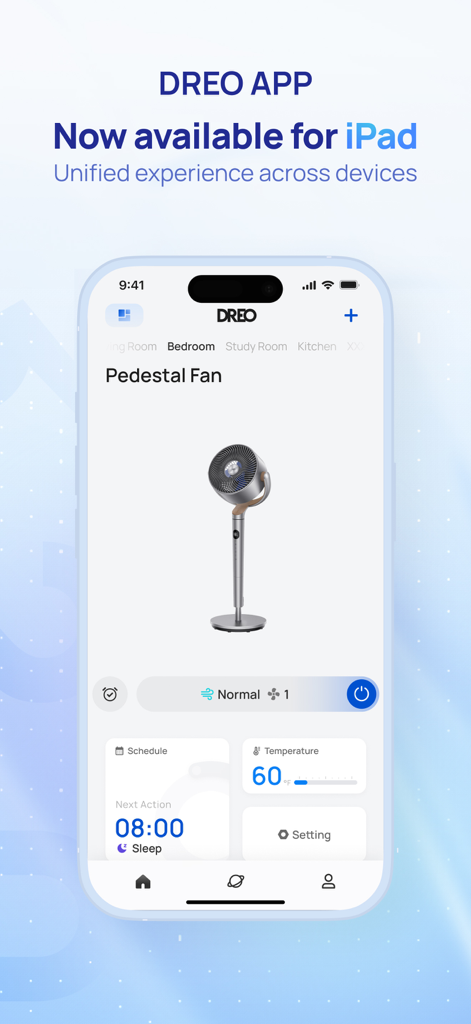
Yes, the DREO App is available for iPad, providing a unified experience across devices.
Yes, the DREO App allows control over a pedestal fan, including scheduling, temperature settings, and various operating modes like 'Normal'.
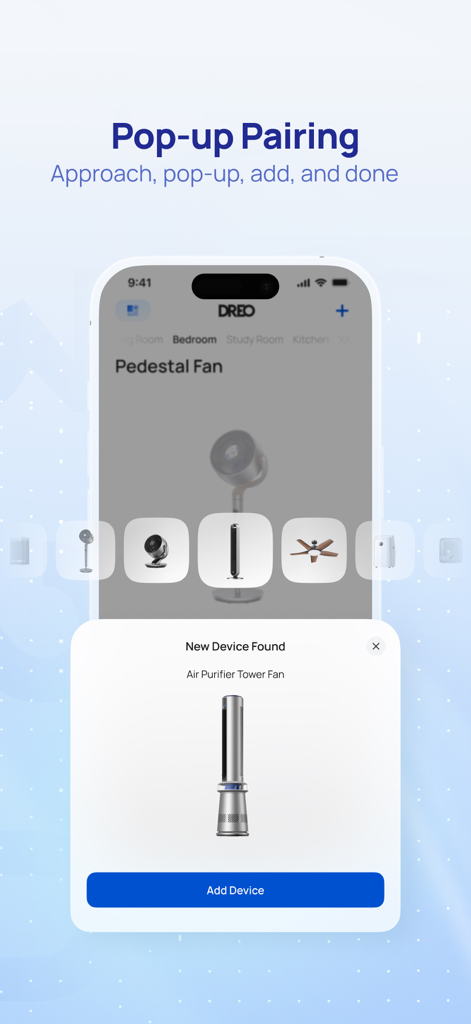
The DREO Home App features pop-up pairing. Users approach a new device, a pop-up appears, and they can add the device with a tap.
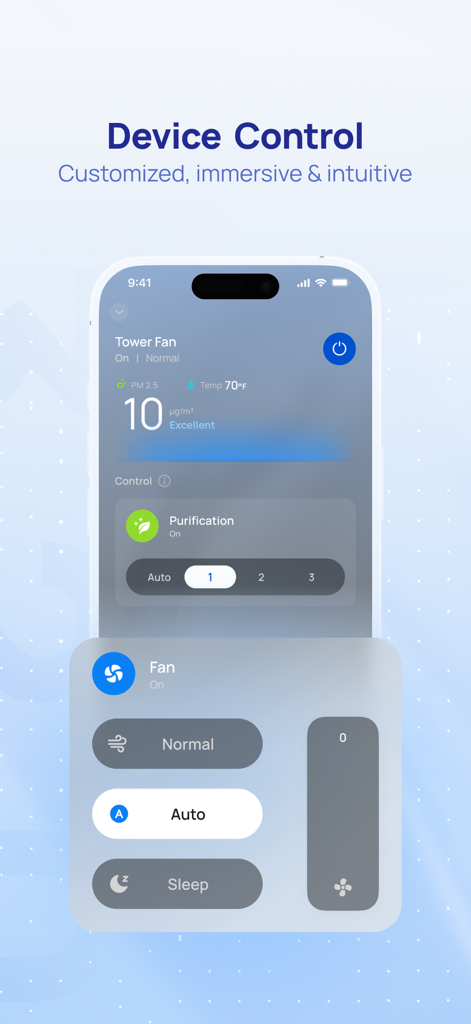
The DREO App provides device control for Tower Fans, including power, temperature display, air quality metrics, purification settings, and fan modes like Normal, Auto, and Sleep.
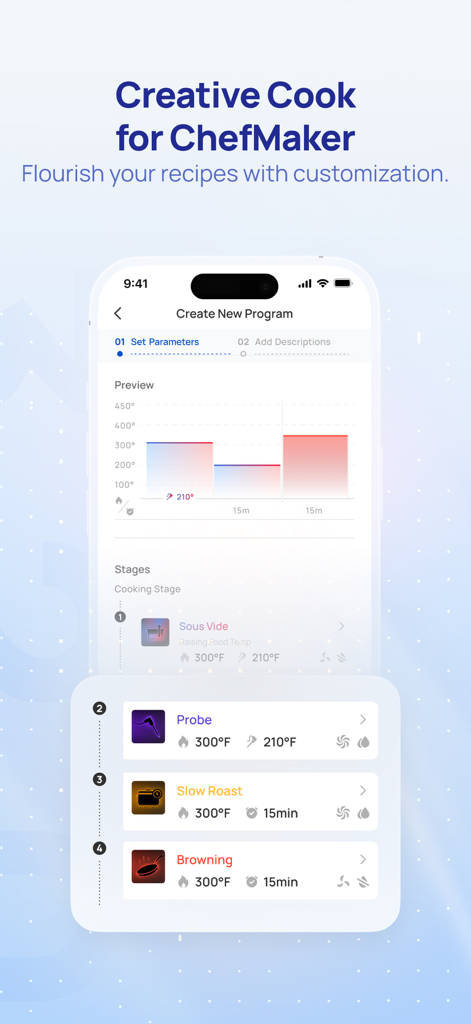
Yes, the DREO app features "Creative Cook for ChefMaker," allowing users to create new cooking programs and customize recipes with various stages like Probe, Slow Roast, and Browning.
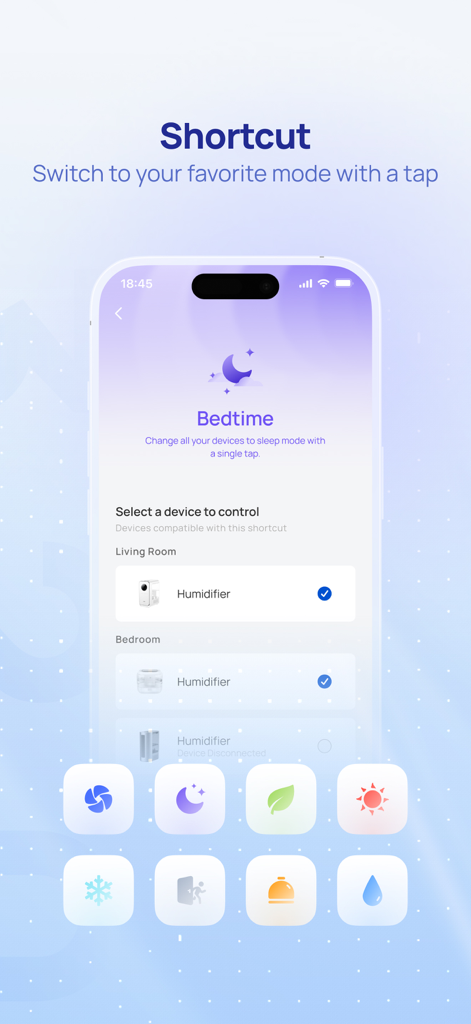
The DREO Home App offers a "Shortcut" feature. Users can switch to their favorite modes, such as "Bedtime," with a single tap to control compatible devices like humidifiers.
Apps with similar features and user experience

Beijing Xiaomi Co., Ltd

Space Exploration Technologies Corp.

Shanghai Lunkuo Technology Co., Ltd

Securitas Direct

Automated Pet Care Products Inc.

Merkury Innovations LLC

ADT LLC

X-Sense USA LLC.

Autel Digital Power Co., Ltd.