
E-PASS Toll App


Take total control of your commute with instant fund reloads, real-time balance alerts, and secure biometric access. Managing your toll account has never been easier.
Publisher
Category
TravelDownloads
1M+User Rating
Total Ratings
14K+Locales
-Discover the interface used by 1M+ users.
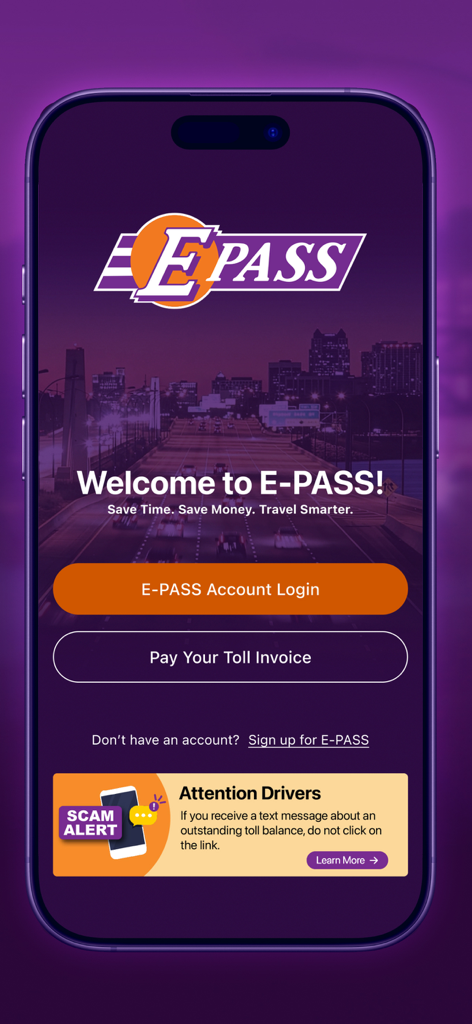
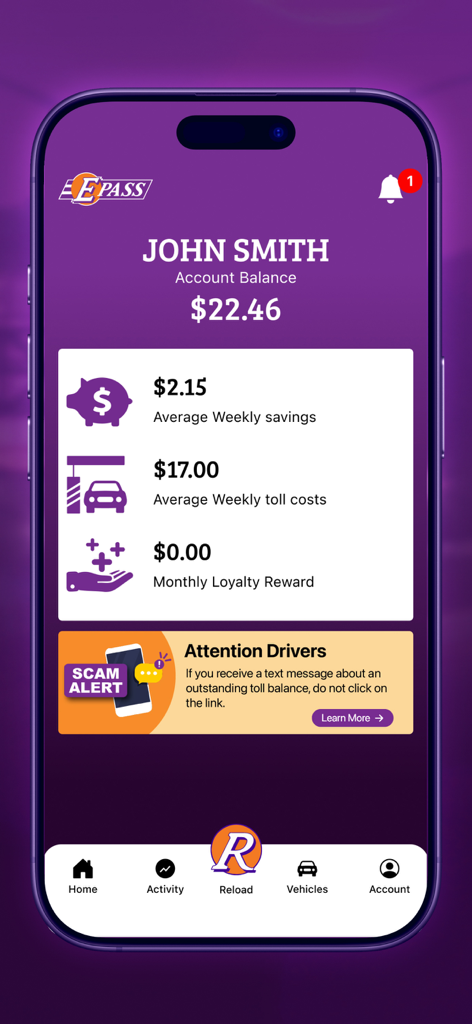
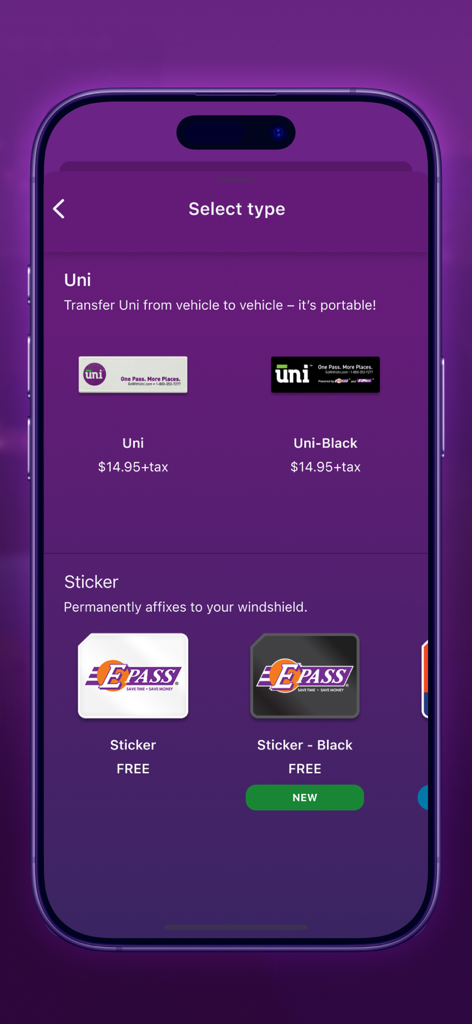
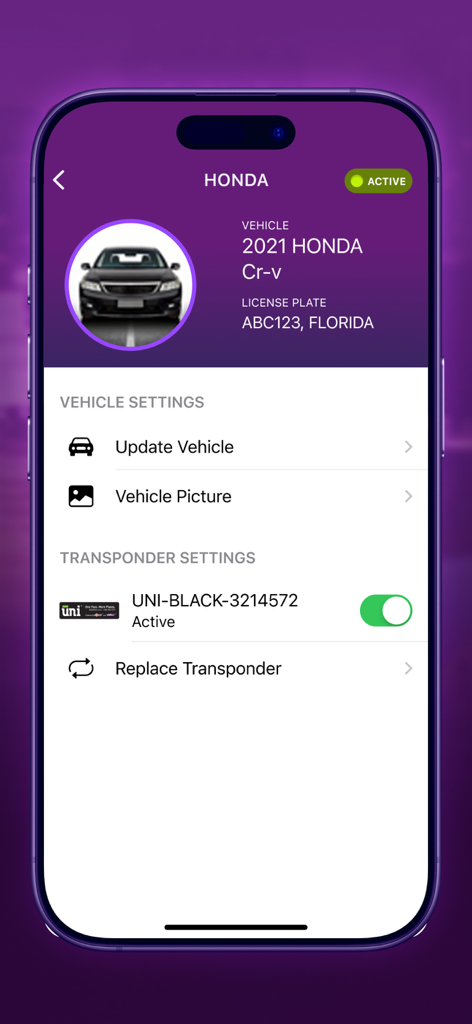
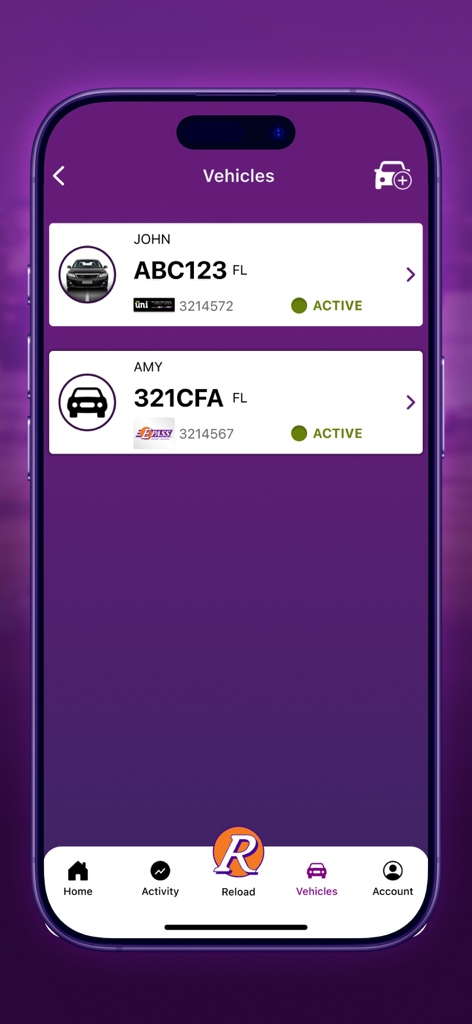
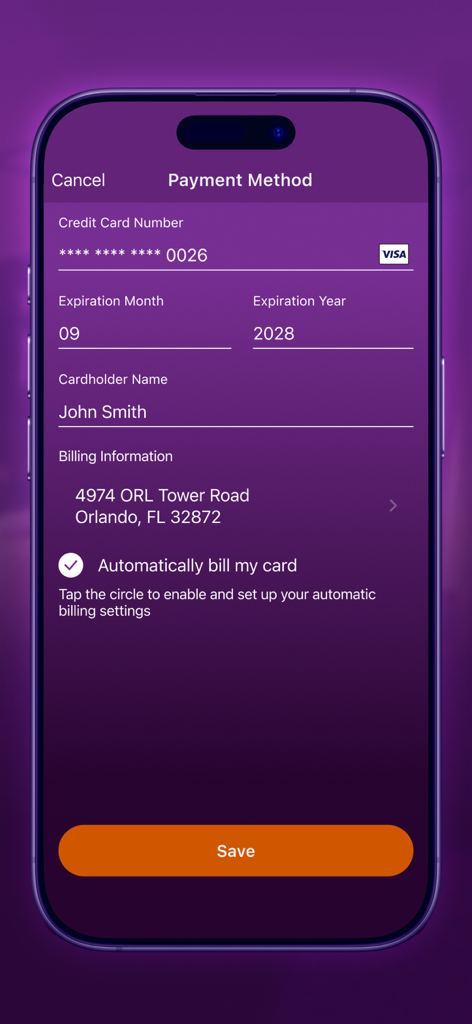
The tools that make this app stand out, trusted by 1M+ users.
Eliminate billing anxiety with instant notifications when your balance is low, ensuring you never miss a payment or face unexpected fines.
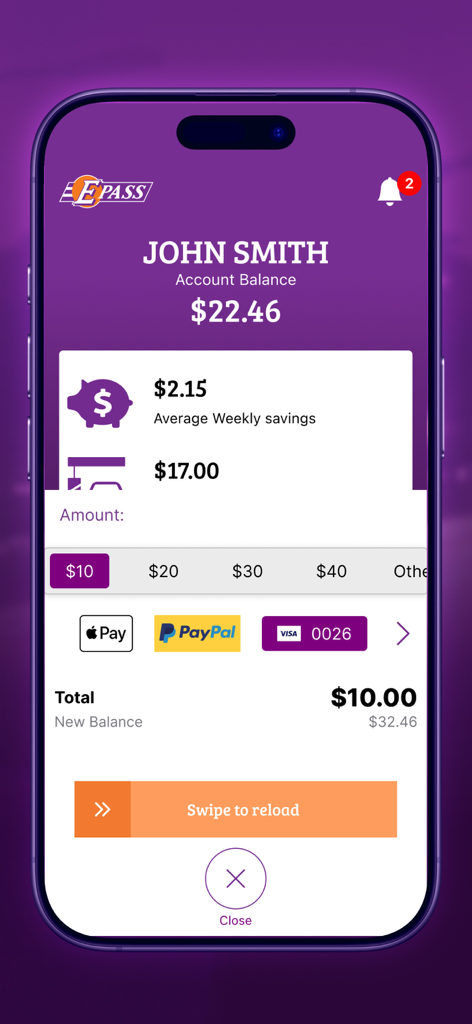
Add funds to your account in seconds using secure payment methods and biometric login for a fast, friction-less experience while on the go.
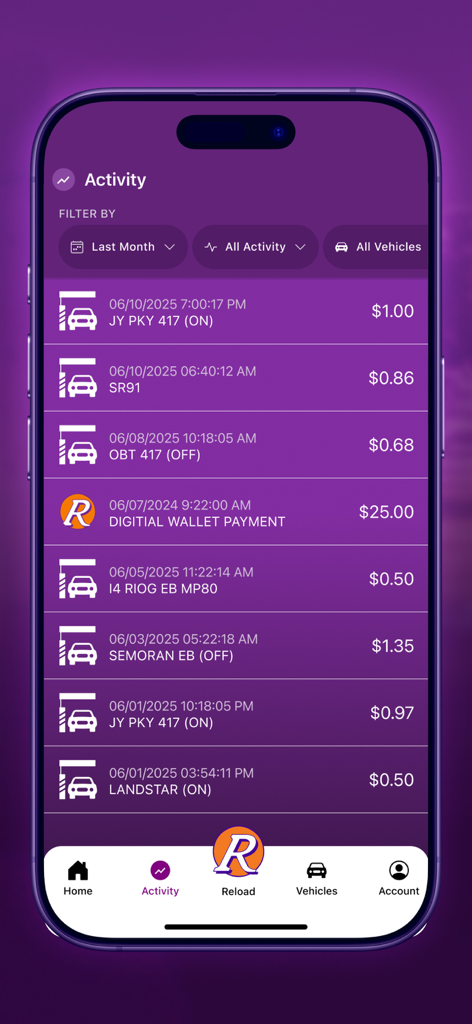
Manage multiple vehicles, monitor detailed toll activity, and update account information for your entire household from one intuitive dashboard.
Trusted by 1M+ people who love this app.
"Managing my daily commute on the SR 408 has become so much simpler. The Face ID login is lightning fast, and I love getting instant alerts when my balance is low so I never have to worry about invoices in the mail."
"With three cars in our family, tracking toll expenses used to be a headache. This app lets me manage every vehicle and monitor transactions in real-time. It is easily the most reliable utility app on my phone."
Everything you need to know about E-PASS Toll App.
Description
Latest Version
5.55
Size
103.8 MB
First Released
Jul 22, 2019
Join over 1 million drivers who manage balances, pay invoices, and avoid fees directly from their phone. Fast, secure, and always at your fingertips.
Everything you need to know about E-PASS Toll App
The E-PASS Toll app allows E-PASS customers to manage their prepaid toll account. It also enables Florida drivers to pay Pay By Plate toll invoices from the Central Florida Expressway Authority.
Yes, Florida drivers can use the E-PASS Toll app to pay a Pay By Plate toll invoice from the Central Florida Expressway Authority. The app provides a dedicated option for this.
Yes, users can check their E-PASS account balance directly within the app. The home screen clearly displays the current account balance for easy monitoring.
Yes, the E-PASS Toll app provides alerts when the user's account reaches a low balance. This feature helps users manage their prepaid toll funds effectively.
The E-PASS Toll app allows users to quickly add funds using various payment methods. These include Apple Pay, PayPal, and credit card, as shown during the reload process.
Yes, the E-PASS Toll app allows users to update vehicle information. This feature is accessible through the "Vehicles" section, where users can manage their registered vehicles.
The E-PASS Toll app allows users to monitor their toll activity and view account transactions. The "Activity" tab provides a detailed list of recent toll charges and payments.
Yes, the E-PASS Toll app supports fingerprint and Face ID authentication. Users can sync the app with these biometric methods for secure and convenient access.
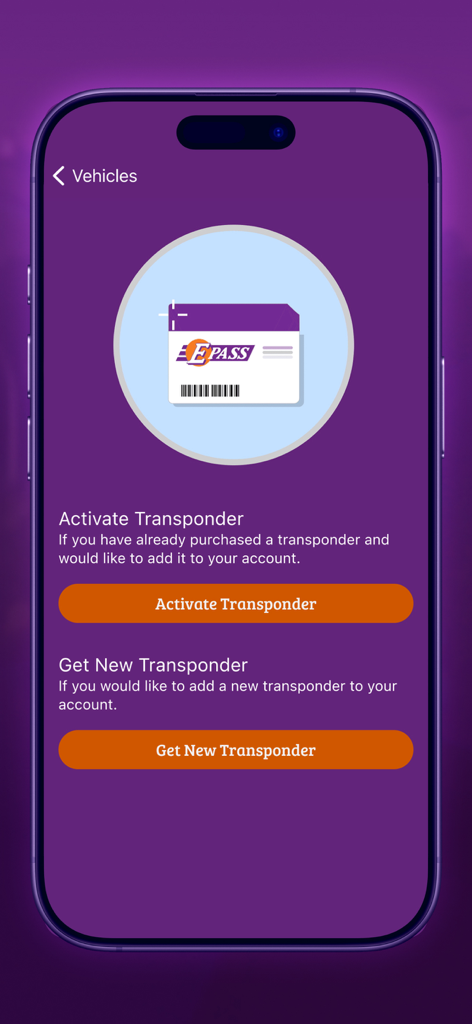
Users can obtain Uni and Uni-Black transponders for $14.95 plus tax. Free Sticker and Sticker-Black transponders are also available, which permanently affix to the windshield.
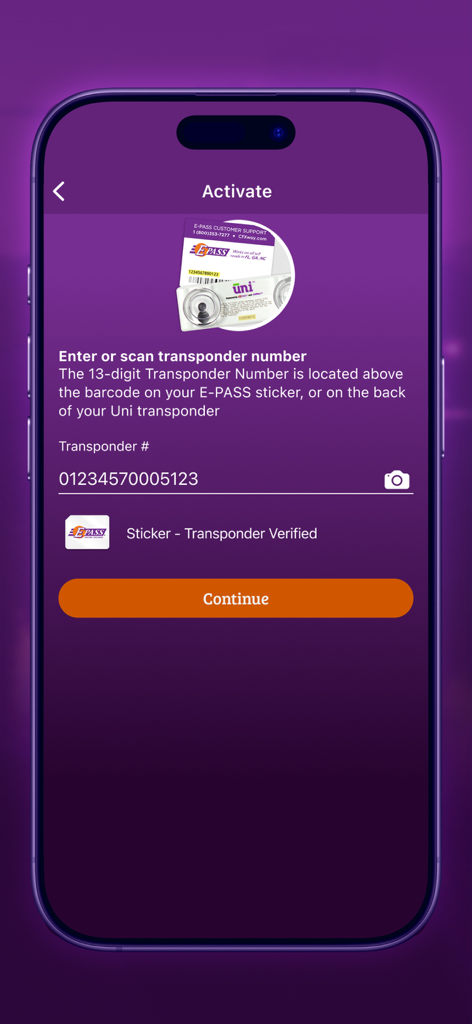
To activate a transponder, users must enter or scan the 13-digit transponder number. This number is located on the E-PASS sticker or the back of a Uni transponder.
Yes, the E-PASS Toll app allows users to manage multiple vehicles. The "Vehicles" section displays active vehicles, their license plates, and associated transponders.
Apps with similar features and user experience

Conduent Inc.

Conectcar Solucoes de Mobilidade Eletronica S.A.

SZKK, OOO (Moscow)

GUANGDONG UNITOLL COLLECTION INC

TRANSURBAN LIMITED

Q Mobility LLC

VINCI AUTOROUTES
Canadian Tolling Company International Inc.

One Network (Private) Limited
