
Easy Video Compressor - Resize



Shrink massive 4K videos in seconds without losing quality. Compare side-by-side, keep your metadata, and stop paying for expensive cloud storage upgrades.
Publisher
Category
Photo & VideoDownloads
1M+User Rating
Total Ratings
15K+Locales
17Discover the interface used by 1M+ users.
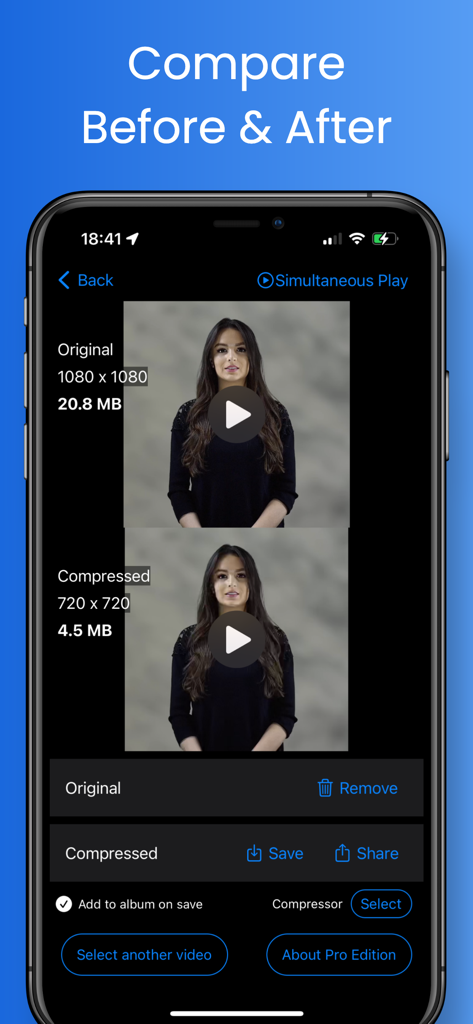
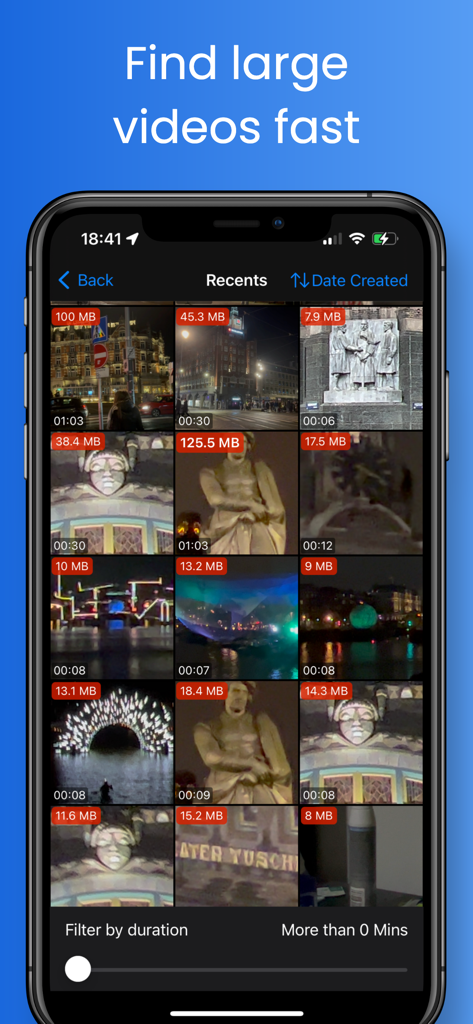
The tools that make this app stand out, trusted by 1M+ users.
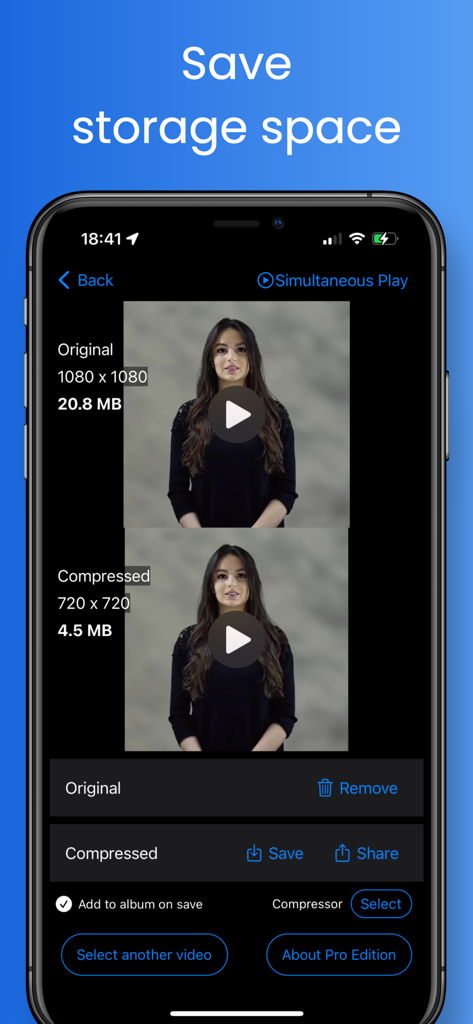
View compressed and original videos on one screen. Confirm the quality is perfect before you delete the originals and free up space.
Keep your video's original date, time, and location metadata intact so your memories stay perfectly organized in your Apple Photos library.
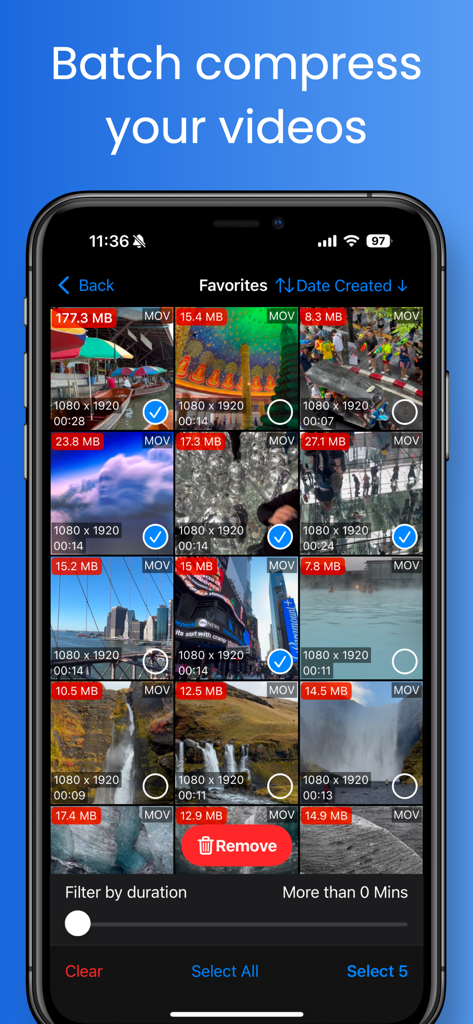
Quickly identify your largest files and convert them to optimized MP4 or HEVC formats for massive storage gains and easy social sharing.
Trusted by 1M+ people who love this app.
"I was constantly getting the 'Storage Full' notification because of all the videos of my kids. This app is a lifesaver! I love that I can compare the quality side-by-side before deleting the original. Plus, it keeps the dates and locations, so my photo library stays organized."
"Perfect for sending high-quality clips over Discord and WhatsApp. The batch compression and file size sorting save me so much time when I'm managing footage for my social channels. It's fast, simple, and the side-by-side preview ensures I never sacrifice too much detail."
Everything you need to know about Easy Video Compressor - Resize.
Description
Latest Version
9.11.1
Size
27.1 MB
First Released
Oct 21, 2020
Join over 1 million users who free up GBs of space without losing video quality. Keep every memory and stop paying for extra cloud storage today.
Everything you need to know about Easy Video Compressor - Resize
Easy Video Compressor - Resize is an app that efficiently compresses videos to increase free storage space on your device. It offers features like dimension and bitrate adjustment, format conversion, and before/after compression comparison.
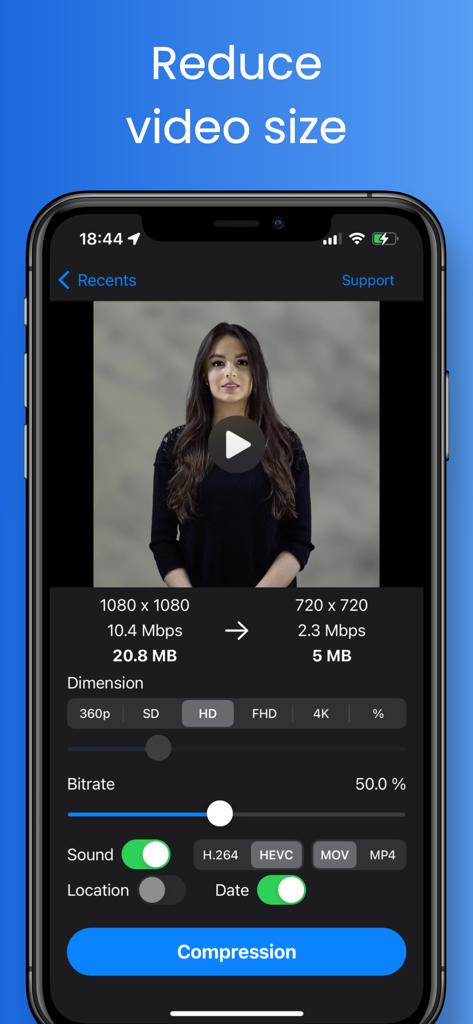
Yes, Easy Video Compressor - Resize allows users to set the dimension for compression. Available options include 360p, SD, HD, FHD, and 4K, providing flexibility in video output size and quality.
Yes, Easy Video Compressor - Resize provides a slider to adjust the bitrate for video compression. This feature gives users control over the video's quality and final file size.
Yes, Easy Video Compressor - Resize includes an option to turn off audio during video compression. This can help further reduce the file size of your compressed videos.
Easy Video Compressor - Resize supports converting video file formats to MOV and MP4. This allows users to choose the most suitable format for their needs after compression.
Easy Video Compressor - Resize supports converting video codecs to H.264 and HEVC (H.265). These modern codecs ensure efficient compression and broad compatibility for your videos.
Easy Video Compressor - Resize allows users to compare pre- and post-compression videos on a single screen. The Pro version enhances this with simultaneous playback for direct visual comparison.
Yes, Easy Video Compressor - Resize can retain crucial video metadata in the compressed file, including location, date and time, and camera information from the original video.
The Pro version of Easy Video Compressor - Resize includes features such as sorting videos by duration, width, and height, and simultaneous playback for comparing original and compressed videos.
Yes, Easy Video Compressor - Resize enables batch compression. Users can select multiple videos within the app's interface to process them simultaneously, saving time and effort.
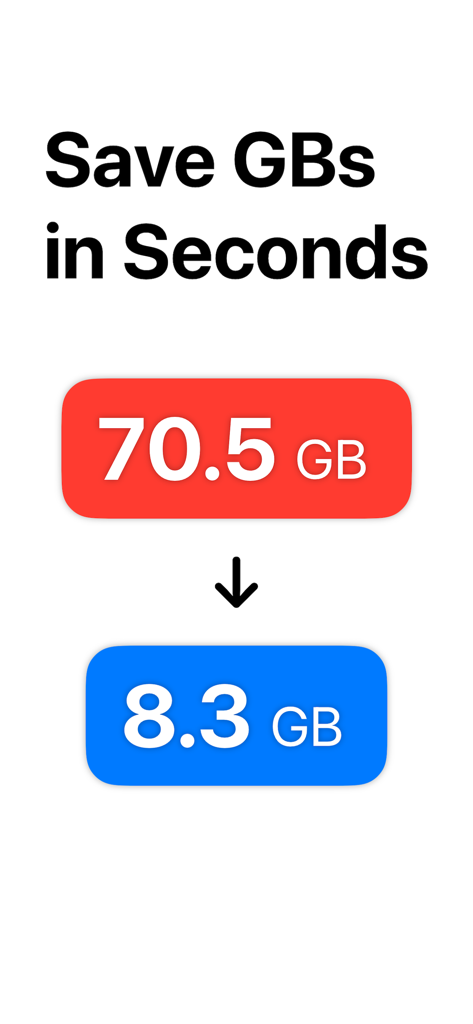
Easy Video Compressor - Resize significantly reduces video file sizes, directly saving storage space. For instance, the app can decrease a video's size from 70.5 GB to 8.3 GB.
Apps with similar features and user experience

俊杰 阮

琛 王

ZHN Co., Ltd.

LightByte Co., Ltd.

Dalian Hengwei Electronics Co., Ltd

俊杰 阮

New Marketing Lab, Inc

Brachmann Online Marketing GmbH & Co. KG

Farluner Apps Grzegorz Balcerzak