FAir for FlashAir

FAir for FlashAir

Download on App Store
Spark by MWM logo
Logo of FAir for FlashAir

FAir for FlashAir: The Ultimate Wireless Bridge for Professional Photographers

Instantly transfer, browse, and batch download RAW and JPG photos from your camera to your iOS device. Preserve every detail with full EXIF data and automated syncing for a faster mobile workflow.

Publisher

ๆจ ๆŽ

Category

Entertainment

Downloads

139K+

User Rating

4.5/5

Total Ratings

800

Locales

3

Precision in Every Pixel

Discover the interface used by 139K+ users.
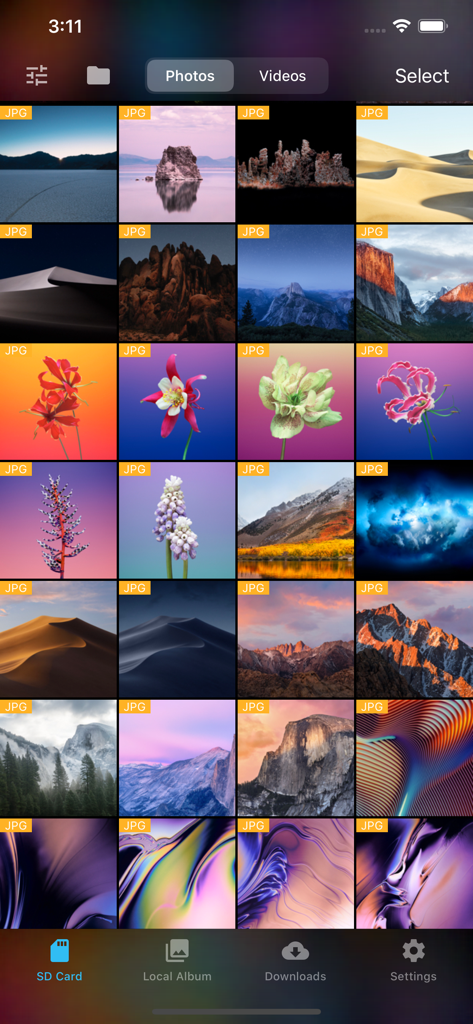
FAir for FlashAir app showing a grid of JPG photos stored on an SD card

FAir for FlashAir app showing a grid of JPG photos stored on an SD card

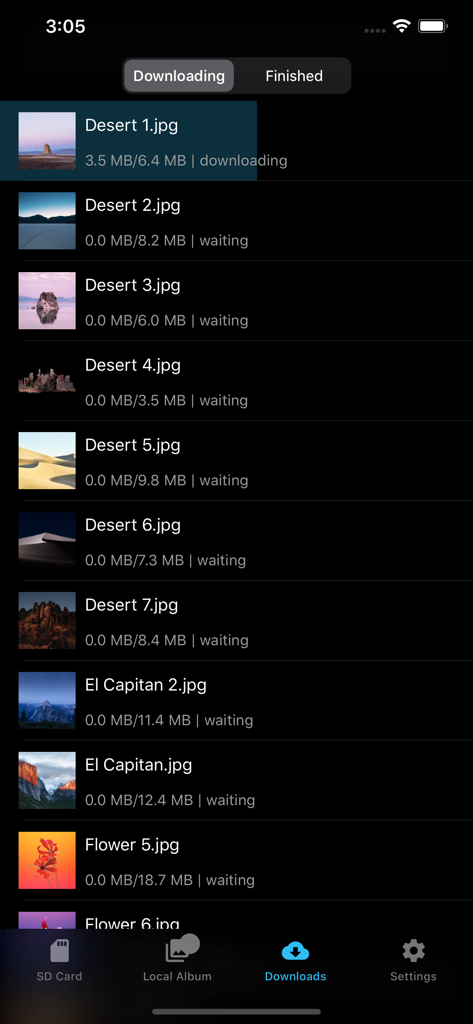
FAir for FlashAir app download screen showing photo transfer progress in dark mode.

FAir for FlashAir app download screen showing photo transfer progress in dark mode.

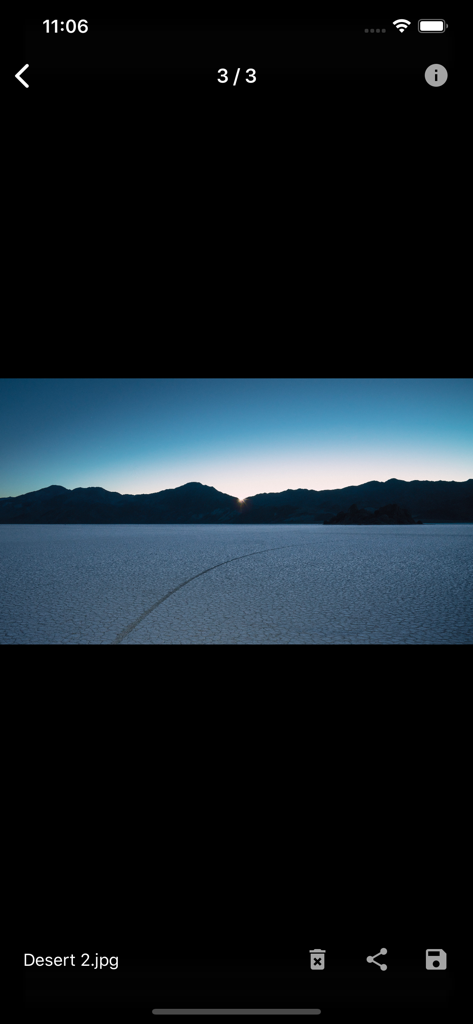
Full screen photo preview of a desert landscape in the FAir for FlashAir app

Full screen photo preview of a desert landscape in the FAir for FlashAir app

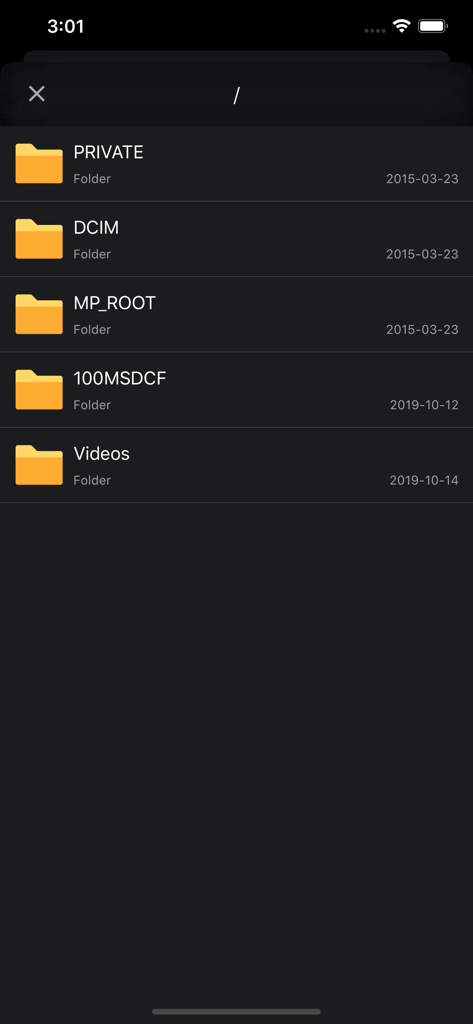
Interface of the FAir app showing the SD card file directory with folders like DCIM and Videos in dark mode.

Interface of the FAir app showing the SD card file directory with folders like DCIM and Videos in dark mode.

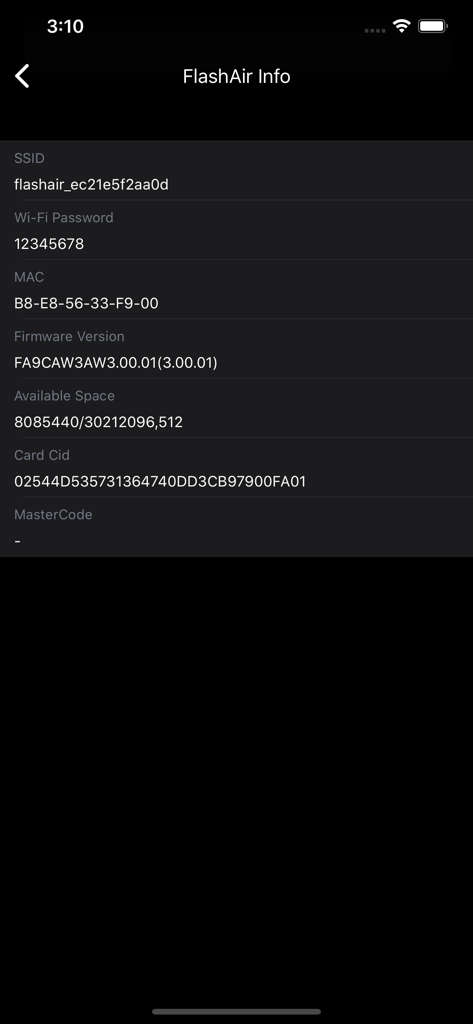
FlashAir SD card information screen in FAir app showing SSID and firmware details

FlashAir SD card information screen in FAir app showing SSID and firmware details

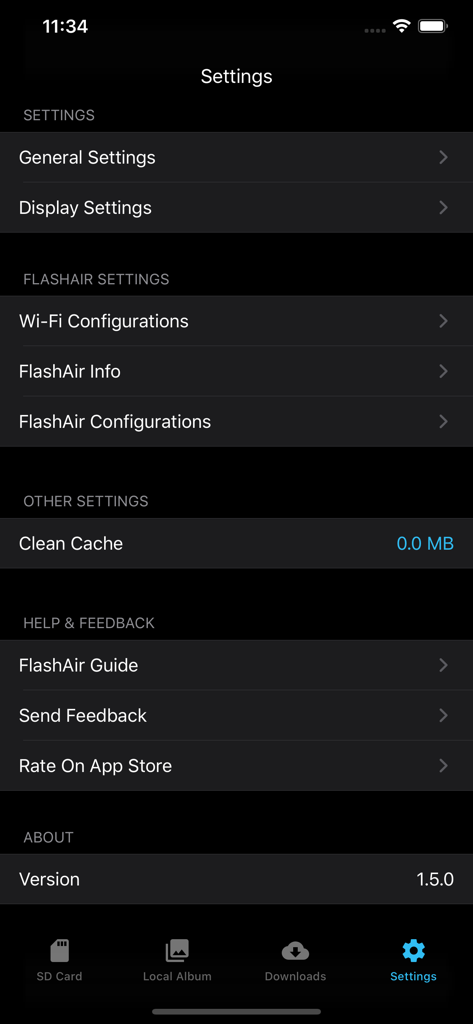
FAir for FlashAir app settings menu showing wifi and display configuration options in dark mode

FAir for FlashAir app settings menu showing wifi and display configuration options in dark mode

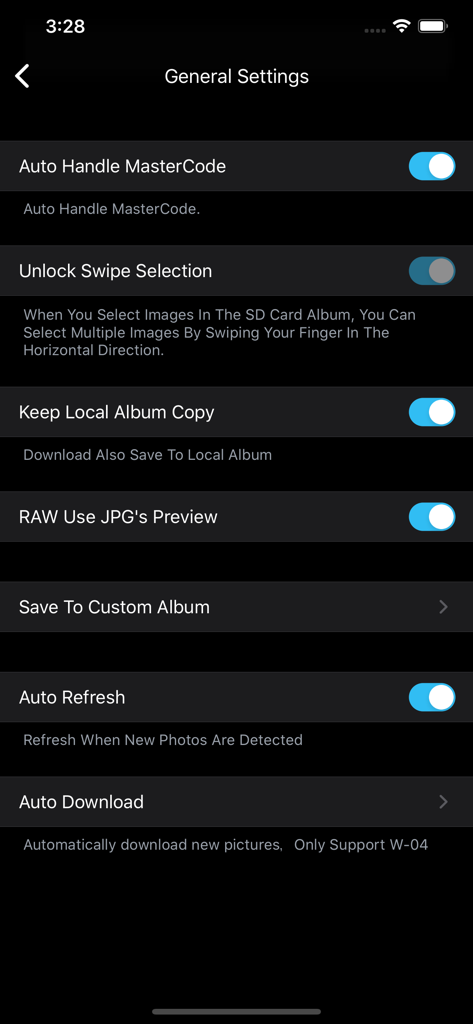
General settings screen of the FAir for FlashAir app showing automation and RAW preview options in dark mode.

General settings screen of the FAir for FlashAir app showing automation and RAW preview options in dark mode.

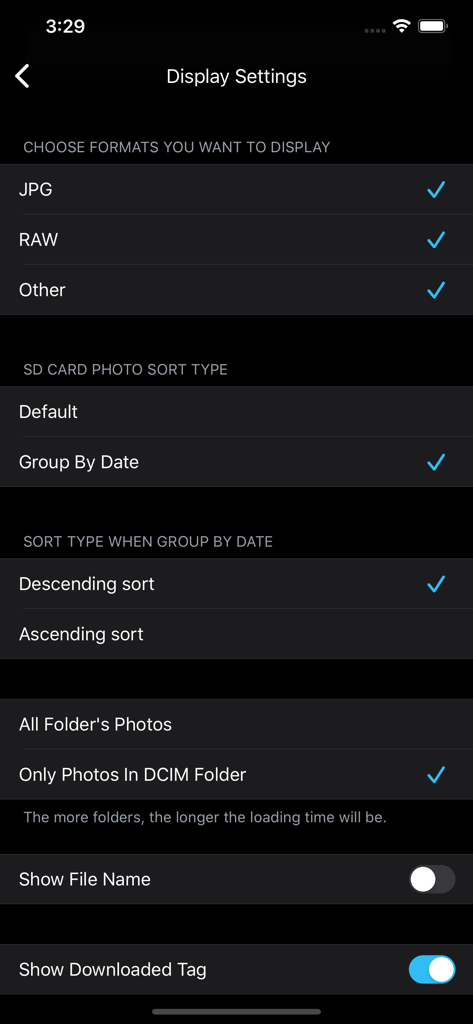
FAir for FlashAir app display settings screen for selecting file formats like RAW and JPG and choosing photo sorting methods.

FAir for FlashAir app display settings screen for selecting file formats like RAW and JPG and choosing photo sorting methods.

Pro-Grade Tools for Wireless Photography

The tools that make this app stand out, trusted by 139K+ users.

โšก

Instant Batch Downloads

Transfer hundreds of high-res photos and 4K videos simultaneously without ever removing the SD card from your camera.

๐Ÿ“ธ

RAW Previews & EXIF Data

Review professional file formats and full metadata directly on your mobile device to select your best shots for editing.

๐Ÿ”„

Set-and-Forget Automation

Enable auto-connect and background sync to have your latest shots ready for social media or Lightroom the moment you take them.

Loved by users worldwide

Trusted by 139K+ people who love this app.

"

"I use a high-end mirrorless setup and refuse to compromise on quality. FAir lets me transfer original images with full EXIF data directly to my iPhone for immediate social sharing. The dark mode looks great and the connection is rock solid."

Julian Rivera
"

"Managing files on the go used to be a headache. This app handles batch downloads and background tasks perfectly so I can keep shooting while my photos sync. It's the most reliable tool for anyone still using FlashAir cards today."

Elena Rossi

About the app

Everything you need to know about FAir for FlashAir.

Description

With Fair for Flashair, you can quickly browse and download all pictures and files on your wireless Flashair SD card. Supported hardware Flashair W-02, w-03, W-04 The following is a list of main functions: System - Fully compatible with IOS 13 - Perfect for dark mode Download - Independent download process management, your download record will not be lost - Batch download, display download speed, delete, edit download tasks and other functions - It can be downloaded to the local folder of APP first, and then saved after further filtering. - You can configure to save to a separate album and configure the album file name - You can choose to generate HD thumbnails after downloading - Keep the photo information completely, download the original image, which is exactly the same as the camera image. - When selecting photos, you can select all, slide multiple, and select all by time group. - Auto refresh - Auto Download new photos/videos - Automatic connection You can connect FlashAir Wi-Fi inside the app - Config download order Display - Pictures on Flashair can be displayed in the default view or grouped by date - Format filtering, you can select the file format you want to see, only display JPG, raw, etc. - You can sort pictures in ascending or descending order - You can choose to load only the pictures in DCIM or display all the pictures in the card. - You can show or hide picture file names - You can choose to display the no download flag - You can configure the number of pictures displayed per line - You can view the picture in thumbnail or full size - Preview video smoothly - You can view the complete EXIF information of the picture - You can view the full file system of flashair and operate on files - Raw preview can be displayed (using JPG preview with the same name) Flashair settings - Flashair SSID and Wi Fi password can be configured - Flashair mastercode can be set and managed automatically - You can view the complete information of flashair SSID, password, remaining space, MAC address, etc. - Flashair and cellular network can be used together Other - You can open files in flashair through other apps - Mastercode can be processed automatically - Can be set to prevent locking during download - Slide multiple pictures to improve efficiency - Can clear the picture cache to prevent the app from taking up too much space - Complete operation guide and problem feedback channel

Latest Version

1.6.2

Size

11.5 MB

First Released

Apr 5, 2018

Ready to Streamline Your Mobile Workflow?

Join over 139,000 photographers who trust FAir for instant, original-quality transfers. Download now and bridge the gap between your professional gear and your iPhone or iPad.

Download on App Store