Feed Preview: Ig Grid Layout

Feed Preview: Ig Grid Layout

Download on App StoreDownload on Google Play
Spark by MWM logo
Logo of Feed Preview: Ig Grid Layout

Feed Preview: Ig Grid Layout — Plan Your Perfect Aesthetic Safely

The ultimate grid planner for creators and brands. Curate your dream Instagram feed with drag-and-drop ease and zero login required.

Publisher

MWM

Category

Photo & Video

Downloads

5M+

User Rating

4.7/5

Total Ratings

51K+

Locales

20

Perfect Your Aesthetic

Discover the interface used by 5M+ users.
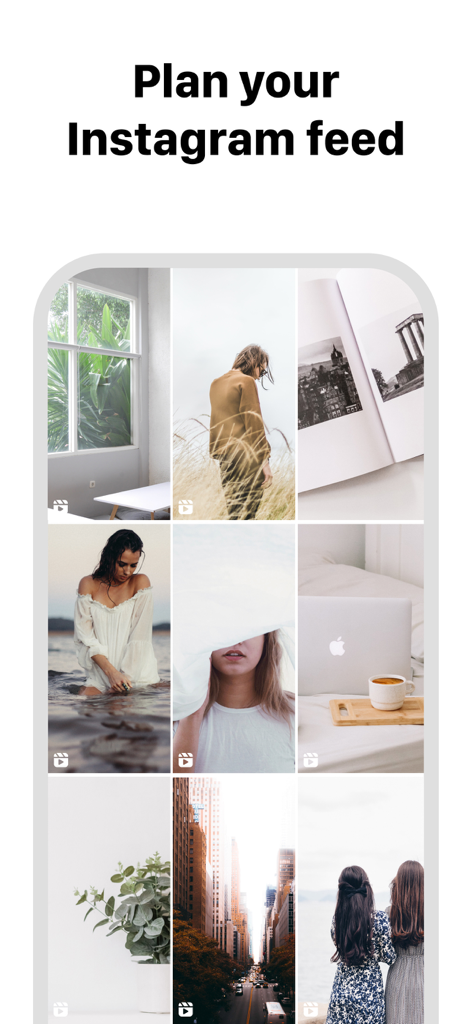
A mobile interface showing a curated Instagram grid layout for feed planning

A mobile interface showing a curated Instagram grid layout for feed planning

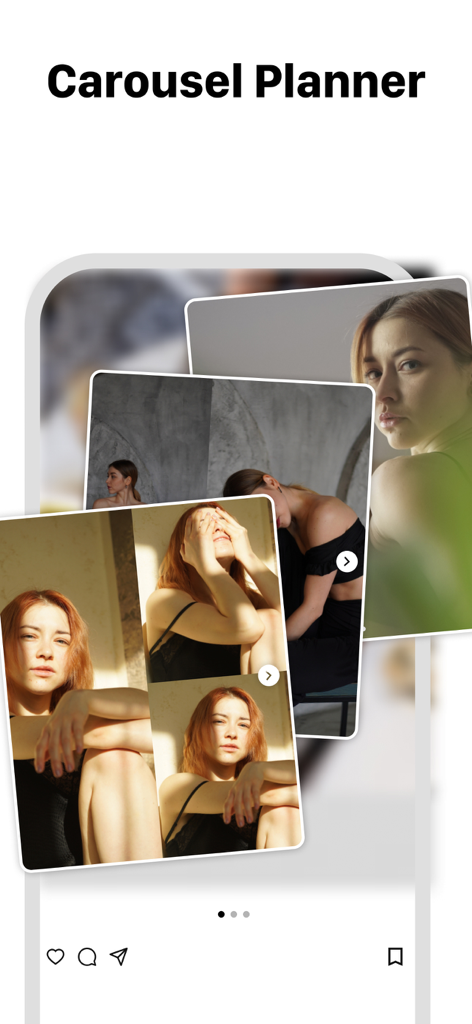
A mobile app interface showing a carousel post planner for Instagram with multiple overlapping photos.

A mobile app interface showing a carousel post planner for Instagram with multiple overlapping photos.

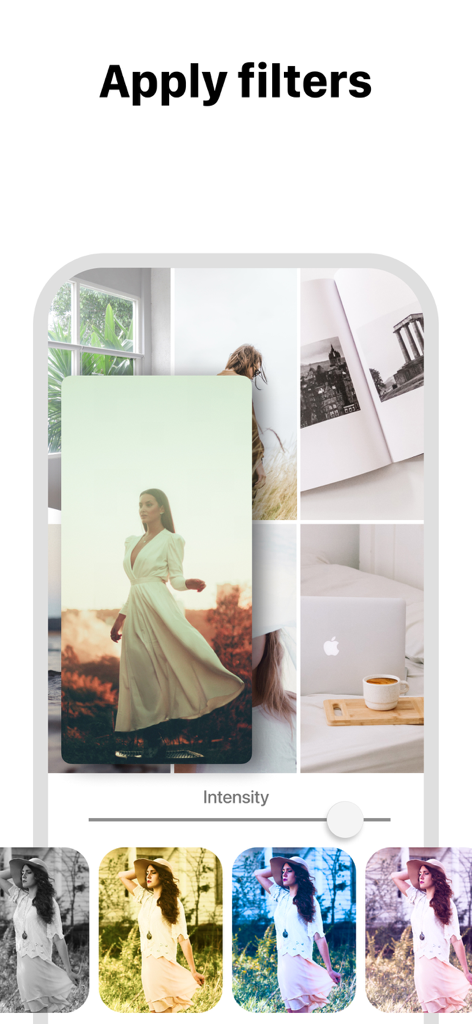
Applying photo filters to an Instagram grid layout preview.

Applying photo filters to an Instagram grid layout preview.

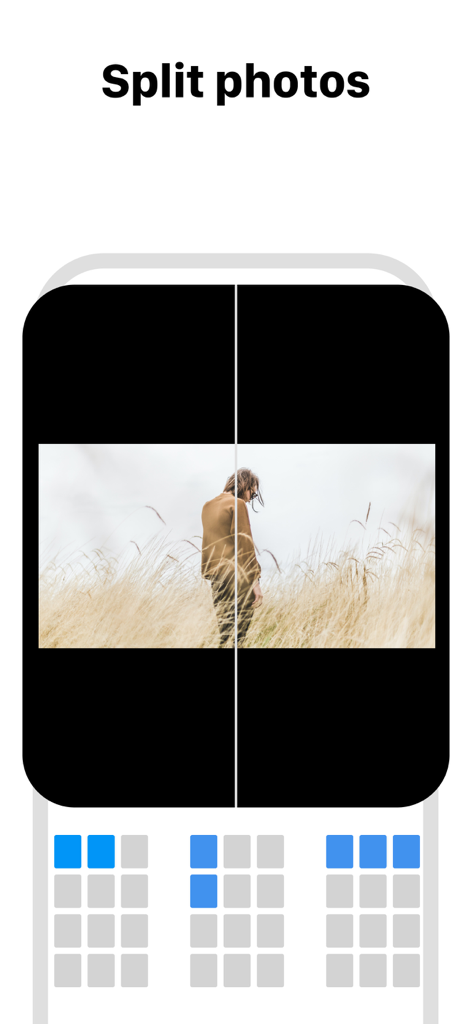
Interface showing how to split photos into multiple tiles for a mosaic Instagram grid layout

Interface showing how to split photos into multiple tiles for a mosaic Instagram grid layout

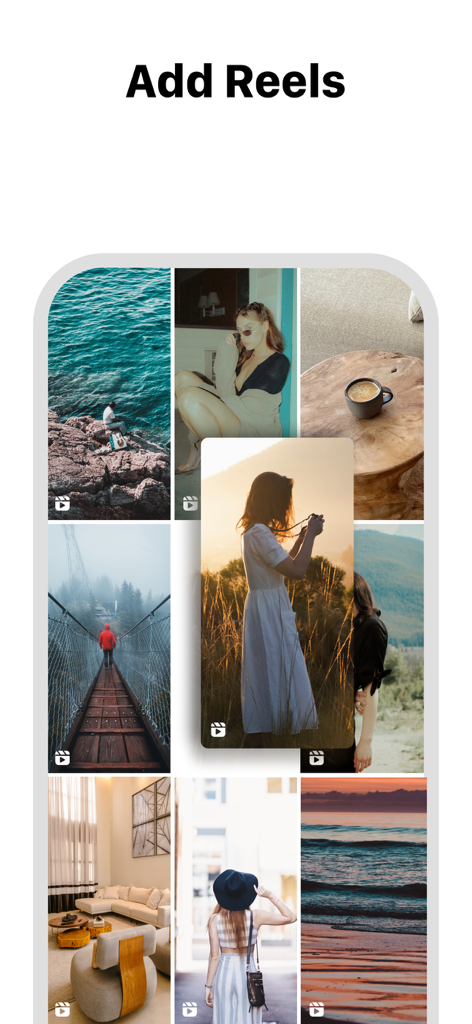
Interface of the Feed Preview app showing how to add reels to an Instagram grid layout.

Interface of the Feed Preview app showing how to add reels to an Instagram grid layout.

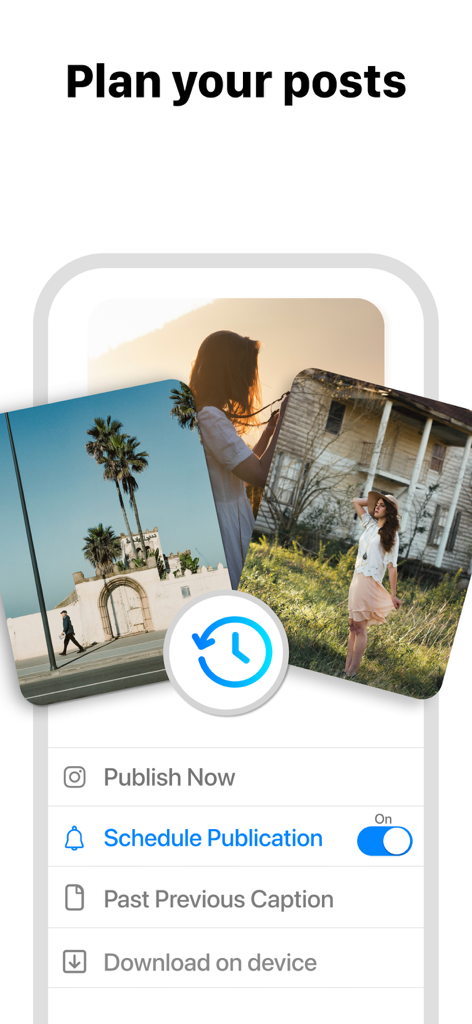
Interface of the Feed Preview app showing post planning and scheduling options for Instagram.

Interface of the Feed Preview app showing post planning and scheduling options for Instagram.

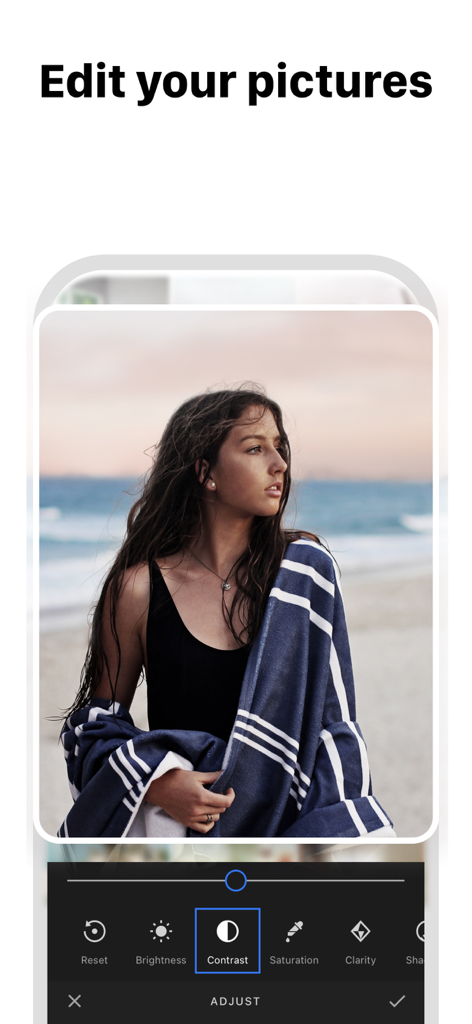
A screenshot of the Feed Preview app showing a photo editing interface with options like contrast, brightness, and saturation.

A screenshot of the Feed Preview app showing a photo editing interface with options like contrast, brightness, and saturation.

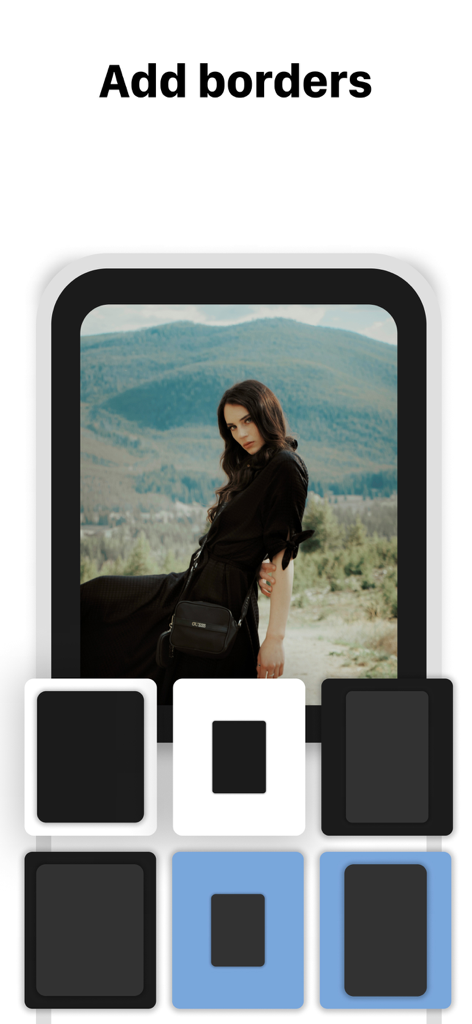
A smartphone interface showing different border options for a portrait photo in the Instagram feed planning app

A smartphone interface showing different border options for a portrait photo in the Instagram feed planning app

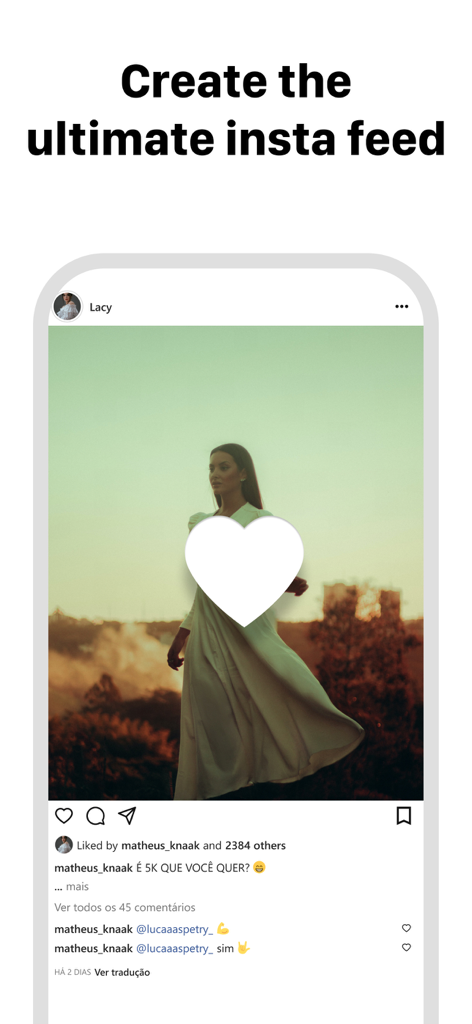
A smartphone display showing an aesthetic Instagram post mockup with the heading Create the ultimate insta feed

A smartphone display showing an aesthetic Instagram post mockup with the heading Create the ultimate insta feed

Design Your Perfect Aesthetic

The tools that make this app stand out, trusted by 5M+ users.

🛡️

Secure "No-Login" Access

Preview any public profile without ever sharing your password. Keep your account 100% safe from bans and hacks while you plan.

Seamless Drag & Drop

Effortlessly reorganize your posts to find the perfect visual flow. Experiment with layouts and mosaics before you commit to the post.

📱

Multi-Account Mastery

Switch between your personal brand and business accounts in seconds. Perfect for social media managers and multi-hyphenate creators.

Loved by users worldwide

Trusted by 5M+ people who love this app.

"

"Finally an app that doesn't ask for my Instagram password! I’m super protective of my account, so being able to plan my grid just by typing my username is a total game changer. The drag-and-drop feature is incredibly smooth, and it helps me maintain my 'clean girl' aesthetic perfectly before I commit to a post."

Chloe S., Lifestyle Creator
"

"As a social media manager handling three different brand accounts, this app has saved me hours of work. The ability to instantly compare my planned grid with the live feed helps me ensure every transition is seamless. It’s the most intuitive tool I’ve used for visualizing mosaics and color-coordinated layouts."

Marcus J., Digital Strategist

About the app

Everything you need to know about Feed Preview: Ig Grid Layout.

Description

Preview and plan your awesome Instagram feed! Add and delete pictures, videos and carrousels. Play with your feed! Use our beautiful filters to get a wonderful feed! ◆ NO LOGIN to Instagram ◆ We have designed the most stunning and easy to use feed preview/planner for Instagram. Preview any feed, no need to login. Do any changes, try and see how your feed looks amazing ! Delete and move your pictures ! ◆ NEW FEATURE THAT YOU'LL LOVE ◆ Just push the right button circle on your feed screen to see instantly your original feed. You'll never need again to switch between instagram and our app to see your changes! √√√ What you can do with this awesome application : ▸ Preview the Instagram feed of any instagram user ▸ Manage multiple feed at the same time ▸ Add a picture to your feed preview ▸ Delete a picture from your feed preview ▸ Move any picture from one place to an other ▸ Reset your preview to match the current instagram Feed ▸ Instantly check your initial feed ▸ Add multiple pictures at once into your Instagram Feed Preview ▸ Delete multiple pictures at once from your feed This application can even let you plan your instagram post because pictures you add to your feed preview are automatically save in local and can be used later when you want to post it to Instagram. It is thus also an Instagram planner ! We love what we have built. We do believe this feed planner/preview for instagram will improve your productivity and save you a lot of time. Do not hesitate to post any issue or feedbacks ! We want to build something big, something free, something useful. You are now part of our team ▸ How to move a mosaic / picture ? Simple do a long pressure with your finger on the picture you want to move, then drag and drop it where you would like it to be. ▸ How to add a picture into your feed preview ? Just tap the "+" button present at the top right corner of your screen. A new window will open presenting photos you have on your smartphone. Simply select all photos you want to add to your feed and continue. They will be automatically added to your feed preview and saved locally on your smartphone. ▸ How to delete a mosaic from your feed ? Tap the picture you want to delete then a popup will appear. Now your can confirm that you want to delete this picture from your feed preview. ▸ How to delete multiple pictures at once from your feed ? Again tap one of the instagram mosaic you would like to delete then select "Select multiple". Choose all the picture you want to remove from your feed preview then finally click on the trash icon you can see on the to right corner of your screen. ▸ How to refresh your feed preview with your current Instagram feed ? Click on the button on the top left corner of the feed screen and confirm that you want to refresh you feed. Be careful, this action remove all local mosaic you added before in order to create a feed preview that perfectly match your instagram feed. ▸ How to link an instagram account ? Click on the "menu" button at the bottom right corner of your screen and then tap the button "Link new account". A screen should appear, right the instagram username of the feed you would like to preview then tap "continue". The feed preview screen should be refreshed with your mosaics. Now you can plan your post and play with your instagram feed! ▸ Subscription You can now subscribe to our Premium plan and benefice to: - All ads removed - Link multiple accounts - Free support from our team You can chose between several duration plans: 1 month, 6 months or 12 months. Support languages English, French and Spanish. It is free, enjoyy !! Privacy Policy: https://berthx.io/policy/ Terms of Use: https://berthx.io/terms/

Latest Version

3.12.3

Size

187.1 MB

First Released

Mar 2, 2019

Ready to Curate Your Perfect Aesthetic?

Join over 5 million creators and small business owners who plan their stunning Instagram grids with ease. No login, no risk—just pure creativity at your fingertips.

Download on App StoreDownload on Google Play
FAQ

Frequently Asked Questions

Everything you need to know about Feed Preview: Ig Grid Layout

How can Feed Preview help plan my Instagram feed?

Feed Preview: Ig Grid Layout visually plans your Instagram feed by adding, deleting, and rearranging photos and videos. It shows exactly how your profile will look, helping create the perfect aesthetic.

Does Feed Preview: Ig Grid Layout require Instagram login?

No, Feed Preview: Ig Grid Layout allows users to visually plan their Instagram feed without ever logging into their Instagram account, ensuring privacy and ease of use.

Can I manage multiple Instagram accounts with Feed Preview?

Yes, Feed Preview: Ig Grid Layout enables users to manage multiple Instagram accounts effortlessly. This feature streamlines the content planning process across different profiles.

What editing features are available in Feed Preview: Ig Grid Layout?

Feed Preview: Ig Grid Layout offers photo editing with stylish filters and borders. Users can also adjust brightness, contrast, saturation, and clarity for their images within the app.

Can I schedule posts using Feed Preview: Ig Grid Layout?

Yes, Feed Preview: Ig Grid Layout allows users to create and schedule their Instagram posts in advance. This helps organize content for future publication and maintain consistency.

Does Feed Preview support planning Instagram carousels?

Yes, Feed Preview: Ig Grid Layout supports creating and planning Instagram carousels. Users can add multiple pictures to design comprehensive multi-image posts for their feed.

How does Feed Preview save my planned Instagram posts?

Pictures added to your feed preview in Feed Preview: Ig Grid Layout are automatically saved locally on your device. They are ready to be posted to Instagram when you choose.

Can I preview any Instagram feed with Feed Preview: Ig Grid Layout?

Yes, Feed Preview: Ig Grid Layout allows users to preview any Instagram feed. This feature helps visualize various profile aesthetics and refine planning strategies.

Does Feed Preview offer grid templates for Instagram?

Yes, Feed Preview: Ig Grid Layout provides grid templates to customize your Instagram feed. This helps users design and arrange their photos for a unique visual layout.

Can I reset my feed preview in Feed Preview: Ig Grid Layout?

Yes, Feed Preview: Ig Grid Layout allows users to reset their preview to match their current Instagram feed. This feature instantly updates the app's layout to reflect real-time changes.