FlipaClip: Create 2D Animation

FlipaClip: Create 2D Animation

Download on App StoreDownload on Google Play
Spark by MWM logo
Logo of FlipaClip: Create 2D Animation

FlipaClip: Create 2D Animations and Viral Stories Your Way

Join millions of creators making epic TikTok memes, Gacha edits, and frame-by-frame masterpieces. Whether you're sketching for fun or building your YouTube channel, FlipaClip gives you professional tools to bring your imagination to life.

Publisher

Visual Blasters, LLC

Category

Graphics & Design

Downloads

21M+

User Rating

4.6/5

Total Ratings

440K+

Locales

15

Bring Drawings to Life

Discover the interface used by 21M+ users.

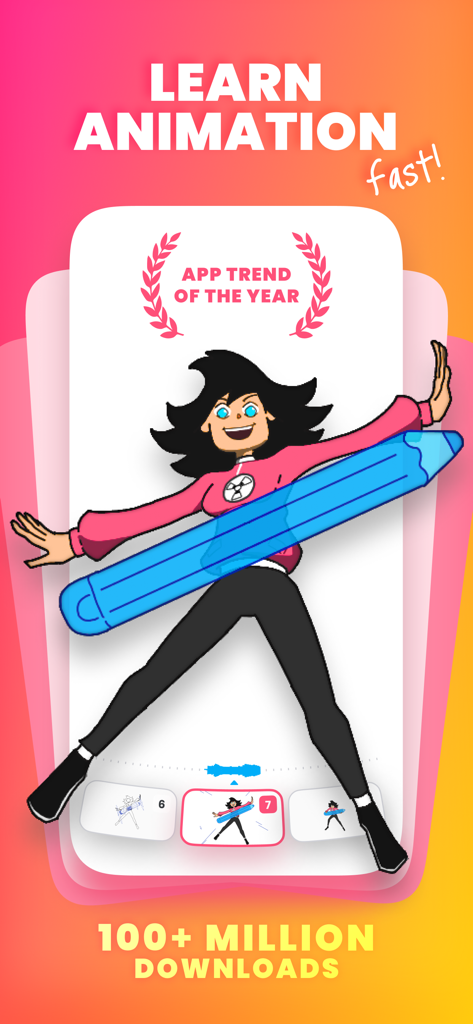
FlipaClip app interface showing a character holding a large blue pencil with text about learning animation fast.

FlipaClip app interface showing a character holding a large blue pencil with text about learning animation fast.

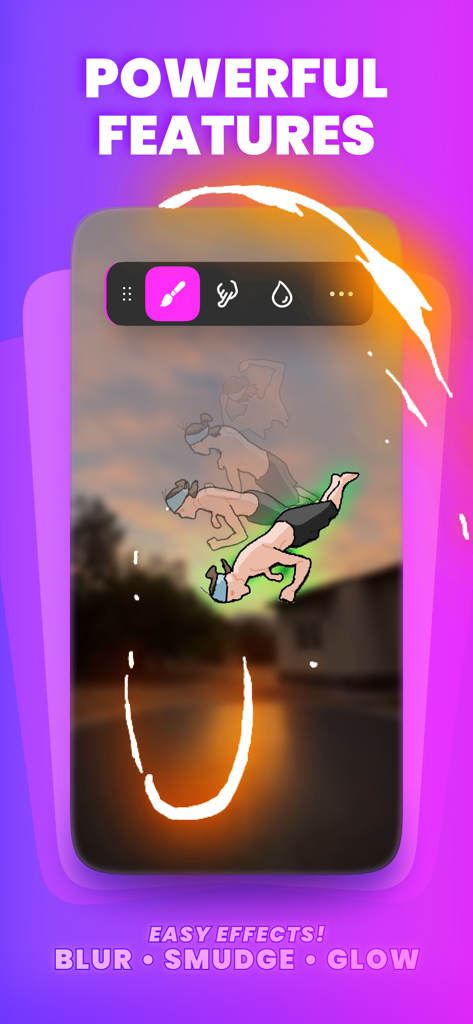
FlipaClip app interface showcasing blur smudge and glow effects on an animated character

FlipaClip app interface showcasing blur smudge and glow effects on an animated character

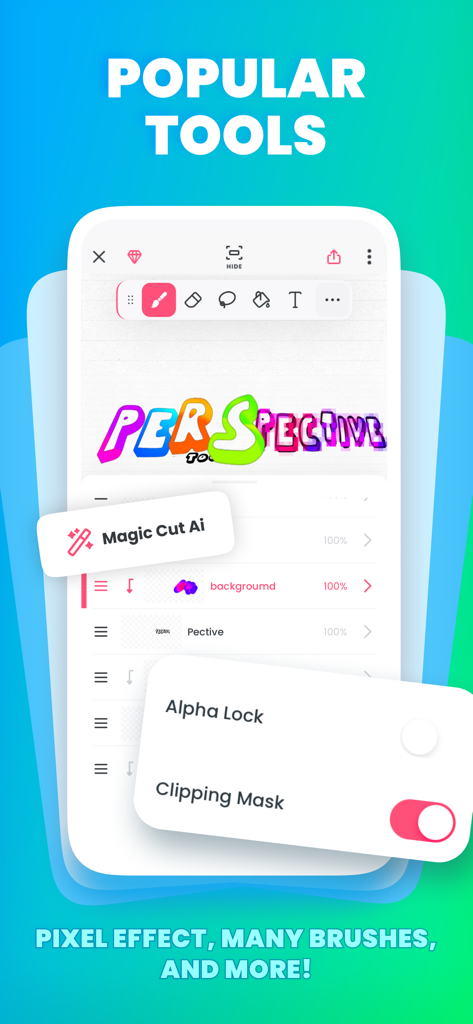
A screenshot of the FlipaClip app interface displaying popular animation tools like Magic Cut AI and Clipping Mask

A screenshot of the FlipaClip app interface displaying popular animation tools like Magic Cut AI and Clipping Mask

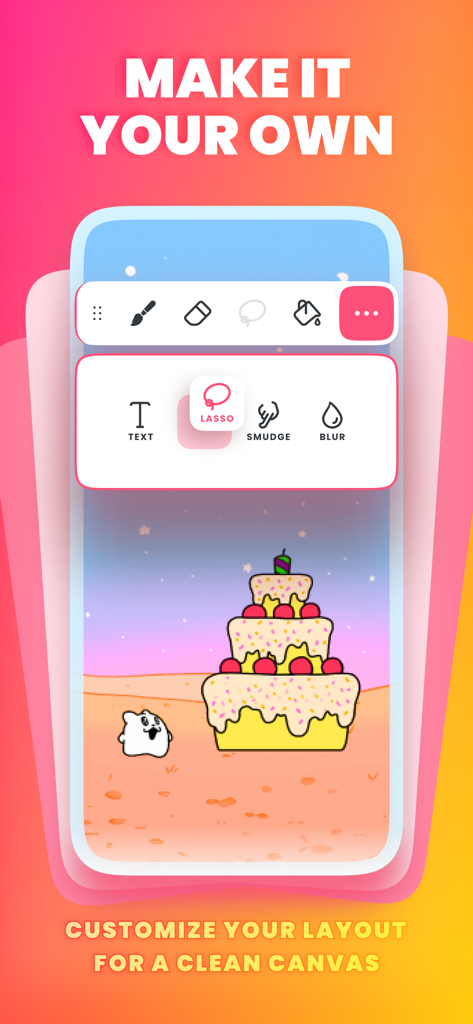
FlipaClip app interface showing customizable drawing tools and animation layout

FlipaClip app interface showing customizable drawing tools and animation layout

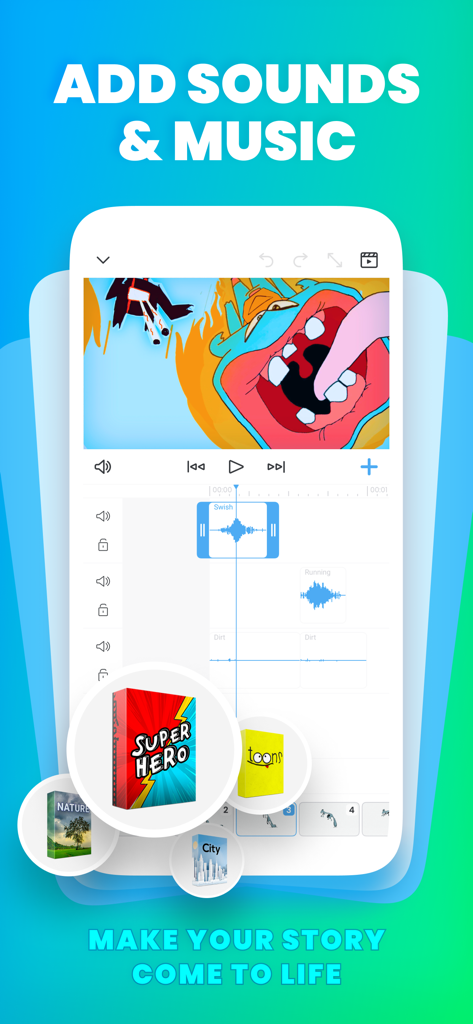
FlipaClip app interface showing audio tracks and sound effect packs for 2D animation

FlipaClip app interface showing audio tracks and sound effect packs for 2D animation

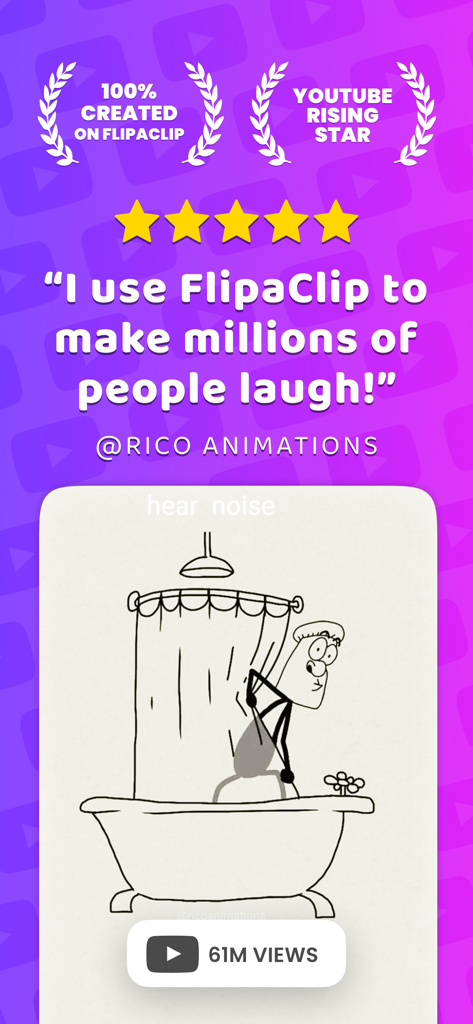
Testimonial from YouTube creator Rico Animations featuring a cartoon made with FlipaClip

Testimonial from YouTube creator Rico Animations featuring a cartoon made with FlipaClip

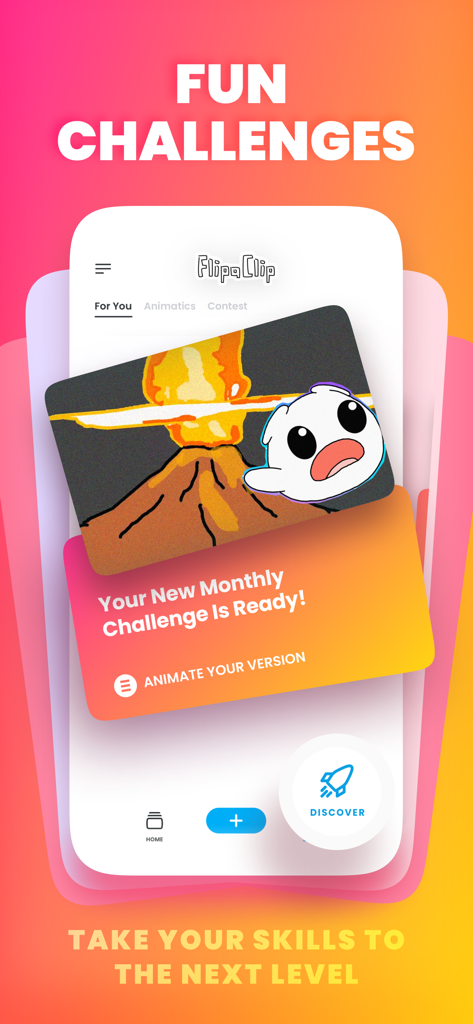
FlipaClip app interface showcasing monthly community animation challenges and contests.

FlipaClip app interface showcasing monthly community animation challenges and contests.

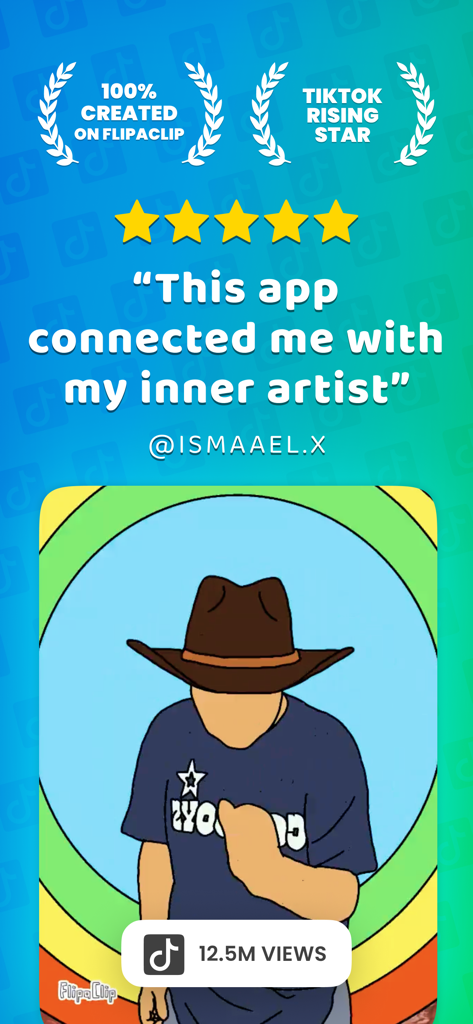
A five star review of FlipaClip showing a character animation with millions of TikTok views

A five star review of FlipaClip showing a character animation with millions of TikTok views

A cartoon character drawing a vibrant trail with a giant pencil on the FlipaClip download screen

A cartoon character drawing a vibrant trail with a giant pencil on the FlipaClip download screen

Bring Your Stories to Life

The tools that make this app stand out, trusted by 21M+ users.

✍️

Pro Tools Made Simple

Master frame-by-frame animation with intuitive drawing tools, onion skinning, and layers designed for everyone.

🎵

Soundtrack Your Vision

Add up to 6 audio tracks, record your own voice, or use curated sound effects to make your animations pop on TikTok.

🚀

Go Viral Instantly

Participate in community challenges and export your masterpieces directly to YouTube, TikTok, and Instagram in seconds.

Loved by users worldwide

Trusted by 21M+ people who love this app.

"

"FlipaClip is literally the best for making animation memes! The audio integration is so smooth and I love using the magic cut tool to bring my Gacha characters to life. I posted my first loop on TikTok and it already got so many likes!"

LunaAnimations
"

"As an aspiring animator, this app is a game changer. The layers and onion skinning tools feel like professional software but on my iPad. I can work on my stickman fight scenes anywhere, and the glow effect makes everything look high-quality."

PixelJunkie_TX

About the app

Everything you need to know about FlipaClip: Create 2D Animation.

Description

Learn how to Animate Movies with FlipaClip! Discover Your Unique Animation Style Dive into the world of animation today! FlipaClip is the perfect platform for beginners and aspiring animators who dream about making animated movies effortlessly. Easy Tutorials • Learn with guided how-to content and get Inspired: Access tutorials and join our community for inspiration and guidance. Powerful and Intuitive Animation Tools • Art Tools: Use a variety of brushes, lasso, fill, eraser, ruler shapes, mirror tool, and text options. Draw on custom canvas sizes with Apple Pencil support. • Animation Layers: Animate like a pro with up to 10 layers. Try the Glow Effect and Pixel Effect for free. • Audio Integration: Add sound effects, voiceovers, and music tracks. Create, add, and edit audio clips across six free audio tracks. Record your own voice for dialogue and import personal audio files. Explore our curated sound effects packages. • Blur & Smudge Tools: Create stunning effects with these highly anticipated tools.. • Magic Cut AI Tool: Cut out any image or picture with advanced Ai.. Frame-by-Frame Animation Made Simple • Timeline and Onion Skin: Perfect for precise animation control. • Frames Viewer and Scrub Control: Ensure a seamless workflow. • Overlay Grid: Align and frame your drawings accurately. Personalized Experience • Dark and Light Mode: Customize your app’s appearance. • Organize Projects: Stack projects and manage them efficiently. Stage Customization • Hide Tools: Create more space for your animations or projects by hiding tools. • Drag & Rearrange Tools: Customize your layout by dragging and rearranging tool icons for the perfect setup. Creators Making All Kinds of Animation Styles Animators are producing animated styles like Cartoons, Memes, Animé, Stick Figures, Stickman, Drawing, Animated Pictures, Stop Motion, Gacha, Gâcha Life, Furry, Sketch, Music Animated Videos, Animals, Fandom, Scribbs or Scribbles on dance videos, and more. Gamers will love creations of Roblox characters, Minecraft, Battle Royale, and others! Community and Sharing • Join a Thriving Community: Share your animations with a global audience. • Participate in Challenges: Win exciting prizes in various contests. • Social Media Integration: Post directly to TikTok, YouTube, Instagram, Twitter/X, Bilibili, Facebook, Tumblr, and more. Insert Photos & Videos • Animate on top of images or videos: Create rotoscope effortlessly and drag and drop images on your canvas. Save and Share • Multiple Export Options: Save your work as MP4, GIF, or PNG sequences. Post your animated videos to YouTube and TikTok directly from the app. Watch Animated Shorts • Streaming Feature: Enjoy a selection of curated animated short movies created by our community.. Join Millions of FlipaClip Creators and share your unique animated stories. Support and Community • Website: www.flipaclip.com • Support: support.flipaclip.com • Discord: discord.com/invite/flipaclip Terms of Use (EULA): https://www.apple.com/legal/internet-services/itunes/dev/stdeula/

Latest Version

4.2.26

Size

208.8 MB

First Released

Mar 4, 2017

Ready to Animate Your World?

Join over 30 million creators making viral animations, Gacha stories, and fan art. Download FlipaClip today and turn your sketches into movies in minutes!

Download on App StoreDownload on Google Play
FAQ

Frequently Asked Questions

Everything you need to know about FlipaClip: Create 2D Animation
What is FlipaClip?

FlipaClip is an animation platform designed for beginners and aspiring animators. It enables users to create animated movies effortlessly using powerful and intuitive tools.

Can I learn animation with FlipaClip?

Yes, FlipaClip offers guided how-to content and easy tutorials for learning animation. Users can access these resources and join the community for inspiration and guidance.

What animation tools does FlipaClip offer?

FlipaClip provides art tools such as brushes, lasso, fill, eraser, ruler shapes, mirror tool, and text options. It supports custom canvas sizes and Apple Pencil.

Does FlipaClip support animation layers?

Yes, FlipaClip supports animating with up to 10 layers. It also includes free Glow Effect and Pixel Effect features for enhanced animations.

Can I add audio to my animations in FlipaClip?

Yes, FlipaClip allows users to add sound effects, voiceovers, and music tracks. It provides six free audio tracks, voice recording, and importing personal audio files.

Does FlipaClip have blur and smudge effects?

Yes, FlipaClip includes Blur & Smudge Tools, which create stunning effects. These highly anticipated tools enhance visual quality in animations.

What is the Magic Cut AI tool in FlipaClip?

The Magic Cut AI tool in FlipaClip uses advanced AI to cut out any image or picture. This feature simplifies background removal for visual assets.

How does FlipaClip simplify frame-by-frame animation?

FlipaClip simplifies frame-by-frame animation with a timeline, onion skin, frames viewer, scrub control, and an overlay grid. These tools enable precise animation control.

Can I customize the appearance of the FlipaClip app?

Yes, FlipaClip offers Dark and Light Mode to customize the app's appearance. Users can also efficiently organize and manage their projects by stacking them.

What export options are available in FlipaClip?

FlipaClip offers multiple export options. Users can save their work as MP4, GIF, or PNG sequences and post animated videos directly to YouTube and TikTok.

Can FlipaClip users share their animations on social media?

Yes, FlipaClip allows users to share their animations with a global audience. It includes direct social media integration for platforms like TikTok, YouTube, and Instagram.

Does FlipaClip support animating over existing photos or videos?

Yes, FlipaClip supports animating on top of images or videos. Users can create rotoscope animations effortlessly and drag and drop images onto their canvas.

Does FlipaClip have a community or challenges for animators?

Yes, FlipaClip fosters a thriving community where users can share animations and participate in challenges. These contests offer exciting prizes.

Is FlipaClip suitable for creating different animation styles?

Yes, FlipaClip accommodates various animation styles including Cartoons, Memes, Animé, Stick Figures, and Stop Motion. It also supports animations for Roblox and Minecraft characters.