Gmoji: AI Emoji Maker

Gmoji: AI Emoji Maker

Download on App Store
Spark by MWM logo
Logo of Gmoji: AI Emoji Maker

Gmoji: Your AI Playground for One-of-a-Kind Emojis

Stop settling for boring icons. Turn your photos, text, and wildest ideas into custom emojis and stickers that perfectly capture your vibe.

Publisher

MASSIVE APPS SOFTWARE

Category

Graphics & Design

Downloads

2M+

User Rating

4.7/5

Total Ratings

27K+

Locales

1

Pixels of Personality

Discover the interface used by 2M+ users.
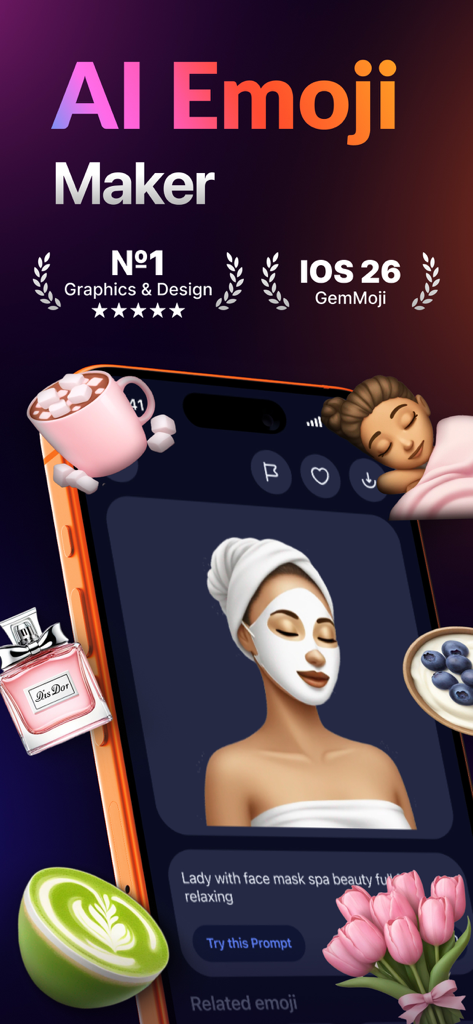
Gmoji AI Emoji Maker app interface showing a custom creation of a woman with a face mask and floating lifestyle emojis

Gmoji AI Emoji Maker app interface showing a custom creation of a woman with a face mask and floating lifestyle emojis

A diverse grid of creative and custom AI-generated emojis from the Gmoji app

A diverse grid of creative and custom AI-generated emojis from the Gmoji app

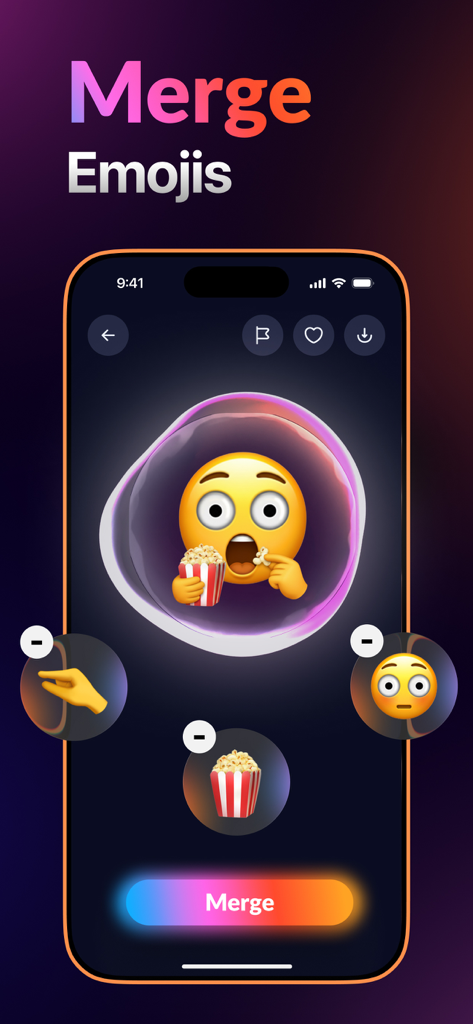
Interface of the Gmoji app showing the emoji merge tool with a shocked face eating popcorn

Interface of the Gmoji app showing the emoji merge tool with a shocked face eating popcorn

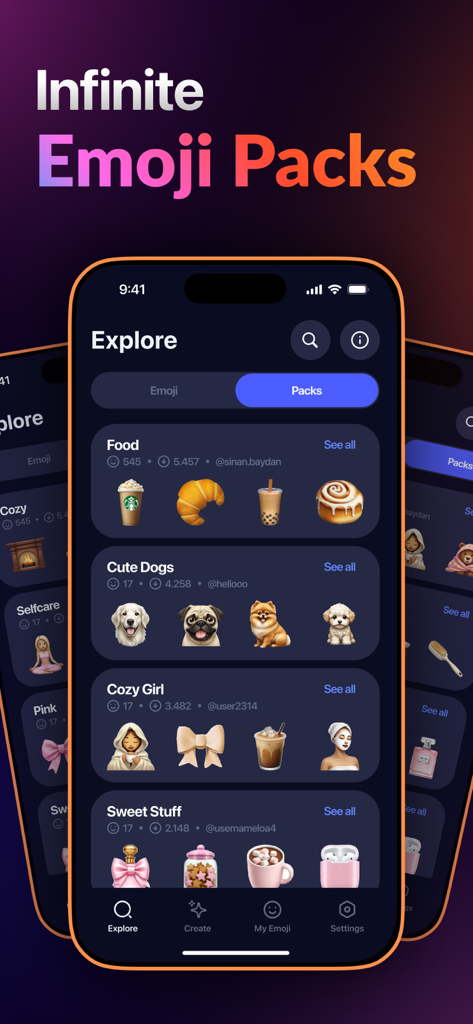
Explore screen of Gmoji app showing curated emoji packs for different categories

Explore screen of Gmoji app showing curated emoji packs for different categories

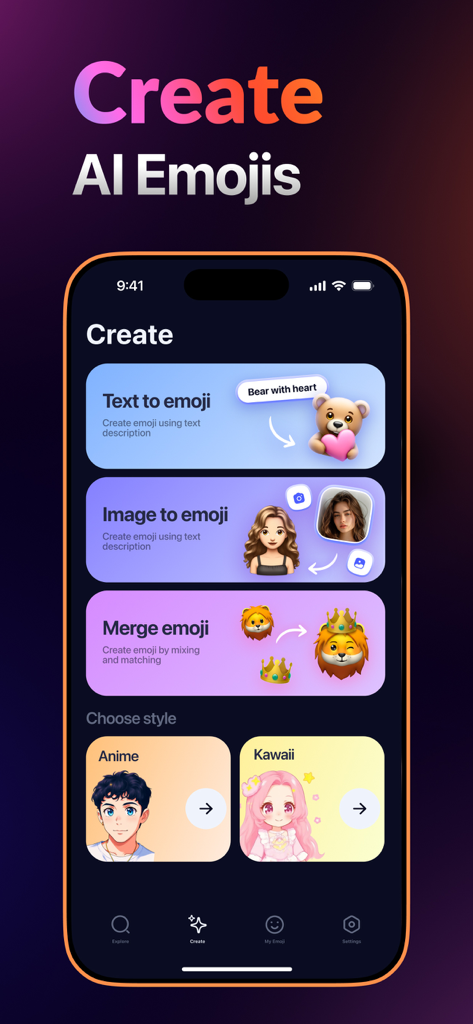
Interface of Gmoji app showing options to create AI emojis from text images or by merging characters

Interface of Gmoji app showing options to create AI emojis from text images or by merging characters

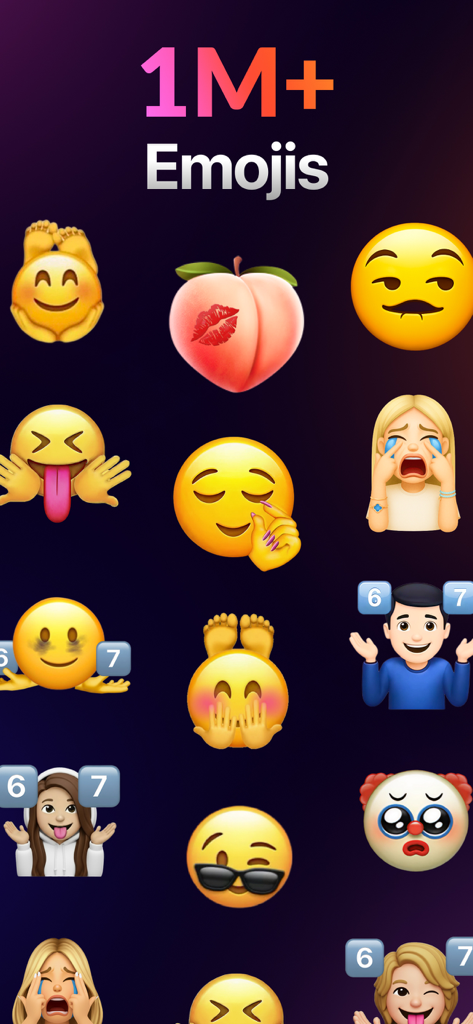
A mobile screen showing a large collection of custom AI-generated emojis and stickers including famous figures and memes

A mobile screen showing a large collection of custom AI-generated emojis and stickers including famous figures and memes

Level Up Your Group Chats

The tools that make this app stand out, trusted by 2M+ users.

🪄

AI Text-to-Emoji

Type any inside joke or random thought and watch our AI instantly create a custom emoji masterpiece.

🤳

Personalized YouMojis

Transform your selfies into custom sticker packs so you can react with your own face in any chat.

🧪

Epic Emoji Mashups

Merge icons and photos to create hilarious, one-of-a-kind mashups that nobody else has in their keyboard.

Loved by users worldwide

Trusted by 2M+ people who love this app.

"

"Finally, an app that lets me turn my friends’ funniest reactions into actual emojis! Our iMessage group chat has never been more chaotic in the best way possible. The photo-to-emoji AI is surprisingly accurate and so easy to use."

Jordan T.
"

"I love that I can just type a weird prompt and get a unique emoji instantly. It’s perfect for when I want to express a very specific mood that the standard keyboard doesn't have. Definitely my most-used creative tool right now."

Maya S.

About the app

Everything you need to know about Gmoji: AI Emoji Maker.

Description

Tired of the same old emojis? Welcome to Gmoji – the ultimate playground for creating one-of-a-kind emojis that truly express you. Whether you're looking to spice up your chats, create the perfect reaction meme, or just have fun, Gmoji gives you the power to be endlessly creative. Merge & Create - Combine your favorite emojis and even your own photos to craft something entirely new. The only limit is your imagination. Create a laughing cat, a pizza with a crown, or a custom avatar of your best friend. It’s mixing and matching made magical. Text to Emoji - Type a phrase and watch the magic happen. Instantly transform your words—“Happy Birthday,” “Epic Win,” “Mood”—into a custom, visual emoji masterpiece. It’s the fastest way to say exactly what you mean, with style. Turn Photos into Emoji - See a face that’s just too good to forget? Snap a pic and Gemmoji will instantly turn it into a personalized emoji. Perfect for capturing real-life reactions and inside jokes. YouMoji Packs - Choose a vibe, upload a photo, and create a personalized pack of YouMojis! Now you can send custom emojis that look like you or your friends—yours alone, totally unique. Why You'll Love Gmoji: · Millions of Curated Emojis · Your Personal Emoji Collection: Save all your creations in 'My Emoji' for easy access. · Share the Fun Instantly: Send your custom creations directly to iMessage, WhatsApp, Instagram, and more. · Endless Inspiration: Explore themed packs for every occasion and mood. Ready to Redefine Your Conversations? Download Gmoji Now and Start Creating! Privacy Policy: https://massiveappsfzco.com/privacy-policy/ Terms of Use: https://massiveappsfzco.com/terms-of-use/

Latest Version

4.0.2

Size

233.8 MB

First Released

Sep 19, 2024

Ready to Rule the Group Chat?

Stop using the same old emojis. Join over 2 million creators turning inside jokes and wild ideas into custom AI masterpieces. Download Gmoji and start creating your vibe today.

Download on App Store
FAQ

Frequently Asked Questions

Everything you need to know about Gmoji: AI Emoji Maker

What is Gmoji: AI Emoji Maker?

Gmoji is an ultimate AI-powered app for creating unique emojis. It allows users to merge existing emojis, transform text into visual masterpieces, and convert photos into personalized emojis, offering endless creative possibilities.

How can I create custom emojis using the Gmoji app?

Gmoji offers several ways to create custom emojis: merging existing emojis, transforming text into emojis, and converting your own photos into personalized emojis. Users can also explore themed packs for inspiration.

Can I merge emojis together in Gmoji?

Yes, Gmoji allows users to merge their favorite emojis and even combine them with photos to craft entirely new creations. This feature is called 'Merge & Create' within the app.

Does Gmoji: AI Emoji Maker include a 'Text to Emoji' feature?

Yes, Gmoji features a 'Text to Emoji' function. Users can type a phrase, and the app instantly transforms the words into a custom, visual emoji masterpiece.

Can I turn my photos into personalized emojis with Gmoji?

Yes, Gmoji allows users to snap a picture and instantly turn it into a personalized emoji. This feature also supports creating 'YouMoji Packs' from your photos.

What are YouMoji Packs in the Gmoji app?

YouMoji Packs in Gmoji allow users to choose a vibe, upload a photo, and create a personalized pack of custom emojis that resemble themselves or their friends. These packs are unique to the user.

How many emojis are available in Gmoji: AI Emoji Maker?

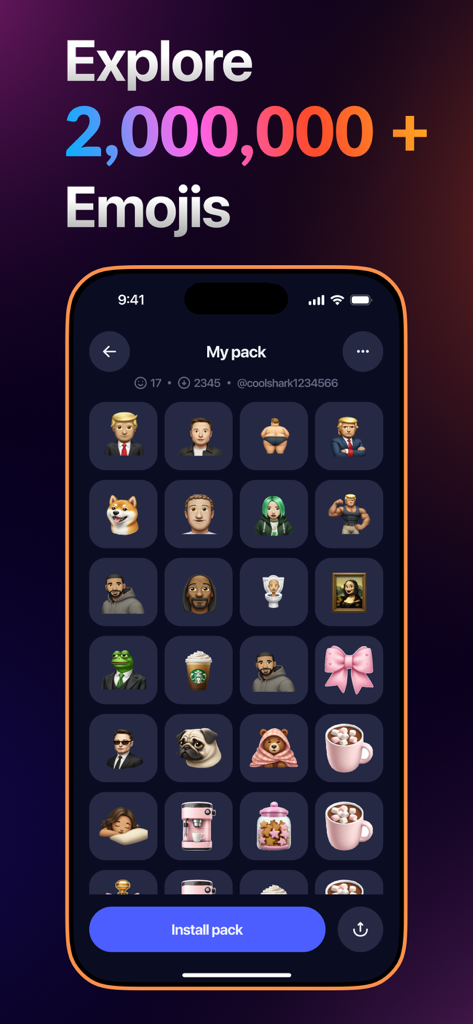
Gmoji offers millions of curated emojis. The app description mentions 'Millions of Curated Emojis,' and screenshots indicate '1M+ Emojis' and 'Explore 2,000,000+ Emojis.'

Can I save my created emojis in Gmoji?

Yes, Gmoji allows users to save all their custom creations in a dedicated section called 'My Emoji' for easy access. This ensures personal collections are readily available.

Where can I share custom emojis made with Gmoji: AI Emoji Maker?

Gmoji enables instant sharing of custom creations directly to iMessage, WhatsApp, Instagram, and other platforms. This allows users to easily integrate their unique emojis into conversations.

Where can I find the Privacy Policy for Gmoji: AI Emoji Maker?

The Privacy Policy for Gmoji is available at the following URL: https://massiveappsfzco.com/privacy-policy/. This ensures transparency regarding user data handling.