Google Assistant



Seamlessly manage your schedule, navigate with Google Maps, and get instant answers with the power of Google right on your iPhone while keeping your data private and secure.
Publisher
Category
UtilitiesDownloads
28M+User Rating
Total Ratings
171K+Locales
22Discover the interface used by 28M+ users.
The tools that make this app stand out, trusted by 28M+ users.
Connect your iPhone hardware with the Google services you rely on most. Seamlessly access Gmail, Calendar, and Maps for a unified digital experience.
Slash your mental load by setting hands-free reminders and sending texts while commuting. Create routines that automate your morning and evening tasks.
Manage your Nest devices and get precise, real-time answers to complex questions using the world's most advanced search knowledge graph.
Trusted by 28M+ people who love this app.
"As an iPhone user who relies heavily on the Google ecosystem for work, this app is an absolute game-changer. The integration with Google Calendar and Maps is flawless, allowing me to manage my hectic schedule and navigate city traffic with voice commands that actually understand my intent. It is far more reliable for my professional needs than any other native alternative."
"I love how I can control my entire smart home and manage my daily routines hands-free. Whether I am cooking and need to set a timer or heading out and need the latest weather and traffic updates, Google Assistant handles it all perfectly. The built-in privacy controls also make me feel much more secure about using voice commands throughout the day."
Everything you need to know about Google Assistant.
Description
Latest Version
1.9.148701
Size
255.0 MB
First Released
May 18, 2017
Join millions of productivity-driven users. Set reminders, control your smart home, and get instant answers with the power of Google, right in your pocket.
Everything you need to know about Google Assistant
Google Assistant is an app designed to simplify everyday tasks, providing help throughout your day while ensuring your information remains private, safe, and secure.
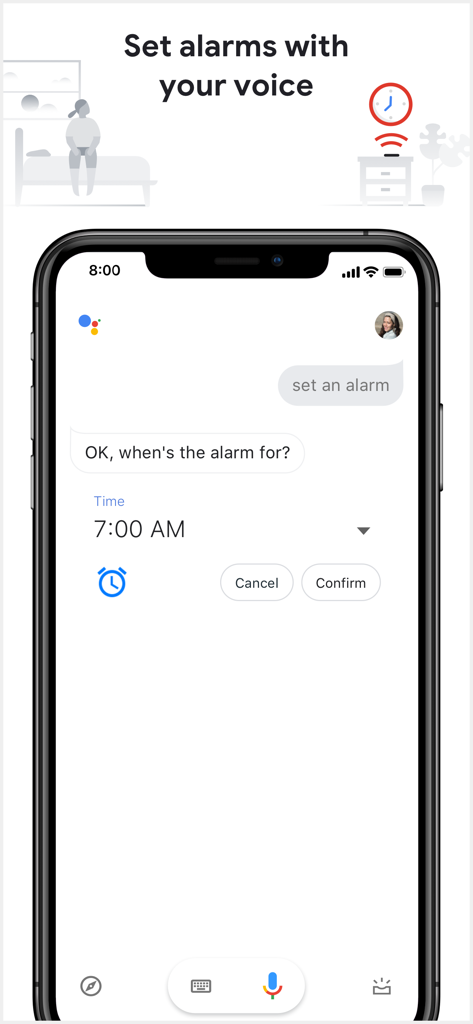
Yes, you can set alarms with your voice using the Google Assistant app. The app allows you to specify the time for the alarm.
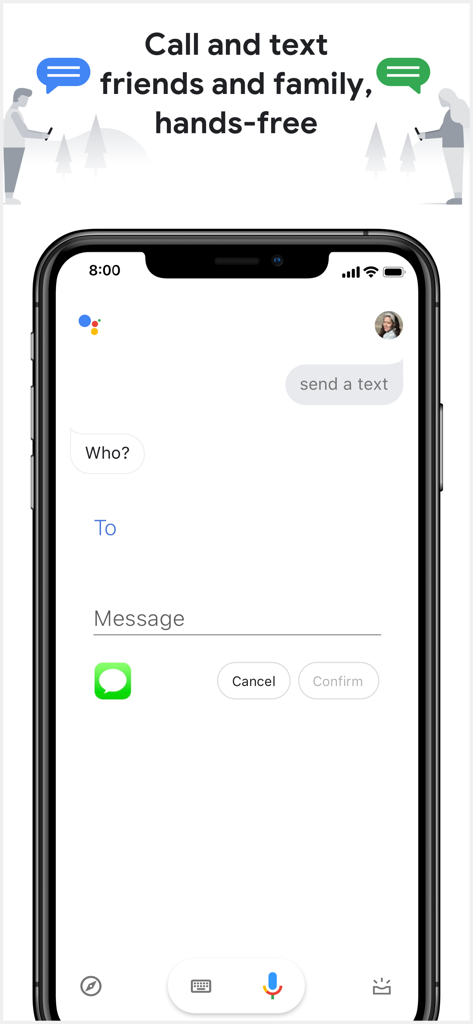
Yes, Google Assistant enables you to send text messages hands-free. You can use voice commands like 'Text Kat ‘I’m on my way’' to send messages.
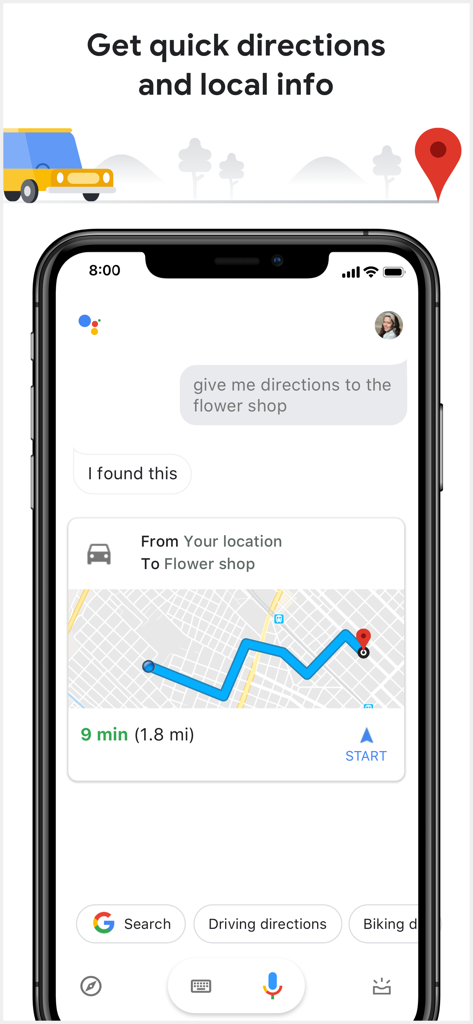
You can get quick directions and local information by asking Google Assistant to navigate to specific places, such as 'Navigate to the nearest coffee shop' or 'give me directions to the flower shop'.
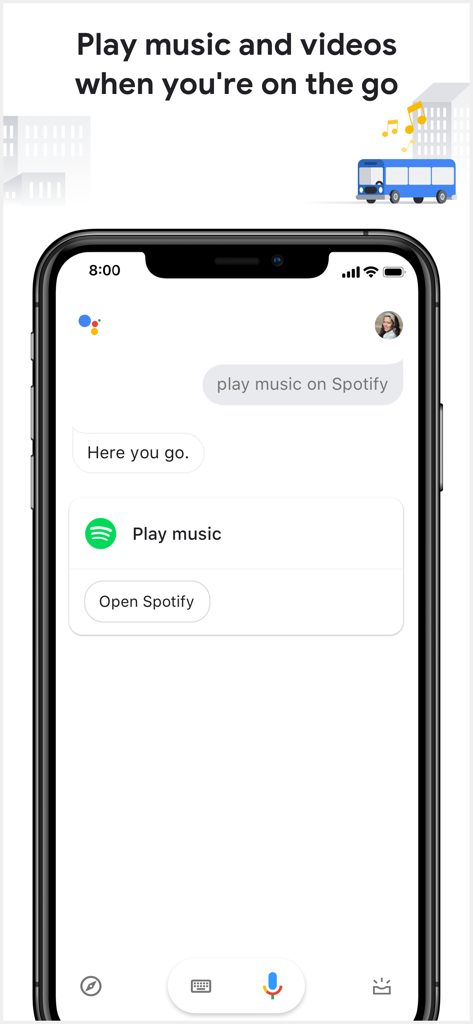
Yes, Google Assistant can play music and videos. You can command it to 'Play jazz music on YouTube' or 'play music on Spotify' while on the go.
Google Assistant prioritizes privacy, enabling users to manage privacy controls and delete recent Assistant activity, including voice commands, ensuring their information remains private and secure.
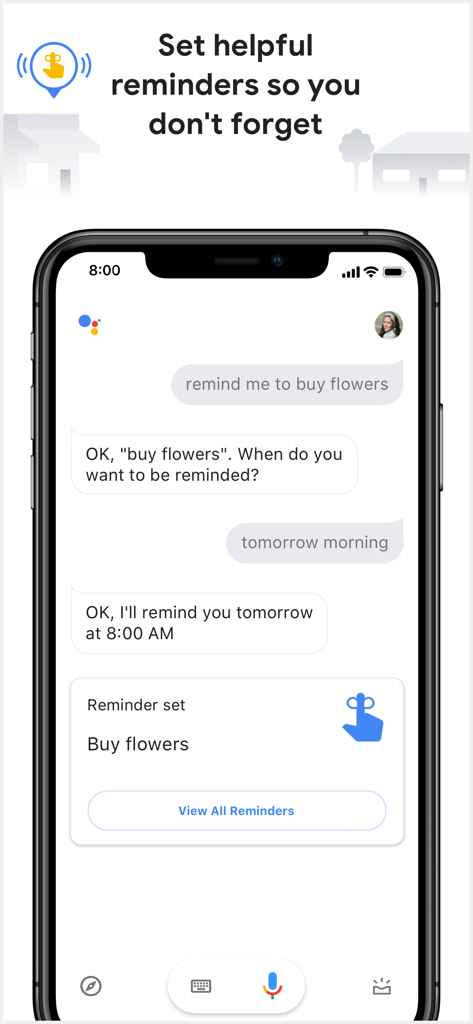
Yes, the Google Assistant app allows you to set helpful reminders. You can use voice commands such as 'Remind me to buy a birthday gift for Sarah' or 'remind me to buy flowers'.
Apps with similar features and user experience