
Google Sheets



Empower your productivity with the ultimate spreadsheet experience. Whether you are a student or a professional, create, edit, and share data seamlessly on the go with AI-powered insights and offline access.
Publisher
Category
ProductivityDownloads
212M+User Rating
Total Ratings
6M+Locales
67Discover the interface used by 212M+ users.
The tools that make this app stand out, trusted by 212M+ users.
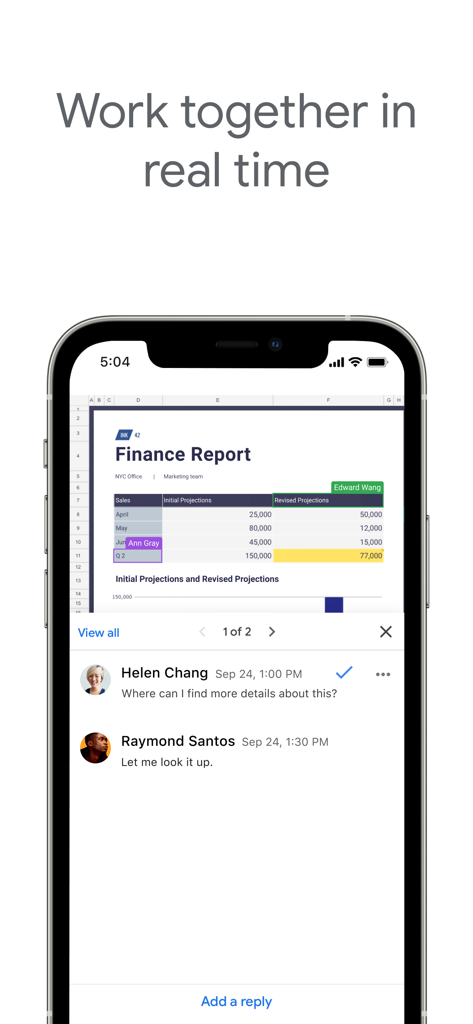
Work together in real-time with shared editing and instant commenting to keep your projects and teams perfectly aligned.
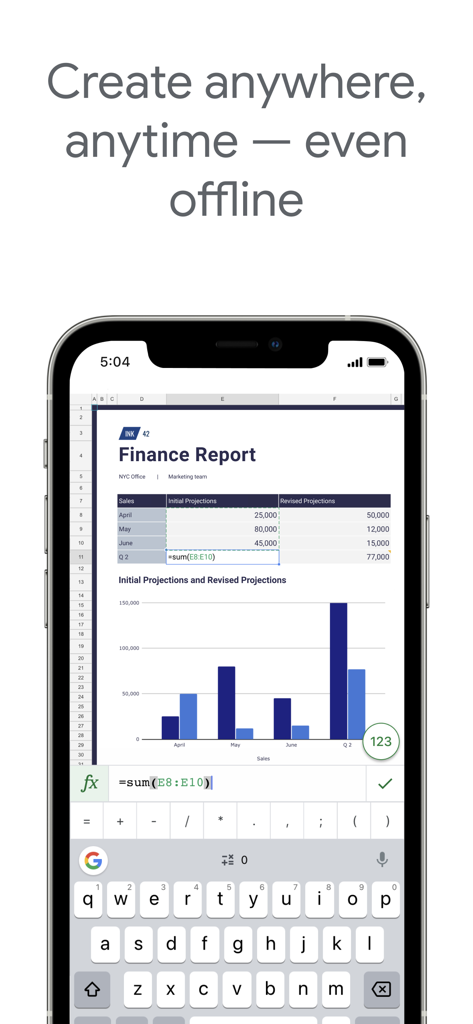
Access your spreadsheets anywhere—even offline. Every change is automatically saved and synced across your iPhone and iPad.
Turn numbers into answers instantly with AI-powered insights, automated formulas, and professional charts at your fingertips.
Trusted by 212M+ people who love this app.
"Google Sheets is a lifesaver for my university group projects. I love how I can see my classmates' edits in real-time and tag them in comments. It makes collaborating so much easier than emailing files back and forth, and the mobile app is surprisingly powerful for quick updates between classes."
"As a small business owner, I am constantly on the move. Being able to check my inventory spreadsheets or update project timelines from my phone while I am out meeting clients is crucial. The offline access and automatic syncing across all my devices give me total peace of mind."
Everything you need to know about Google Sheets.
Description
Latest Version
1.2026.02101
Size
340.7 MB
First Released
Apr 30, 2014
Join millions of professionals and students. Download Google Sheets today for seamless collaboration and powerful data insights on any device.
Everything you need to know about Google Sheets
Yes, Google Sheets allows users to share spreadsheets and collaborate in real-time. Multiple users can edit simultaneously, see changes as they occur, and chat within the same spreadsheet.
Yes, Google Sheets allows users to work anywhere, anytime, even offline. All changes are automatically saved as you type and when you regain connection.
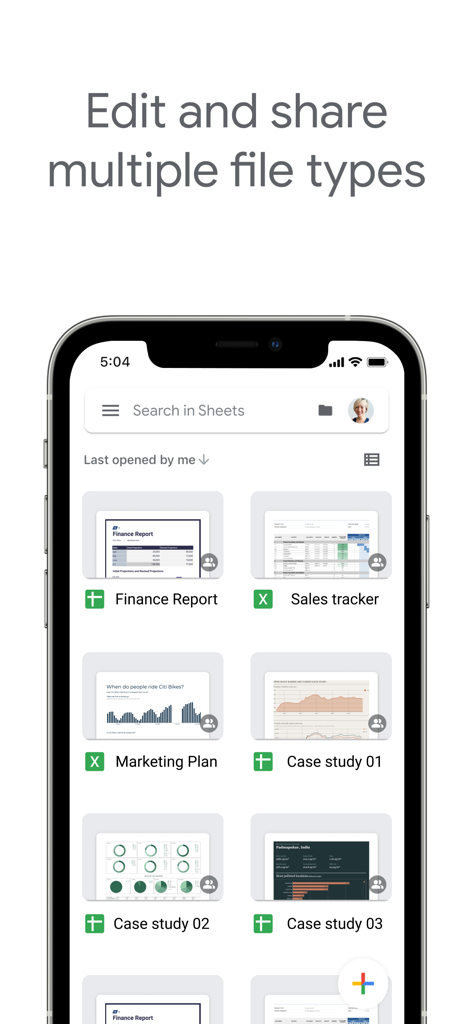
Yes, Google Sheets enables users to open, edit, and save Microsoft Excel files directly within the application. This ensures seamless interoperability between the two spreadsheet formats.
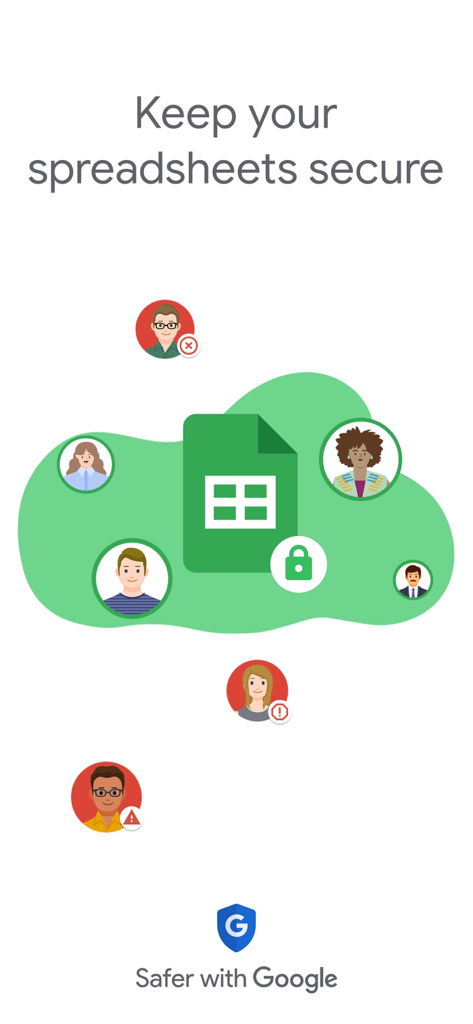
Yes, Google Sheets ensures secure handling of spreadsheets. Google Workspace subscribers benefit from enterprise-grade security features, safeguarding sensitive data.
Yes, Google Sheets automatically saves all your work as you type. Users never worry about losing their work, as every change is preserved instantly.
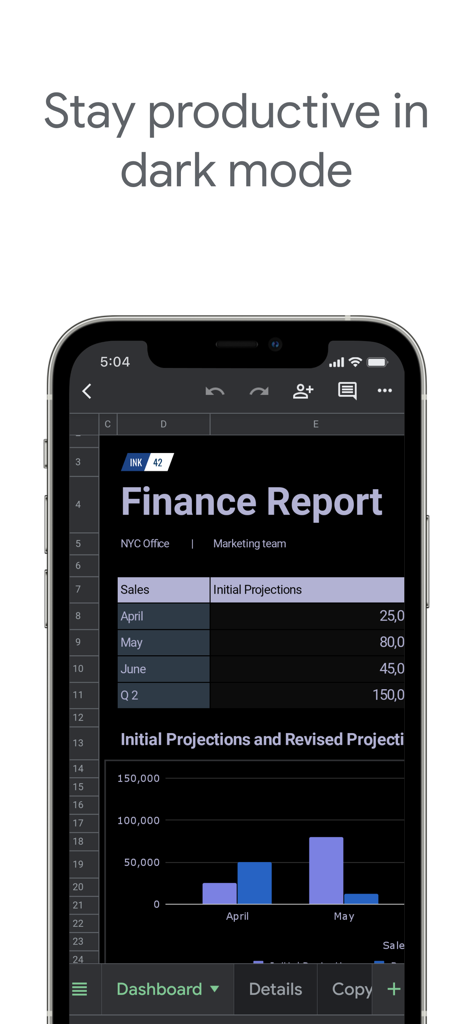
Yes, Google Sheets supports a dark mode interface. This feature helps users stay productive and can reduce eye strain, especially in low-light environments.
Apps with similar features and user experience

Vivek Agarwal

Microsoft Corporation

SMM service, s.r.o.

BEST MUSIC VIDEO & IMAGE MAKER LIMITED

Rhophi Analytics LLP

CODE HARMONY LIMITED

WEN WU LI

Zoho Corporation

Apple Inc.
