Grid # - Add grid on image



Master the grid method and perfect your proportions with fully customizable, movable, and transparent grids designed for sketching, painting, and technical design.
Publisher
Category
Photo & VideoDownloads
1M+User Rating
Total Ratings
13K+Locales
5Discover the interface used by 1M+ users.
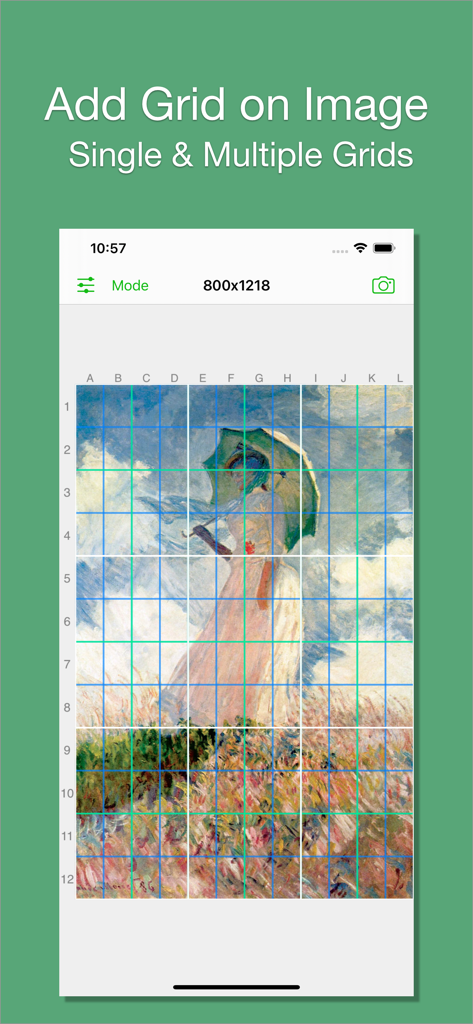
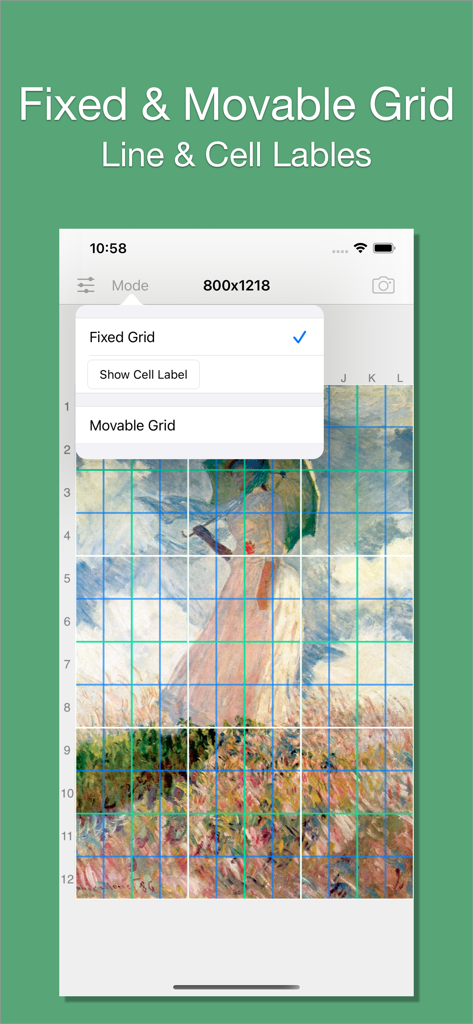
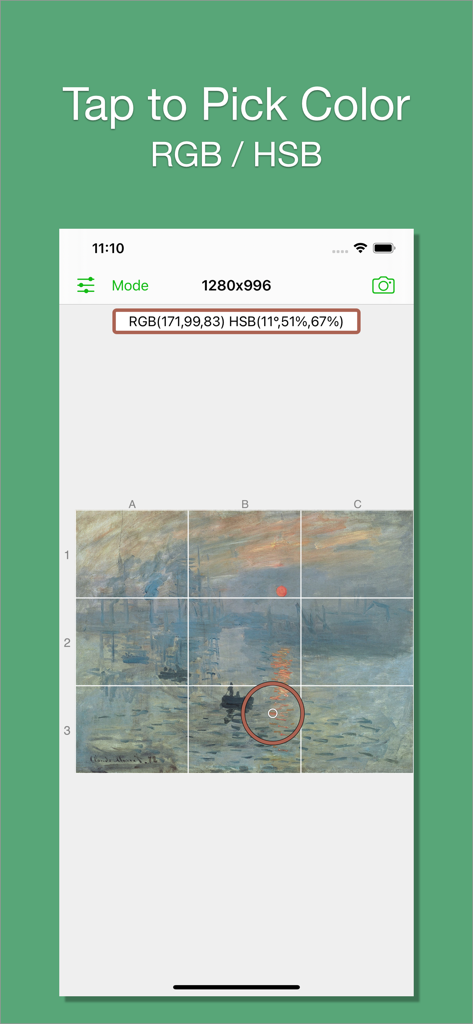
The tools that make this app stand out, trusted by 1M+ users.
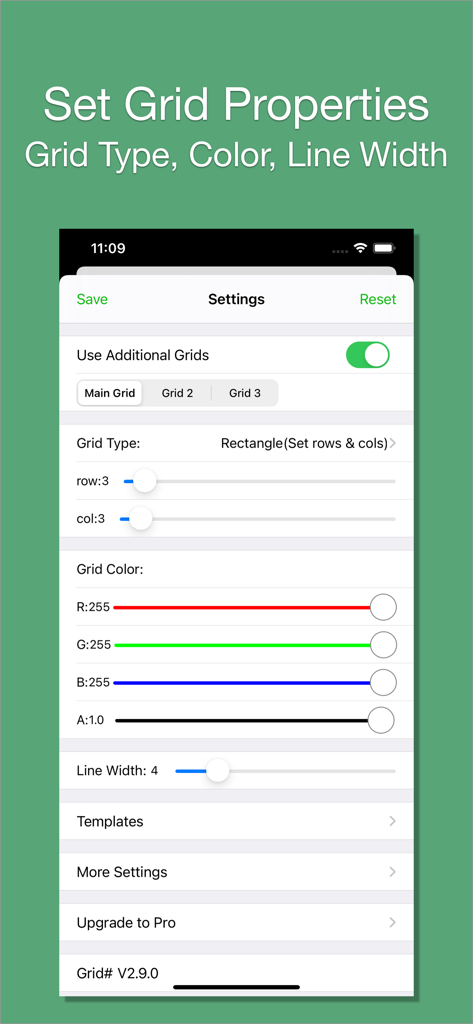
Choose from five distinct grid styles, including custom rectangles and squares, to perfectly match your canvas or paper dimensions.
Pick colors directly from your image and adjust line transparency to ensure your grid provides guidance without obscuring important details.
Rotate and move grids with intuitive multi-touch gestures or layer up to three grids simultaneously for complex layouts and professional results.
Trusted by 1M+ people who love this app.
"As a portrait painter, getting proportions right is the hardest part. Grid # has completely replaced my manual measuring process. I love that I can adjust the line transparency and color to match my reference photo perfectly—it makes sketching on canvas so much more accurate!"
"This is a must-have for any iPad artist. The movable and rotatable grids in the pro version are a game-changer for my perspective drawings. It is simple, fast, and does exactly what it says without any unnecessary bloat. Truly the best grid tool on the App Store."
Everything you need to know about Grid # - Add grid on image.
Description
Latest Version
2.11.0
Size
12.5 MB
First Released
Sep 11, 2015
Join over 1 million artists and DIYers using Grid # to simplify their creative process. Download now and start your next project with perfect precision.
Everything you need to know about Grid # - Add grid on image
Yes, Grid # allows users to add a grid to any image. The app offers various grid types and customization options for line colors and width.
Grid # offers five types of grids: Rectangle (set rows & cols), Square (set rows only), Square (set cols only), Rectangle (set row height & col width), and Square (set row height only).
Yes, Grid # allows full customization of grid lines. Users can choose any RGB color, adjust transparency, and set the line width between 1 and 20.
Yes, Grid # supports adding multiple grids to an image. Users can add up to three grids, with the third grid being a pro feature.
Yes, Grid # allows users to pick colors directly from the image. This feature enables precise color matching for grid lines.
Grid # offers two modes: Fixed Grid, which cannot be moved or rotated, and Movable Grid. The Movable Grid is a pro feature that allows users to move and rotate the grid.
The Square grid type (set row height only), adding a third grid, and the Movable Grid feature are all part of the Grid # Pro upgrade.
Apps with similar features and user experience