HACK for Hacker News YC Reader

HACK for Hacker News YC Reader

Download on App Store
Spark by MWM logo
Logo of HACK for Hacker News YC Reader
HACK for Hacker News YC Reader: Signal over Noise, Reimagined

The most powerful, ad-free, and customizable way to navigate the tech and startup world. Designed for power users who demand efficiency across iPhone, iPad, and Mac.

Download on App Store

Publisher

Pranoy Chowdhury

Category

News

Downloads

389K+

User Rating

4.7/5

Total Ratings

2K+

Locales

1

Signal Over Noise

Discover the interface used by 389K+ users.
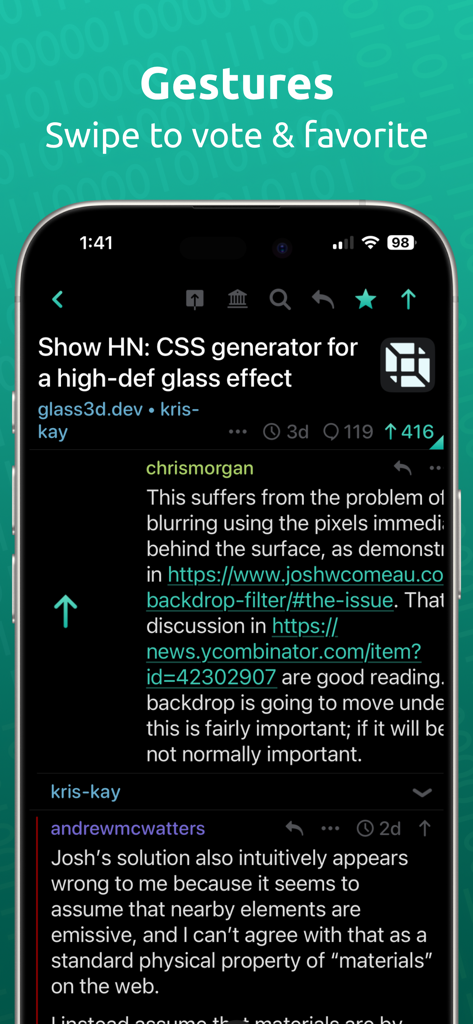
HACK for Hacker News app interface showing swipe gestures to vote and favorite on an iPhone screen in dark mode.

HACK for Hacker News app interface showing swipe gestures to vote and favorite on an iPhone screen in dark mode.

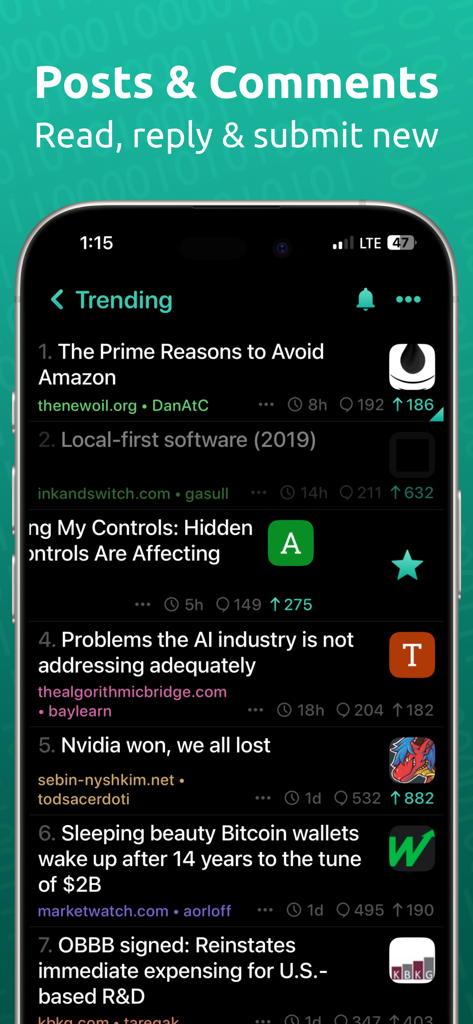
Trending news feed on HACK for Hacker News app in dark mode

Trending news feed on HACK for Hacker News app in dark mode

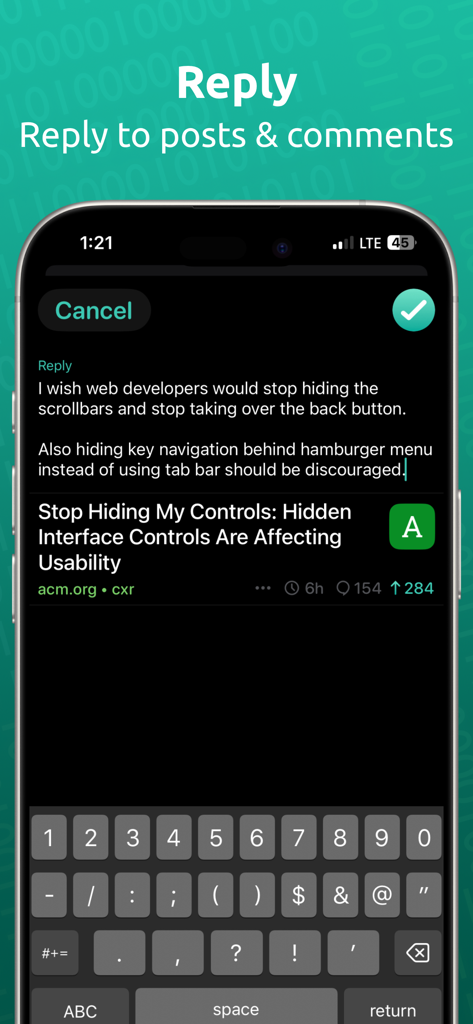
Screenshot of the HACK for Hacker News app showing the reply screen and keyboard in dark mode.

Screenshot of the HACK for Hacker News app showing the reply screen and keyboard in dark mode.

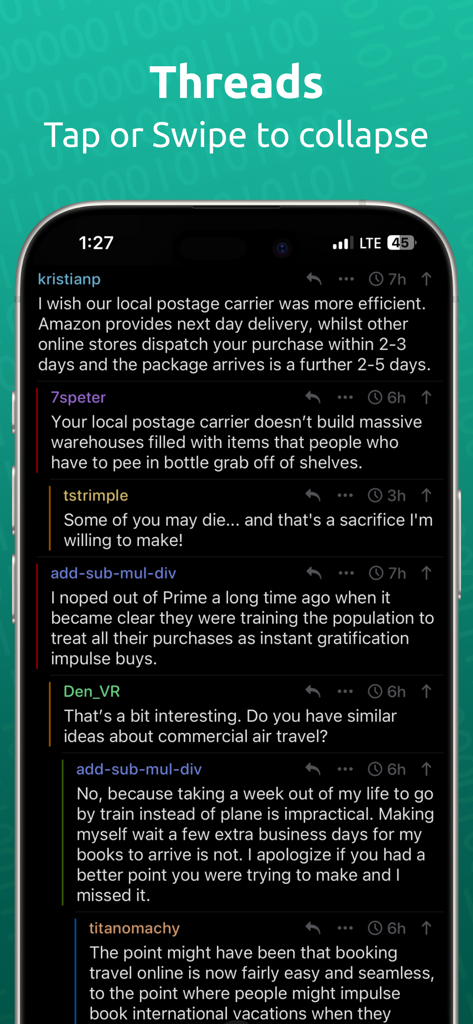
Hacker News reader app displaying nested comment threads in dark mode

Hacker News reader app displaying nested comment threads in dark mode

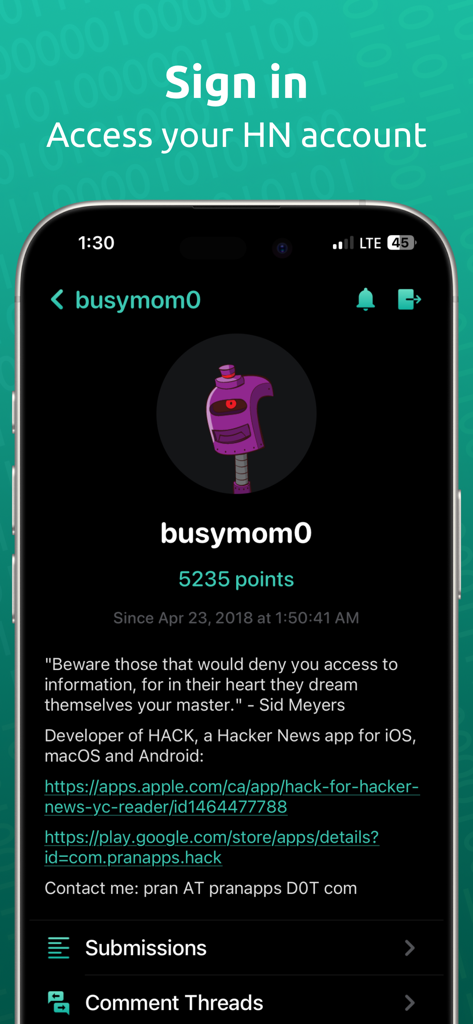
User profile screen in the HACK app showing points and account details

User profile screen in the HACK app showing points and account details

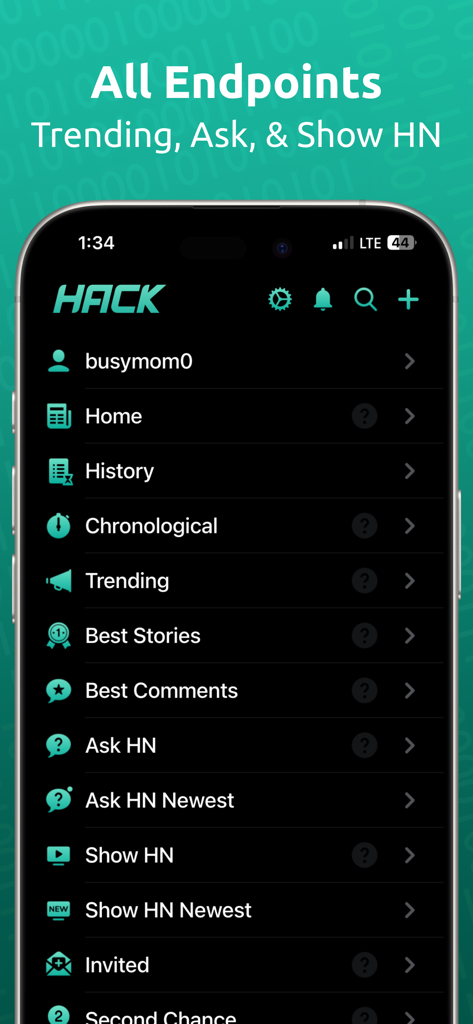
Main menu of HACK for Hacker News app showing navigation categories like Trending, Ask HN, and Show HN in a dark theme

Main menu of HACK for Hacker News app showing navigation categories like Trending, Ask HN, and Show HN in a dark theme

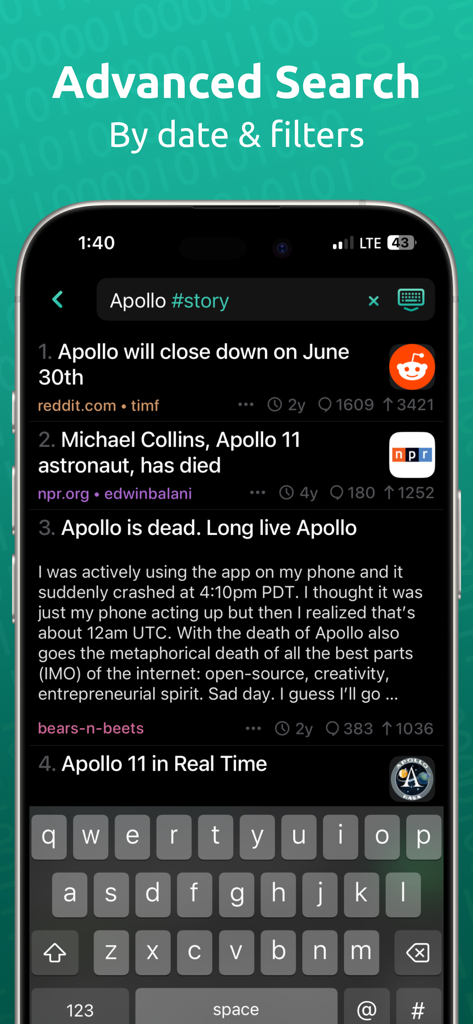
Advanced search screen of the HACK app showing results for Apollo stories with specific tag filters

Advanced search screen of the HACK app showing results for Apollo stories with specific tag filters

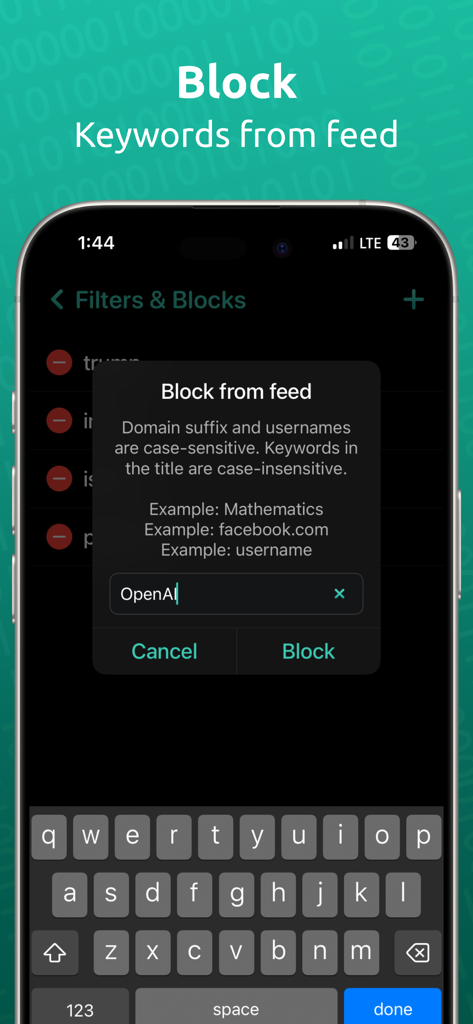
HACK app interface showing keyword blocking feature for the news feed

HACK app interface showing keyword blocking feature for the news feed

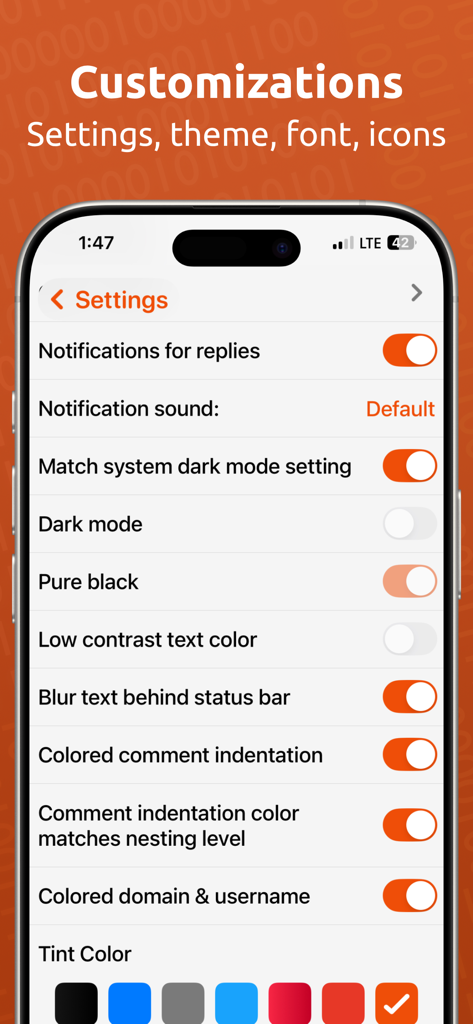
The customization settings menu of the HACK app on an iPhone showing options for dark mode, pure black theme, and UI color choices.

The customization settings menu of the HACK app on an iPhone showing options for dark mode, pure black theme, and UI color choices.

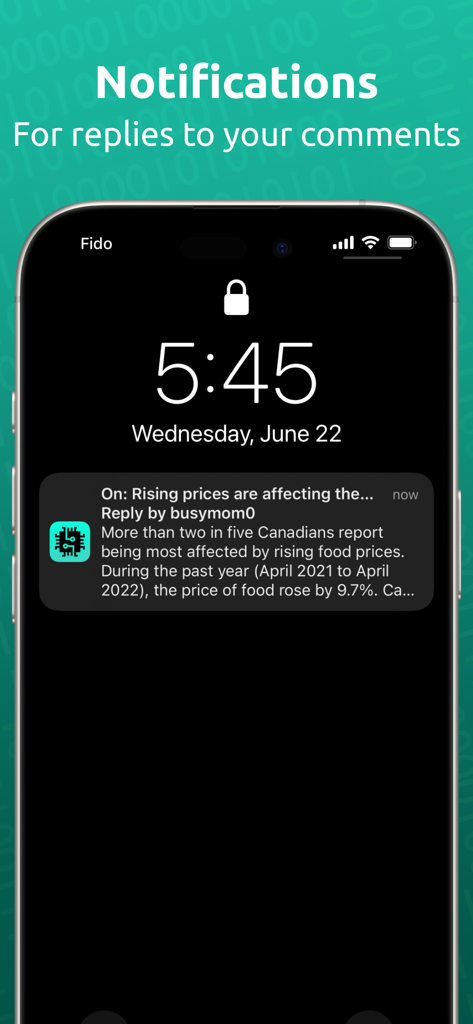
iPhone lock screen showing a push notification for a reply to a comment on the HACK for Hacker News app.

iPhone lock screen showing a push notification for a reply to a comment on the HACK for Hacker News app.

Engineered for the Tech Community

The tools that make this app stand out, trusted by 389K+ users.

Precision Navigation

Master complex discussions with intuitive swipe gestures to upvote, nested threaded comments, and one-tap navigation to the next root comment.

🎨

Deep Customization

Optimize your reading experience with 'Pure Black' dark mode, adjustable font density, and layout padding designed for maximum information density.

🛠️

Power-User Toolset

Leverage advanced Algolia search, real-time reply notifications, and instant archive access via Google Cache or Wayback Machine to bypass paywalls.

Loved by users worldwide

Trusted by 389K+ people who love this app.

"

"The level of customization in HACK is incredible. I have tuned the font size and padding to fit my exact reading style, and the nested color-coded threads make following complex tech discussions effortless. It is the best way to stay updated on STEM news without the clutter of ads or tracking."

Alex Rivers, Senior Software Engineer
"

"I love the iPad split-view support for multitasking while I research new startups and industry trends. The archive links are a lifesaver for accessing source material, and the fact that it is a privacy-focused indie app makes it a no-brainer for my daily workflow."

Sarah Chen, Tech Founder

About the app

Everything you need to know about HACK for Hacker News YC Reader.

Description

HACK for YC's Hacker News is the most beautiful and easy way to read about the latest tech, startup and STEM news. - No Ads. No subscriptions. - Login or Register your Hacker News account - PUSH NOTIFICATIONS for Hacker News replies to comment or post - Supported on iPhone, iPad, and Mac - Comments are presented in nested threads - Tap a comment to collapse that thread - Swipe left or right on stories and comments to upvote and favorite - Ability to submit new posts including drafts - Long press a story, link or comment to share - iPad supports split view - On iPads, you can drag a story / comment / story's image (link) to open it in safari in split view. This is useful for when you are viewing the app in split view / multitasking and like opening the link / story / comment in a browser side by side. - Landscape and Portrait support - 3D touch for peek, pop support - Home screen 3D touch shortcuts - Hide posts from the feed - Tap the bottom button to scroll to the next root comment in the thread. Long press it to go to the previous one - All known hacker news endpoints - News, front page, Ask HN, Show HN, Show HN Newest, classic, active, best stories, best comments, new stories, new comments, noob stories, noob comments, jobs, over 100-500 points - Submit posts, reply, comment using your HN account - Browse top 100 leader accounts - Browse stories from a specific site, user or date - Search in comments and usernames! Search is case and diacritic insensitive and ignores punctuations. Search uses an CONTAINS, OR operation if multiple words are typed. - Can select / highlight the comment/post title text for lookup/copy/translate etc iOS native operations. - Powerful search (powered by Algolia API) - use @date to sort by date, #story to filter for stories, #comments to filter for comments, #author_username to filter by user etc. These tags can be separated by commas. Refer to https://hn.algolia.com/api for more tags. - Dark mode - both pure black and gray mode - Low contrast text mode to make the text not be pure white - Many color choices & color picker for customization - App icons in variety of colours for light and dark mode - Font choices - Ability to change font sizes, padding etc to make the layout as compact as you like! - Threaded comments with color bar to maintain visual orientation - Articles open in Safari view with setting to automatically open in "readability" mode - Tap the domain in a story to see all stories from that site - Tap the username in a story or comment to go to the user profile - Browse your submitted stories and comments, favorited stories and comments, upvoted stories and comments - Archive: View an archive of the post website. archive.is, archive.org & google cache. - Share comment as image - Articles can be opened in built in safari or 3rd party browsers. Supports Brave, Firefox, Firefox Focus, Orion, Opera Touch, Dolphin, DuckDuckGo, iCab Mobile, Microsoft Edge and Chrome. Go to settings > Disable the "Use in-app Safari" setting > tap that row to change the default browser. All stories and comments are via Algolia API and Hacker News API: https://news.ycombinator.com/ https://hn.algolia.com/api https://github.com/HackerNews/API Profile picture robots lovingly delivered by Robohash.org I offer an ad and analytics free and beautiful app for the absolute best experience for my users. I need to run my own server for caching high quality favicons shown in the app plus for push notifications for replies to hacker news posts. Small indie developers like me benefit from support from you. If you can afford it, please support me by purchasing a tip and one time only in app purchase. You can also leave a review on the app store. Send me feedback at: pran@pranapps.com

Latest Version

146

Size

31.4 MB

First Released

May 26, 2019

Master the Front Page with HACK

Join 389,000+ tech professionals and startup founders using the most powerful, ad-free reader for Hacker News. Experience high-signal tech news with the privacy and customization you demand on iPhone, iPad, and Mac.

Download on App Store
FAQ

Frequently Asked Questions

Everything you need to know about HACK for Hacker News YC Reader

Does the HACK for Hacker News YC Reader app contain ads or require subscriptions?

No, the HACK app does not feature any advertisements or require paid subscriptions for its use. It provides an ad and analytics-free experience.

Can users log in to their Hacker News account within the HACK for Hacker News YC Reader app?

Yes, users can log in or register their existing Hacker News account directly within the HACK app. This provides full access to account-specific features.

Does the HACK app provide push notifications for Hacker News activities?

Yes, the HACK for Hacker News YC Reader app offers push notifications for replies to comments or posts you make on Hacker News.

Which Apple devices support the HACK for Hacker News YC Reader app?

The HACK app supports a range of Apple devices, including iPhone, iPad, and Mac, providing a consistent experience across platforms.

How are comments displayed and interacted with in the HACK for Hacker News YC Reader app?

Comments are presented in nested threads with a color bar for visual orientation. Users can tap a comment to collapse its thread or swipe to upvote and favorite.

Can I submit new posts to Hacker News using the HACK app?

Yes, the HACK for Hacker News YC Reader app allows users to submit new posts, including drafts, directly from their account.

Does the HACK for Hacker News YC Reader app support iPad split view?

Yes, the HACK app fully supports iPad split view. Users can also drag stories, comments, or links to open them in Safari in split view.

Is it possible to hide posts from the feed in the HACK for Hacker News YC Reader app?

Yes, the HACK app provides functionality to hide specific posts from your main feed, allowing for a customized browsing experience.

Which Hacker News endpoints are available in the HACK app?

The HACK app supports all known Hacker News endpoints, including News, front page, Ask HN, Show HN, best stories, new comments, and jobs.

Does the HACK for Hacker News YC Reader app offer advanced search capabilities?

Yes, the HACK app features powerful search powered by Algolia API. It supports specific tags like @date, #story, #comments, and #author_username for filtering.

What dark mode options are available in the HACK for Hacker News YC Reader app?

The HACK app offers comprehensive dark mode options, including both pure black and gray modes. It also includes a low contrast text mode.

What customization options does the HACK for Hacker News YC Reader app provide?

The HACK app offers extensive customization, including multiple color choices, a color picker, varied app icons, font choices, and adjustments for font sizes and padding.

Can articles be opened in third-party browsers from the HACK for Hacker News YC Reader app?

Yes, articles in the HACK app can be opened in built-in Safari or various third-party browsers, including Brave, Firefox, Chrome, and DuckDuckGo. Users can select their default browser.

How does the HACK for Hacker News YC Reader app generate revenue?

The HACK app operates without ads or subscriptions. It relies on user support through optional one-time in-app purchases (tips) to cover server costs for favicons and push notifications.

Does the HACK for Hacker News YC Reader app allow viewing archived versions of linked websites?

Yes, the HACK app provides an archive feature, allowing users to view a post's website using services like archive.is, archive.org, and Google Cache.