
HelloBlink


Transform your photos, drawings, and favorite memories into high-quality stickers. The ultimate companion for bullet journaling, scrapbooking, and personalizing your world.
Publisher
Category
UtilitiesDownloads
189K+User Rating
Total Ratings
30K+Locales
1Discover the interface used by 189K+ users.
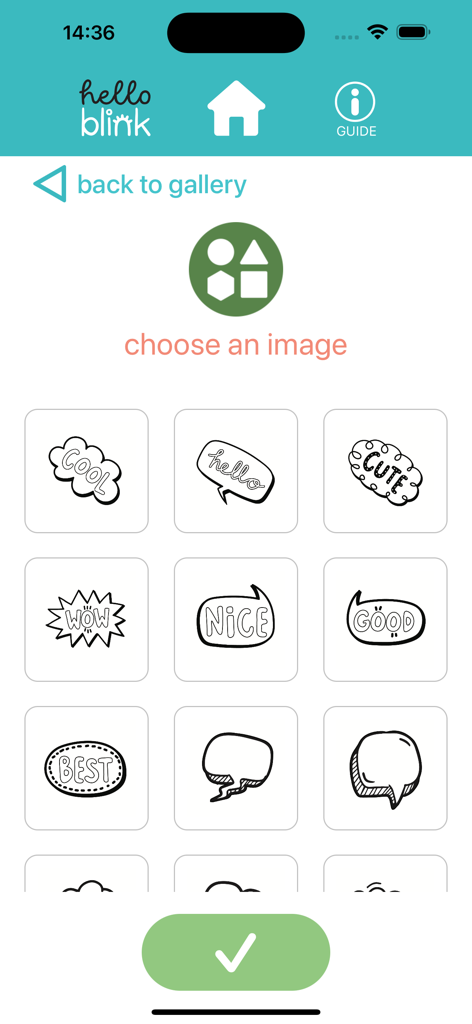
The tools that make this app stand out, trusted by 189K+ users.
Transform your digital art, sketches, or favorite selfies into high-quality stickers for your phone, laptop, or water bottle.
Level up your Bullet Journal or scrapbook. Turn fleeting digital memories into lasting physical mementos and personalized decor.
Experience seamless Bluetooth pairing and one-tap printing. Go from screen to sticker in under 60 seconds for instant gratification.
Trusted by 189K+ people who love this app.
"HelloBlink has completely transformed my bullet journaling! I love being able to take photos of my daily life and instantly turn them into cute stickers for my weekly spreads. The app is super intuitive and the connection to the printer is seamless."
"This is a game-changer for my small business! I use it to create custom 'Thank You' stickers for my Etsy packaging and it adds such a personal touch that my customers absolutely love. It is much faster than ordering bulk labels online."
Everything you need to know about HelloBlink.
Description
Latest Version
1.4.8
Size
27.3 MB
First Released
Jun 21, 2024
Join 180,000+ creators bringing their digital aesthetic to life. Download HelloBlink and start printing your vibe today.
Everything you need to know about HelloBlink
The HelloBlink app assists in printing photographs, drawings, and images from its library using the Hello Blink sticker maker. Users select images, send them to the printer, and print them on stickers.
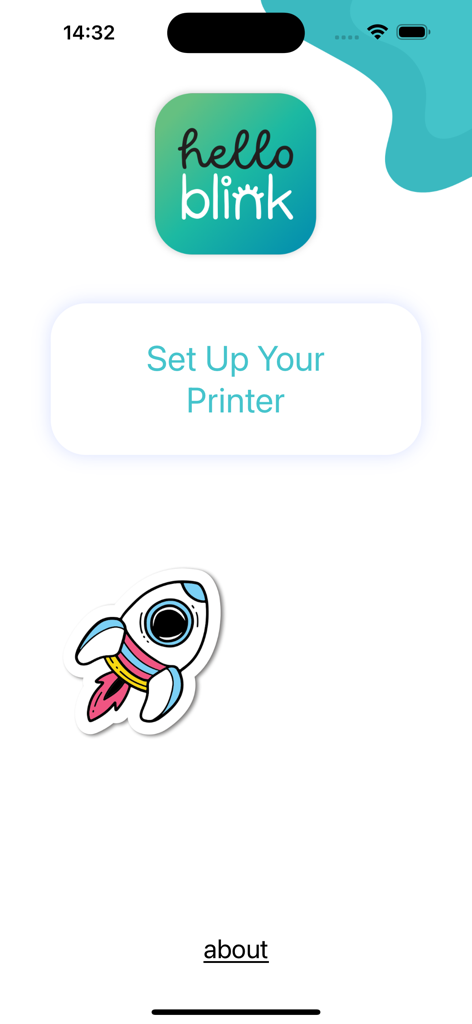
Users begin setting up their printer by selecting the "Set Up Your Printer" option within the HelloBlink app interface. This initiates the connection process for the Hello Blink sticker maker.
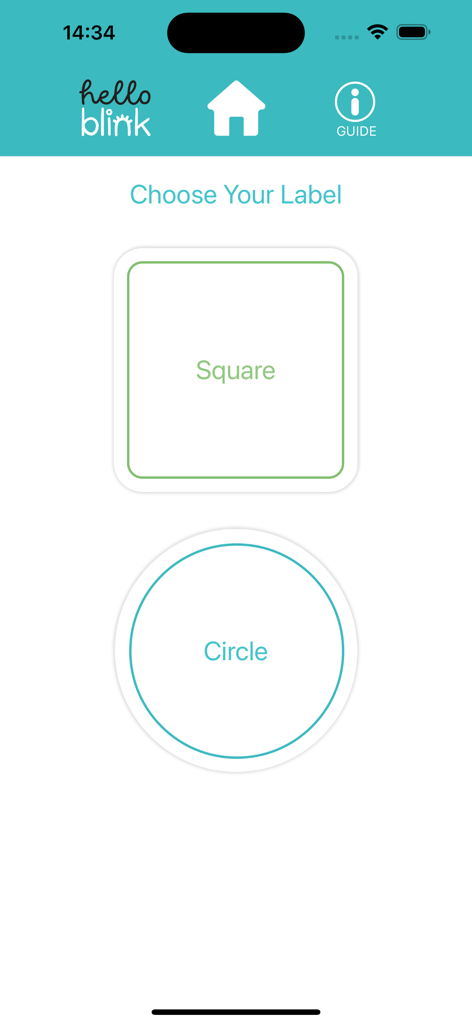
The HelloBlink app supports printing on two types of labels: "Square" and "Circle". Users can choose their preferred label shape before printing their stickers.
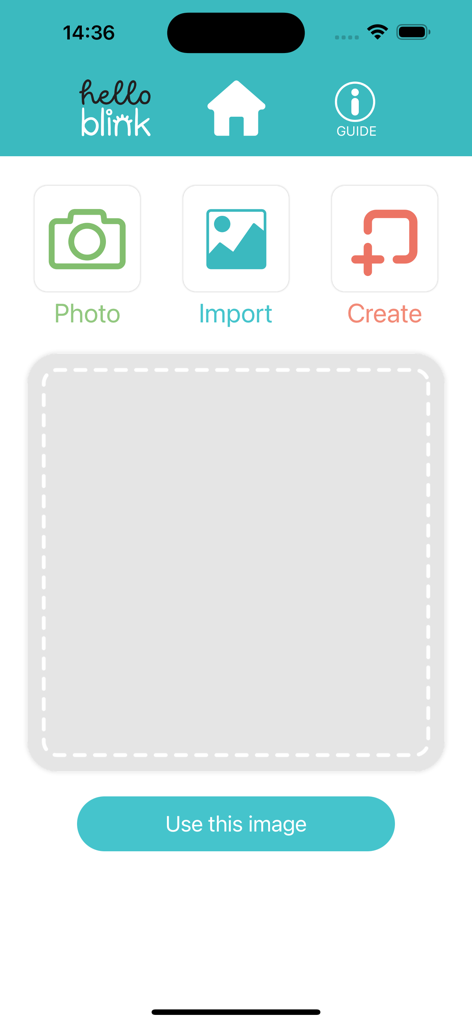
Yes, the HelloBlink app allows users to print their own photos. It offers options to take a new photo using "Photo" or import existing images using "Import" for sticker creation.
Yes, the HelloBlink app includes an image library. Users can access a selection of pre-designed images within the app to choose from and print as stickers.
Apps with similar features and user experience

Ryan Kotzebue

UN Global
Cricut, Inc.
CREALITY 3D HK TECHNOLOGY LIMITED

Autodesk
Canon Inc.

桂华 冉
Shenzhen Bigger Lens LLC
Hardline Software LLC