ING Banking

ING Banking

Download on App Store
Spark by MWM logo
Logo of ING Banking

ING Banking: Your Global Financial Command Center

Seamlessly manage accounts, investments, and insurance with the speed and security your professional lifestyle demands.

Publisher

ING BELGIUM

Category

Finance

Downloads

1M+

User Rating

4.6/5

Total Ratings

192K+

Locales

4

Your Bank, Visualized

Discover the interface used by 1M+ users.
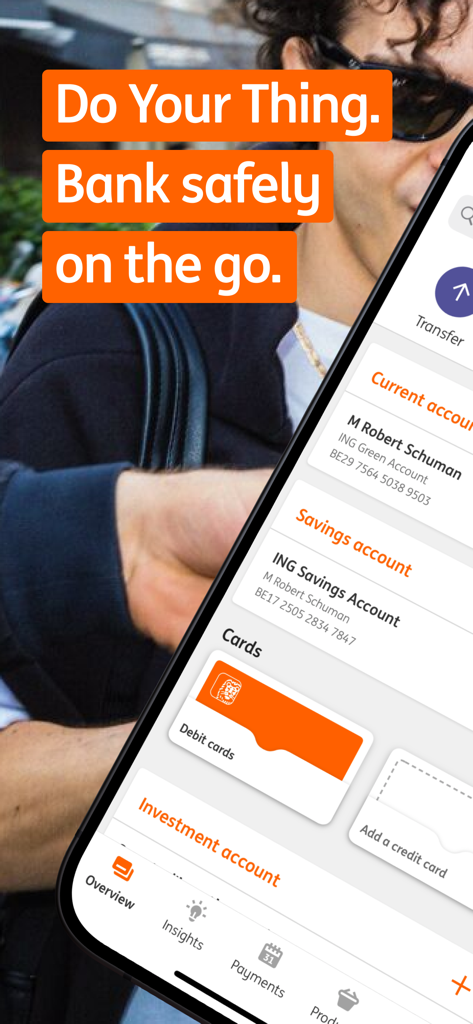
ING Banking app interface on a mobile phone showing current and savings accounts

ING Banking app interface on a mobile phone showing current and savings accounts

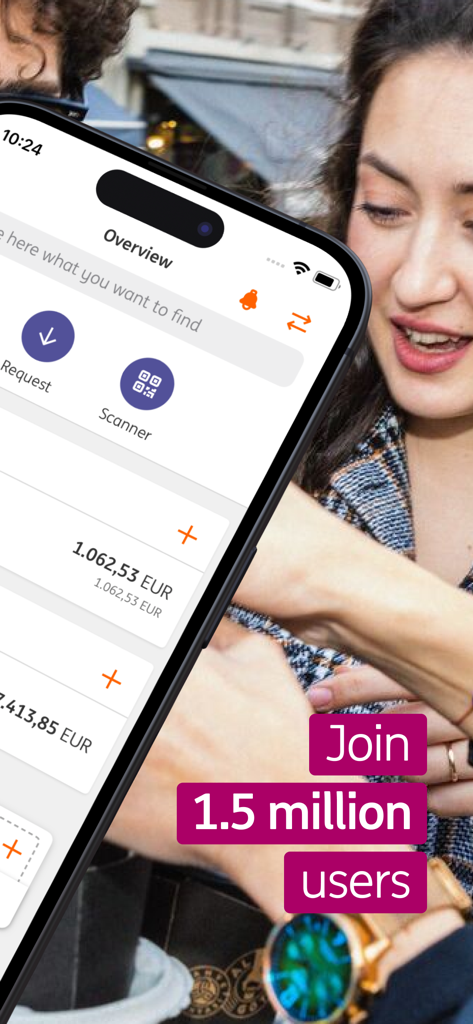
ING Banking app overview screen on an iPhone showing account balances and Join 1.5 million users text.

ING Banking app overview screen on an iPhone showing account balances and Join 1.5 million users text.

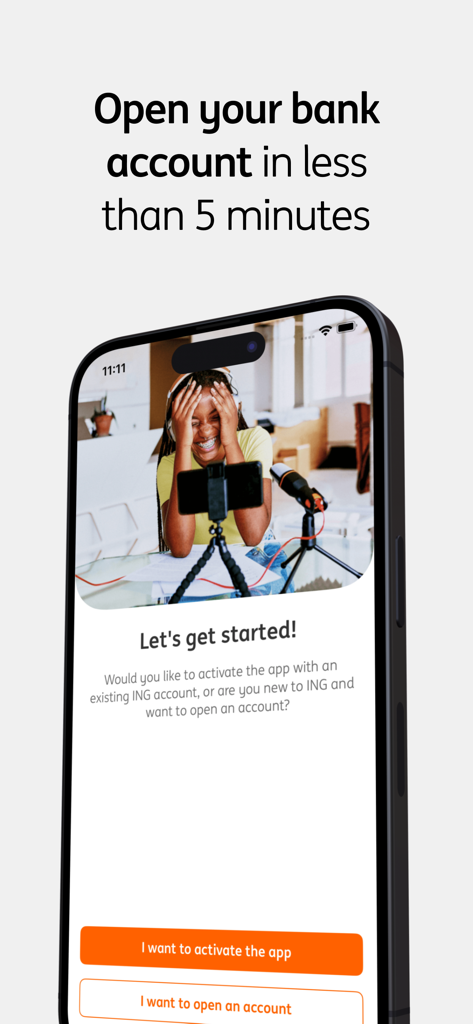
ING Banking app onboarding screen with fast account opening option

ING Banking app onboarding screen with fast account opening option

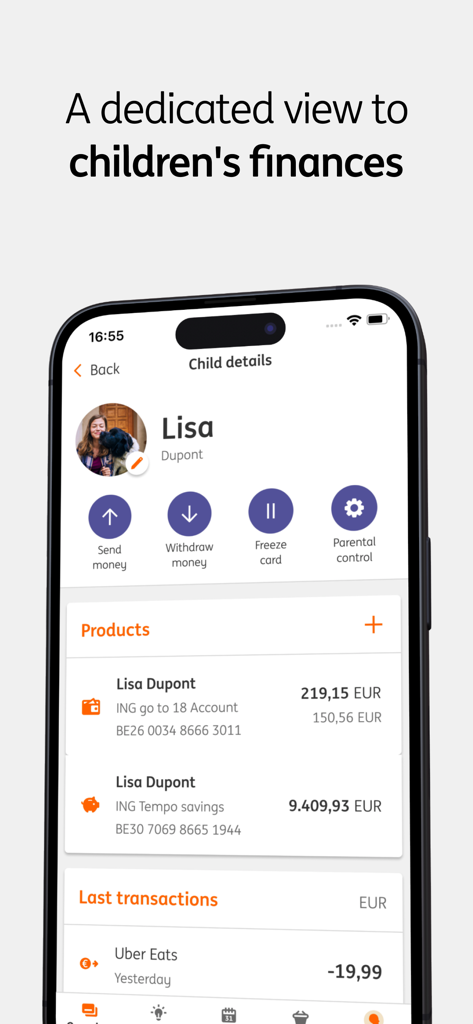
A dedicated view for managing a child's accounts and parental controls in the ING Banking mobile app

A dedicated view for managing a child's accounts and parental controls in the ING Banking mobile app

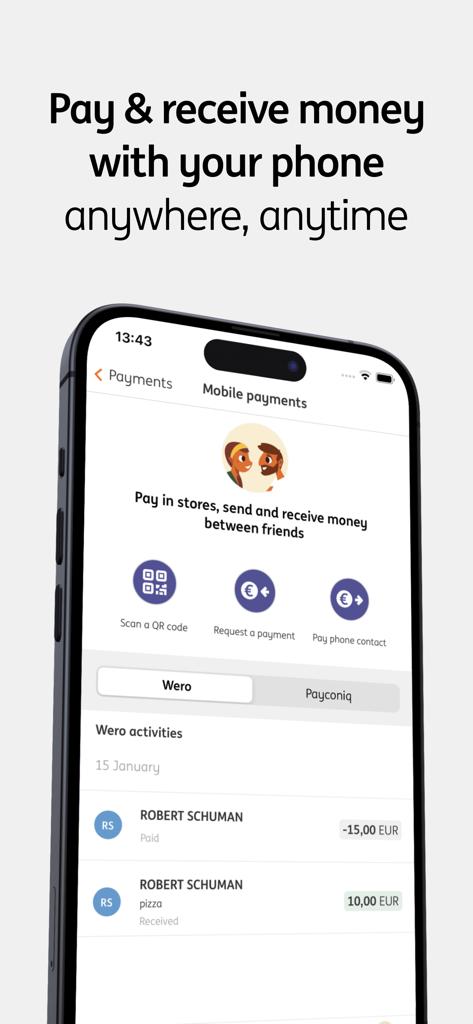
ING Banking app display for mobile payments and transaction history

ING Banking app display for mobile payments and transaction history

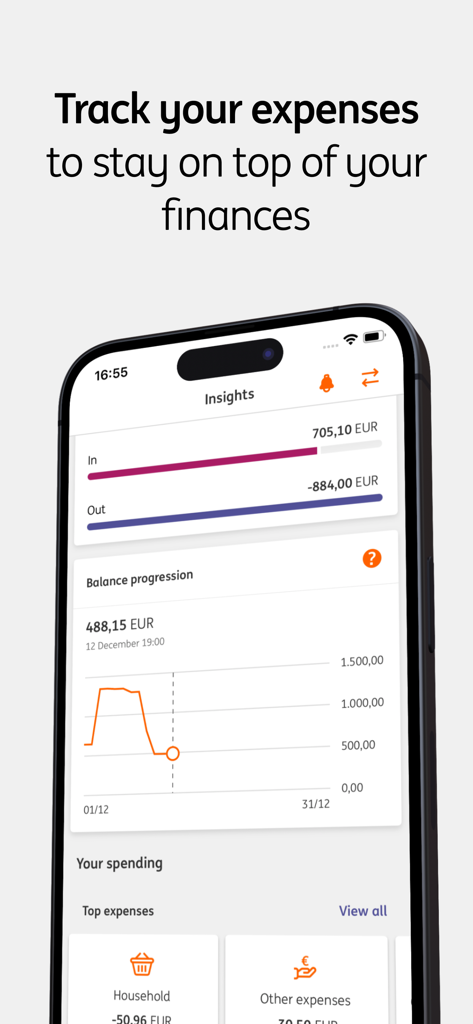
ING Banking app screen showing financial insights and expense tracking

ING Banking app screen showing financial insights and expense tracking

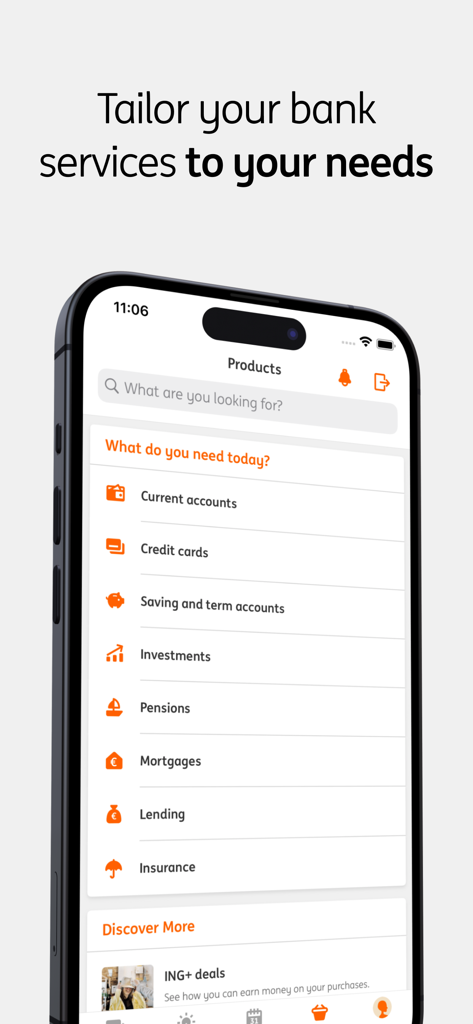
A smartphone displaying the ING Banking app product menu with options for accounts credit cards investments and insurance

A smartphone displaying the ING Banking app product menu with options for accounts credit cards investments and insurance

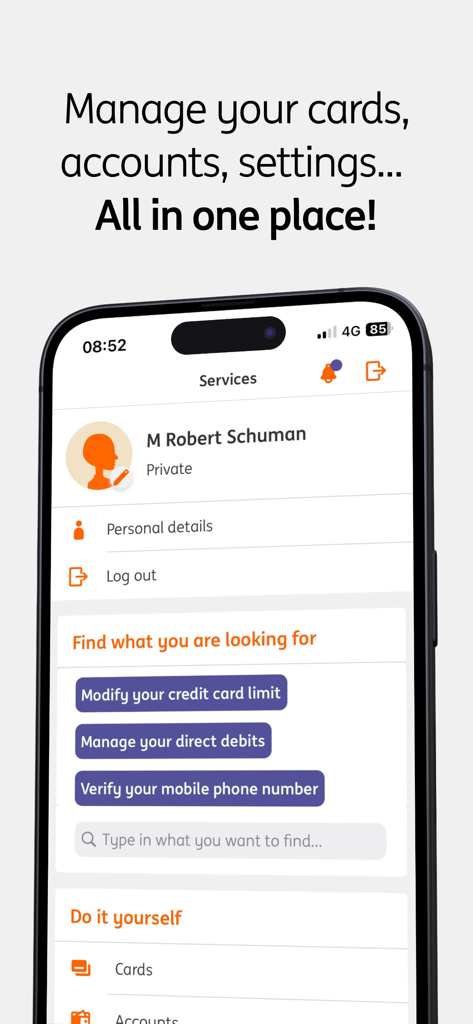
ING Banking app services interface for managing accounts cards and personal settings

ING Banking app services interface for managing accounts cards and personal settings

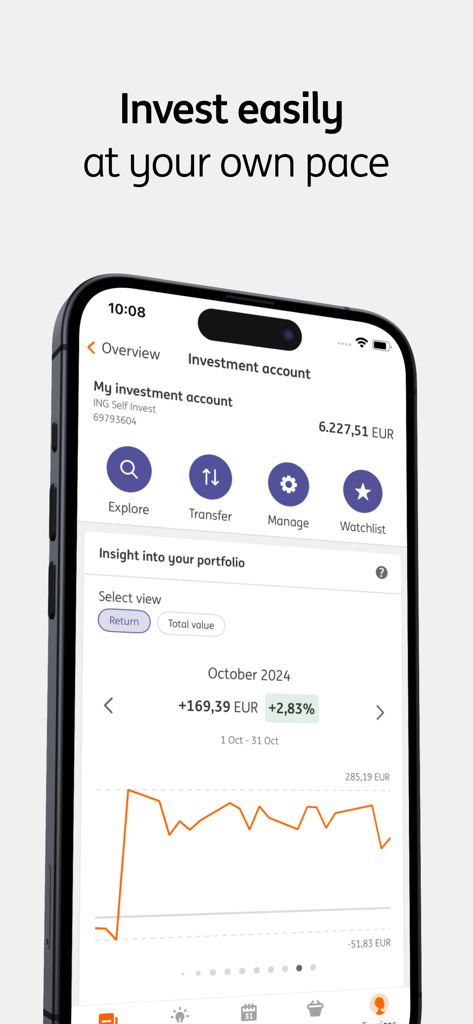
ING Banking app investment account overview showing a portfolio performance chart and management options.

ING Banking app investment account overview showing a portfolio performance chart and management options.

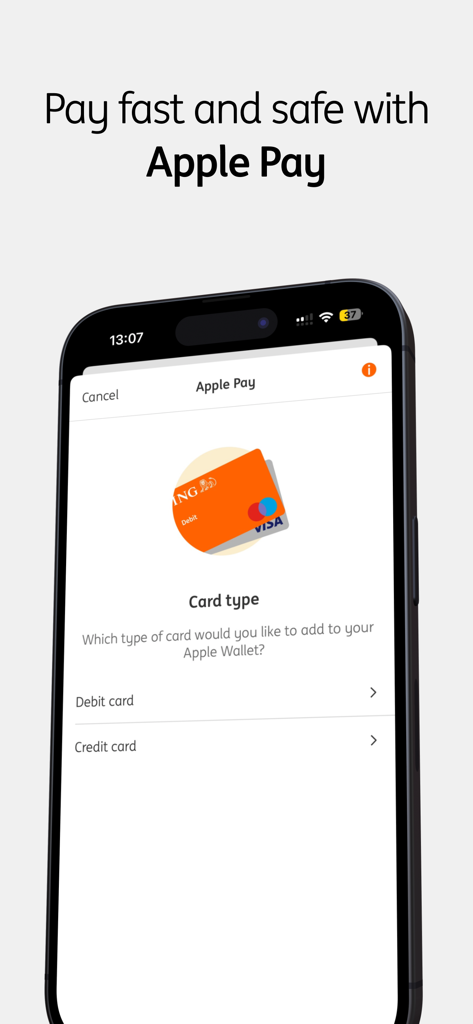
ING Banking app screen for adding a debit or credit card to Apple Pay

ING Banking app screen for adding a debit or credit card to Apple Pay

Banking Without Borders or Barriers

The tools that make this app stand out, trusted by 1M+ users.

🏢

Total Portfolio Control

Oversee your accounts, loans, and investments in one place, tailored specifically to your professional needs.

🛡️

Smart, Secure Payments

Execute instant QR payments and Apple Pay transactions with industry-leading biometric security and 24/7 support.

💰

Maximize Every Euro

Track your spending habits with advanced insights and unlock exclusive cashback deals from premium brands.

Loved by users worldwide

Trusted by 1M+ people who love this app.

"

"Switching between my professional and private accounts has never been this seamless. The spending tracker is a game-changer for my monthly budgeting, and the cashbacks from major brands are a fantastic added value."

Thomas Vanderbecke
"

"As someone constantly on the go, having Apple Pay and 24/7 support in my pocket is essential. I was able to open my account in minutes with itsme, and the biometric security gives me total peace of mind."

Sarah Jenkins

About the app

Everything you need to know about ING Banking.

Description

Whether you’re a private or professional customer, the ING Banking app allows you to have your bank at your fingertips at all times and to manage your money easily and in complete security, wherever you are. - Pay or receive money at any time, thanks to Apple Pay and payments via QR code. - Manage your accounts, cards, preferences, notifications and more, all in one place. - Savings, investments, insurance, loans: tailor your banking services to your needs. - Benefit from cashbacks from major brands. - Track your spending with the tools included in the app and actively manage your finances. - Get help via the ING digital assistant 24/7 or from an advisor during office hours. - Take part in exclusive competitions and win fantastic prizes! Not a customer yet? Open a current account with the help of itsme® - it’s simple, fast and totally secure! Already a customer? Install the app in less than 2 minutes with the help of itsme®, your ID card or with your ING card reader and ING debit card. After that, you will be able to log in easily using a 5-digit secret PIN code, your fingerprint or facial recognition. For your security, the app is automatically locked after 3 minutes of inactivity.

Latest Version

2026.1.0

Size

344.8 MB

First Released

Dec 9, 2019

Take Control of Your Financial Future in Seconds

Join over 1 million global professionals managing their wealth on the go. Experience the power of all-in-one banking, investments, and exclusive rewards right at your fingertips.

Download on App Store
FAQ

Frequently Asked Questions

Everything you need to know about ING Banking

How can I manage my finances with the ING Banking app?

The ING Banking app allows you to track spending with included tools, manage accounts, cards, and tailor services like savings, investments, and loans, all from one place.

Does the ING Banking app support mobile payments?

Yes, the ING Banking app supports mobile payments. Users can pay or receive money using Apple Pay, QR codes, and pay phone contacts directly within the app.

How do new customers open an account using the ING Banking app?

New customers can open a current account directly through the ING Banking app using itsme®. This process is simple, fast, and secure.

What are the login options for the ING Banking app?

Users can log in to the ING Banking app easily using a 5-digit secret PIN code, fingerprint recognition, or facial recognition.

Is the ING Banking app secure?

Yes, the ING Banking app includes security features such as automatic locking after 3 minutes of inactivity. Account opening also uses itsme® for total security.

Can I manage children's finances with the ING Banking app?

Yes, the ING Banking app provides a dedicated view for children's finances. This allows users to send money, withdraw money, freeze cards, and apply parental control.

What types of banking services are available through the ING Banking app?

The ING Banking app offers current accounts, credit cards, savings and term accounts, investments, pensions, mortgages, lending, and insurance services.

How can I get help or support for the ING Banking app?

Users can get help via the ING digital assistant 24/7 or speak with an advisor during office hours through the ING Banking app.

Can I track my spending in the ING Banking app?

Yes, the ING Banking app includes tools to track your spending. It provides insights into income, expenses, and balance progression to help manage finances.

Does the ING Banking app offer cashback rewards?

Yes, the ING Banking app allows users to benefit from cashbacks from major brands. It also features ING+ deals for additional offers.