Inoreader: News & RSS reader

Inoreader: News & RSS reader

Download on App StoreDownload on Google Play
Spark by MWM logo
Logo of Inoreader: News & RSS reader

Inoreader: Take Back Control of Your Information Flow

Stop drowning in algorithmic noise. Consolidate your favorite websites, newsletters, and social feeds into a powerful, automated workspace built for professionals who value deep focus and precision.

Publisher

INNOLOGICA OOD

Category

News

Downloads

698K+

User Rating

4.6/5

Total Ratings

18K+

Locales

1

Your News, Mastered

Discover the interface used by 698K+ users.

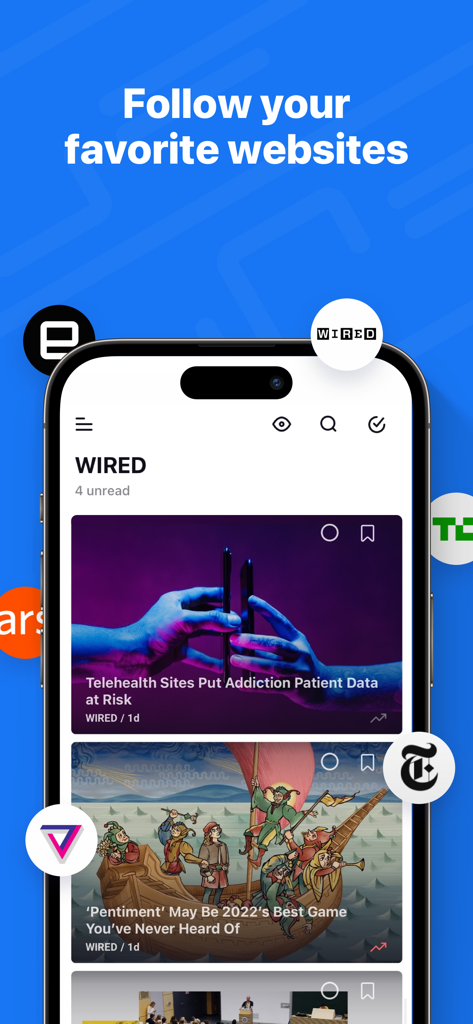
iPhone screenshot of Inoreader app displaying a news feed with articles from Wired and logos of major publications

iPhone screenshot of Inoreader app displaying a news feed with articles from Wired and logos of major publications

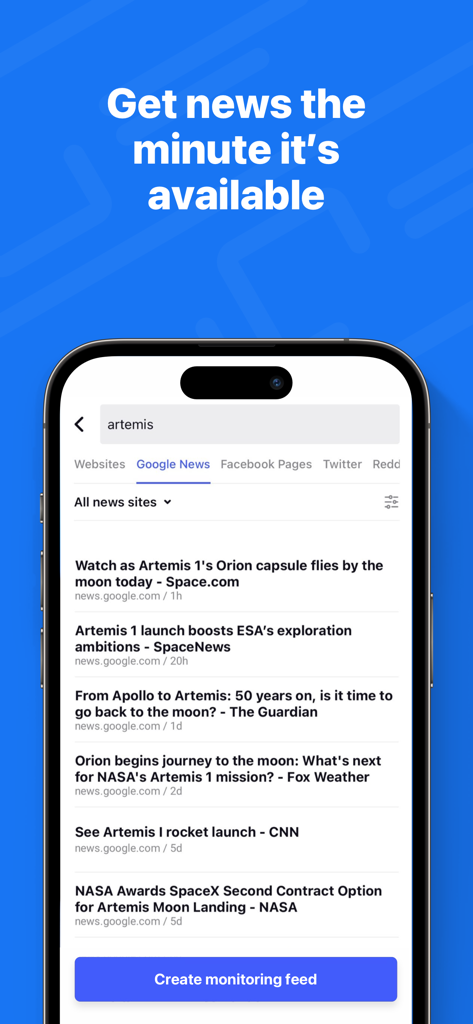
Inoreader app interface showing a search for Artemis news with a Create Monitoring Feed button.

Inoreader app interface showing a search for Artemis news with a Create Monitoring Feed button.

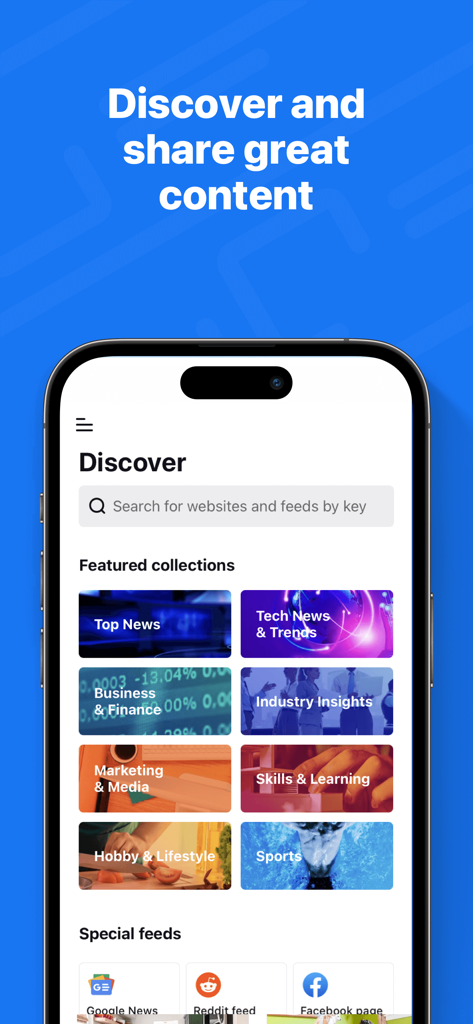
Inoreader mobile app discover screen featuring curated news collections and special feeds

Inoreader mobile app discover screen featuring curated news collections and special feeds

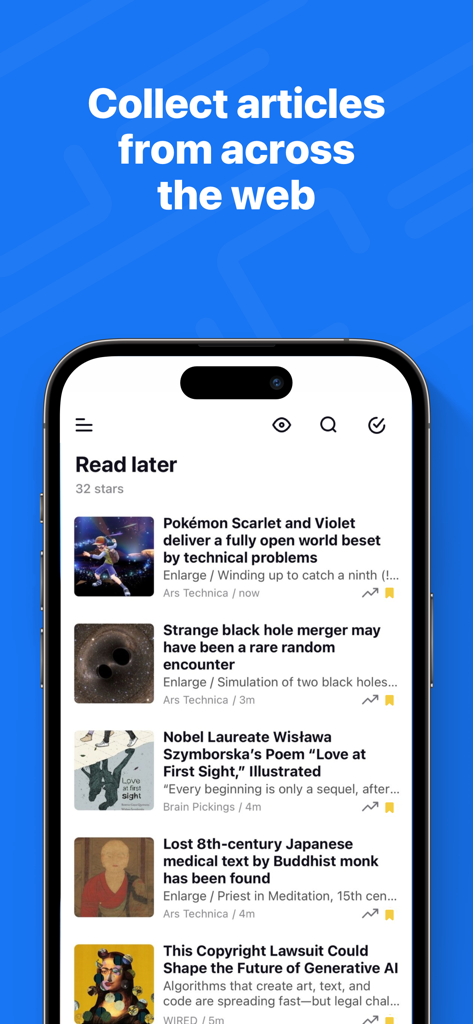
Inoreader app displaying a curated list of saved articles in the Read Later feed

Inoreader app displaying a curated list of saved articles in the Read Later feed

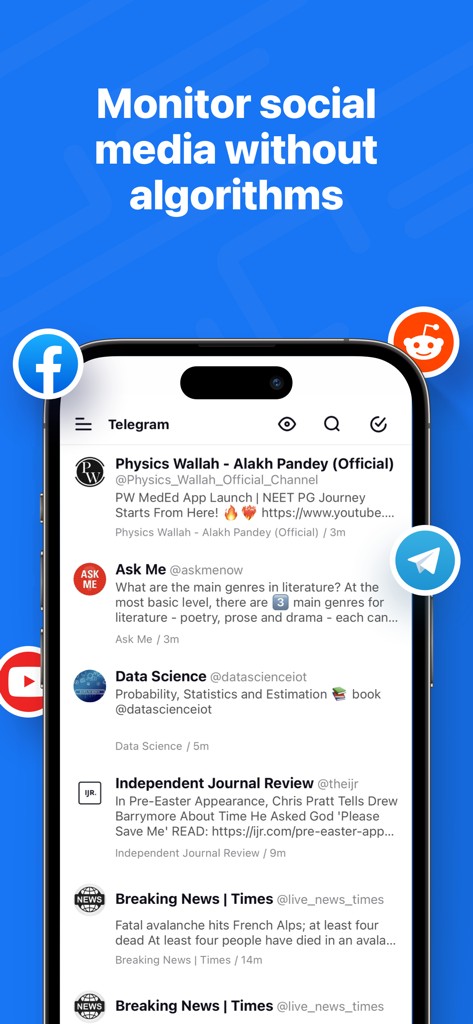
Inoreader mobile app interface showing a consolidated news feed from social media sources like Telegram and Reddit without algorithms.

Inoreader mobile app interface showing a consolidated news feed from social media sources like Telegram and Reddit without algorithms.

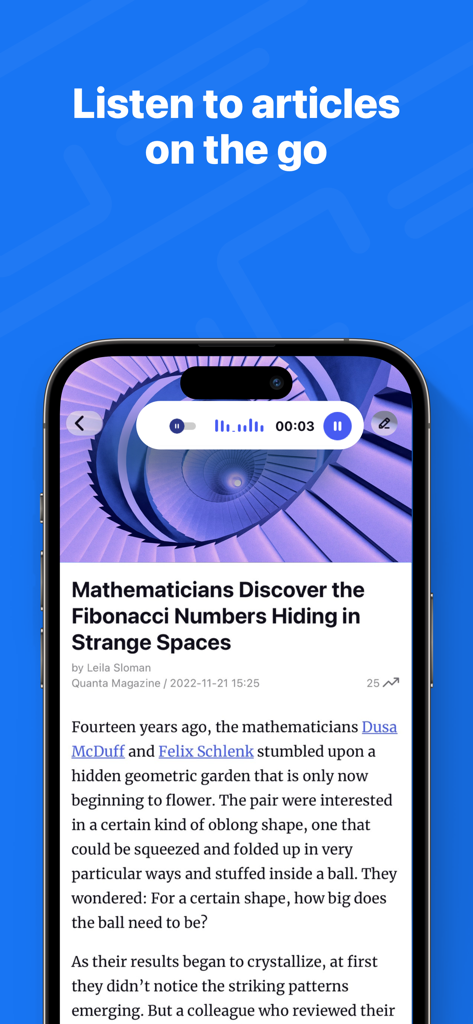
Inoreader mobile app showing the text to speech feature playing a science article on a smartphone.

Inoreader mobile app showing the text to speech feature playing a science article on a smartphone.

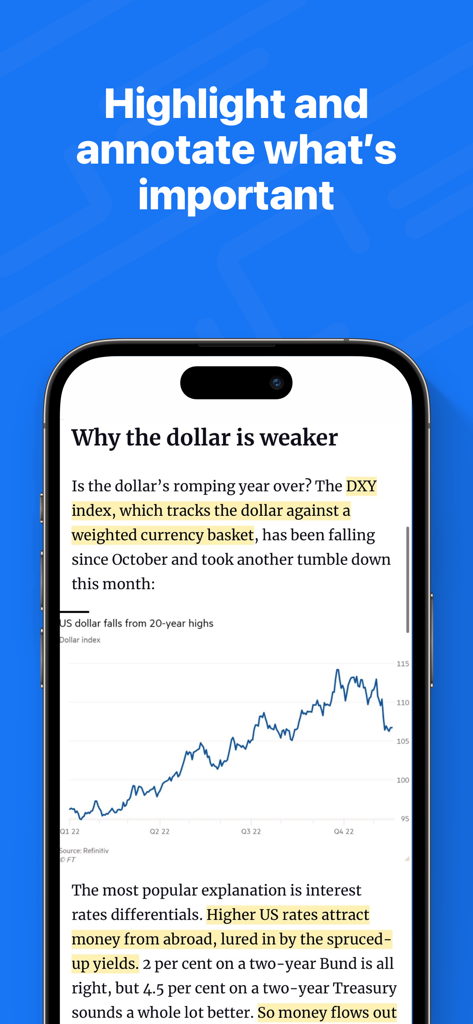
Inoreader mobile app interface showing a news article with highlighted text and a financial chart

Inoreader mobile app interface showing a news article with highlighted text and a financial chart

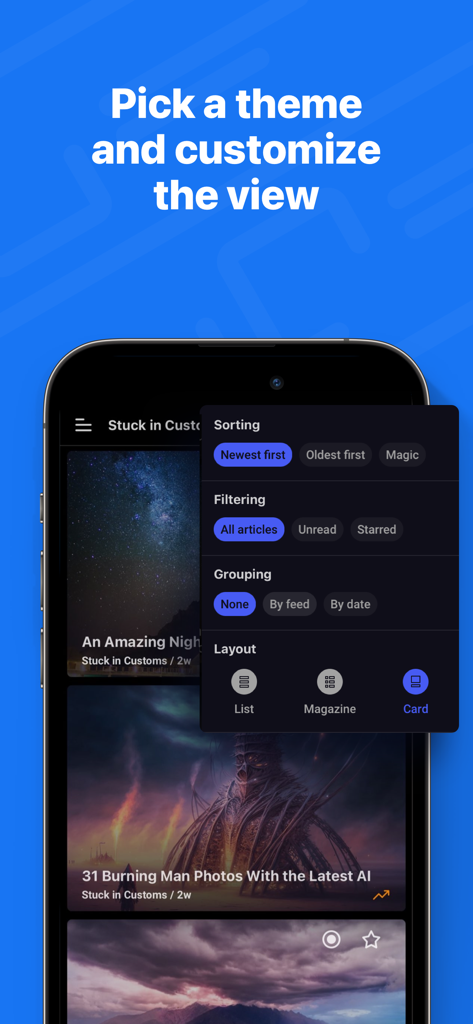
Inoreader mobile app screen showing options for sorting filtering and layout customization in dark mode

Inoreader mobile app screen showing options for sorting filtering and layout customization in dark mode

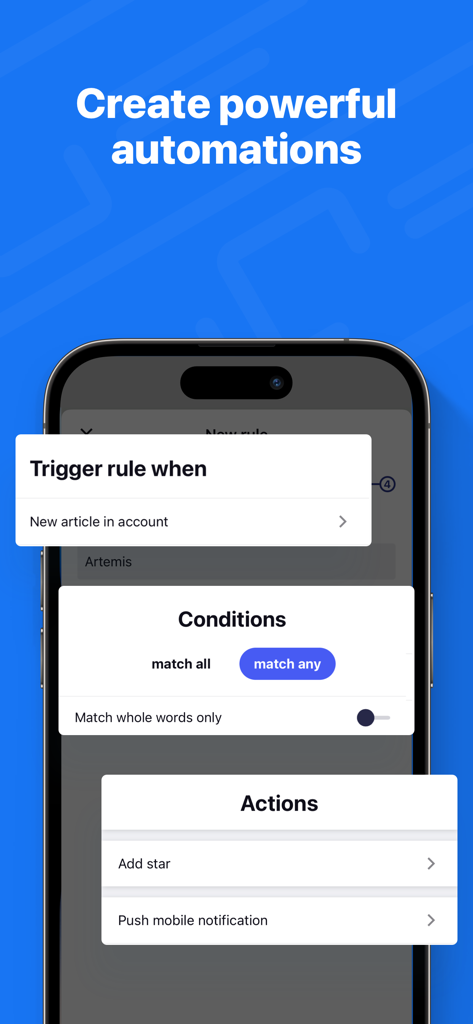
Interface of Inoreader showing the setup of powerful automation rules with triggers conditions and actions

Interface of Inoreader showing the setup of powerful automation rules with triggers conditions and actions

The Ultimate Information Command Center

The tools that make this app stand out, trusted by 698K+ users.

📥

Unified Feed Integration

Consolidate RSS, Substack newsletters, YouTube, and Telegram into one place. One app, every source that matters.

🛡️

Advanced Noise Control

Use powerful automation and keyword filters to silence the clickbait. You decide the priority, not a corporate algorithm.

🧠

Professional Knowledge Hub

Annotate insights and export content directly to your second brain in Notion, Evernote, or Dropbox for future reference.

Loved by users worldwide

Trusted by 698K+ people who love this app.

"

"Inoreader has completely transformed how I stay ahead in my industry. I've moved all my professional newsletters and research feeds here, and the advanced filtering rules ensure I only see what's relevant to my current projects. It is the ultimate antidote to algorithmic noise and information overload."

Sarah Jenkins, Senior Market Analyst
"

"As a freelance journalist, I need reliable data, not social media trends. Inoreader gives me back total control of my newsfeed. Being able to monitor Reddit, Telegram channels, and niche blogs in one clean, searchable interface is a massive productivity booster for my daily workflow."

Marcus Thorne, Tech Journalist

About the app

Everything you need to know about Inoreader: News & RSS reader.

Description

Take back control of your newsfeed and filter out the noise! With Inoreader, information comes straight to you the minute it’s available. Follow your favorite websites, content creators, newsletters, and social media feeds. Discover and collect articles from across the web, share and collaborate with others. No more algorithms and editorial picks – you decide what’s important to you. Read or listen on the go, mark the essential bits and customize your view for the best experience. Use our advanced features to set up powerful automation and let Inoreader do the work! ----- “Inoreader offers a well-designed interface, good search and discovery options, and a nice set of features that are beginner-friendly and offer plenty of options for advanced users.” – WIRED “If you're feeling media burnout from overfed social feeds, Inoreader is a news tool that still sparks joy. It's a research tool, intelligence briefing portal, and social media filtration system.” – CNET “Inoreader is one of the most feature-packed free RSS readers. A great tool for power users, but it's very accessible for beginners as well.” – Zapier ----- DISCOVER AND SHARE GREAT CONTENT • Follow your favorite websites, blogs, and creators • Collect articles from across the web and save them for future reading • Subscribe to newsletters with custom emails and declutter your inbox • Explore collections curated by our team to feature the best sources • Monitor Facebook pages, Reddit feeds, and Telegram channels • Subscribe to YouTube channels and listen to podcasts • Easily distribute content across social media and messaging apps • Stay up to date with breaking news and create monitoring feeds BECOME A MINDFUL READER • Use automation tools to create rules and filter content • Enhance your reading experience with custom layouts and themes • Curate your own content with folders and tags • Annotate the essential bits and keep them forever • Highlight keywords to speed up your reading • Translate articles in your language without additional extensions • Load and keep the full content of articles without leaving the app • Listen to the news on the go with our text-to-speech feature • Download articles for offline reading • Save to Pocket, Evernote, OneNote, Google Drive, and Dropbox ----- Inoreader Pro is available with a monthly or annual subscription. You can subscribe and pay through your Apple account. Your subscription will automatically renew unless canceled at least 24 hours before the end of the current period. Auto-renew may be turned off after purchase. Terms of Use (EULA): https://www.apple.com/legal/internet-services/itunes/dev/stdeula/ Privacy Policy: https://www.inoreader.com/privacy_policy For questions, issues, or general feedback, you can reach us at support@inoreader.com.

Latest Version

7.9.6

Size

68.9 MB

First Released

Jul 6, 2014

Take Control of Your Information Stream

Join over 700,000 professionals who have traded noisy algorithms for a curated, automated, and efficient reading experience. Start your journey to digital sovereignty today.

Download on App StoreDownload on Google Play
FAQ

Frequently Asked Questions

Everything you need to know about Inoreader: News & RSS reader

What is Inoreader and what does it do?

Inoreader is a news and RSS reader app. It helps users filter out newsfeed noise, follow favorite websites, content creators, and social media, and discover articles without algorithms.

Does Inoreader offer custom newsfeeds and content filtering?

Yes, Inoreader allows users to decide what is important. It provides automation tools to create rules and filter content, enhancing the reading experience by removing algorithmic bias.

Can I follow social media feeds with Inoreader?

Yes, Inoreader allows users to monitor Facebook pages, Reddit feeds, and Telegram channels. It integrates various social media platforms for comprehensive content monitoring.

Does Inoreader support listening to articles?

Yes, Inoreader includes a text-to-speech feature. Users can listen to news and articles on the go directly within the app, providing an audio option for content consumption.

How do I subscribe to Inoreader Pro?

Users can subscribe to Inoreader Pro with a monthly or annual subscription directly through their Apple account. Auto-renewal is active by default but can be turned off.

Can Inoreader automatically manage my content with rules?

Yes, Inoreader features advanced automation tools. Users can set up powerful rules to trigger actions, apply conditions, add stars, or push mobile notifications for new articles.

What customization options does Inoreader offer for reading?

Inoreader allows users to enhance their reading experience with custom layouts, themes, sorting options (Newest first, Oldest first, Magic), filtering (All, Unread, Starred), and grouping.

Does Inoreader allow offline reading?

Yes, Inoreader allows users to download articles for offline reading. This feature ensures content is accessible even without an internet connection, supporting on-the-go consumption.

Can Inoreader save articles to other services like Pocket or Evernote?

Yes, Inoreader integrates with several popular services. Users can save articles to Pocket, Evernote, OneNote, Google Drive, and Dropbox for further organization and access.

How can I contact Inoreader support?

For questions, issues, or general feedback, users can reach Inoreader support via email at support@inoreader.com. This is the official channel for assistance.