
IPA Installer


The essential tool for developers and QA engineers to install .ipa files instantly. Bypass cloud delays and link expirations with a fast, direct workflow built for efficiency.
Publisher
Category
Developer ToolsDownloads
59K+User Rating
Total Ratings
100Locales
1Discover the interface used by 59K+ users.
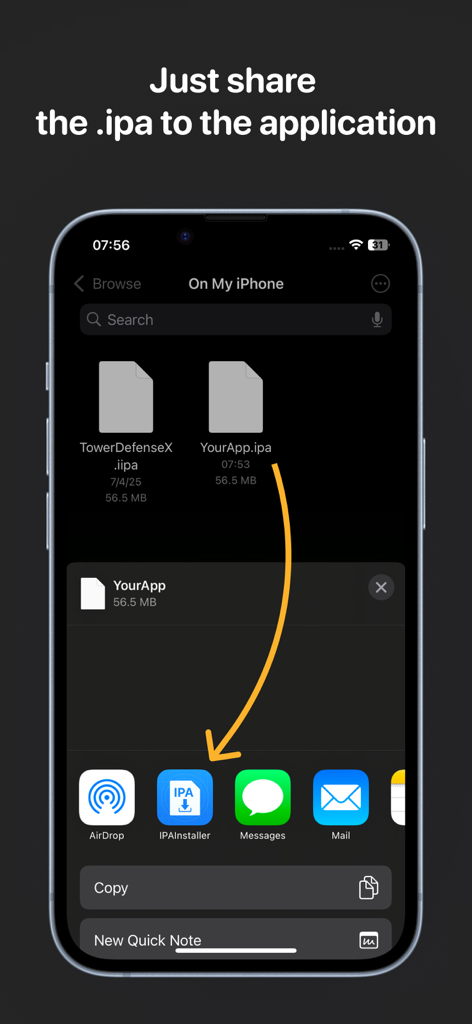
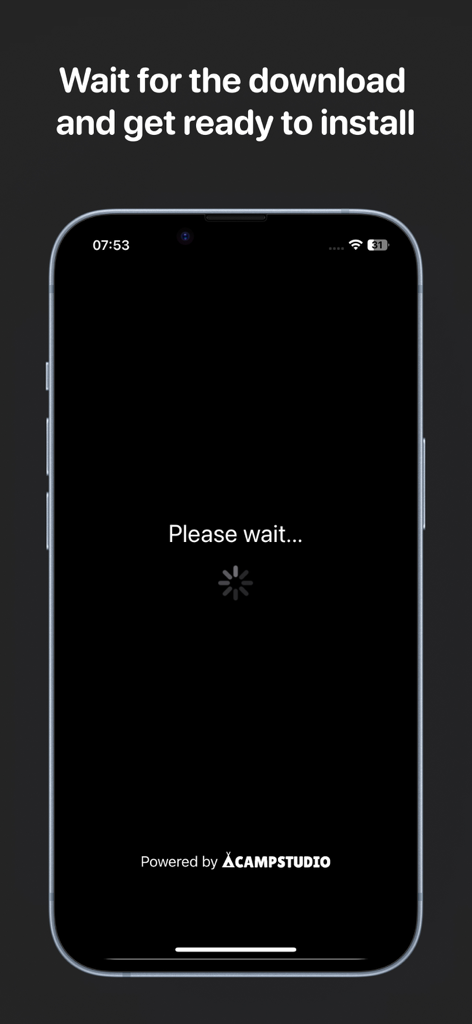
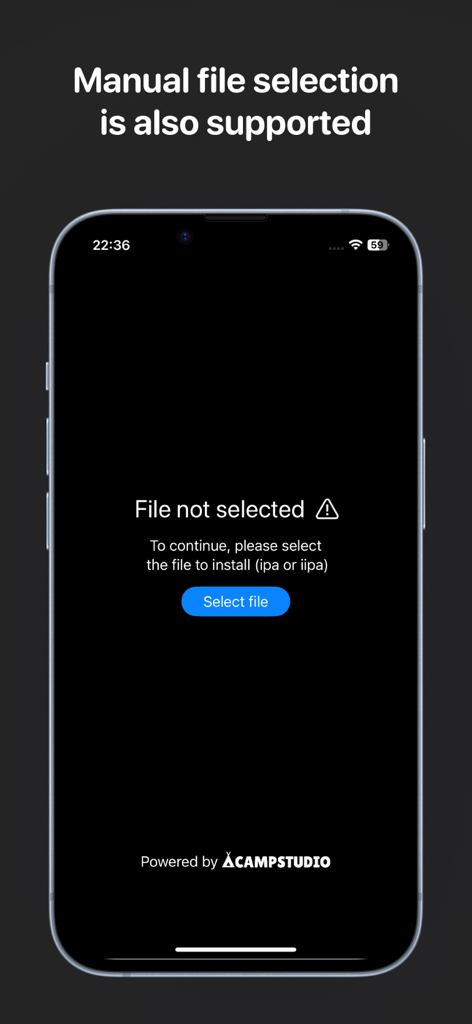
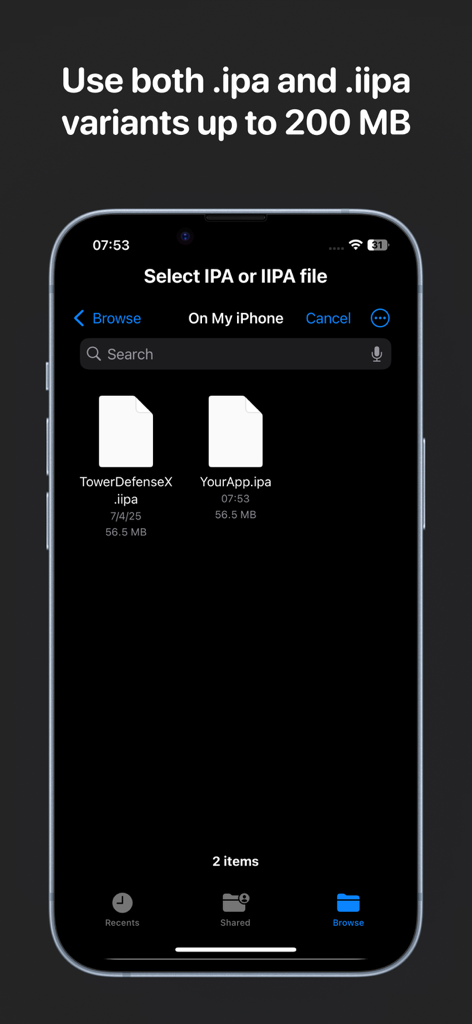
The tools that make this app stand out, trusted by 59K+ users.
Bypass TestFlight processing times and cloud delays. Install .ipa and .iipa files directly for instant verification on your physical hardware.
Optimized for speed: simply share a build from Slack, Safari, or the Files app to trigger an automatic installation without leaving your current workspace.
While cloud distribution links expire after 3 to 90 days, your local files are permanent. Maintain a local archive for stable regression testing anytime.
Trusted by 59K+ people who love this app.
"As a QA lead, managing regression tests on older versions was always a nightmare because TestFlight links expire so quickly. IPA Installer has completely solved this for us. I can keep a local repository of builds and install them instantly whenever I need to verify a fix against a legacy version."
"This app has significantly cut down the friction in my development cycle. Being able to just share an IPA file directly from my Files app and have it installed immediately without waiting for cloud distribution processing is a game-changer. It is the perfect 'no-nonsense' tool for professional iOS developers."
Everything you need to know about IPA Installer.
Description
Latest Version
1.2.4
Size
20.8 MB
First Released
Jul 8, 2025
Join thousands of developers and QA engineers bypassing cloud delays. Install .ipa files directly, manage legacy builds without expiration, and streamline your deployment workflow instantly.
Everything you need to know about IPA Installer
IPA Installer installs iOS apps directly from .ipa and .iipa files. It enables developers, QA engineers, and beta testers to accelerate their build testing and delivery cycle.
IPA Installer supports installing apps from both .ipa and .iipa file formats. It also supports legacy files without typical cloud service time limits.
No, IPA Installer does not sign .ipa files. The application only handles the installation of .ipa and .iipa files.
You can install an app with IPA Installer by sharing the desired .ipa file directly to the application. Installation begins automatically.
Yes, IPA Installer includes a built-in file picker. This feature allows users to quickly locate and select their builds using a standard file selection dialog.
IPA Installer supports .ipa and .iipa variants up to 200 MB. This limit applies when selecting files for installation.
Apps with similar features and user experience

