KML KMZ Viewer-Converter

KML KMZ Viewer-Converter

Download on App Store
Spark by MWM logo
Logo of KML KMZ Viewer-Converter
KML KMZ Viewer-Converter: The Ultimate Mobile Solution for Field Data

Seamlessly view, create, and convert mapping files with or without an internet connection. The professional-grade bridge between your desktop GIS and real-world exploration.

Publisher

m sagar

Category

Navigation

Downloads

102K+

User Rating

1.0/5

Total Ratings

0

Locales

1

Precision in Every Pixel

Discover the interface used by 102K+ users.
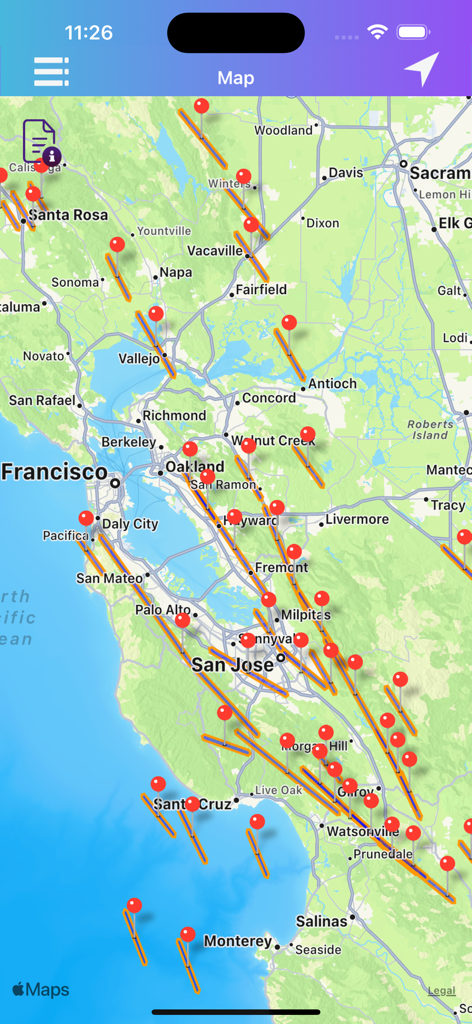
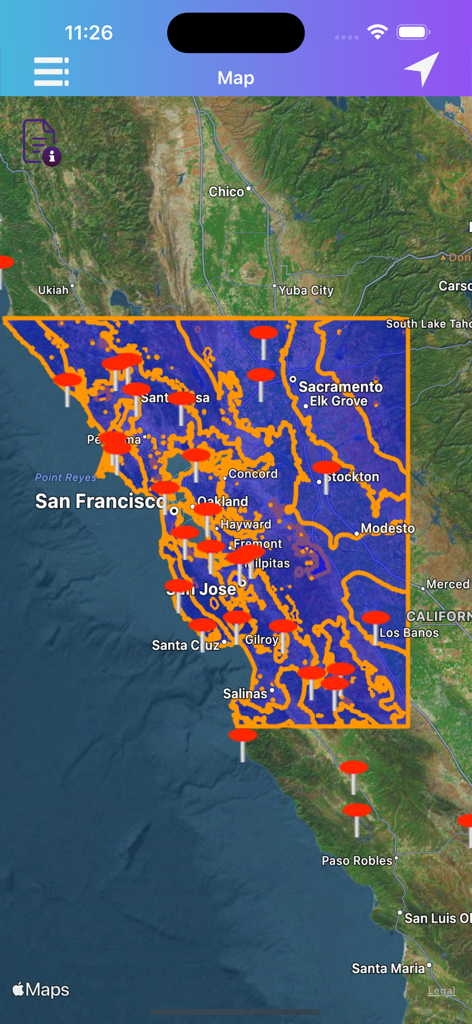
Map view in KML KMZ Viewer-Converter showing red pins and path overlays across the San Francisco Bay Area

Map view in KML KMZ Viewer-Converter showing red pins and path overlays across the San Francisco Bay Area

Satellite map of California with custom KML data overlays and red pins in the KML KMZ Viewer-Converter app

Satellite map of California with custom KML data overlays and red pins in the KML KMZ Viewer-Converter app

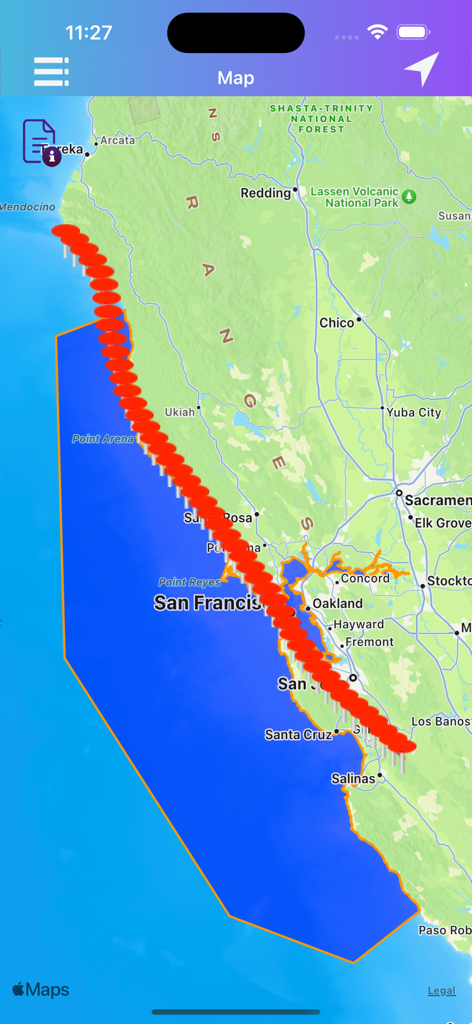
KML KMZ Viewer app displaying a coastal map with a blue polygon overlay and a sequence of red markers.

KML KMZ Viewer app displaying a coastal map with a blue polygon overlay and a sequence of red markers.

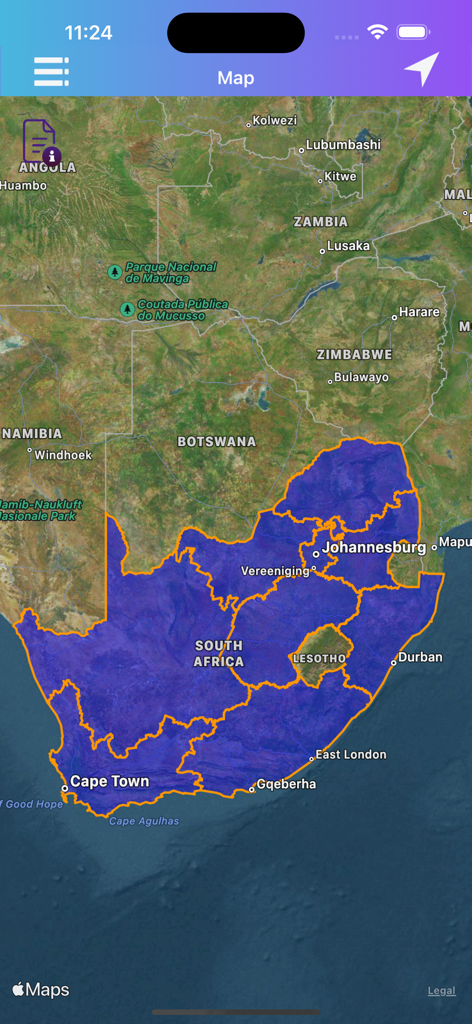
A mobile app screenshot showing a satellite map with a custom blue spatial data overlay of South Africa.

A mobile app screenshot showing a satellite map with a custom blue spatial data overlay of South Africa.

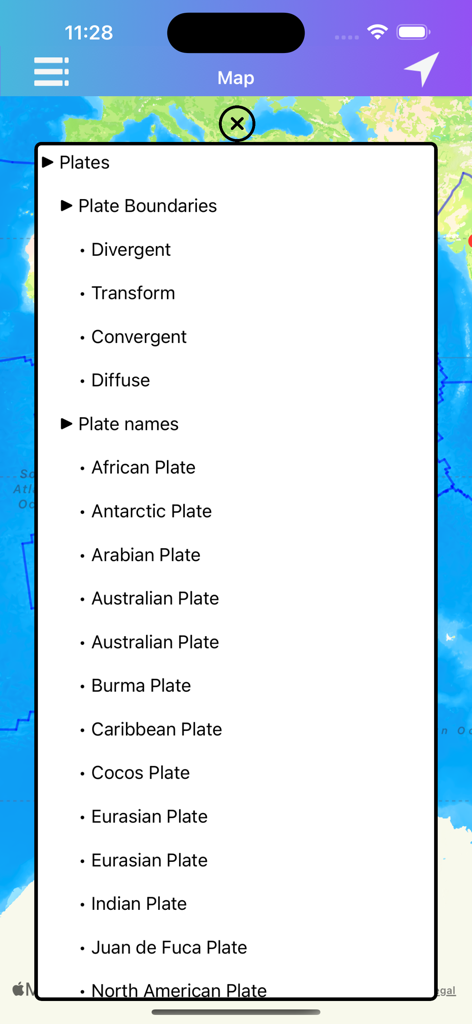
A list of tectonic plates and boundary types displayed as an overlay on a map within the KML KMZ Viewer app.

A list of tectonic plates and boundary types displayed as an overlay on a map within the KML KMZ Viewer app.

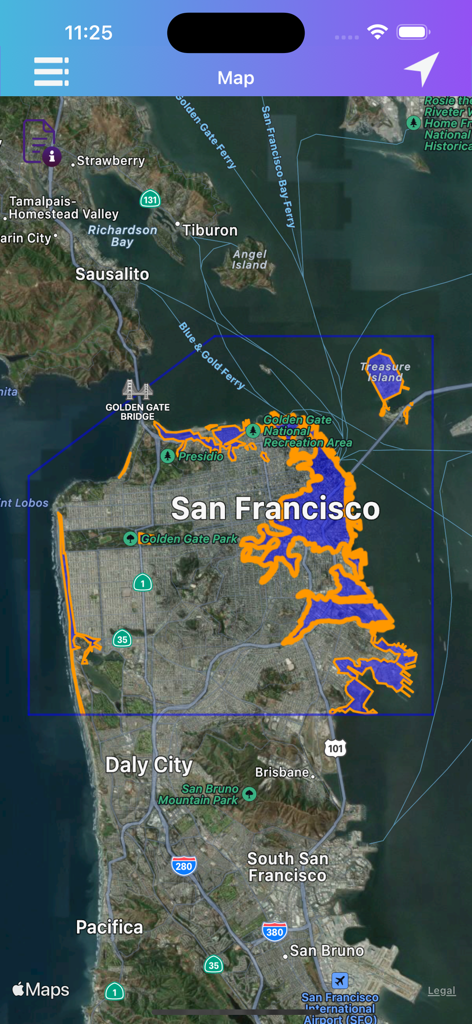
KML KMZ Viewer app displaying a custom spatial data overlay on a satellite map of San Francisco

KML KMZ Viewer app displaying a custom spatial data overlay on a satellite map of San Francisco

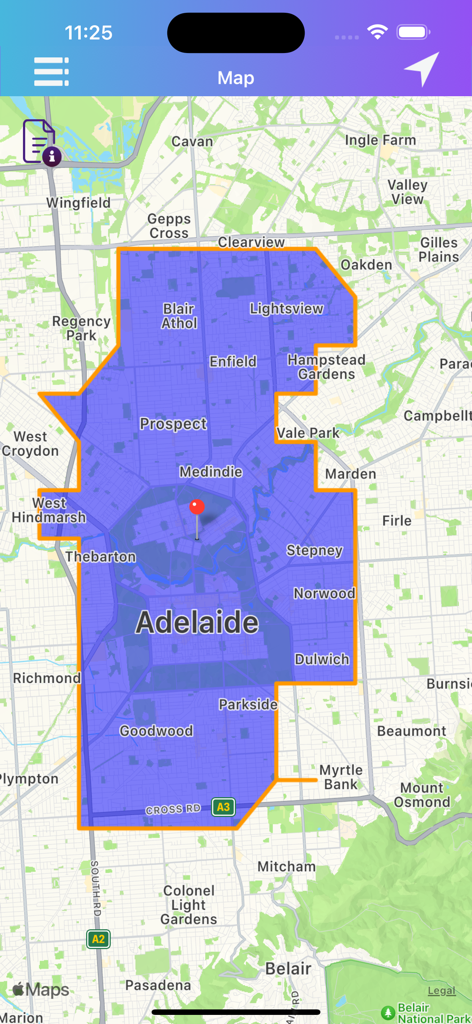
Mobile app interface displaying a blue polygon overlay on a map of Adelaide

Mobile app interface displaying a blue polygon overlay on a map of Adelaide

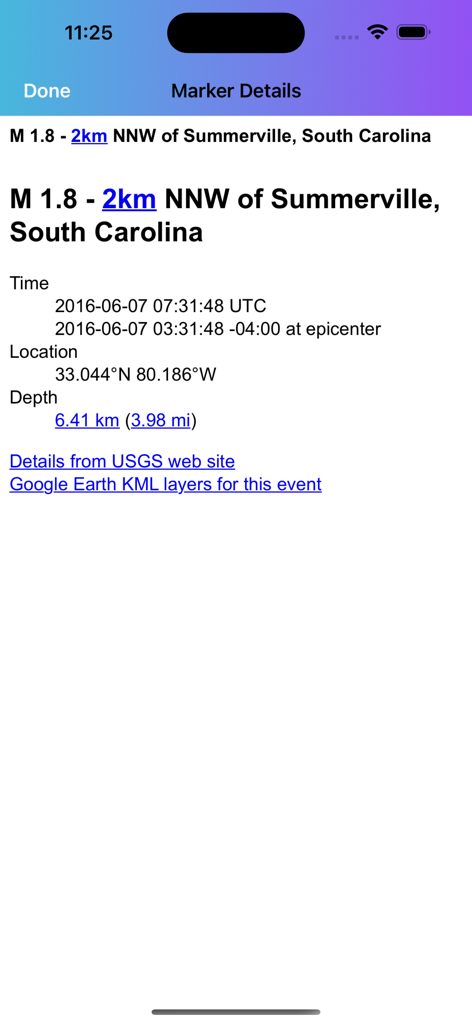
Screenshot of the marker details screen showing geographical coordinates time and depth for a specific location

Screenshot of the marker details screen showing geographical coordinates time and depth for a specific location

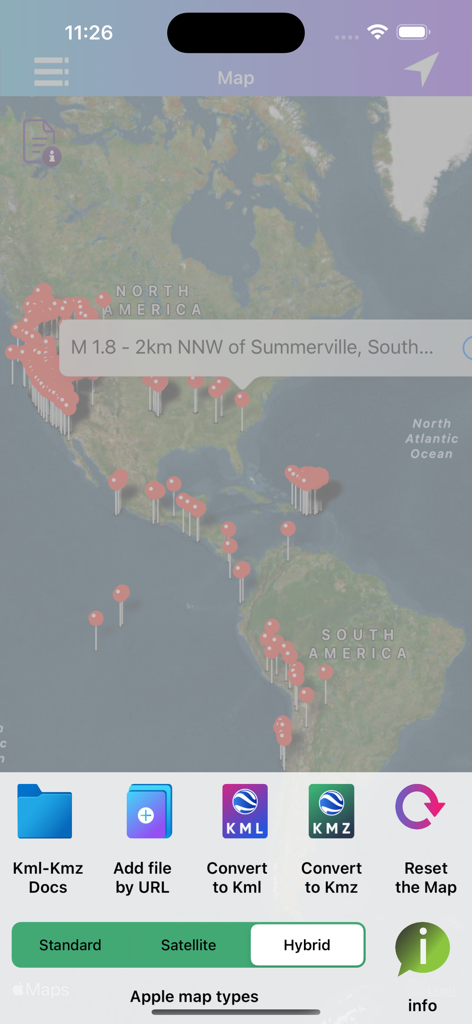
A map interface displaying location markers and a bottom menu with options to convert and manage KML and KMZ files.

A map interface displaying location markers and a bottom menu with options to convert and manage KML and KMZ files.

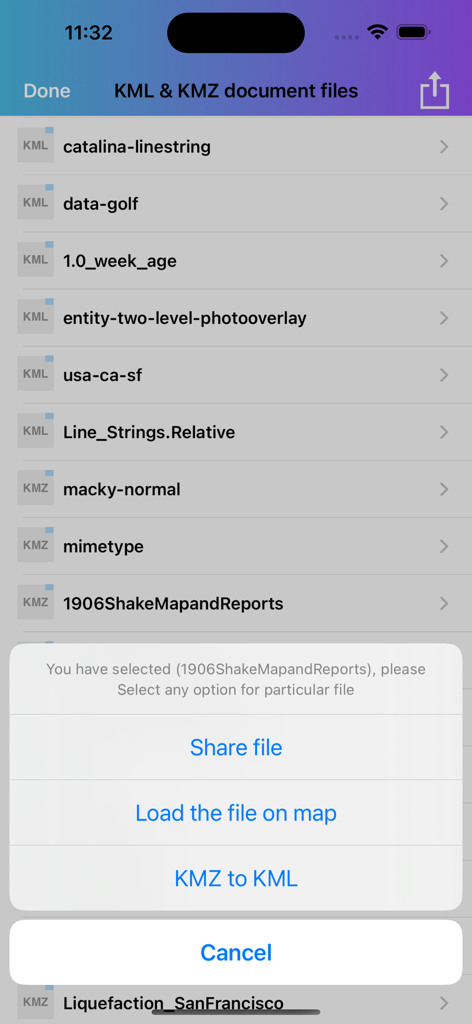
Mobile screen displaying a list of KML files and a popup menu for sharing or converting them

Mobile screen displaying a list of KML files and a popup menu for sharing or converting them

Professional Geospatial Control

The tools that make this app stand out, trusted by 102K+ users.

📡

Field-Ready Offline Maps

Access and view your critical KML and KMZ data in remote locations without a cell signal, ensuring reliability where standard navigation fails.

🔄

Lossless Format Conversion

Instantly switch between KML and KMZ formats with zero data modification, maintaining 100% accuracy for your professional GIS workflows.

📍

Information-Rich Markers

Create custom markers in the field and attach detailed descriptions, URLs, and images to transform simple points into actionable data.

Loved by users worldwide

Trusted by 102K+ people who love this app.

"

"This app has become an essential tool for my land surveying projects. The ability to import KML files directly from my email and convert them to KMZ on the fly while in the field saves me hours of desktop work. It is stable, accurate, and handles large datasets without a hitch. Highly recommended for any GIS professional."

Michael R., Site Project Manager
"

"Perfect for off-grid navigation! I use it to load custom trail maps for my overlanding trips. The offline mode is a lifesaver when I am deep in the national parks with no signal. I love how I can long-press to add my own markers and share the updated paths with my group via WhatsApp instantly."

Sarah J., Adventure Explorer

About the app

Everything you need to know about KML KMZ Viewer-Converter.

Description

KML KMZ Viewer-Converter is an application provides you to load the kml or kmz files, convert and create kml or kmz files over the map. This app works for offline and online. How to Export or Import .kml or .kmz files into Application? You can view, add or import .kml or .kmz files into the application in multiple ways 1)Keep the .kml or .kmz files to the mail or any places in mobile, then long press on kml/kmz file that shows the application icon.click to import the file over the map. 2)Share files from other apps which will be similarly supported files like Email,WhatsApp,Add to Notes,Add to iCloud Drive,Save to files and other apps. 3)Click on “Add through link” Icon on Menu bar enter .kml or .kmz files link to add the files into the application. 4)Connect your iPhone or iPad to System then iTunes will automatically opens an window.Click phone symbol on top left—>File Sharing and you can see the Kml Kmz app then click on app icon to add .kml or .kmz files. 5)Tap on the file to share or export to the other Applications. How to create kml/kmz Markers? 1)Long press on map to add markers. 2)You can Convert the kml/kmz with userDefined Names. 3)After successfully saving the file will be stored in list. 4)You can again load the saved kml/kmz file over the map. 5)You can share Kml,Kmz files to multiple apps similarly supported files. How to Convert kml to kmz and kmz to kml file? 1)In the List section select kml file, then it will shows popup to Convert KML to KMZ file. 2)If you select kmz file, then it will shows popup to Convert KMZ to KML file. 3)While Converting the files you have choice to keep Existing file Name or Rename the file. 4)After Successfully Converting the file is added in the list Section. 5)Conversion of kml or kmz files are accurate,identical,simple without any Modification to actual data. How to get updated kml/kmz file in list section? 1)Swipe the list to the down to refresh. 2)The New added files will be updated here. How to delete the kml/kmz file? 1)In the list section, swipe left to delete file.The file will be permanently deleted from the application. How to See marker details? 1)load kml/kmz file on map.If the file contains markers, then tap on the marker to see the detail description of marker like Description,email id, url links,phone numbers,Images,Web site page. 2)KML,KMZ file Info is the new features added recently, when the file loads on the map you can see file info on top left.On Clicking the full information of the file is visible. 3)Connect to Internet to open the url links,web pages,Images from Description page. "Continued use of GPS running in the background can dramatically decrease battery life."

Latest Version

2.1.0

Size

5.0 MB

First Released

Sep 15, 2016

Ready to Manage Your Maps Anywhere?

Join over 100,000 professionals and outdoor enthusiasts. Download the most reliable KML & KMZ tool for offline viewing, precise conversion, and seamless field data management on your iPhone or iPad.

Download on App Store