
KollusPlayer



The essential player for your encrypted courses and certifications. Maximize your study time with 2.0x speed control and seamless offline playback.
Publisher
Category
UtilitiesDownloads
2M+User Rating
Total Ratings
4K+Locales
4Discover the interface used by 2M+ users.


The tools that make this app stand out, trusted by 2M+ users.
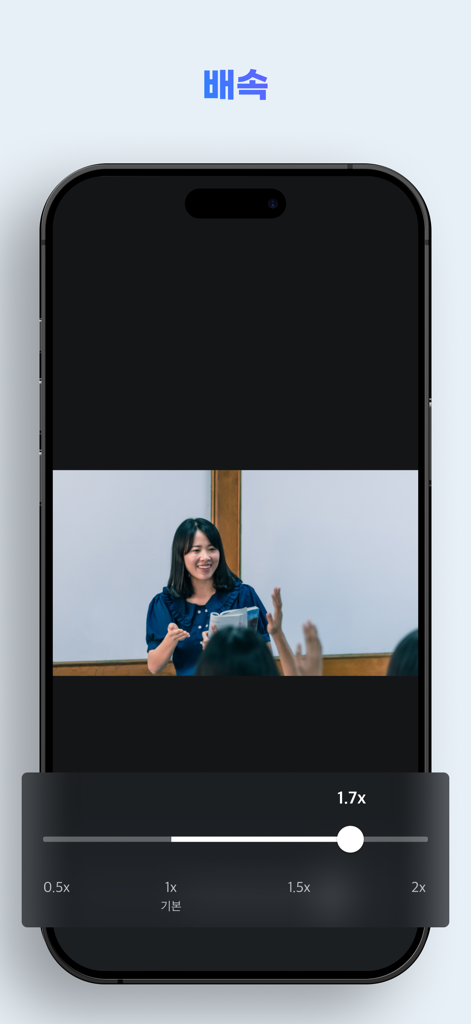
Master your curriculum faster by adjusting playback from 0.5x to 2.0x, allowing you to breeze through familiar topics or focus on complex ones.
Never lose your place. Pick up exactly where you left off during your commute or breaks, ensuring a continuous and productive learning flow.
Enjoy reliable, high-quality playback for your paid certifications and exclusive courses with our advanced encryption-ready player.
Trusted by 2M+ people who love this app.
"As a graduate student balancing a part-time job and preparation for my licensing exam, this app is essential. The variable speed control lets me power through long lectures at 1.5x speed, and the resume feature is perfect for when I have to quickly jump between study sessions on my iPad."
"Finding time for mandatory professional development is tough, but KollusPlayer makes it manageable. I download my corporate training modules and watch them during my subway commute without worrying about data or connectivity. It's stable, secure, and always remembers exactly where I left off."
Insights from user reviews.
Sentiment Score
Summary
The mobile app receives overwhelmingly negative feedback, with users expressing extreme frustration over its poor performance and numerous bugs. Common complaints include frequent video playback issues like freezing, buffering, and crashing, which severely disrupt learning. Many users also report critical problems such as downloaded lectures disappearing, persistent error codes (e.g., -4007, 8464), and DRM renewal failures. Furthermore, recent updates have introduced specific issues like non-functional fine-segment movement and display glitches in split-view, while overall device compatibility, particularly with iPads, and lack of mirroring features also draw criticism.
Common Themes
Everything you need to know about KollusPlayer.
Description
Latest Version
2.2.38
Size
16.9 MB
First Released
Mar 12, 2014
Download the official player to securely access your courses and optimize your study time with precision playback controls.
Everything you need to know about KollusPlayer
KollusPlayer is a dedicated video player for playing encrypted content from the Kollus service. It ensures secure playback of specialized video files.
KollusPlayer offers core features including video speed control, resume playback, section repetition, and comprehensive content management for encrypted media files.
Yes, KollusPlayer supports video speed control from x0.5 to x2.0. This feature allows flexible playback rates, but iPhone4 devices are specifically limited to x1.2 speed.
Yes, KollusPlayer provides a resume playback function. Users can automatically continue watching their videos from the exact point where they previously stopped.
KollusPlayer is compatible with a wide range of Apple devices. It supports iPhone models from 4s to X, and iPad models from iPad 2 through iPad Pro.
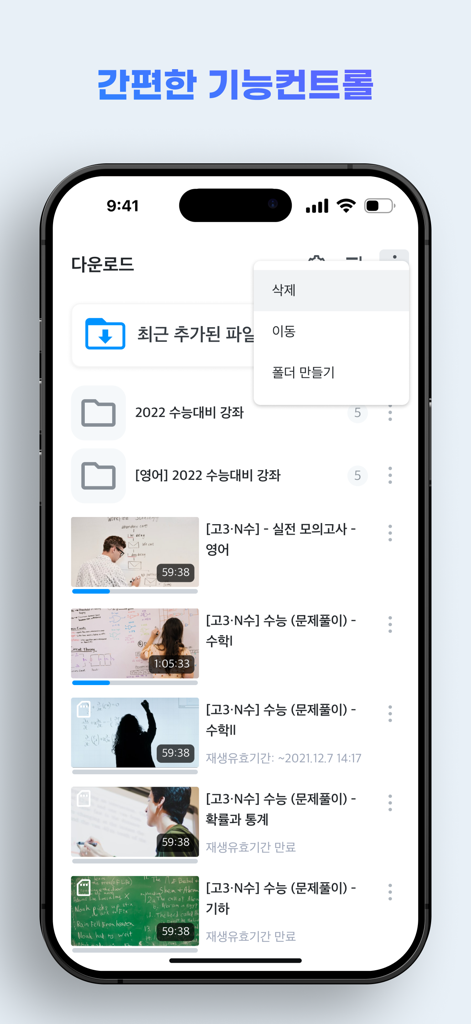
Yes, KollusPlayer enables comprehensive management of downloaded content. Users can create new folders, move existing files, and delete content directly within the application.
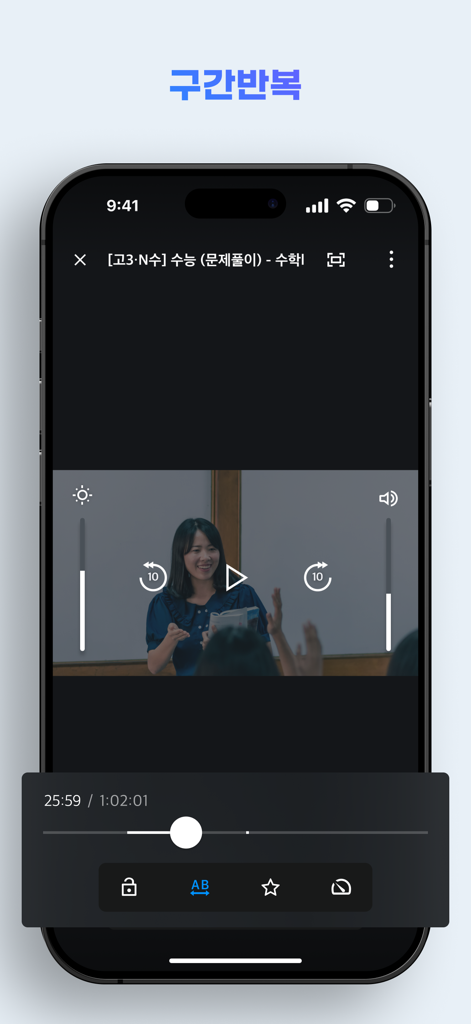
Yes, KollusPlayer offers an A-B repeat (section repeat) function. This feature allows users to select and repeatedly play specific segments of a video for focused review.
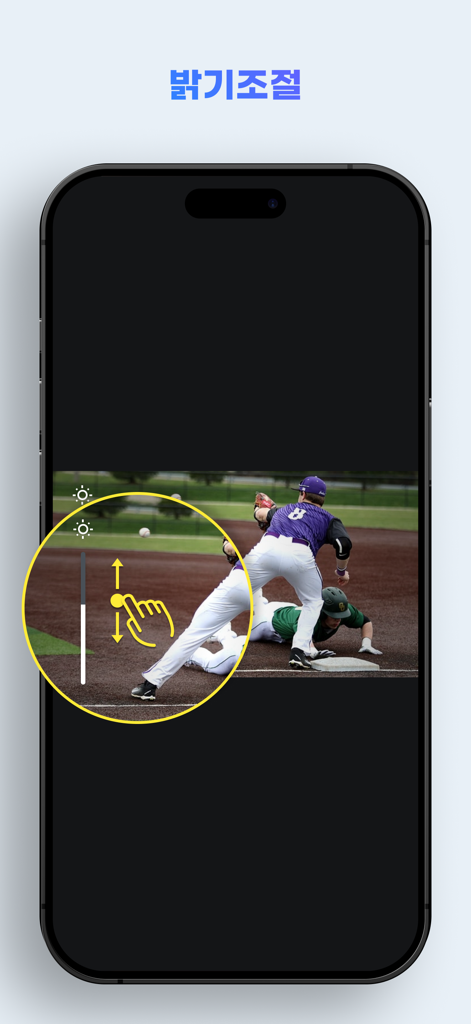
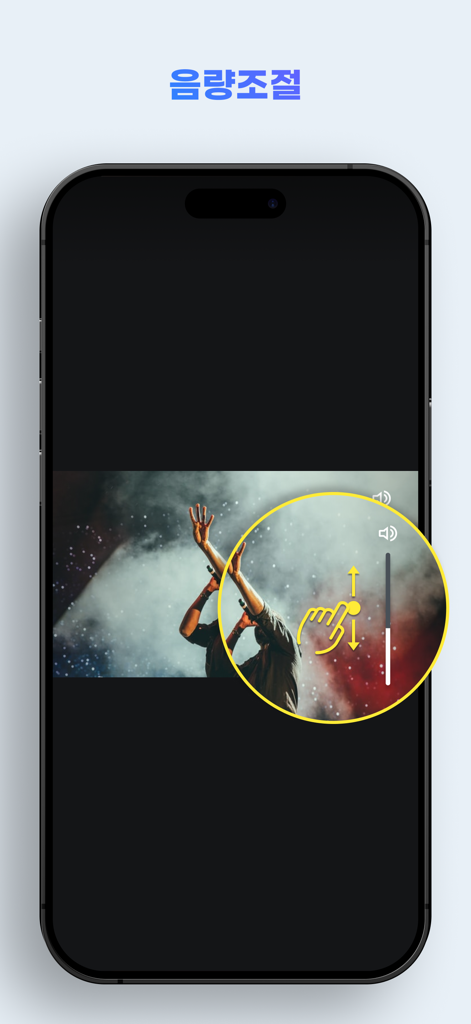
KollusPlayer integrates intuitive brightness and volume controls. Users can adjust these settings directly during video playback for an optimized viewing experience.
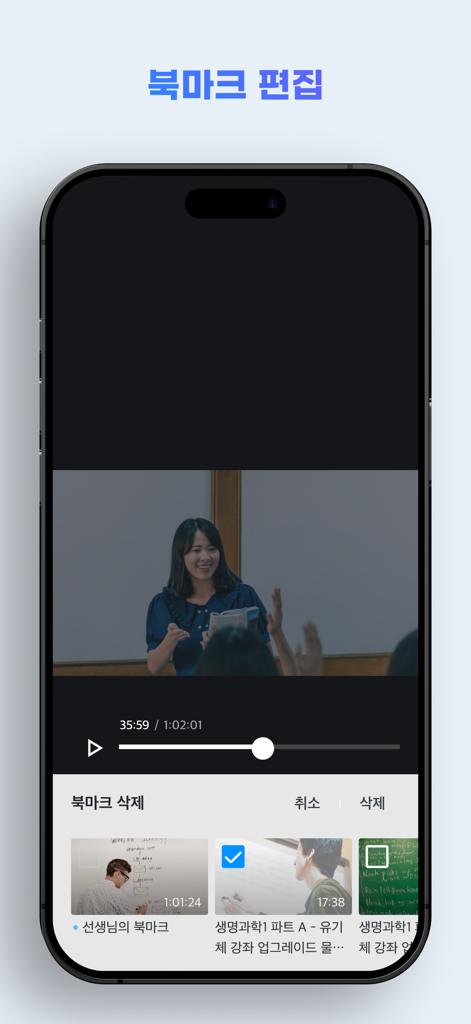
Yes, KollusPlayer allows users to bookmark specific parts of a video. It also includes dedicated functionality for editing these saved bookmarks efficiently.
Apps with similar features and user experience

INDEE SOFTWARE PRIVATE LIMITED

Disney Electronic Content, Inc.

DELUXE ENTERTAINMENT SERVICES GROUP INC.

Tianjin Jinruan Tianxia Technology Co., Ltd.

DELUXE ENTERTAINMENT SERVICES GROUP INC.

Guangzhou Shenzao E-Commerce Co., Ltd.