Loom: Screen Recorder

Loom: Screen Recorder

Download on App Store
Spark by MWM logo
Logo of Loom: Screen Recorder

Loom: Screen Recorder to Show, Tell, and Move Work Forward

Skip the meeting and stop the long email chains. Record your screen or camera to share feedback, demos, and ideas instantly with a simple link.

Publisher

Loom, Inc

Category

Business

Downloads

3M+

User Rating

4.8/5

Total Ratings

28K+

Locales

1

Work in Motion

Discover the interface used by 3M+ users.
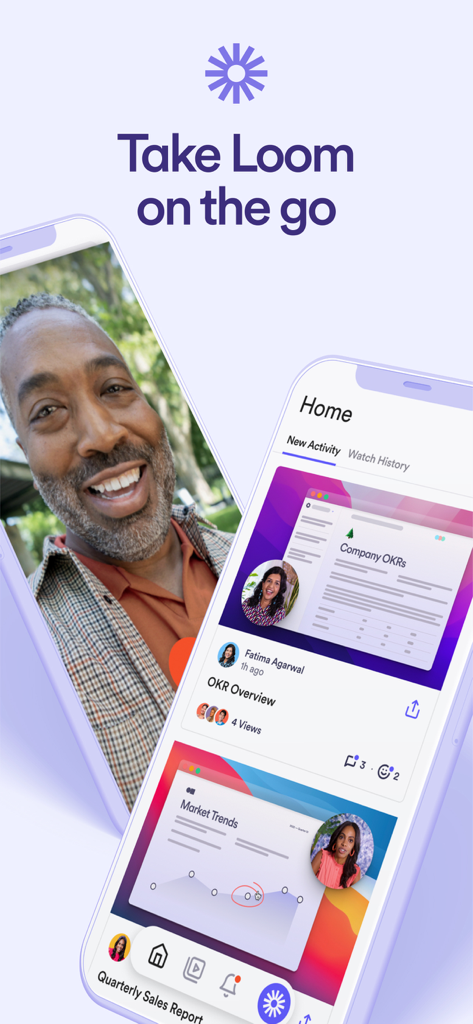
Two iPhones displaying the Loom app interface for mobile video recording and professional communication

Two iPhones displaying the Loom app interface for mobile video recording and professional communication

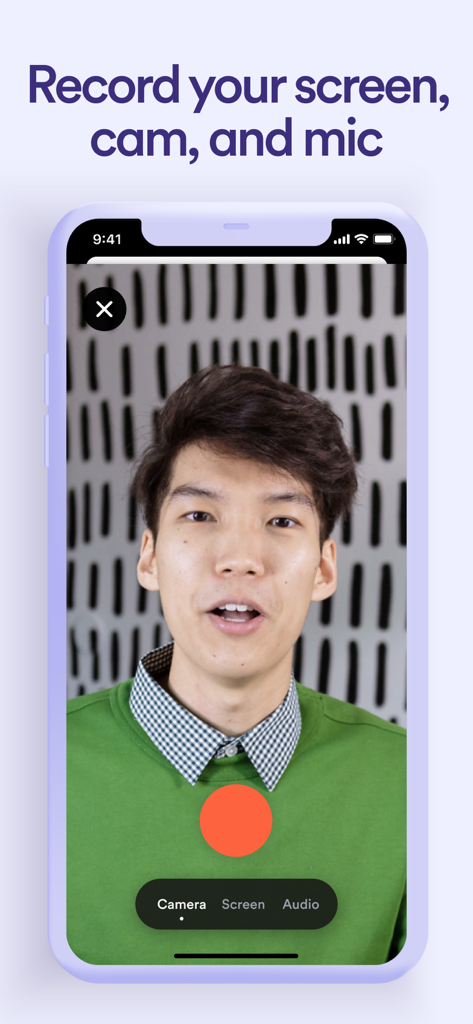
A man recording a video message on the Loom app with options to capture screen cam and mic

A man recording a video message on the Loom app with options to capture screen cam and mic

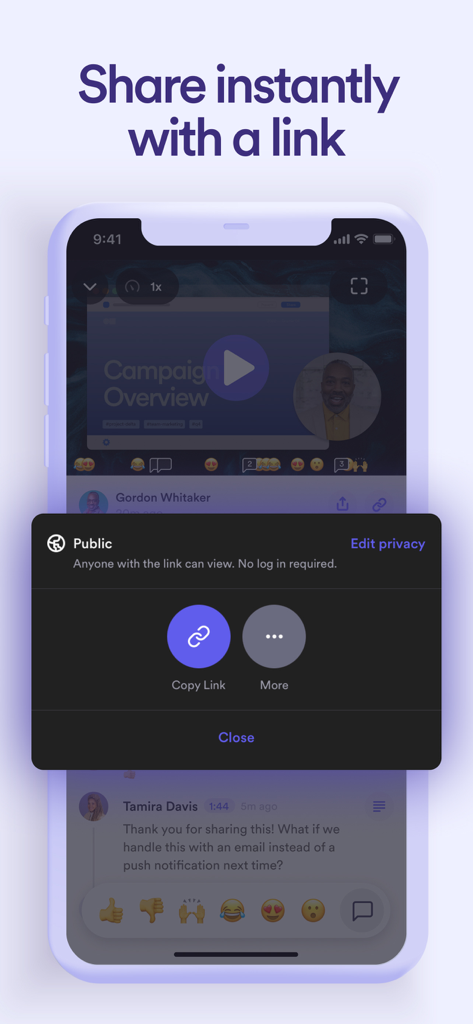
Loom mobile app interface showing the share video link menu with a public access setting.

Loom mobile app interface showing the share video link menu with a public access setting.

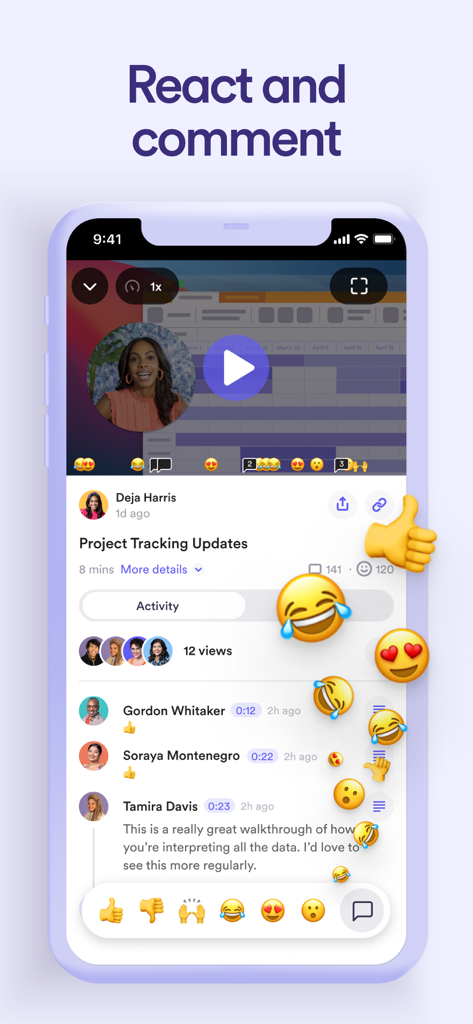
A smartphone interface showing a Loom video recording with floating emoji reactions and a comment section for team collaboration.

A smartphone interface showing a Loom video recording with floating emoji reactions and a comment section for team collaboration.

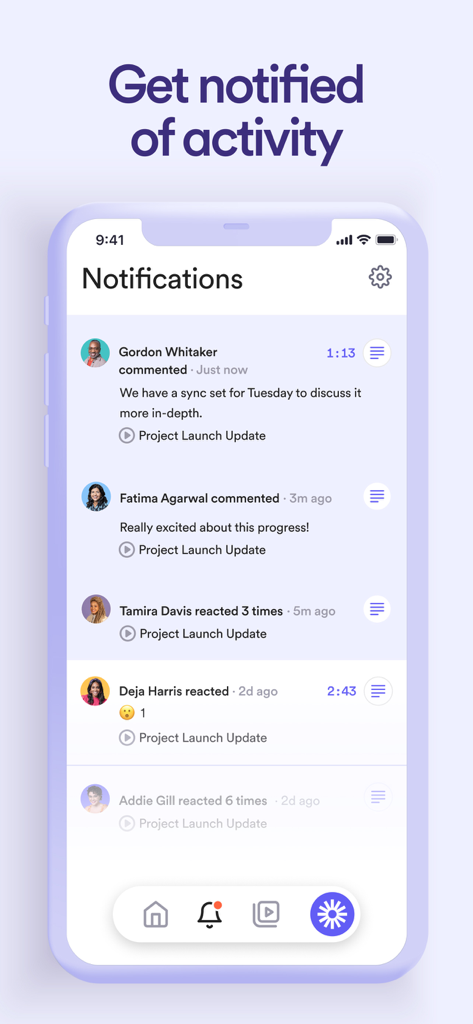
Loom mobile app notifications interface showing recent comments and emoji reactions on a project video

Loom mobile app notifications interface showing recent comments and emoji reactions on a project video

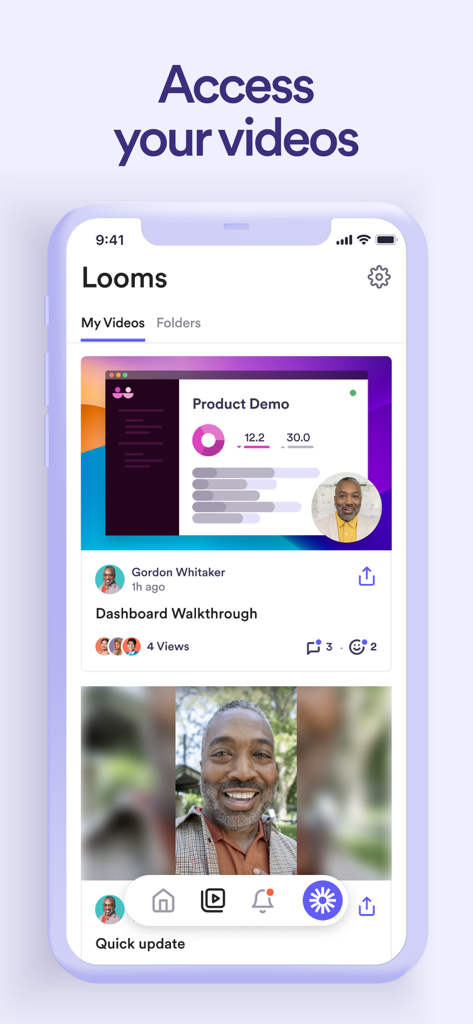
The Loom iOS app interface displaying a list of recorded videos including a dashboard walkthrough and quick update.

The Loom iOS app interface displaying a list of recorded videos including a dashboard walkthrough and quick update.

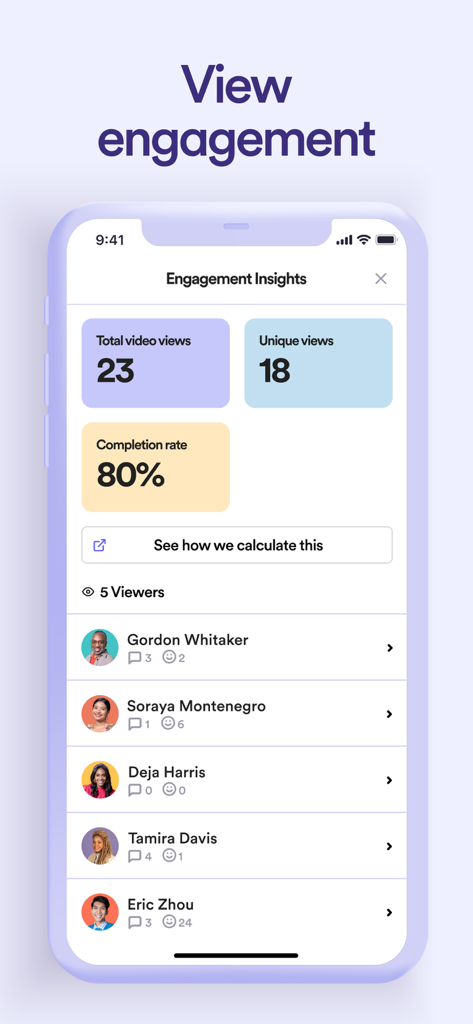
Loom mobile app interface displaying video engagement metrics including total views completion rate and a detailed list of viewers with reactions

Loom mobile app interface displaying video engagement metrics including total views completion rate and a detailed list of viewers with reactions

Loom app screen with the slogan Show it Say it Send it on a purple background with the company logo

Loom app screen with the slogan Show it Say it Send it on a purple background with the company logo

Stop Meeting, Start Doing

The tools that make this app stand out, trusted by 3M+ users.

Record in Seconds

Capture your screen, camera, and voice with one tap. It is 6x faster than typing an email and eliminates the need for another 'quick sync' meeting.

🔗

Instant Link Sharing

Forget waiting for uploads or file exports. Your video is saved to the cloud instantly—just grab the link and drop it into Slack, Jira, or HubSpot.

💬

Collaborate Without the Call

Move projects forward with time-stamped comments and emoji reactions. Get precise feedback and see exactly when your team has viewed your message.

Loved by users worldwide

Trusted by 3M+ people who love this app.

"

"Loom has completely transformed how our team communicates. Instead of scheduling a 30-minute sync to explain a feature update, I just record a quick 2-minute screen share on my phone. It saves us hours every week and ensures everyone is on the same page without the meeting fatigue."

Sarah J., Senior Product Manager
"

"The ability to record my screen and camera simultaneously while on the move is incredible. Whether I'm giving feedback on a new build or walking through a design mockup, Loom makes it feel personal and clear. It’s the ultimate tool for our remote-first culture."

Marcus T., Lead UX Designer

About the app

Everything you need to know about Loom: Screen Recorder.

Description

LOOM FOR iOS Record your screen or camera with one tap. Share that content in an instant with a link. Loom for iOS is the fastest, easiest way to record content on-the-go and stay connected with your team. Whether you’re screen recording product demos, giving feedback, or simply sharing your thoughts, Loom makes it simple to stay in the loop with async video. TRUSTED BY THE BEST Over 14 million people across 200,000 companies use Loom to record, share, and review asynchronous video. From HubSpot, to Atlassian, to Netflix, Loom is the screen recording and collaboration tool of choice for top companies. EVERYTHING YOU NEED AND MORE Using Loom, you can collaborate with your team, add time-stamped comments and reactions to those videos, and save videos you’ve recorded to your device. Now, you can spend less time crafting the perfect email in-between meetings, and say it with video using Loom for iOS. KEY FEATURES • Record your screen, camera, microphone, and internal audio • Automatically save videos to the cloud and share them instantly with a link • Get notified when someone views, reacts, or comments on your video • Leave time-based comments and emoji reactions • Manage your Loom video library on-the-go and across devices • Choose who can see your video with security and access controls • Download recordings to your camera roll • Adjust video playback speed • Edit and trim your video using the Loom web app ABOUT LOOM Loom is the leading video communication platform for async work. Engineered for simplicity and speed, you can record, watch, and share videos to move work forward whether you're at your desk or on the move. LOOM IN THE NEWS "Why are we all trapped in enterprise chat apps if we talk 6x faster than we type, and our brain processes visual info 60,000x faster than text?...now is the time for Loom." – TechCrunch "It fills this gap between writing an email and taking the time to have a meeting or conference...it's rare to have something that's low friction and high impact, while also adding personal connection." – Forbes “Asynchronous video is catching on fast, and Loom thinks it's going to change the way we work. And maybe do everything else, too.” – Protocol

Latest Version

703.0.0

Size

33.2 MB

First Released

Dec 9, 2019

Stop meeting, start moving.

Join over 14 million professionals who communicate 6x faster with async video. Download Loom for iOS and reclaim your calendar today.

Download on App Store
FAQ

Frequently Asked Questions

Everything you need to know about Loom: Screen Recorder

What is Loom for iOS?

Loom for iOS is a mobile screen recorder that allows users to record their screen or camera with one tap. It simplifies sharing content instantly via a link and facilitates asynchronous video communication.

Can I record my screen and camera simultaneously with Loom for iOS?

Yes, Loom for iOS allows users to record their screen, camera, microphone, and internal audio. This functionality enables comprehensive video content creation for various purposes.

How do I share videos recorded with Loom for iOS?

Loom for iOS automatically saves videos to the cloud and provides an instant shareable link. Users can copy this link or use additional sharing options.

Does Loom for iOS support team collaboration features?

Yes, Loom for iOS supports team collaboration. Users can add time-stamped comments and emoji reactions to videos, making it simple to stay in the loop with asynchronous video.

Can I manage who can view my videos on Loom for iOS?

Yes, Loom for iOS offers security and access controls. Users can choose who can see their videos, ensuring privacy for their shared content.

Does Loom for iOS provide notifications for video activity?

Yes, Loom for iOS notifies users when someone views, reacts, or comments on their videos. This keeps users informed about engagement with their shared content.

Can I edit Loom videos directly on my iOS device?

Users can edit and trim their videos using the Loom web app. While recordings can be managed and downloaded on the iOS device, editing functions are external.

What prominent companies use Loom?

Over 14 million people across 200,000 companies use Loom, including HubSpot, Atlassian, and Netflix. It is the screen recording and collaboration tool of choice for top companies.

Where are Loom videos saved?

Loom for iOS automatically saves videos to the cloud. Users can also download recordings directly to their device's camera roll for offline access or backup.

Does Loom for iOS allow adjusting video playback speed?

Yes, Loom for iOS allows users to adjust the video playback speed. This feature provides flexibility for viewers to consume content at their preferred pace.

Recommendations

More Like This

Apps with similar features and user experience