
LTS Connect



Take total control of your home or business security. Monitor live video feeds, manage access, and receive instant alerts from your LTS devices—anywhere, anytime.
Publisher
Category
Photo & VideoDownloads
396K+User Rating
Total Ratings
29K+Locales
39Discover the interface used by 396K+ users.
The tools that make this app stand out, trusted by 396K+ users.
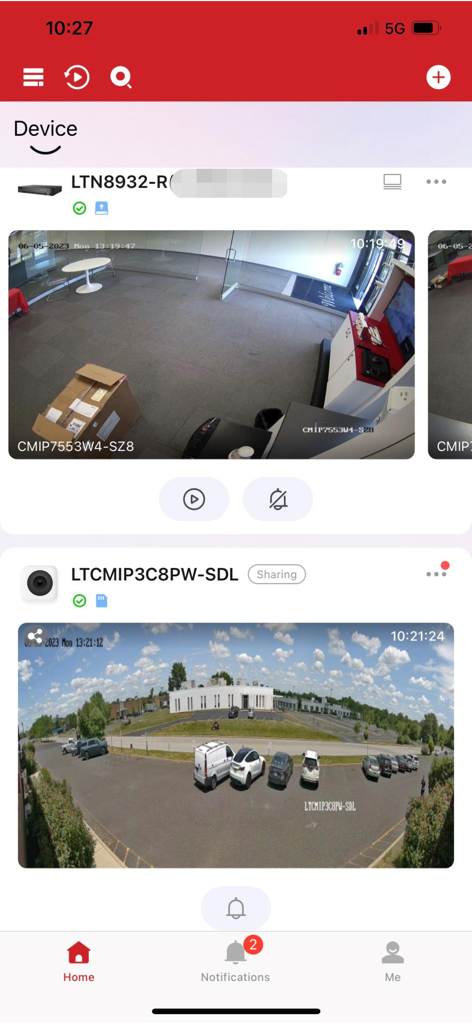
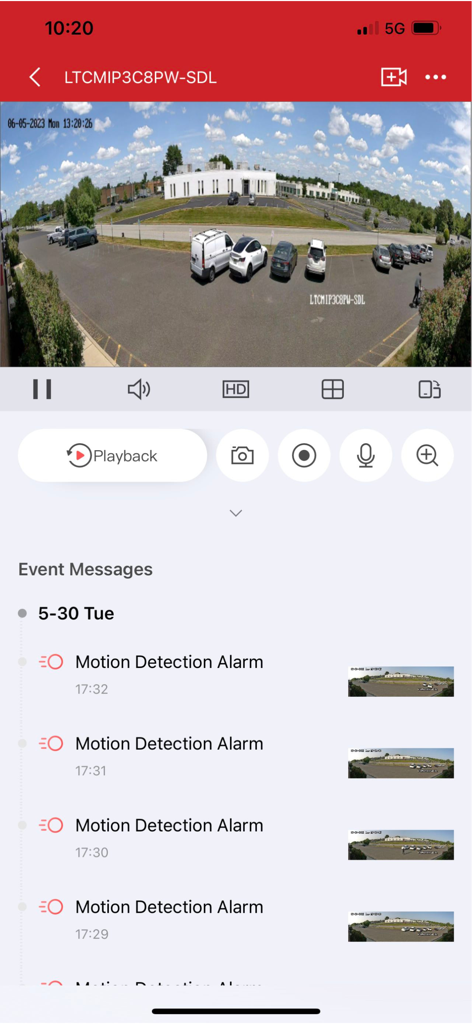
View crystal-clear live feeds from your cameras and DVRs from anywhere in the world, giving you instant peace of mind whether you are at home or away.
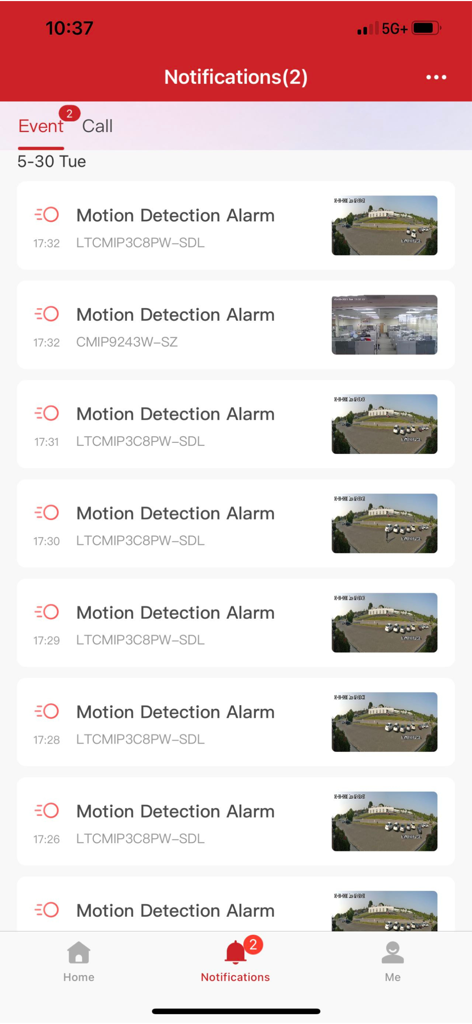
Never miss a critical moment with proactive push alerts that notify you the second motion is detected, allowing for immediate response to potential threats.
Seamlessly manage video doorbells and entry points while quickly searching through recorded footage to review past events in seconds.
Trusted by 396K+ people who love this app.
"As a small business owner, I need to know my storefront is secure after hours. LTS Connect is incredibly reliable; the instant motion alerts and remote playback features give me total peace of mind when I am not on-site. It is the most stable security app I have used for my DVR system."
"Managing our home security has never been easier. I love that I can check the video doorbell and my perimeter cameras all from one app. The interface is fast, and I never miss a delivery notification while I am at the office. Truly a professional-grade experience."
Everything you need to know about LTS Connect.
Description
Latest Version
6.10.881
Size
468.5 MB
First Released
Sep 27, 2017
Join over 396,000 users who trust LTS Connect for total control. Download now to monitor your cameras, manage access, and protect what matters most in real-time.
Everything you need to know about LTS Connect
The LTS Connect app controls LTS series DVRs, NVRs, IP cameras, video doorbells, and access control systems. Users manage their security devices remotely from anywhere.
Yes, the LTS Connect app provides real-time monitoring of connected security devices. This feature allows users to view live feeds from their cameras.
Yes, the LTS Connect app allows users to search and play back recorded video from all their cameras. This is a core feature for reviewing past events.
The LTS Connect app notifies users instantly when a motion detection alarm is triggered. These alerts appear in the app's notification section.
Yes, the LTS Connect app includes PT Cloud functions that enable video sharing capabilities. This feature enhances collaboration and security.
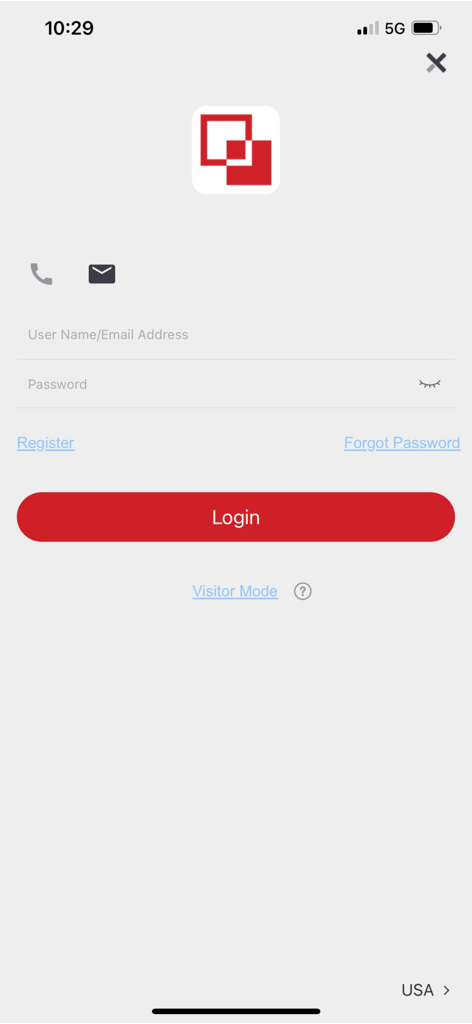
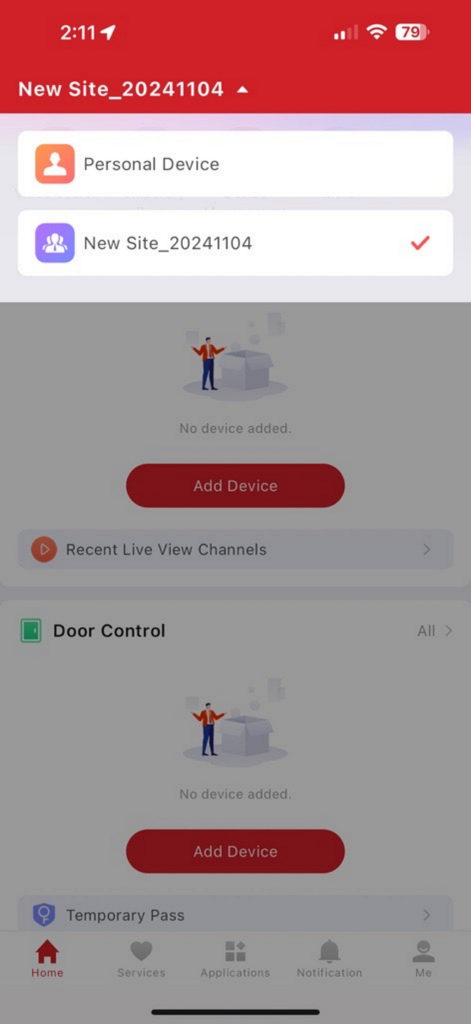
Users add new security devices by creating an account in the LTS Connect app. The home screen provides an "Add Device" option to integrate personal or site devices.
The LTS Connect app offers access control and doorbell features. It includes options for door control and temporary passes to manage entry systems.
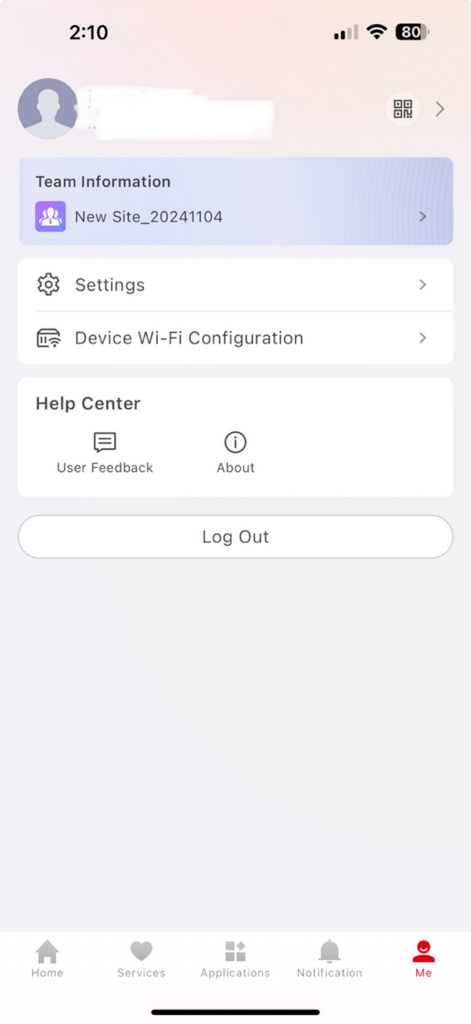
Yes, the LTS Connect app allows for managing devices associated with different sites. Users can select between "Personal Device" and "New Site" configurations to organize their security systems.
Apps with similar features and user experience

TP-Link Systems Inc.
Intelbras S.A. Ind. de Telecom. Elet. Brasileira
Intelbras S.A. Ind. de Telecom. Elet. Brasileira
On Hand Apps - FZCO

明军 顾

KONSTANTA, OOO Apps

Shenzhen Skyline Investment Cmi Holdings Co.,Ltd

健 冯

PRAMA INDIA PRIVATE LIMITED