Mic to Speaker - Virtual Mic


Instantly turn your iPhone into a professional wireless mic for streaming, karaoke, or announcements. Connect to any Bluetooth speaker and sound your best with real-time audio effects.
Publisher
Category
MusicDownloads
1M+User Rating
Total Ratings
8K+Locales
49Discover the interface used by 1M+ users.
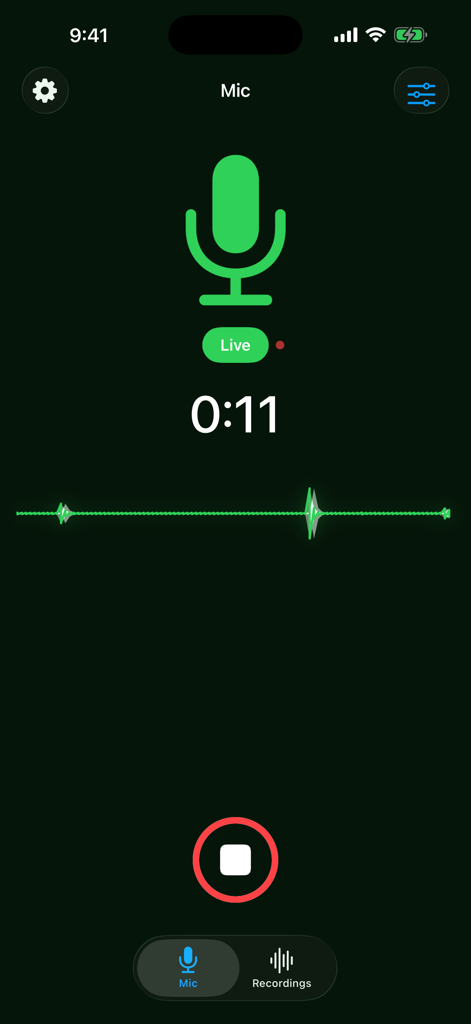
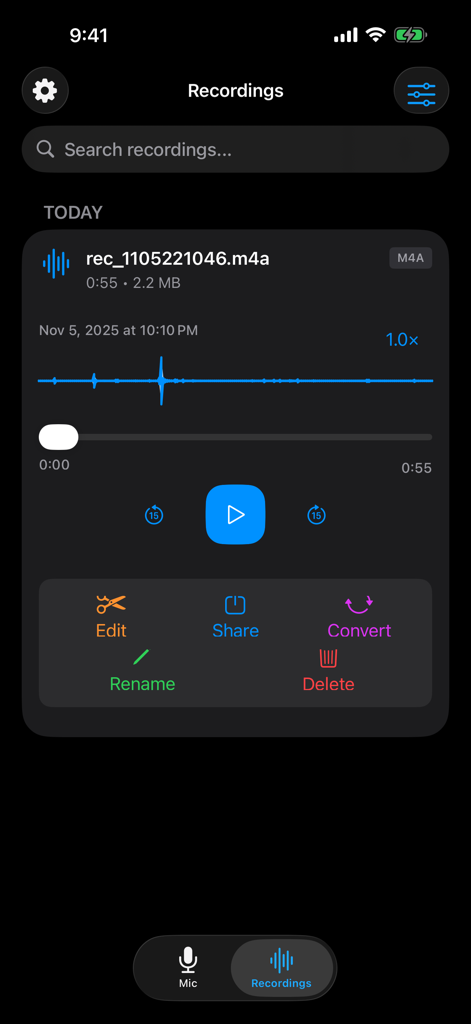
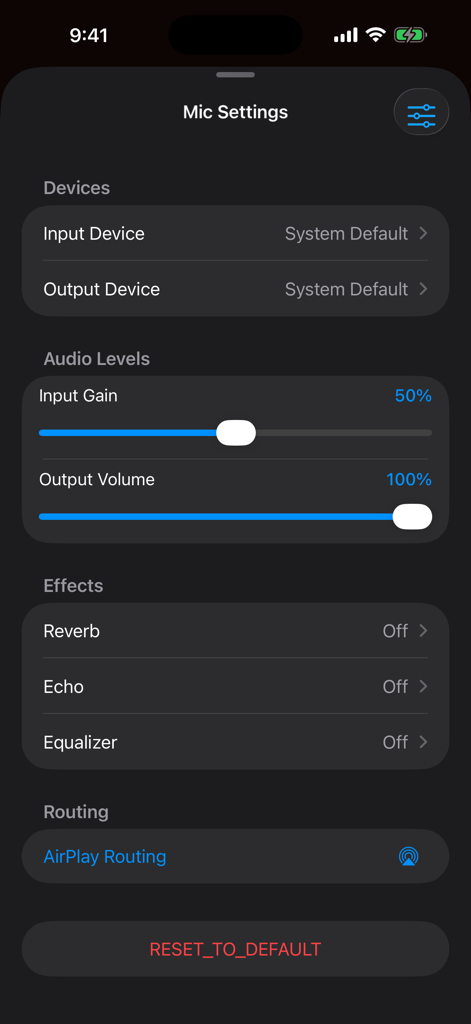
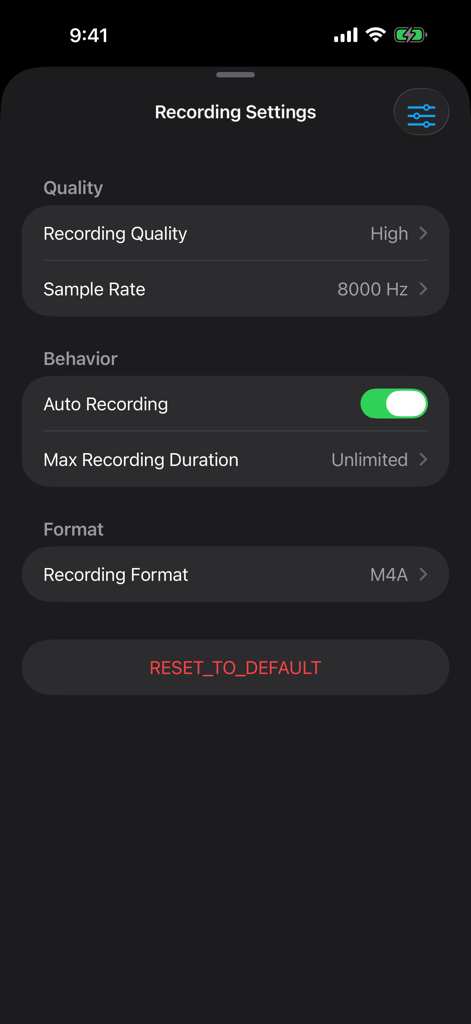
The tools that make this app stand out, trusted by 1M+ users.
Elevate your voice with real-time reverb, echo, and EQ adjustments. Sound professional during live streams, podcasts, or karaoke sessions without expensive gear.
Connect instantly to your Bluetooth speakers, AirPlay devices, or home stereo. Turn any existing sound system into a powerful PA system with a single tap.
Runs perfectly in the background or while locked. Auto-record your sessions to iCloud or Google Drive, making it ideal for Twitch, Zoom, or voice memos.
Trusted by 1M+ people who love this app.
"This app is a total game-changer for my live streams. I didn't want to drop hundreds on a professional wireless mic setup, and honestly, with the built-in reverb and EQ settings, my audience can't even tell the difference. It connects instantly to my setup and the background mode is rock solid."
"We use this for every family BBQ and karaoke night now. Connecting it to our backyard Bluetooth speaker took two seconds, and the echo effect makes everyone sound like a pro. It turned my iPhone into a high-end karaoke machine without any extra wires or bulky gear!"
Everything you need to know about Mic to Speaker - Virtual Mic.
Description
Latest Version
2026.01.14
Size
21.6 MB
First Released
May 23, 2020
Join over 1 million creators, hosts, and streamers who’ve ditched expensive gear for the power of their iPhone. One tap to connect, zero setup required.
Everything you need to know about Mic to Speaker - Virtual Mic
The Mic to Speaker app functions by connecting your device to a speaker via Bluetooth, AirPlay, or cable. Tapping the screen activates the microphone, and your voice plays through the speaker, even when the screen is locked.
Yes, the Mic to Speaker app connects to Bluetooth speakers and headphones. It also supports AirPlay devices, wired speakers, home stereo, and car audio systems for output.
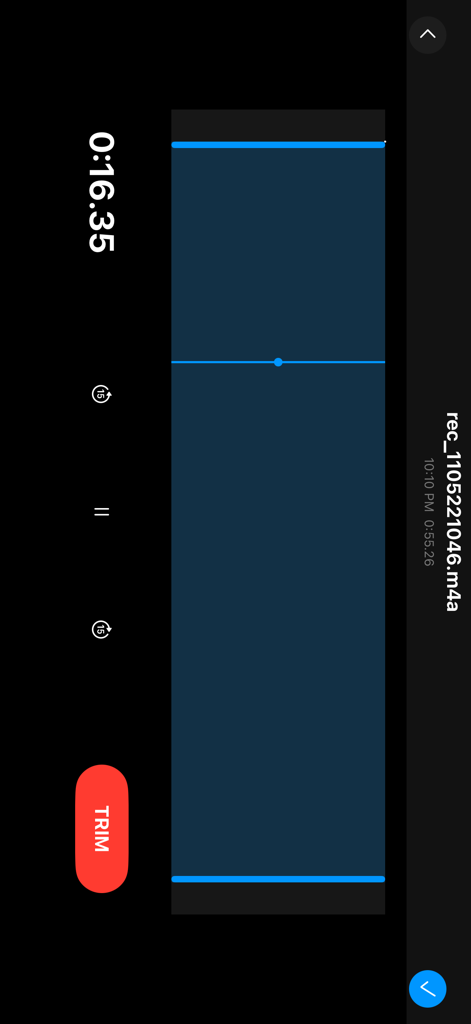
Yes, the Mic to Speaker app automatically saves every recording session. Users can listen back, edit, trim, share, and export these recordings after they are captured.
The Mic to Speaker app provides echo and reverb effects. Users can also adjust bass, treble, and voice volume (louder or softer) in real-time to enhance their sound.
Yes, the Mic to Speaker app protects user privacy. Your recordings stay on your phone or personal cloud storage, and the app does not collect or share your data.
Yes, the Mic to Speaker app allows users to edit and trim recordings. You can also share them with friends, export to your computer, and convert or transcribe them.
The Mic to Speaker app supports saving recordings to iCloud Drive, Dropbox, and Google Drive. Users also have the option to keep all recordings directly on their phone.
Yes, the Mic to Speaker app works even when your device screen is locked. It operates in the background, allowing continuous microphone use without an active display.
Mic to Speaker - Virtual Mic requires an iPhone or iPad with a microphone, along with a speaker or headphones for audio output. These are the only components needed.
Yes, the Mic to Speaker app allows users to choose sound quality and select their audio format (MP3, WAV, M4A). It also offers control over volume levels and microphone selection.
Apps with similar features and user experience