
Microsoft Copilot




Experience the power of GPT-5 to boost your productivity. From drafting professional emails to generating stunning AI art, achieve more every day with your personal executive assistant.
Publisher
Category
ProductivityDownloads
29M+User Rating
Total Ratings
1M+Locales
33Discover the interface used by 29M+ users.
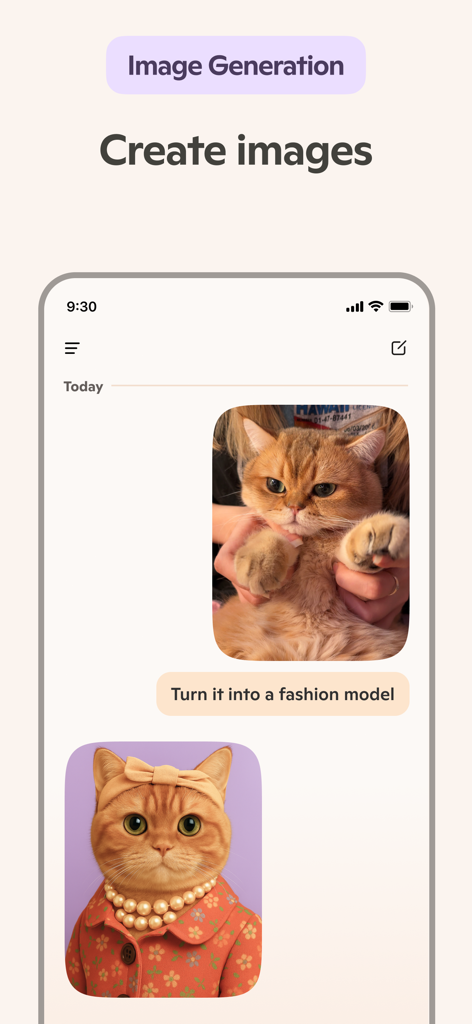
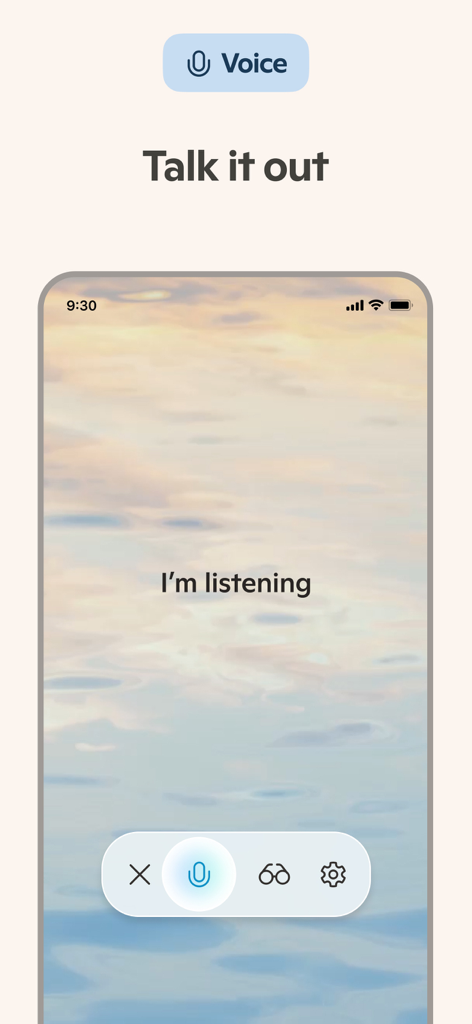
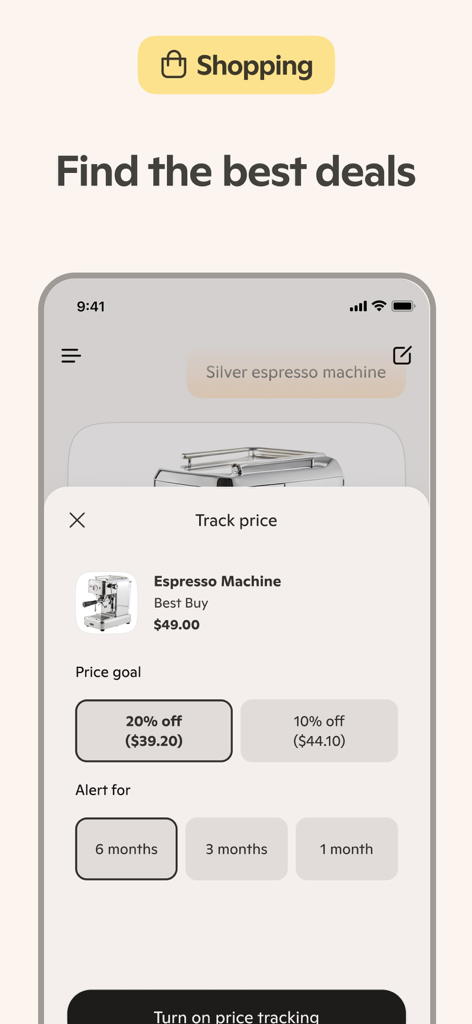
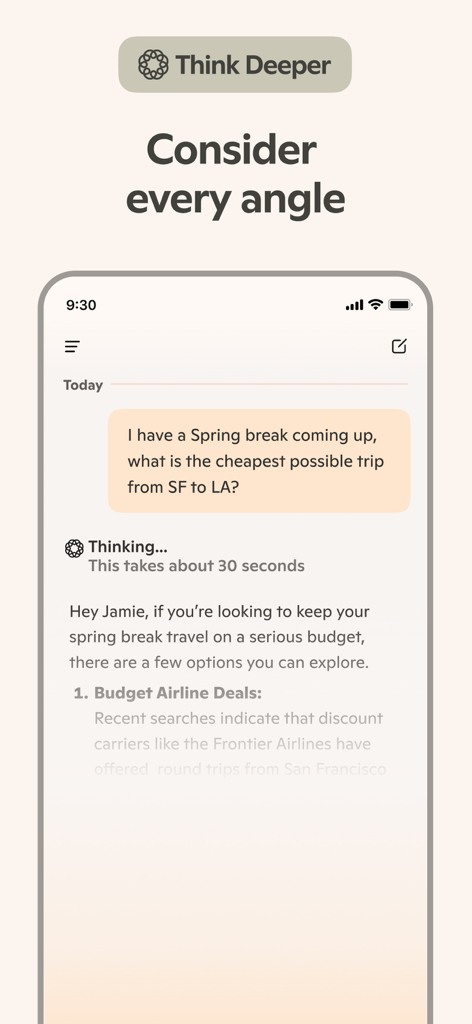
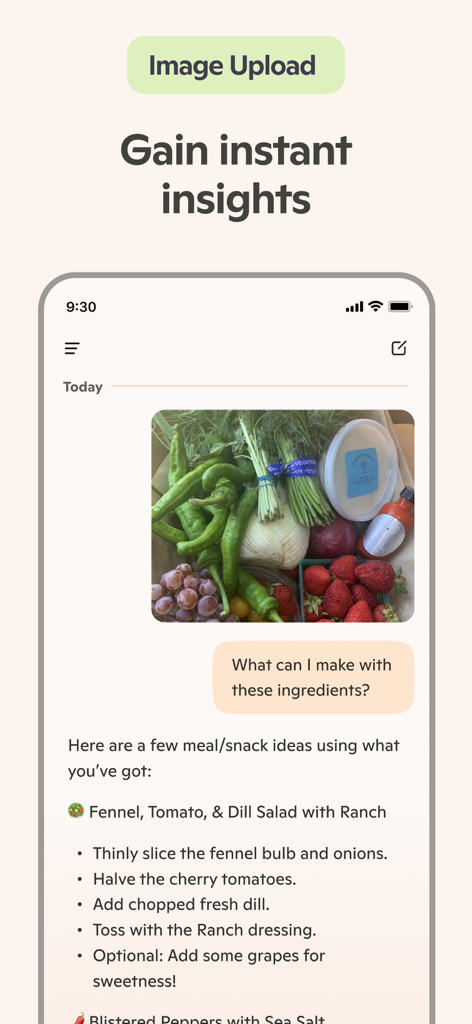
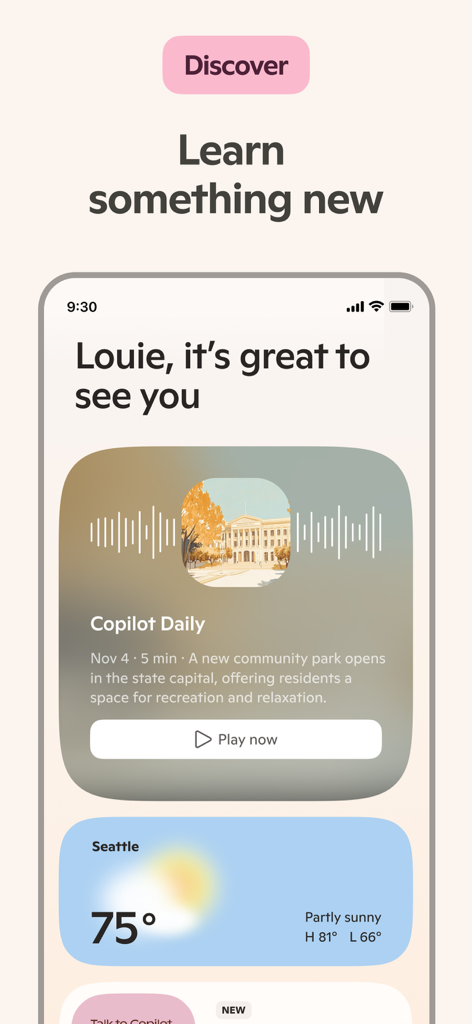
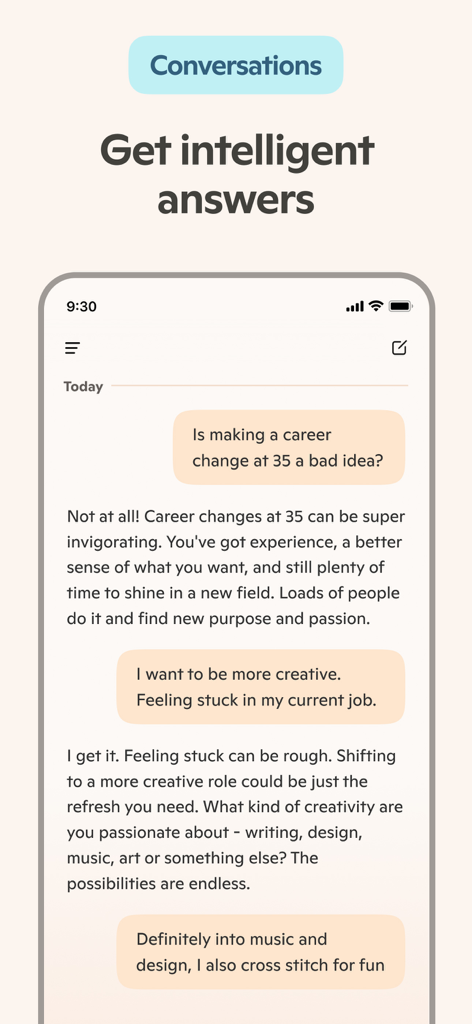
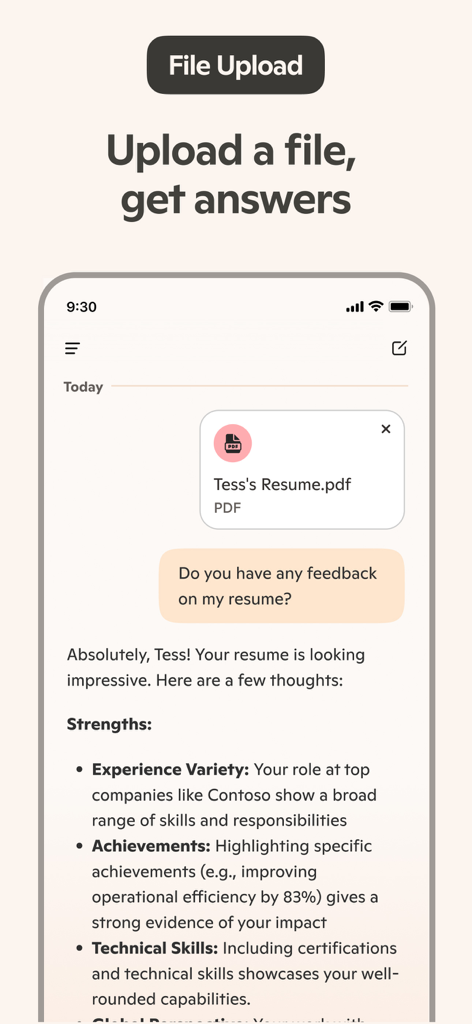
The tools that make this app stand out, trusted by 29M+ users.
Draft professional emails, polish your resume, or summarize long reports instantly to reclaim your time.
Turn text prompts into stunning visuals for social media, logos, or presentations using the latest AI technology.
Chat naturally to solve complex problems, translate languages, or plan your week hands-free while on the go.
Trusted by 29M+ people who love this app.
"Microsoft Copilot has completely transformed how I handle my daily workload. From summarizing complex meeting notes to drafting high-stakes client emails, it helps me get more done in half the time. The Smart mode is incredibly sharp and feels more like a professional collaborator than just a chat tool."
"As a small business owner, I don't always have a designer on hand. Copilot’s AI photo generator is a lifesaver for creating quick, stunning visuals for my social media posts. I also use the voice chat for brainstorming brand ideas while I'm on the go—it's fast, intuitive, and surprisingly creative."
Everything you need to know about Microsoft Copilot.
Description
Latest Version
30.0.440106001
Size
190.8 MB
First Released
Dec 29, 2023
Join over 29 million ambitious professionals using the world's most intuitive AI. Start working smarter, creating faster, and achieving more with Copilot today.
Everything you need to know about Microsoft Copilot
Microsoft Copilot is an everyday AI companion and chat assistant. It leverages GPT-5, combining advanced AI models for reasoning and chat to offer smart, intuitive assistance across diverse tasks.
Yes, Microsoft Copilot utilizes GPT-5. It is described as AI's leading model, integrating the best reasoning and chat capabilities into a cohesive experience for users.
Yes, Microsoft Copilot includes an AI photo generator. Users can create images from text, design logos, illustrations, social media content, and visualize storyboards using prompts or voice input.
Yes, Microsoft Copilot supports AI voice chat. Users can interact with the AI assistant through voice for tasks such as composing stories or generating visuals, enabling natural conversations.
Yes, Copilot functions as an AI writing assistant. It can write, edit, and research topics, and assist with composing emails, cover letters, and updating resumes to create well-rounded content.
Yes, the AI chat assistant in Microsoft Copilot can translate and proofread across multiple languages. It optimizes text in hundreds of languages, including various regional dialects.
Yes, Microsoft Copilot processes uploaded documents like resumes. Users can request feedback from the AI assistant, which will analyze the content to provide constructive suggestions.
Yes, Microsoft Copilot supports visual search capabilities. It recognizes objects from images, enabling users to point to something and request advice or information related to it.
Microsoft Copilot offers creative assistance including generating logo designs, brand motifs, illustrations for children's books, and social media content. It also helps visualize film and video storyboards.
Yes, Microsoft Copilot acts as an AI helper that boosts productivity. It provides instant summaries, helpful rewrites, and assists with tasks like creating grocery lists or organizing meal preparation.
Apps with similar features and user experience

OpenAI OpCo, LLC

X.AI Corporation
Perplexity AI Inc.

DIRECT CURSUS COMPUTER SYSTEMS TRADING LLC
Beijing Moonshot Technology Co., Ltd
Tappz GmbH

DEEP FLOW SOFTWARE SERVICES - FZCO

Factoria Elcano SL

MISTRAL AI


