
Minutes: AI Meeting Note Taker




Effortlessly capture live transcriptions, speaker-labeled notes, and instant AI summaries. Search through recordings or chat with your data to find exactly what you need while keeping your data 100% secure.
Publisher
Category
ProductivityDownloads
826K+User Rating
Total Ratings
17K+Locales
1Discover the interface used by 826K+ users.
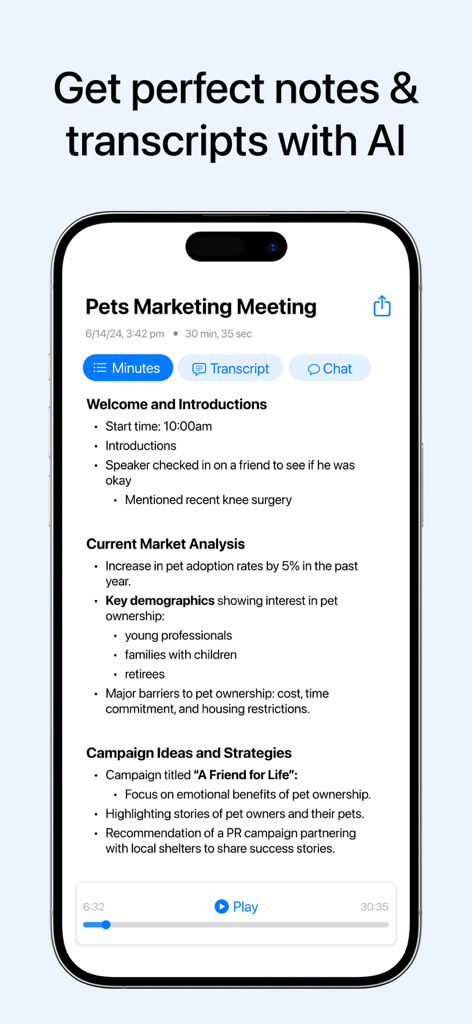
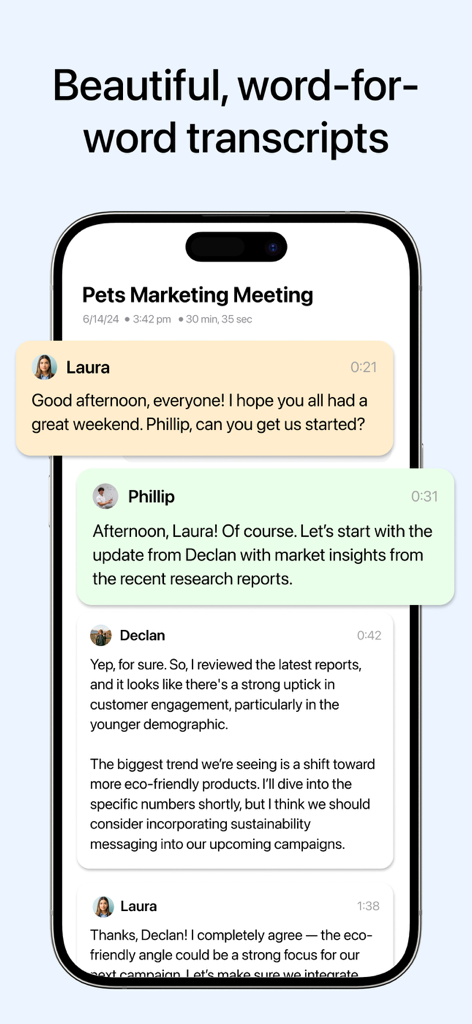
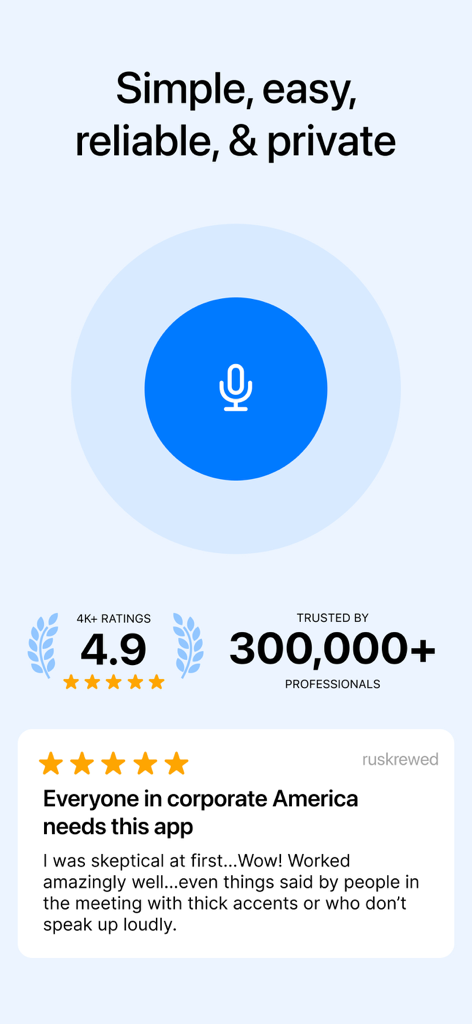
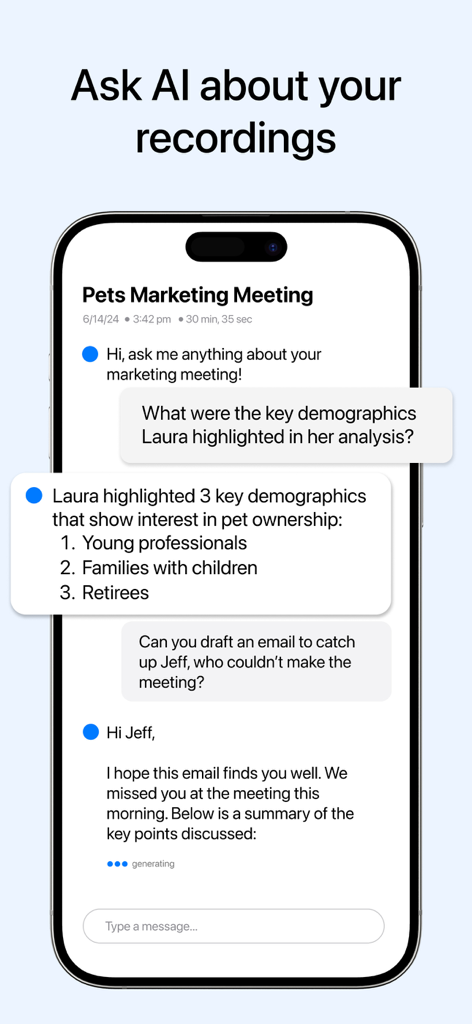
The tools that make this app stand out, trusted by 826K+ users.
Get concise, formatted notes and clear action items immediately after your meeting. No more 'meeting amnesia' or clerical busywork.
Ask your recording questions like 'What stats did Laura mention?' and get instant answers without ever scrubbing through audio files.
Record from your Apple Watch or iPhone with enterprise-grade privacy. Your data is never sold, ensuring your proprietary insights stay secure.
Trusted by 826K+ people who love this app.
"As a Senior Product Manager with back-to-back meetings, Minutes has completely transformed my workflow. I no longer struggle to keep up with notes while leading discussions; I just record and let the AI handle the rest. The 'Ask AI' feature is a lifesaver for finding specific project stats mentioned in passing, and the privacy guarantee gives me total peace of mind during sensitive strategy sessions."
"The Apple Watch integration is a game-changer for my on-the-go lifestyle. I can start a high-quality recording with one tap during walking meetings or networking events without ever reaching for my phone. The summaries are incredibly sharp, capturing every action item perfectly. It’s the first tool that actually buys me back hours of my week by eliminating manual transcription and follow-up work."
Everything you need to know about Minutes: AI Meeting Note Taker.
Description
Latest Version
1.9.13
Size
35.6 MB
First Released
Jun 12, 2024
Join 826,000+ high-achievers using Minutes AI to automate notes and reclaim hours of your week. Secure, private, and ready for your iPhone, iPad, and Apple Watch.
Everything you need to know about Minutes: AI Meeting Note Taker
Minutes AI automatically generates meeting notes and transcriptions using artificial intelligence. It records audio, provides word-for-word transcripts with speaker labels, and delivers formatted notes, summaries, and search capabilities.
Yes, Minutes AI transcribes live meetings. Users can start recording with one click and receive highly accurate live transcriptions with labeled speakers, allowing focus on the meeting content.
Yes, Minutes AI provides summaries of recordings. After transcription, the application gives users formatted notes and summaries, enhancing review and information retrieval.
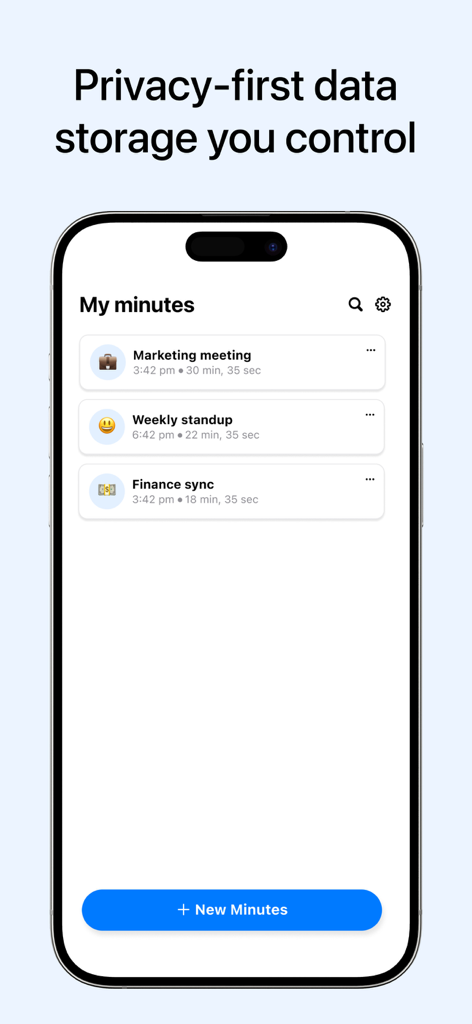
Minutes AI prioritizes user privacy. The application is built to never sell or provide third-party access to user data, ensuring a privacy-first data storage environment controlled by the user.
Yes, users can ask questions and chat with their recordings using AI in Minutes AI. This feature allows specific information retrieval, such as asking for referenced statistics or requesting an email draft.
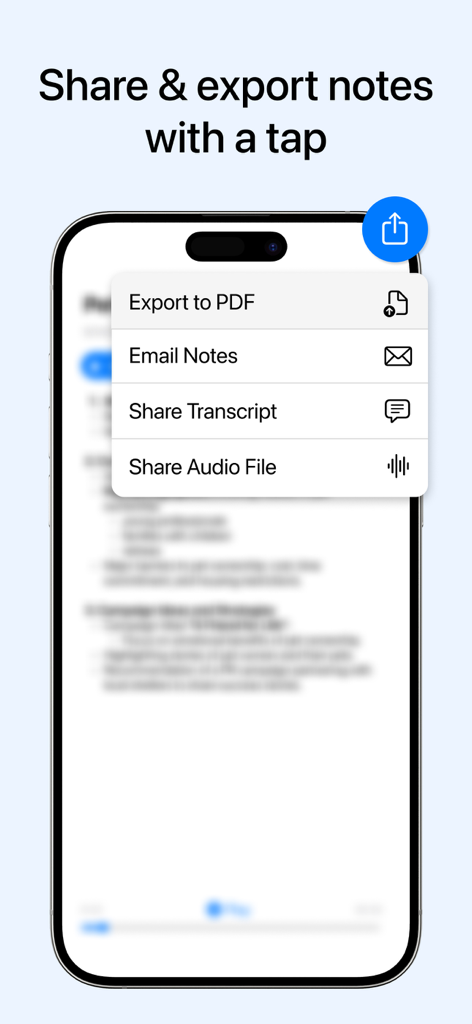
Minutes AI offers multiple export options for notes and recordings. Users can export notes to PDF, email notes, share the transcript, or share the audio file directly from the app.
Yes, Minutes AI identifies different speakers in a meeting. It provides word-for-word transcripts with speaker labels, ensuring clear attribution and easy understanding of conversation flow.
Yes, Minutes AI supports specifying both transcription and summary languages. Users can choose to transcribe in one language, such as Spanish, and have notes summarized in another, like English.
Yes, users can edit the transcribed text in Minutes AI. The AI Notes Formatting features include the ability to correct any mistakes in the generated transcription.
Apps with similar features and user experience

PLAUD LLC

GM UniverseApps Limited

NAVER Corp.

Chongqing Yeyuegua Technology Co., Ltd

Shanghai Xiuyu Network Technology Co., Ltd

Granola inc

Textintel FZE

FIREFLIES.AI CORP.

Genio Tech, LLC
