
MiriCanvas: Poster, PPT design



Join 12M+ creators using 13.6 million trendy templates to craft viral social media, professional presentations, and eye-catching business assets right from your phone.
Publisher
Category
Graphics & DesignDownloads
1M+User Rating
Total Ratings
11K+Locales
3Discover the interface used by 1M+ users.
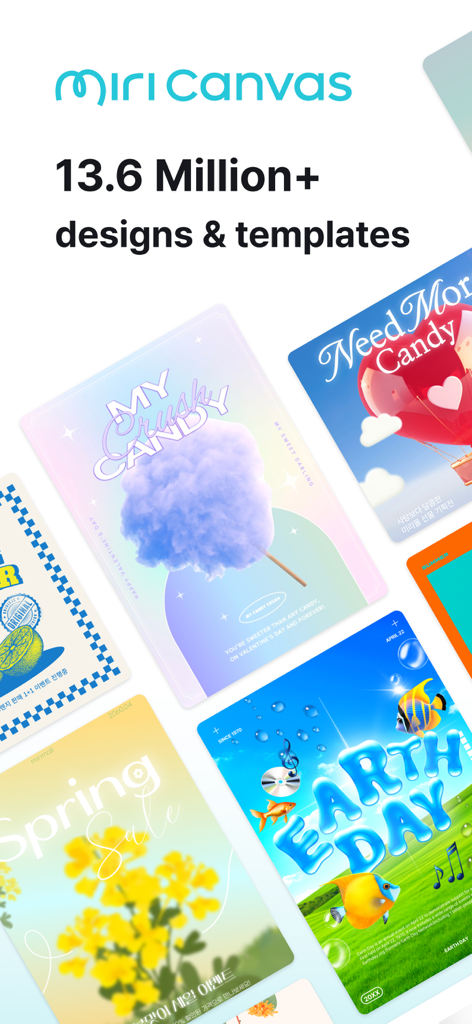
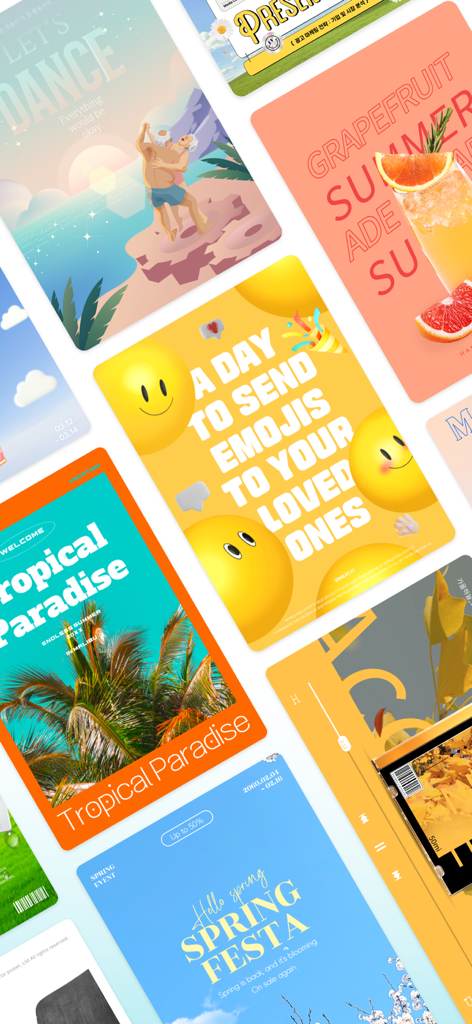
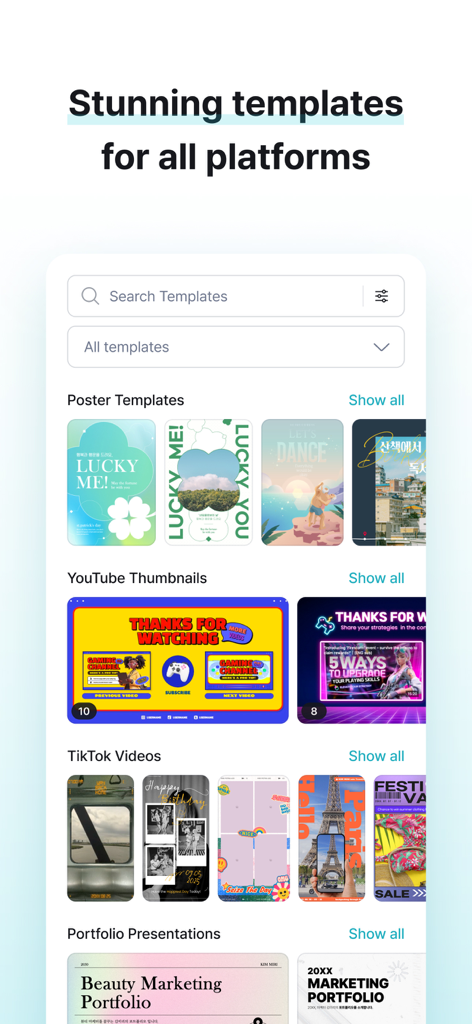
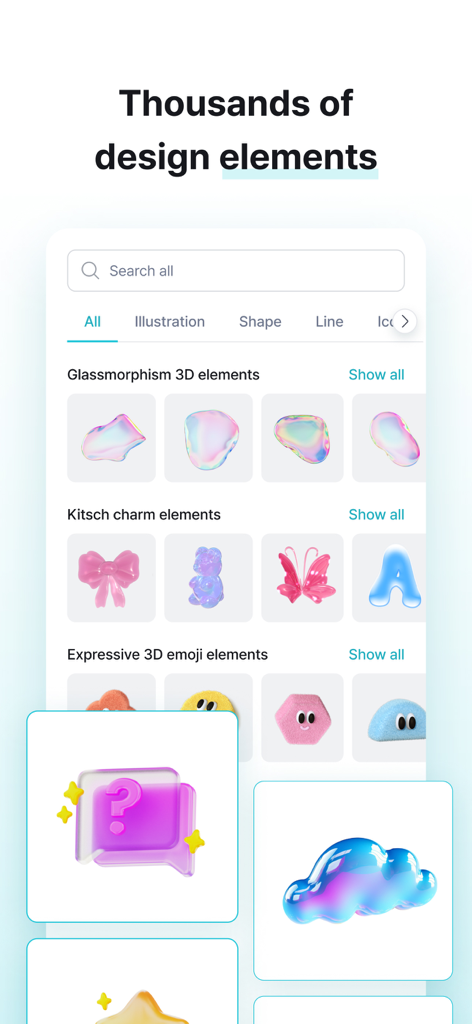
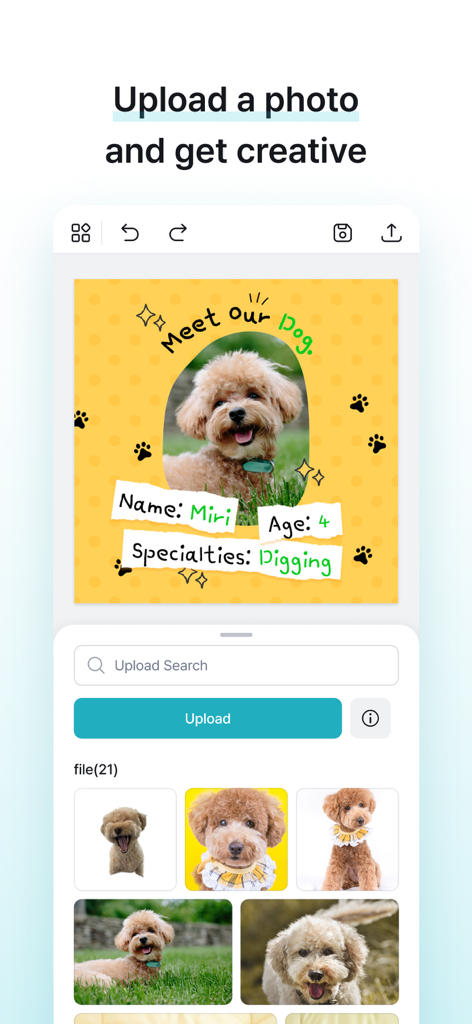
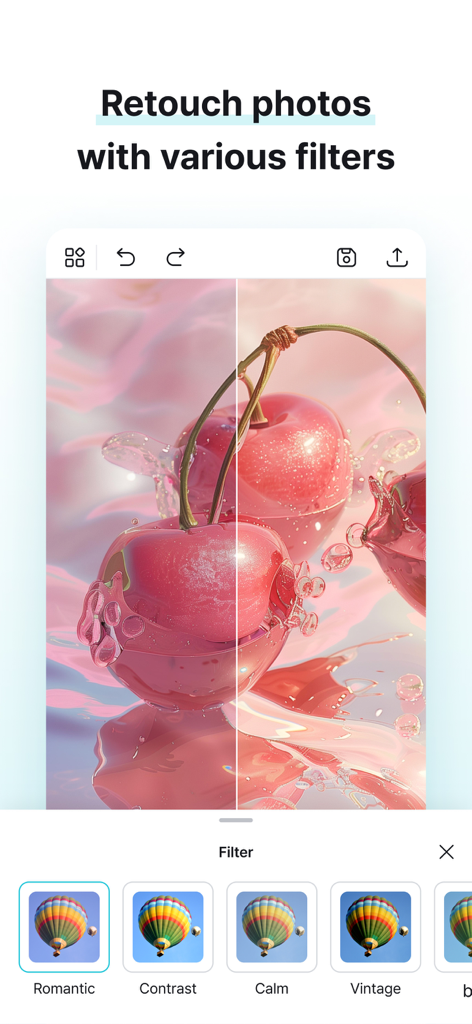
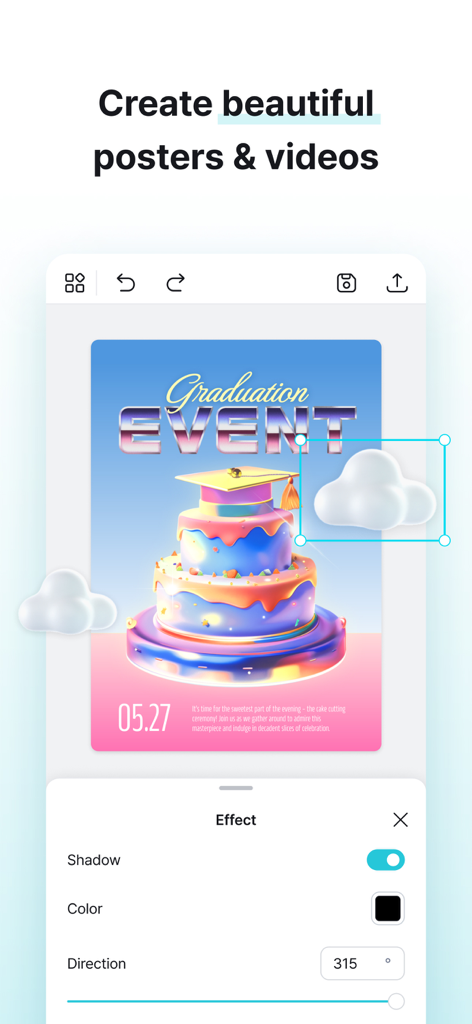
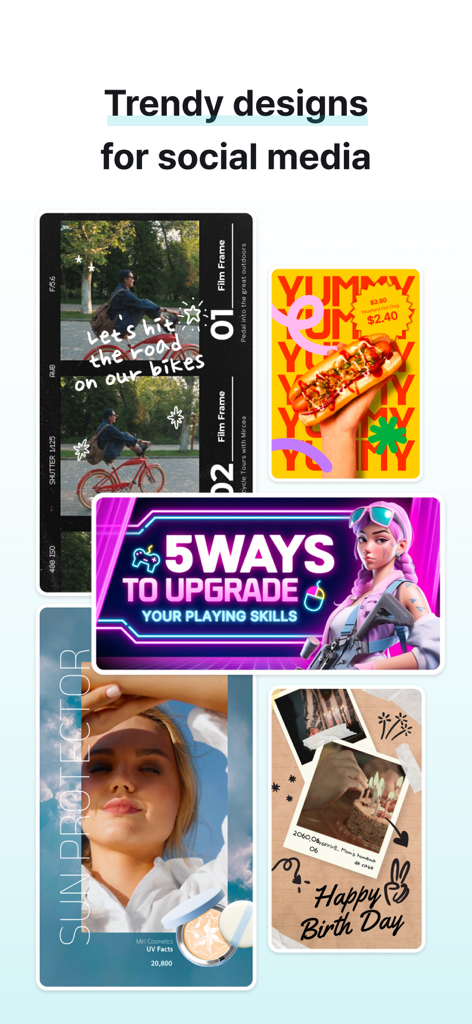
The tools that make this app stand out, trusted by 1M+ users.
Stay ahead of the curve with professional layouts for TikTok Reels, Instagram Stories, and YouTube thumbnails that grab attention instantly.
Say goodbye to boring slides. Create stunning PPTs and project reports that look like they were made by a high-end design agency.
Edit photos, add trendy graphics, and export high-resolution assets directly from your phone, perfect for the busy solopreneur's workflow.
Trusted by 1M+ people who love this app.
"MiriCanvas has been a game-changer for my small business! I can create professional-looking Instagram Stories and product flyers in minutes right from my phone. The templates are incredibly trendy and have helped my brand stand out on social media without needing a big design budget."
"I use MiriCanvas for all my college presentations and my YouTube thumbnails. The selection of elements and fonts is huge, and everything looks so polished. It's my go-to app for making sure my projects look top-tier while I'm on the move."
Everything you need to know about MiriCanvas: Poster, PPT design.
Description
Latest Version
1.18.3
Size
86.6 MB
First Released
Aug 7, 2024
From viral Reels to professional pitch decks, unlock 13.6 million trendy templates and start creating on the go. Your next big idea is just a tap away.
Everything you need to know about MiriCanvas: Poster, PPT design
MiriCanvas is a design app for creating stunning posts, presentations, and editing photos. It provides over 13.6 million templates and elements for various purposes, including social media, business, and educational projects.
MiriCanvas allows users to create thumbnails, posts, video reels, posters, presentations, product pages, business prints like logos and cards, and various social media content.
Yes, MiriCanvas offers templates specifically for presentations. Users can create memorable slides for class projects and business pitches, utilizing the app's extensive template library.
Yes, MiriCanvas allows users to upload photos directly from their device. Users can then edit these photos using features like filters, cropping, brightness, saturation, and contrast.
Yes, MiriCanvas includes powerful photo editing features. Users can adjust brightness, saturation, contrast, apply filters, crop, and rotate images to achieve desired visual effects.
A MiriCanvas premium subscription provides access to professional templates and elements, high-resolution downloads, and increased storage space for projects.
Yes, MiriCanvas is suitable for small businesses. It allows them to design ads, menu boards, reports, and boost marketing strategies with social media campaigns and advertising images.
Your MiriCanvas subscription automatically renews unless canceled at least 24 hours before the current period ends. Payment is charged to your iTunes account upon purchase confirmation.
Yes, MiriCanvas helps users create eye-catching YouTube thumbnails. The app provides templates and editing tools specifically for growing channels with visual content.
Yes, MiriCanvas offers a wide range of design elements. These include images, icons, diagrams, graphics, backgrounds, and text styles to enhance creations.
Apps with similar features and user experience

Canva Pty Ltd

Adobe Inc.

Bazaart Ltd.

Gaoding (Xiamen) Technology Co., Ltd.

Salix Dijital Pazarlama Anonim Sirketi

PIXO Incorporation

LOGOFLY LLC

Beijing yiyuanku science and Technology Co., Ltd.

AI Playground, Inc.