
Piano - Keyboard Lessons Tiles


Unlock your musical potential with a fully customizable digital piano. Adjust keyboard sizes, view sheet music as you play, and enjoy a professional-grade learning experience for free.
Publisher
Category
MusicDownloads
565K+User Rating
Total Ratings
600Locales
33Discover the interface used by 565K+ users.
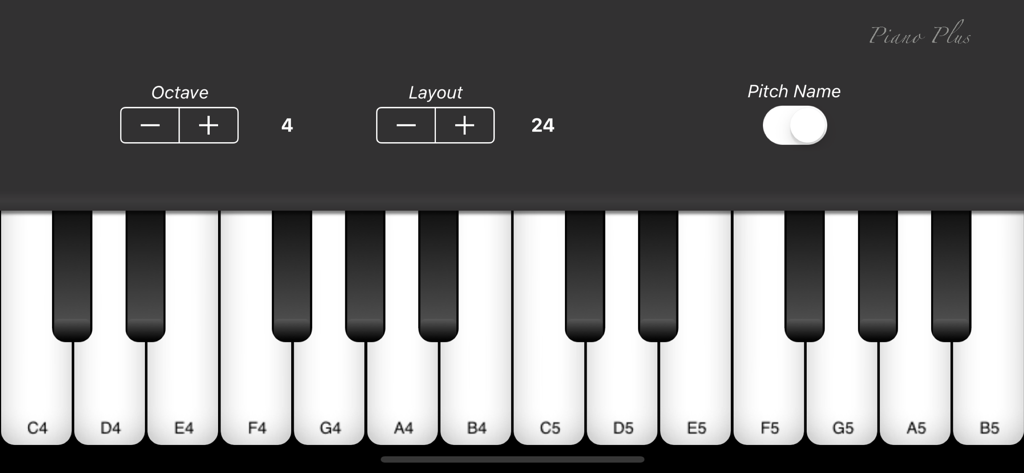
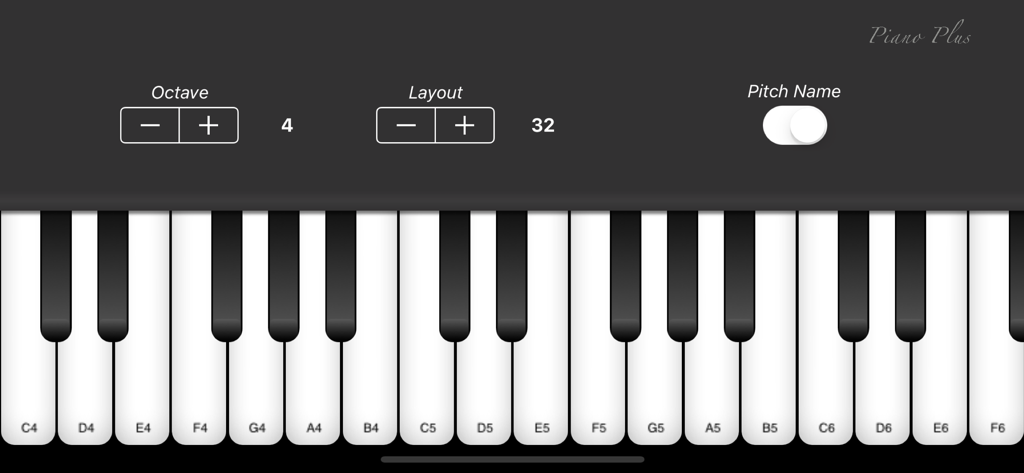
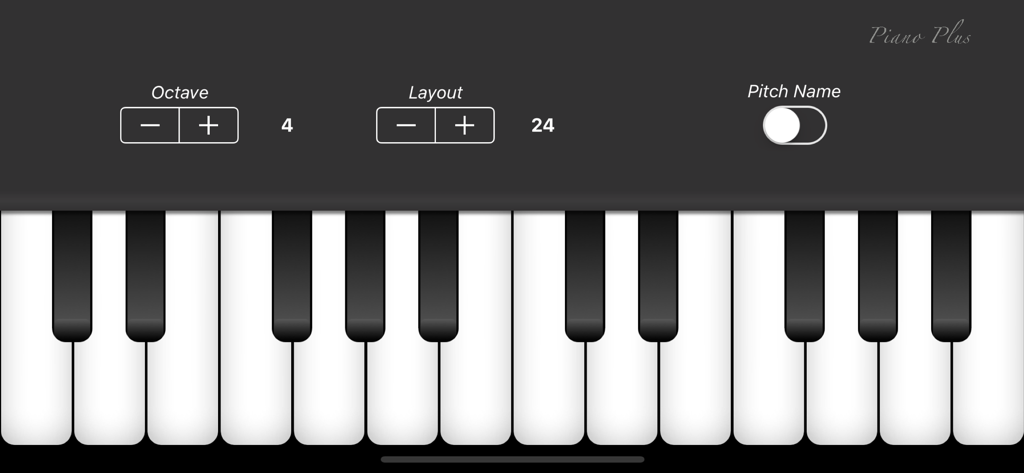
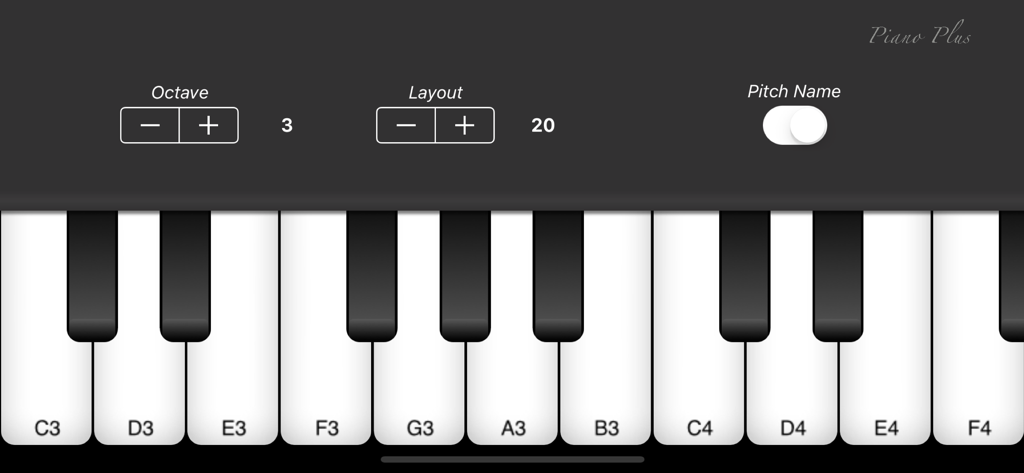
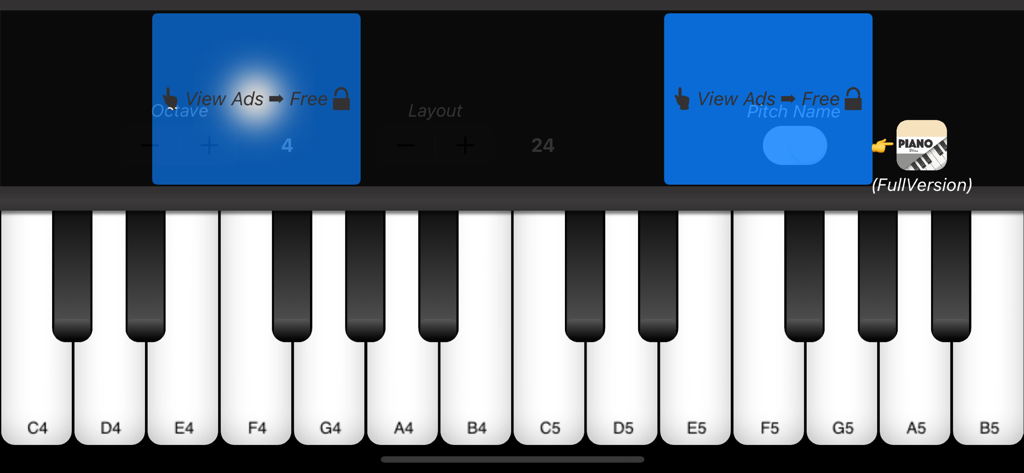
The tools that make this app stand out, trusted by 565K+ users.
Adjust the keyboard size and octaves to fit your hands perfectly, making complex melodies accessible for every finger size.
Maximize your iPad with two keyboards or read digital sheet music while you play for a seamless, professional practice session.
Access a high-quality piano experience for free. Practice chords and songs on the go without the need for a bulky physical instrument.
Trusted by 565K+ people who love this app.
"As a student living in a small apartment, I don't have room for a full piano. This app is the perfect substitute. The ability to view scores while playing on my iPad is a total game-changer for my practice sessions, and adjusting the key size makes it feel much more natural than other apps."
"I've tried plenty of music apps, but this one stands out because it actually feels like a tool for learning. My son uses it to practice basic melodies, and the adjustable keyboard size is perfect for his smaller hands. It's rare to find such a functional piano app for free."
Everything you need to know about Piano - Keyboard Lessons Tiles.
Description
Latest Version
6.1.1
Size
115.4 MB
First Released
Feb 25, 2018
Join over 565,000 aspiring musicians today. Experience the ultimate iPad-optimized piano with adjustable keys and dual-keyboard support—completely free.
Everything you need to know about Piano - Keyboard Lessons Tiles
Yes, the Piano - Keyboard Lessons Tiles app is available for free. However, some features, such as octave and pitch name adjustments, may require viewing ads or purchasing the full version.
Yes, the Piano - Keyboard Lessons Tiles app allows you to adjust the octave. Users can change the octave setting using the dedicated controls within the app's interface.
You can adjust the keyboard size in Piano - Keyboard Lessons Tiles using the 'Layout' control. This feature allows users to customize the number of visible keys on the screen.
Yes, Piano - Keyboard Lessons Tiles supports playing while watching the musical score. This feature is specifically mentioned as available when using the app on an iPad.
Yes, Piano - Keyboard Lessons Tiles offers a dual keyboard feature. This capability is available for users playing the app on an iPad, enhancing the playing experience.
Yes, the developer states that the piano sound source for Piano - Keyboard Lessons Tiles is currently being updated. Users should anticipate future improvements to the sound quality.
Features such as Octave adjustment and Pitch Name display in Piano - Keyboard Lessons Tiles are unlocked by viewing ads or purchasing the Full Version. The app clearly indicates these options.
Apps with similar features and user experience
SquarePoet, Inc.
Last Harmonic LLC
Seiji Hashizume

Fox and Sheep GmbH

AudioKit Pro, LLC
Keynote Star Inc
GunjanApps Studios and Solutions LLP
Yomio s.r.o.
Kidstatic Apps ApS