
Pixel Art - Color by Number



Join 54 million users who turn stress into vibrant masterpieces. Discover over 40,000 designs or transform your own photos into art to find your perfect moment of zen.
Publisher
Category
GamesDownloads
54M+User Rating
Total Ratings
2M+Locales
15Discover the interface used by 54M+ users.
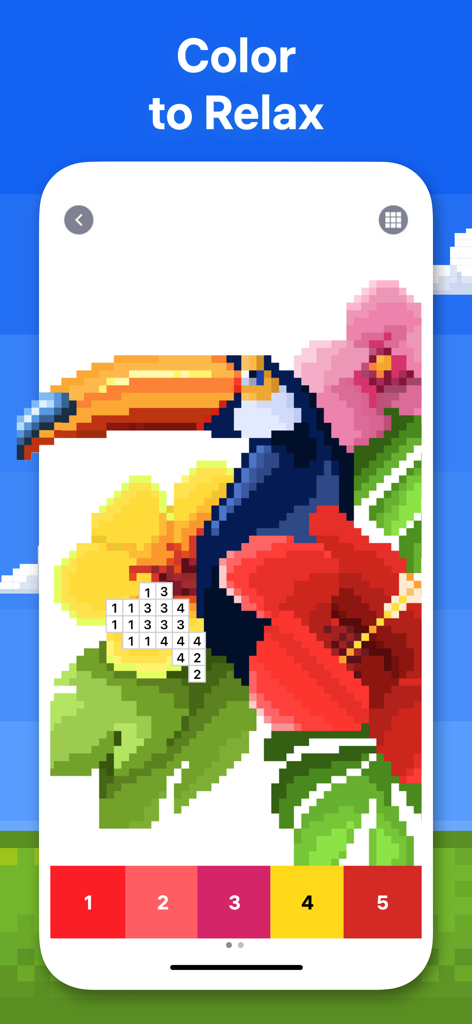
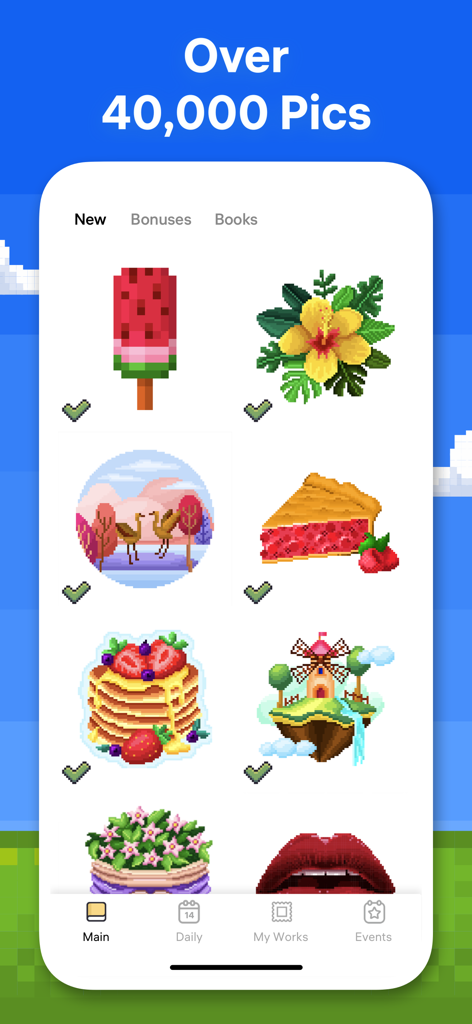

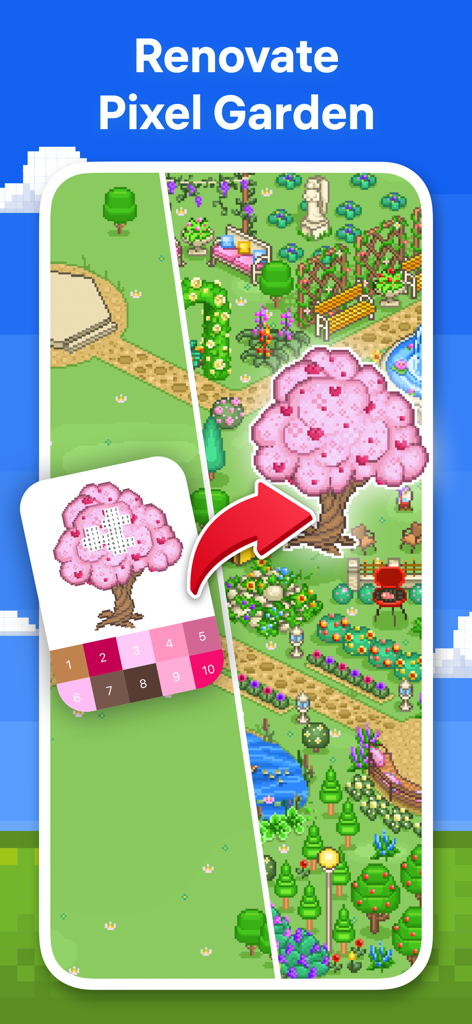
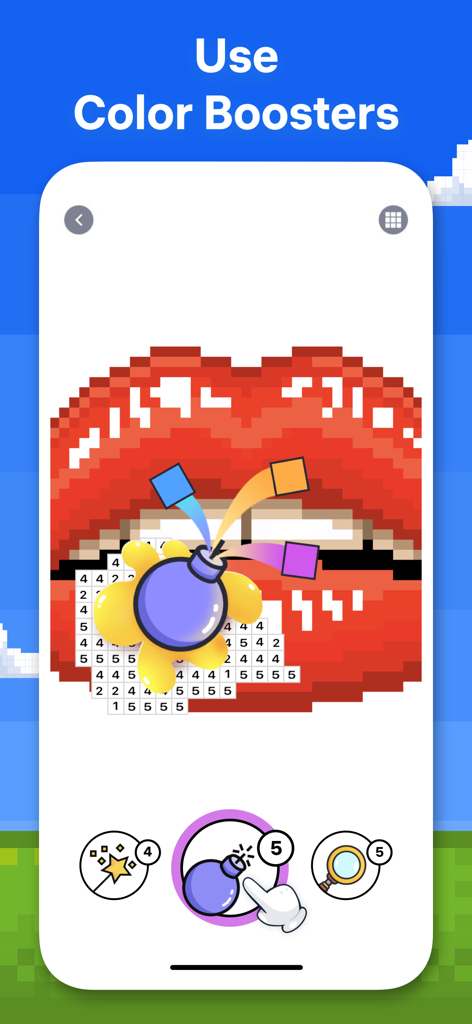
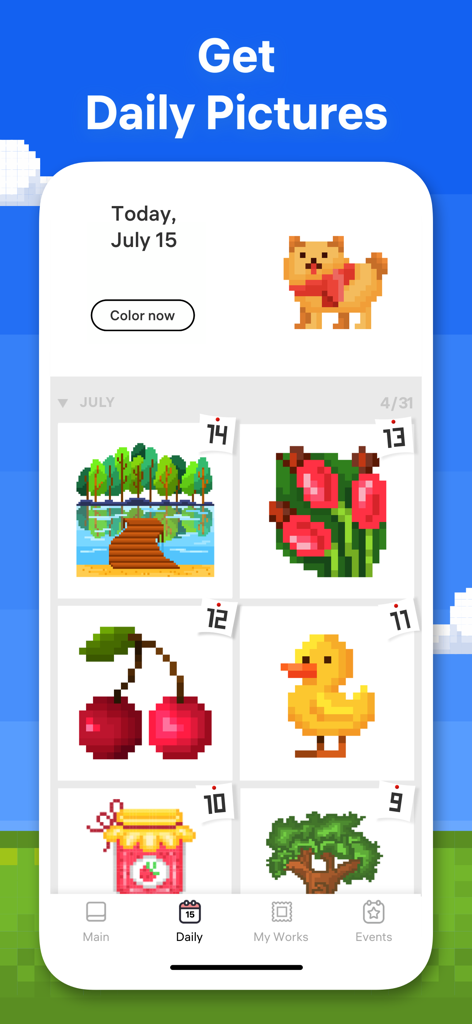
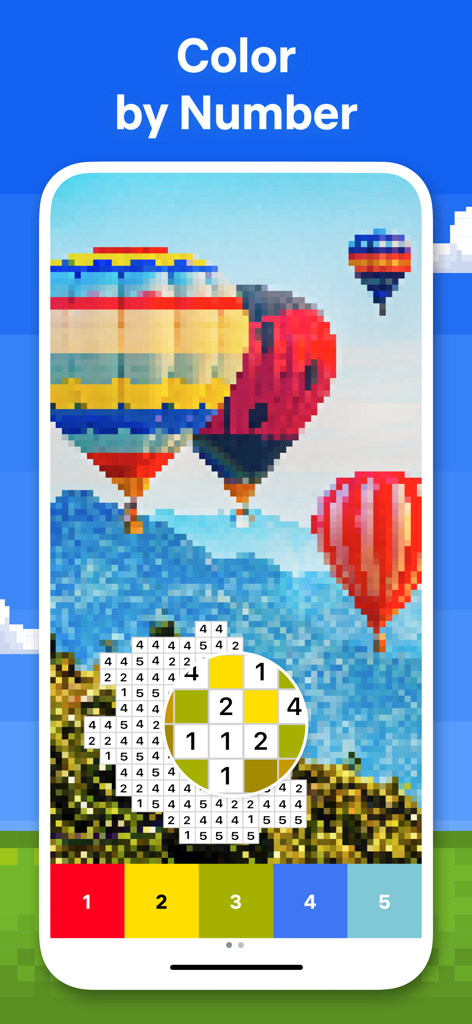
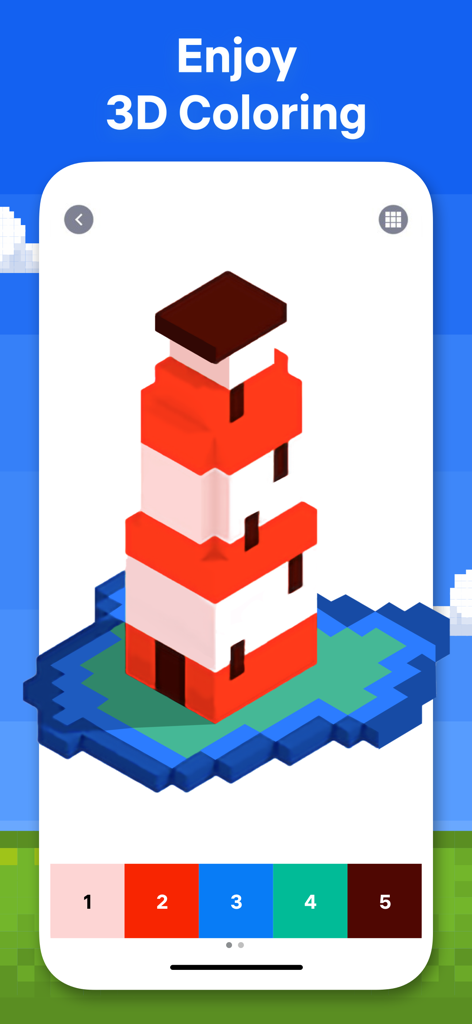
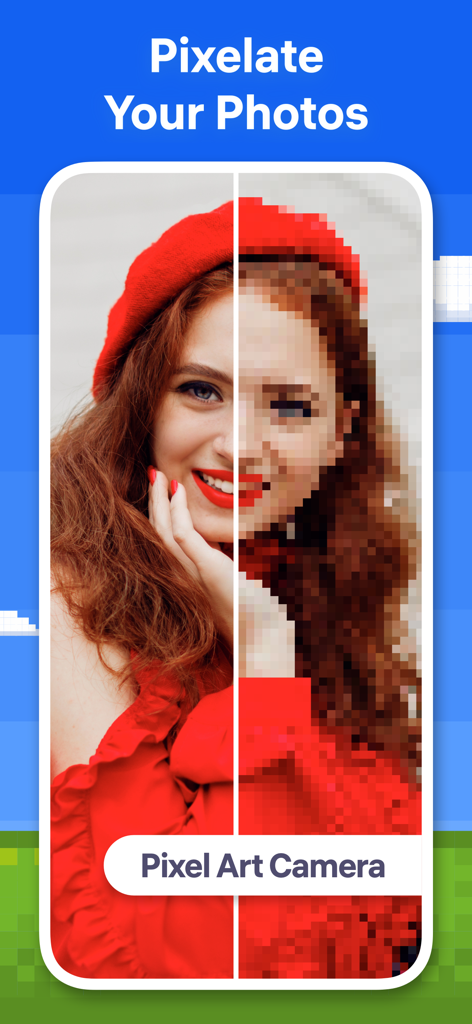
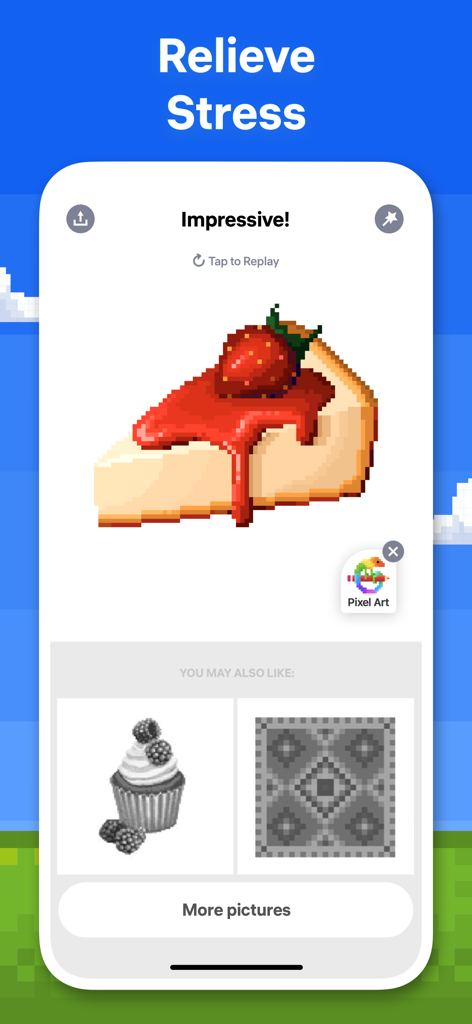
The tools that make this app stand out, trusted by 54M+ users.
Eliminate decision fatigue. Simply follow the numbers to create beautiful artwork and achieve a state of flow that clears your mind.
Make it personal by converting your own photos of family or pets into unique pixel art projects, blending creativity with your most cherished memories.
Nurture your own virtual Flower Garden. Complete daily coloring challenges to earn rewards and build a beautiful space that reflects your progress.
Trusted by 54M+ people who love this app.
"This app is my go-to for decompressing after a long day at the office. I love that I don't have to think about which colors to pick—I just tap and watch the image come to life. It's incredibly therapeutic and the Magic Wand tool makes it so satisfying to finish complex patterns!"
"I've tried many coloring apps, but the variety here is unbeatable. Building my own Flower Garden gives me something to look forward to every morning with my coffee. I even used the Pixel Art Camera to turn a photo of my dog into a project. It's the perfect way to stay creative without the mess of real paints."
Everything you need to know about Pixel Art - Color by Number.
Description
Latest Version
10.3.0
Size
206.0 MB
First Released
Oct 16, 2017
Give your mind the break it deserves. Join millions who find their daily 'flow state' with easy, rewarding pixel art. Your first color-by-number is just a tap away.
Everything you need to know about Pixel Art - Color by Number
Pixel Art - Color by Number is an application offering thousands of pixel artworks for coloring, relaxation, and fun. Users can discover over 40,000 artworks or create their own pixel art from photos.
Pixel Art - Color by Number provides access to more than 40,000 artworks. The collection is daily updated with new images for users to color and enjoy.
Yes, Pixel Art - Color by Number includes a Pixel Art Camera feature. This allows users to take selfies or use any photos to convert them into pixel pictures for coloring within the app.
The Flower Garden is a brand new feature in Pixel Art - Color by Number. Users can color unique objects, build their own garden, and earn rewards within this new meta world experience.
Yes, Pixel Art - Color by Number offers 3D coloring. Users can enjoy an amazing coloring experience by completing three-dimensional images directly within the application.
Pixel Art - Color by Number provides various coloring tools. These include the Magic Wand for painting multiple neighboring cells of the same number and Color Splash for coloring multiple neighboring cells of any number.
Pixel Art Premium subscriptions charge the Apple ID Account upon purchase confirmation. Subscriptions automatically renew unless auto-renew is turned off at least 24-hours before the current period ends.
Pixel Art Premium subscription allows users to unlock all content, access daily updates, and remove advertisements from the application, enhancing the overall coloring experience.
The Privacy Policy for Pixel Art - Color by Number is available at https://easybrain.com/policy.html. This link provides detailed information on data handling practices.
Yes, Pixel Art - Color by Number hosts various events. Users can participate in unique thematic picture challenges to get original artworks and boosters.
Apps with similar features and user experience
Moo Moo Lab LLC
InertiaSoft ltd

Video Bakery Ltd.
Wildlife Studios, Inc

Alexey Grigorkin
EYEWIND LIMITED.

APPSYOULOVE LTD
MWM

APPSYOULOVE LTD
