
Remove Objects



Vanish photobombers, expand your horizons, and reimagine reality with generative fill. The ultimate AI toolkit for creators who demand a perfect aesthetic in seconds.
Publisher
Category
Graphics & DesignDownloads
7M+User Rating
Total Ratings
229K+Locales
8Discover the interface used by 7M+ users.

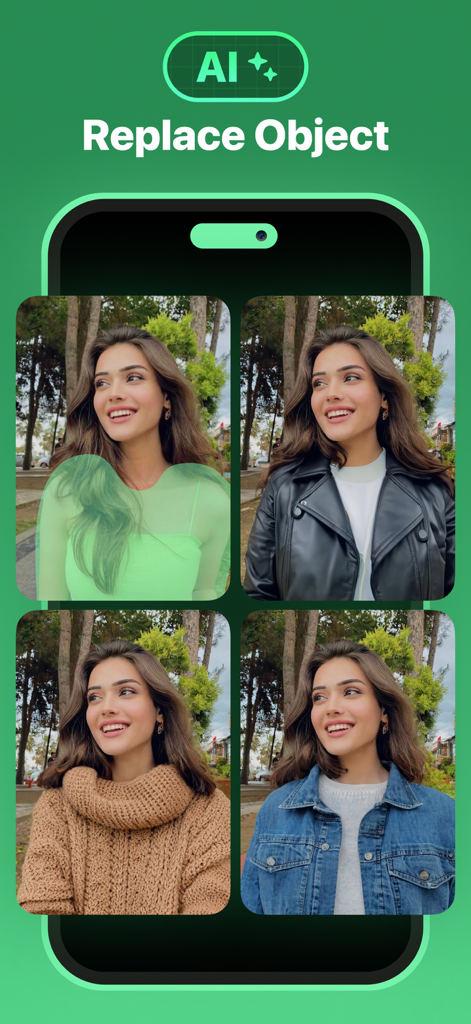
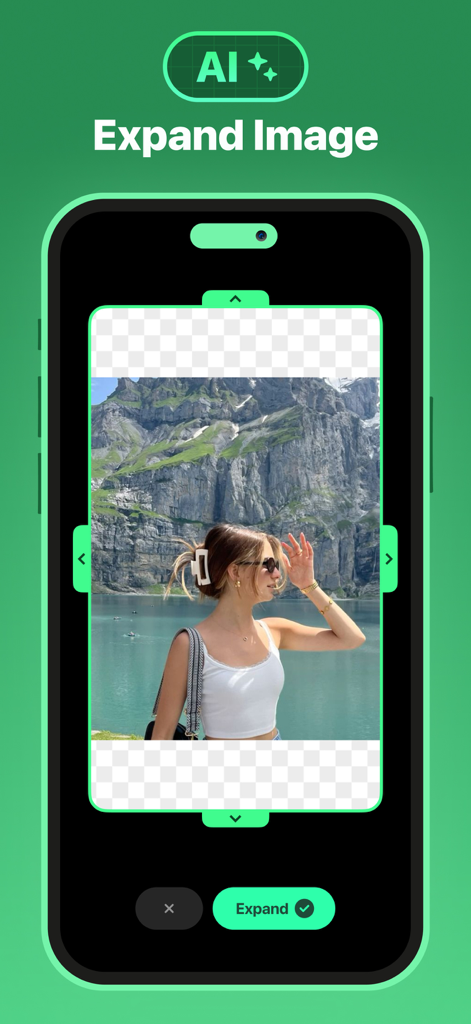
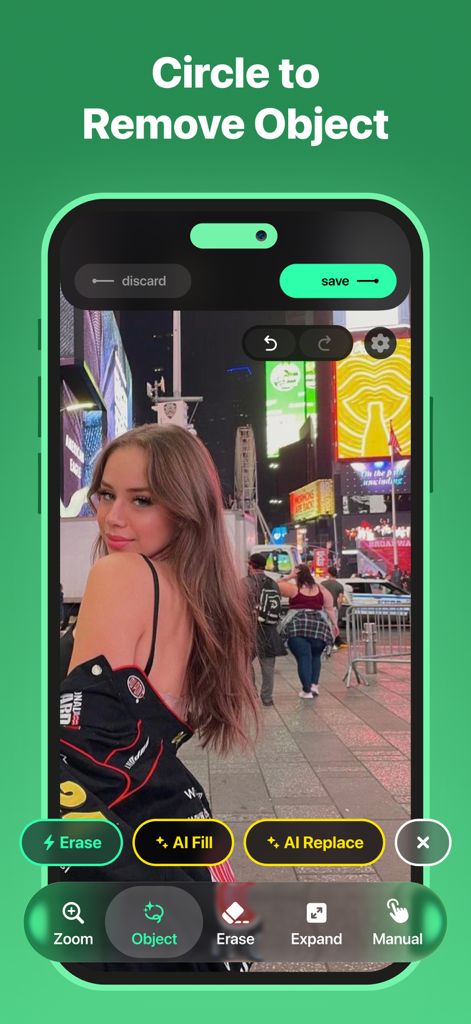
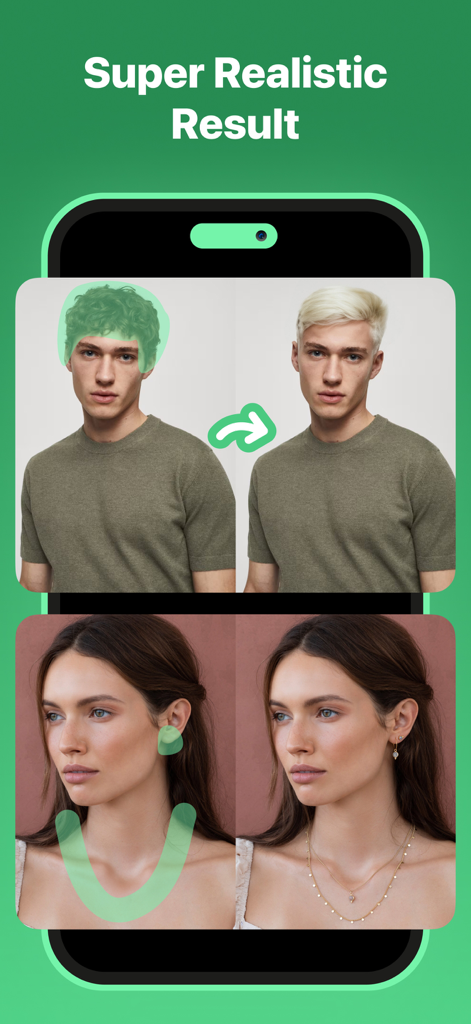
The tools that make this app stand out, trusted by 7M+ users.
Instantly vanish photobombers and clutter with precision, leaving behind a flawless and natural background.
Breathe new life into your shots by extending your photo's boundaries to perfectly fit any social media format.
Unleash your creativity by intelligently replacing elements or adding content that blends seamlessly with your original photo.
Trusted by 7M+ people who love this app.
"This app is a total lifesaver for my travel photos! I had a gorgeous shot in NYC ruined by a trash can and some stray tourists, but the magic eraser removed them seamlessly. The AI Expand tool is also incredible for fixing crops before I post to Instagram. It’s so much easier than using complex desktop software."
"I use this app daily for my online vintage shop. Being able to quickly remove background clutter or use the generative fill to fix lighting gaps has leveled up my product listings significantly. It produces professional results in seconds right from my phone, which is essential for my workflow."
Everything you need to know about Remove Objects.
Description
Latest Version
2.6.2
Size
469.4 MB
First Released
Jun 3, 2020
Join over 7 million creators using AI magic to erase distractions and expand your horizons in seconds. Download now and make every post flawless.
Everything you need to know about Remove Objects
To use Remove Objects, select a photo, choose the area to erase or replace, retouch with AI replace or generative fill, then use AI expand if needed. Export your finished image.
Remove Objects offers AI Remove Objects (magic eraser), AI Generative Fill (AI fill and AI replace), and AI Expand Image. These tools help create flawless images and enhance creativity.
Yes, the Remove Objects app uses its AI Remove Objects feature, a magic eraser, to precisely erase people or any unwanted objects from your photos, leaving a natural background.
Yes, Remove Objects includes an AI Expand Image tool. It enlarges image boundaries while maintaining quality, allowing users to fit pictures into any format or add new visual elements.
AI Generative Fill in Remove Objects intelligently predicts and generates content that blends perfectly with your photo. This includes AI fill and AI replace features for enhancing or creatively altering images.
You can subscribe to unlock Smart Eraser within the Remove Objects app. The subscription auto-renews at the end of the current period, unless cancelled 24 hours prior.
No, the Smart Eraser feature in Remove Objects requires a subscription to unlock. It provides AI-powered object removal for super realistic results.
The Privacy Policy for the Remove Objects app is available at the provided URL: "https://tapuniverse.com/privacy/". This document outlines data handling practices.
Yes, the Remove Objects app can replace clothing or accessories using its AI replace feature, which is part of the AI Generative Fill technology, as demonstrated in the app's interface.
Apps with similar features and user experience

Eleven Labs Inc.

WarpEngine Canada Inc.

Beijing Kwai Technology Co., Ltd.

Leonardo Interactive Pty Ltd

NEOCORTEXT, INC.

DIRECT CURSUS COMPUTER SYSTEMS TRADING LLC

Turnip Media Private Limited

Paradot Corp.

嘉俊 陈
