
Resize Video



Effortlessly batch resize, crop, and style your videos for TikTok, Reels, and Shorts. Save time with one-tap presets and professional backgrounds designed for the efficient mobile creator.
Publisher
Category
Graphics & DesignDownloads
23K+User Rating
Total Ratings
100Locales
1Discover the interface used by 23K+ users.
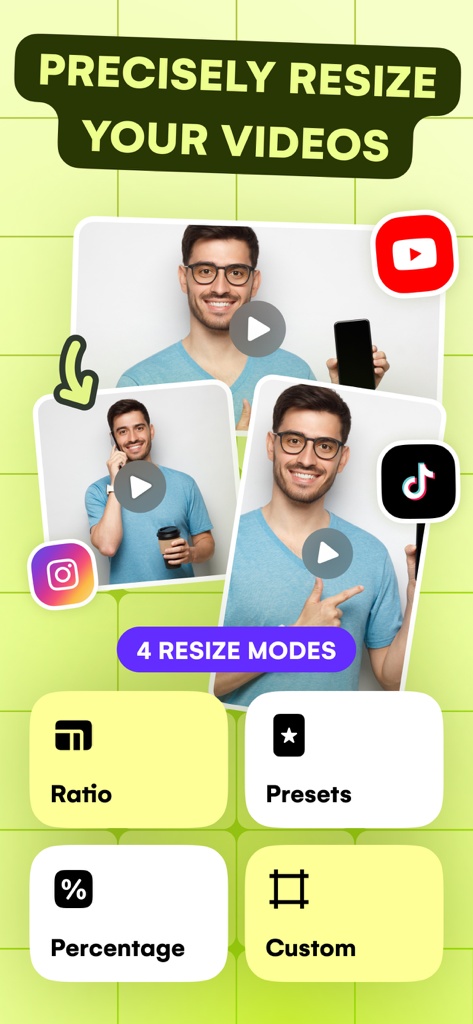
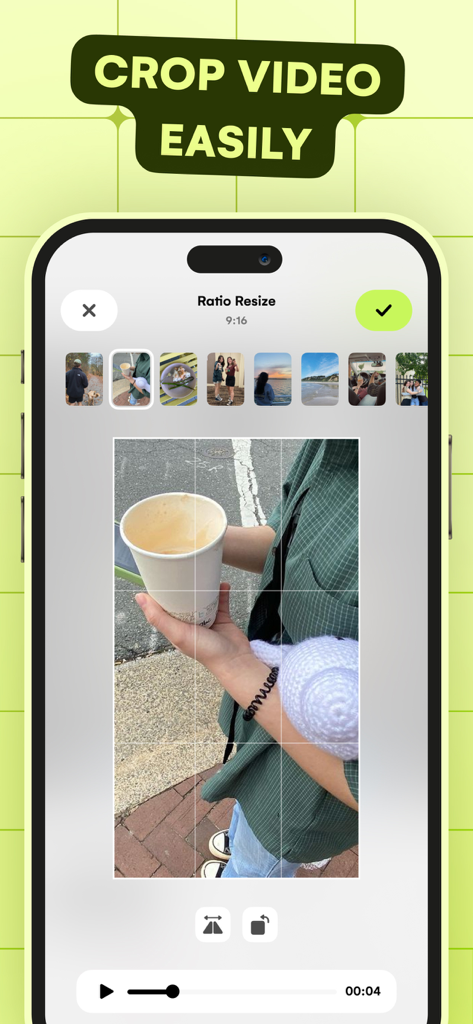
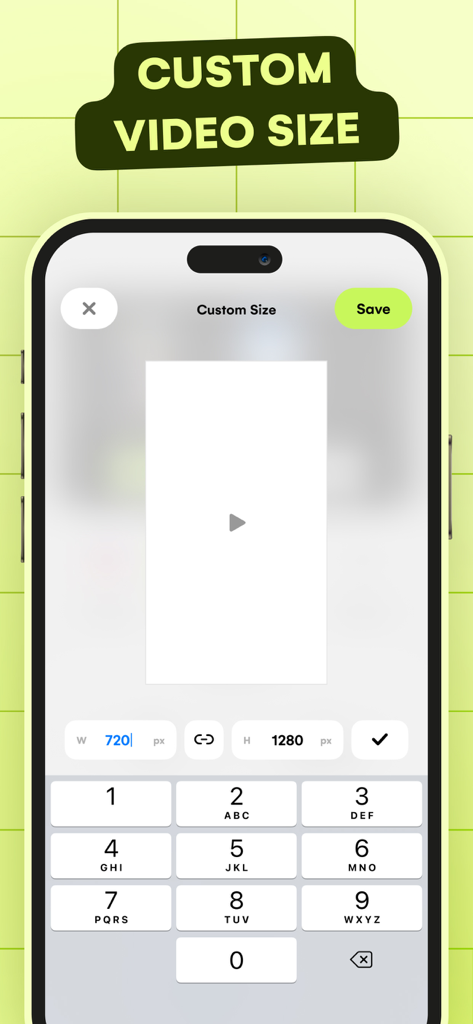
The tools that make this app stand out, trusted by 23K+ users.
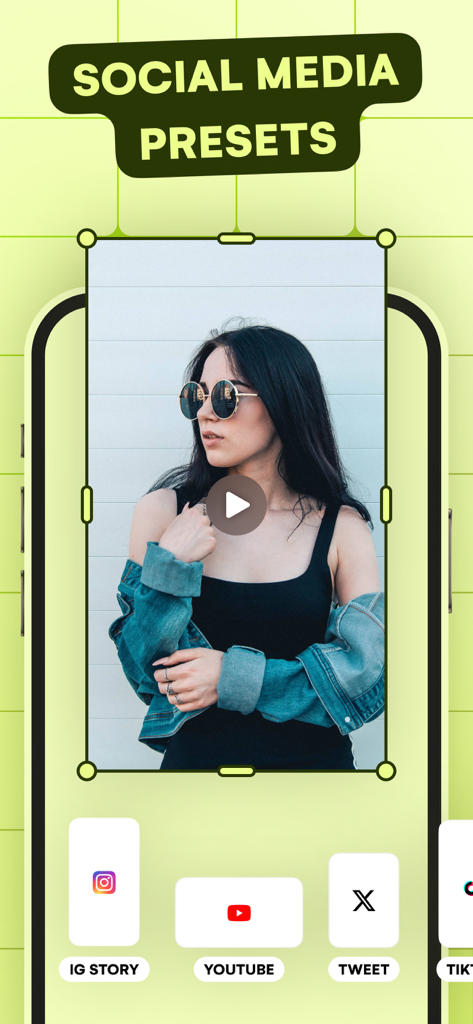
Instantly adapt your videos to TikTok, Reels, and Shorts with built-in presets that guarantee your content looks professional on any screen.
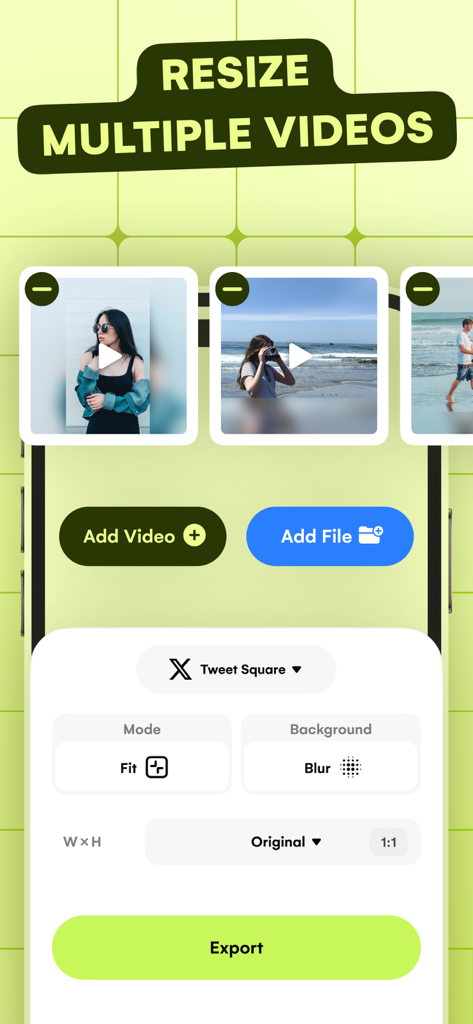
Stop resizing one by one. Our batch processing engine lets you format dozens of videos at once, so you can spend more time creating and less time editing.
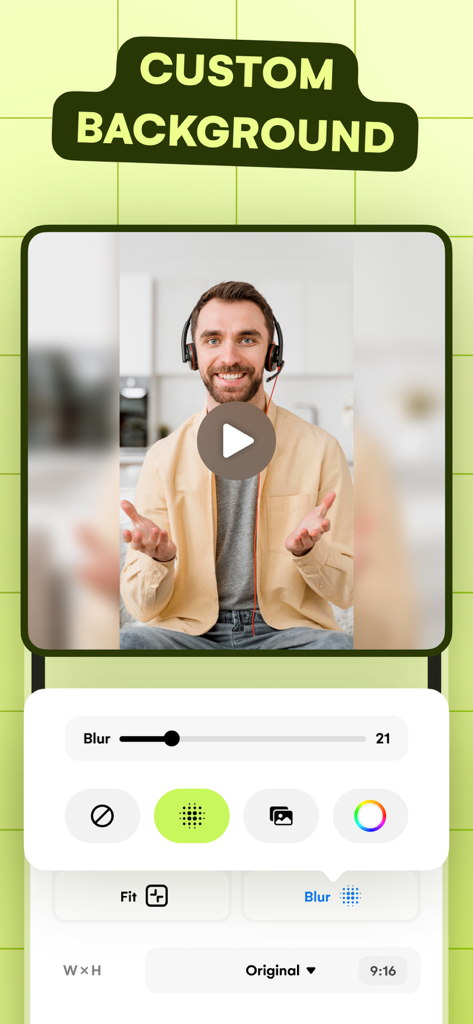
Say goodbye to boring black bars. Add trendy blurred backgrounds or custom brand colors to turn landscape clips into stunning vertical masterpieces.
Trusted by 23K+ people who love this app.
"As a social media manager, the batch resize feature has completely transformed my workflow. I can take a single clip and instantly format it for TikTok, Reels, and YouTube Shorts all at once. It saves me hours of repetitive work every single week!"
"I love how easy it is to make my horizontal videos look professional on vertical feeds. The background blur and social media presets are perfect for my small business's Instagram page. It's the most straightforward video tool I've ever used."
Everything you need to know about Resize Video.
Description
Latest Version
1.1
Size
6.0 MB
First Released
Jun 12, 2024
Join 23,000+ creators and stop wasting time on manual crops. Get your videos perfectly framed for TikTok, Reels, and Shorts with just one tap.
Everything you need to know about Resize Video
Resize Video is a tool designed to precisely resize and tailor videos for any social platform. It offers features like cropping, social media presets, batch resizing, and background editing to create stunning visuals.
Yes, Resize Video includes a batch resize feature. Users can upload multiple videos, set desired dimensions, and resize them simultaneously to streamline their workflow and produce consistent, high-quality videos.
Yes, Resize Video provides social media video size presets for popular platforms like Instagram, Facebook, TikTok, YouTube, and X (Twitter). These ensure videos look their best and fit perfectly.
Resize Video allows users to customize video backgrounds. Options include adding colors, applying a blur effect, or incorporating images to enhance the aesthetics and elevate video content.
Yes, Resize Video offers a Percentage Resize option. This feature provides precise control, allowing users to adjust the size of their videos by a specific percentage for exact control over the final output.
Resize Video offers four main resizing modes: Ratio, Presets, Percentage, and Custom. These modes provide various methods to precisely adjust video dimensions to fit any requirement.
Yes, Resize Video enables users to precisely define video dimensions for perfect framing through its "Crop Video by Size" feature. This ensures content fits specific requirements easily.
Top-ranked apps in the same category

LOHAS GAMES PTE. LTD.

Xiamen ShenZhuo Information Technology Co., Ltd.

BYTEDANCE PTE. LTD.

HUBX YAZILIM HIZMETLERI ANONIM SIRKETI

ibis inc.

Woohoo Tech. Ltd.

Sketchbook, Inc.

Guangzhou ZHIFENG Information Technology Co.,Ltd.

GM UniverseApps Limited