
Restaurant365



Empower your entire team with mobile tools to manage schedules, track inventory, and communicate securely—all from the palm of your hand.
Publisher
Category
BusinessDownloads
945K+User Rating
Total Ratings
39K+Locales
2Discover the interface used by 945K+ users.
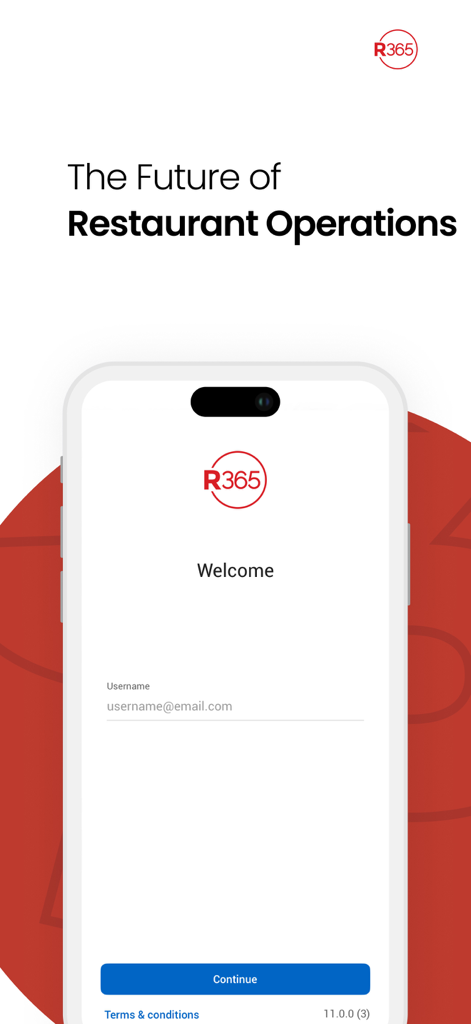
The tools that make this app stand out, trusted by 945K+ users.
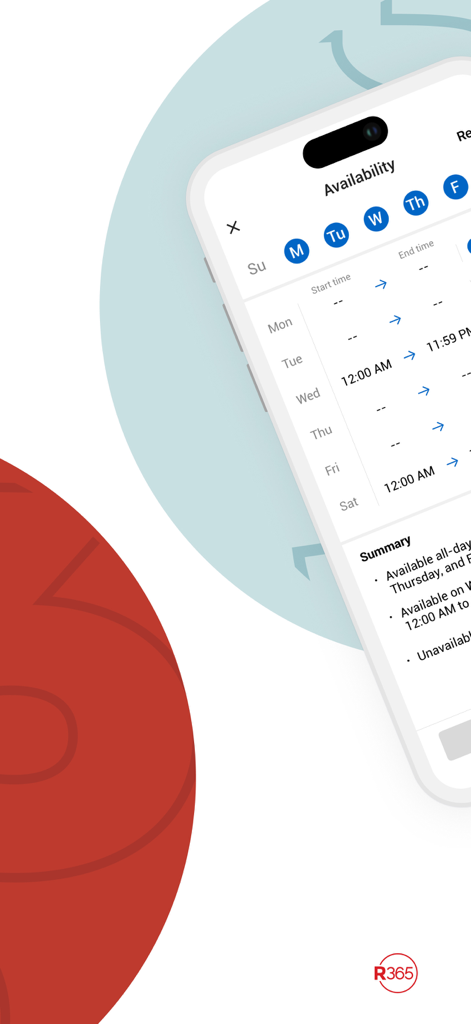
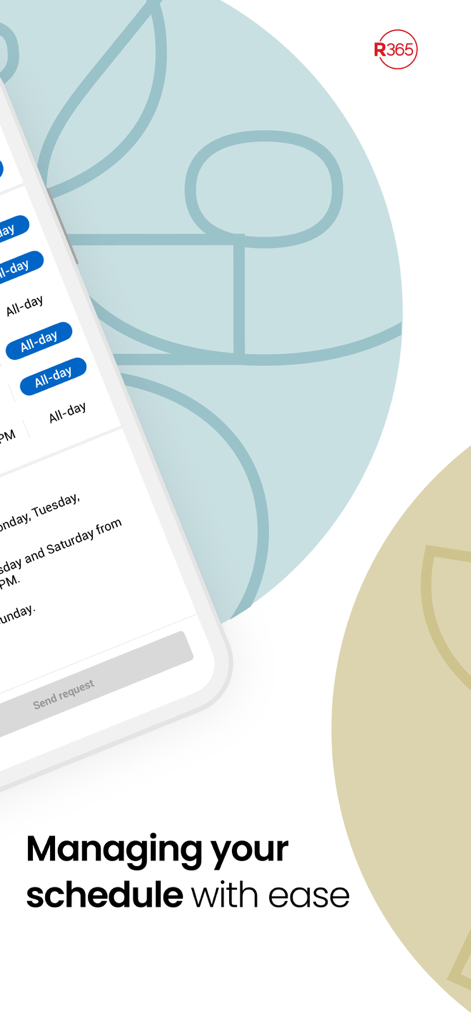
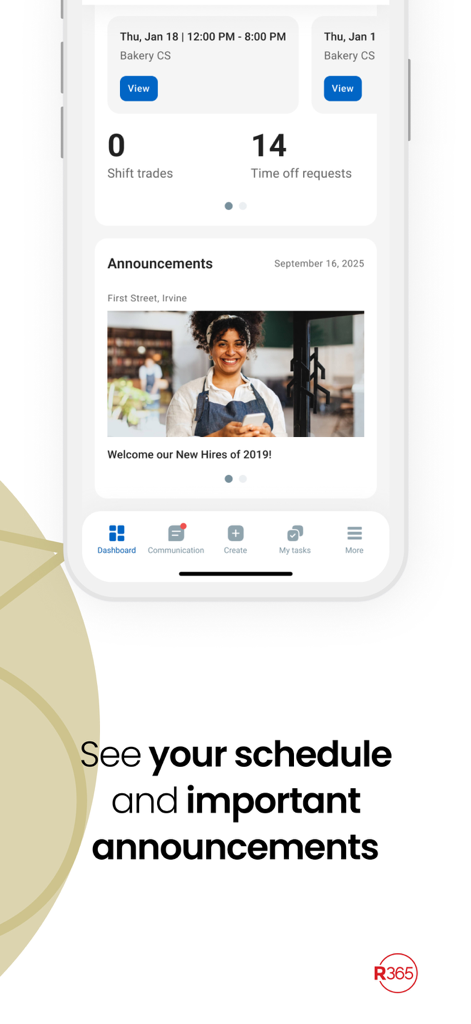
Check your hours, trade shifts, or request time off with a few taps—no more phone tag or paper schedules.
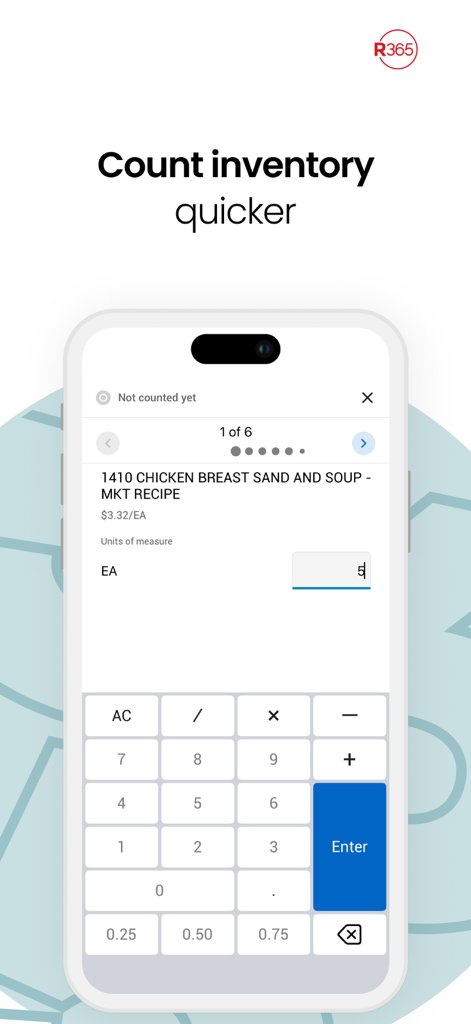
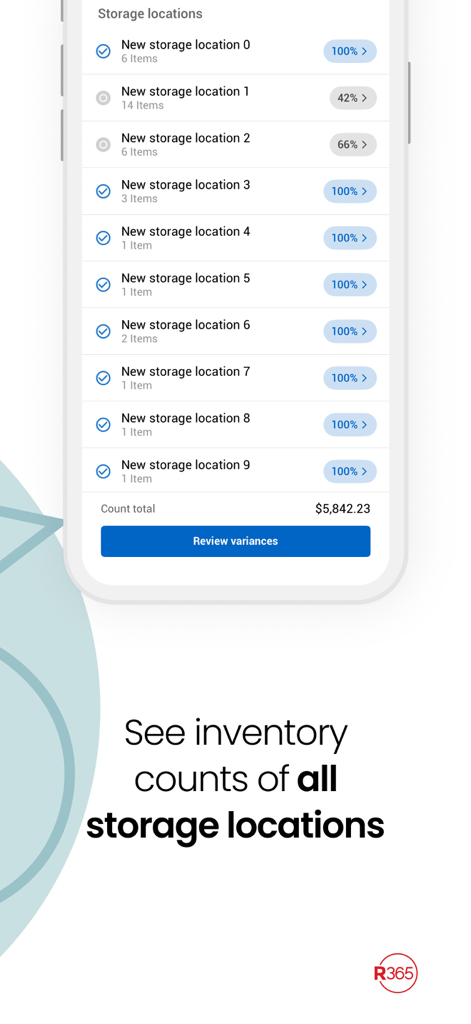
Count stock in the walk-in and manage logs on the go, reducing desk time and increasing accuracy.
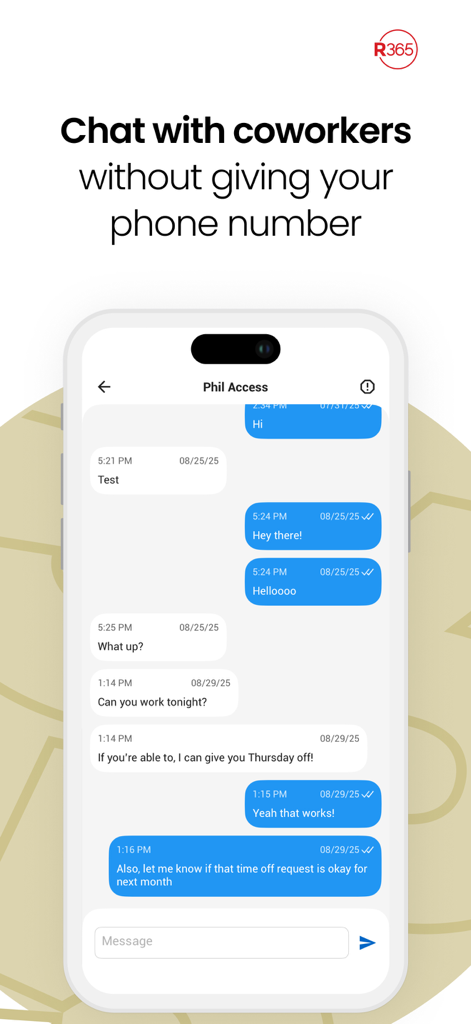
Coordinate with your entire team through professional, encrypted chat without sharing personal phone numbers.
Trusted by 945K+ people who love this app.
"I used to hate having to call the restaurant or wait for a text back just to check my schedule. Now, I can see my shifts, swap with coworkers, and request time off instantly from my phone. It makes balancing my work and school schedule so much easier."
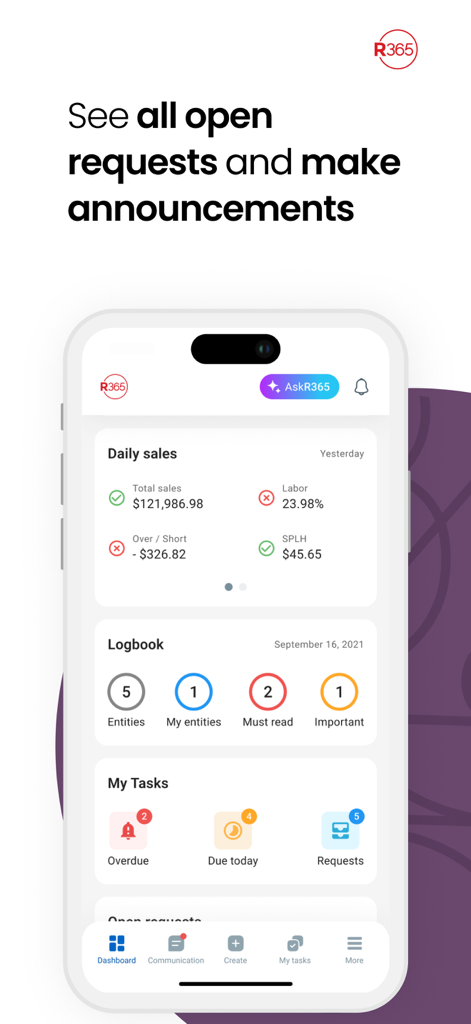
"This app has completely changed how I manage our operations. Being able to count inventory in the walk-in freezer and approve invoices while on the floor saves me hours of desk time every week. It is an essential tool for any modern restaurant manager."
Everything you need to know about Restaurant365.
Description
Latest Version
11.4.0
Size
75.6 MB
First Released
Apr 17, 2019
Join nearly 1 million restaurant pros managing schedules, inventory, and team communication on the go. Download Restaurant365 today and take control of your workday.
Everything you need to know about Restaurant365
The Restaurant365 (R365) mobile app enables restaurant employees to manage schedules, request time off, view punches, and communicate. Managers handle logbook entries, scheduling, inventory, and accounts payable.
The Restaurant365 app is for employees to see schedules, request time off, and communicate. Managers use it for logbook entries, scheduling requests, inventory, and accounts payable. It requires a Restaurant365 platform subscription.
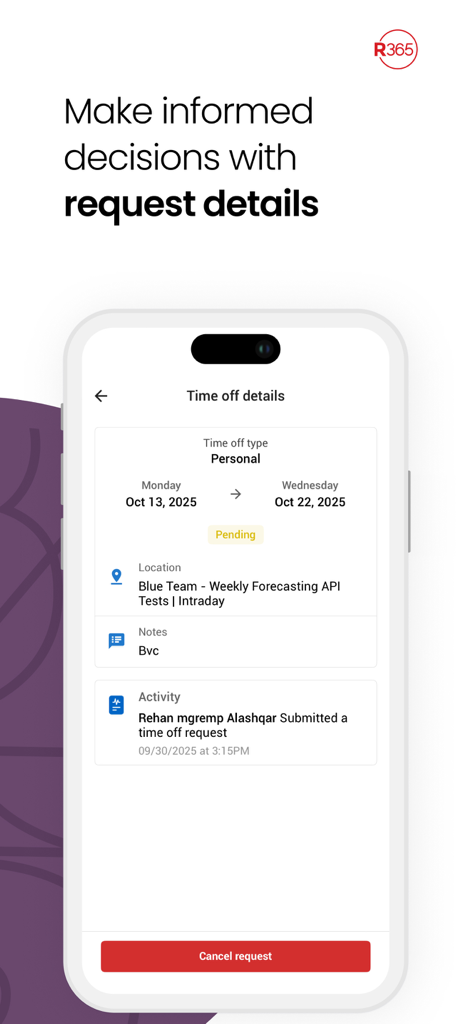
Employees manage schedules by viewing shifts, requesting changes, and submitting time off requests through the Restaurant365 app. Screenshots demonstrate availability input and schedule viewing.
Yes, the R365 app allows secure communication between coworkers. Users can chat directly without exchanging personal phone numbers, ensuring privacy as shown in the app interface.
The R365 app provides managers with tools for logbook entries, responding to employee scheduling requests, conducting inventory counts, and managing accounts payable tasks efficiently.
Yes, the Restaurant365 app supports inventory management. Managers can quickly count inventory items and view stock levels across various storage locations directly from the app.
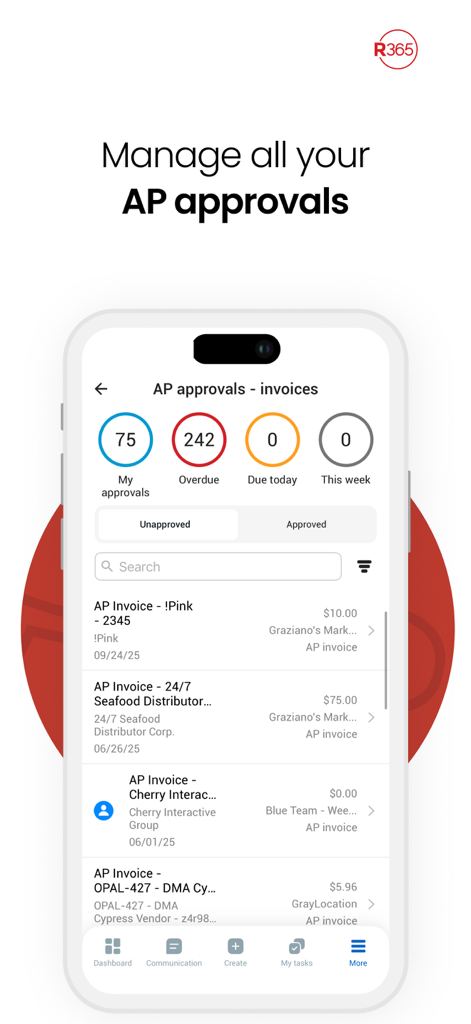
Managers handle accounts payable by reviewing and approving invoices within the R365 app. The interface displays "My approvals," "Overdue," "Due today," and "This week" statuses for efficient management.
Yes, employees can view important announcements directly within the Restaurant365 app dashboard. This keeps them informed about updates and information from their restaurant.
Employees can make several scheduling requests using the R365 app, including requesting shift changes and submitting time off requests. The app facilitates availability management.
Apps with similar features and user experience

Connecteam, Inc.

Pioneer Works, Inc.

7shifts, Inc.

When I Work, Inc.

Jibble Tech Sdn Bhd

Legion Technologies Inc.

CrunchTime Information Systems

Centex Axiscare Inc
Vien Tran Ngoc